
Everything about
Creating with Arttribe
Practical AI generation workflows, model comparisons, creative tools, and research from Arttribe — helping creators generate, edit, and produce content in one connected studio.
All articles
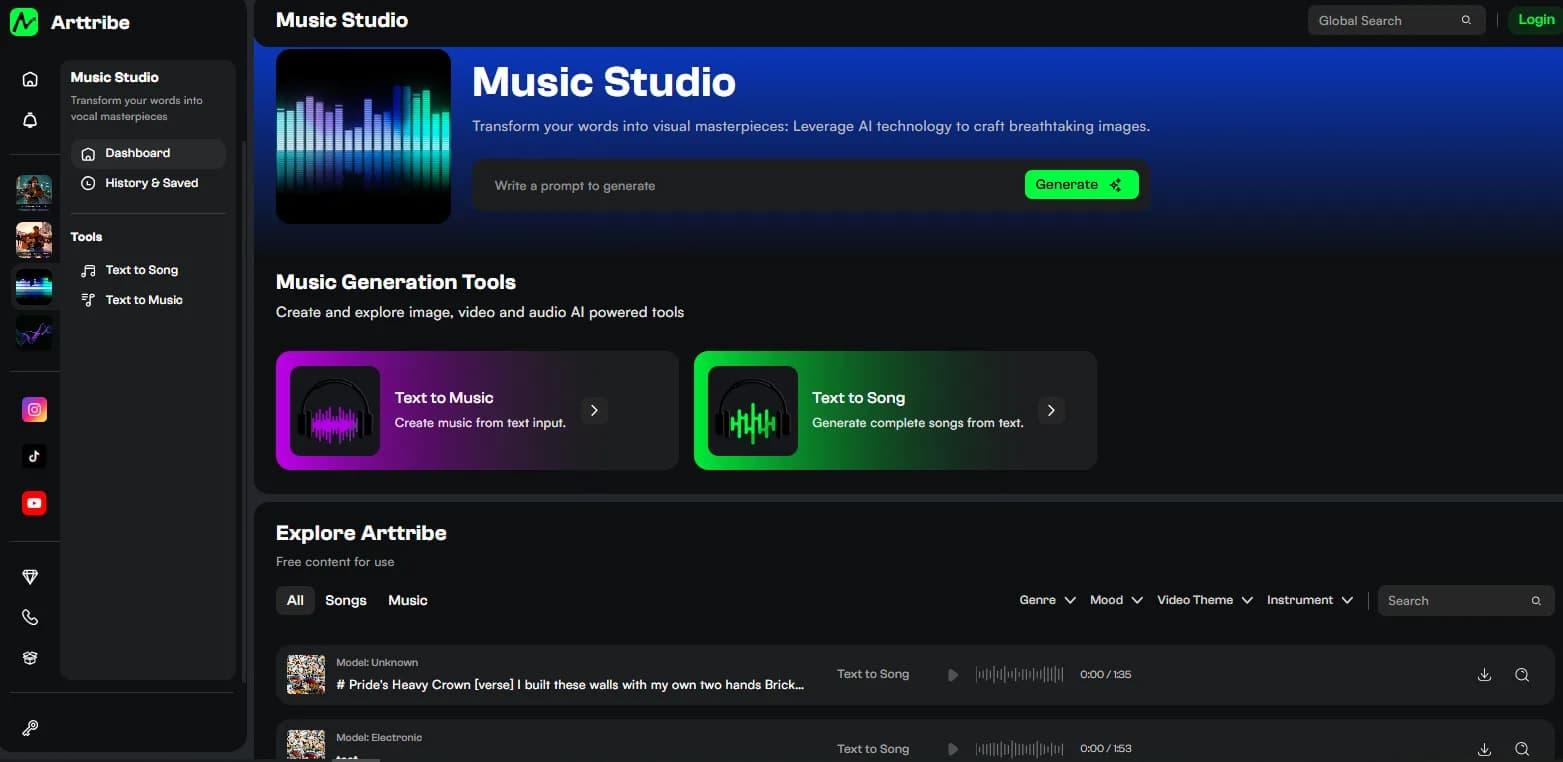 Music
MusicHow to Turn Text Into a Song With an AI Song Generator
Turn text into a song in four steps: brief the song in Prompt mode, pick a genre, generate, and keep the take with the clearest hook. Works with Arttribe Text to Song in the browser.
Read articleMusicHow to Turn Lyrics Into a Song: AI Lyrics Mode That Sings Your Words
Turn lyrics into a song with Lyrics mode: label your sections, keep lines singable, pick a genre, and generate a full vocal track in Arttribe Text to Song.
Read articleMusicAI Singer Text to Song: How AI Vocals Work in Arttribe
Arttribe Text to Song performs your brief or lyrics with an AI singer. How the vocal works, how genre shapes delivery, and how to keep words clear.
Read articleMusicText to Rhyme Song Generator: Turn Rhymes and Poems Into Songs
Use Arttribe Text to Song as a text to rhyme song generator: bring rhymed lines or a poem, shape them into verse and chorus, and generate a sung track.
Read articleMusicText to Song Converter: Turn Stories, Speeches and Notes Into Songs
A text to song converter turns existing writing into singable lyrics first, then into a full song. How to condense prose and generate it in Arttribe Text to Song.
Read articleMusicText to Song Creator: Write, Generate, Remix and Ship Songs
Be a text to song creator: sketch in Prompt mode, lock words in Lyrics mode, try genres, remix tracks, and ship occasion songs, anthems, and video songs.
Read articleMusicArttribe Text to Song vs Suno and Udio: Which Workflow Fits?
Compare Arttribe, Suno, and Udio by workflow: standalone song creation versus making music alongside images and video.
Read articleMusicText to Music Generator Online Free: Arttribe vs MIDI Tools and Song Apps
Arttribe Text to Music is a text to music generator that turns a prompt into instrumental music and beats. How that compares with MIDI melody generators, stock libraries, and song apps.
Read article Guides
GPT-6 Astra: What OpenAI’s New Frontier Model Means for Creators
What GPT-6 Astra is, how it differs from GPT Image and Sora, and how to use a computer-use model next to a real image, video, music, and voice workflow.
Read article Guides
Image Studio Settings: Aspect Ratio, Styles, Lighting and Camera
How to set Image Studio controls for better generations: model, aspect ratio or image size, resolution, number of images, styles, lighting, camera angles, poses, and Enhance Prompt.
Read article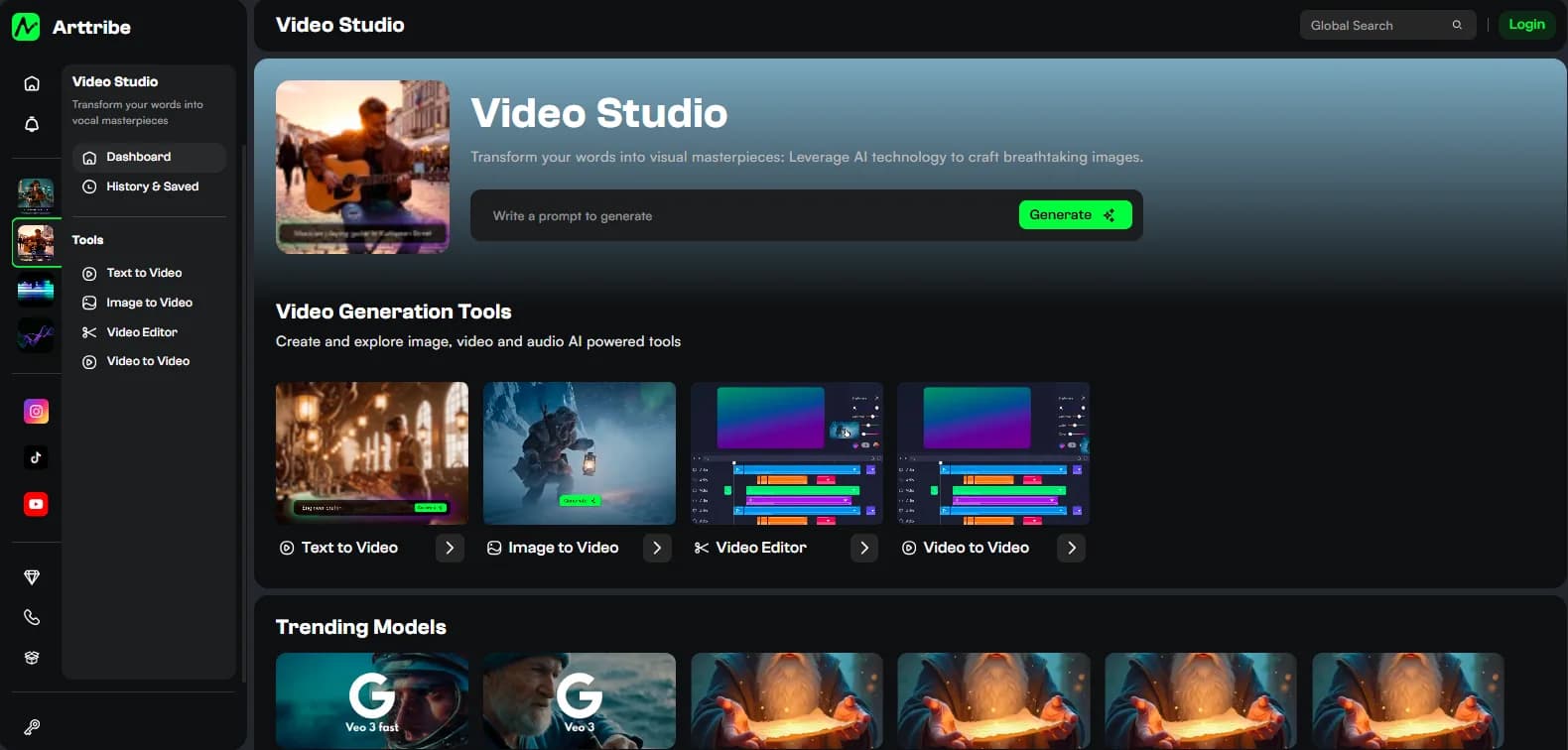 Guides
Video Studio Settings: Duration, Aspect Ratio and Shot Look
How to set Video Studio controls for better clips: model, aspect ratio, duration, styles, lighting, camera angles, and Enhance Prompt across Text to Video, Image to Video, and Video to Video.
Read articleGuidesMusic Studio Settings: Genre, Prompt, Lyrics and Instrumental Beds
How to set Music Studio controls for better tracks: genre on Text to Song, Prompt vs Lyrics, and how to brief Text to Music so beds stay instrumental and fit the picture.
Read article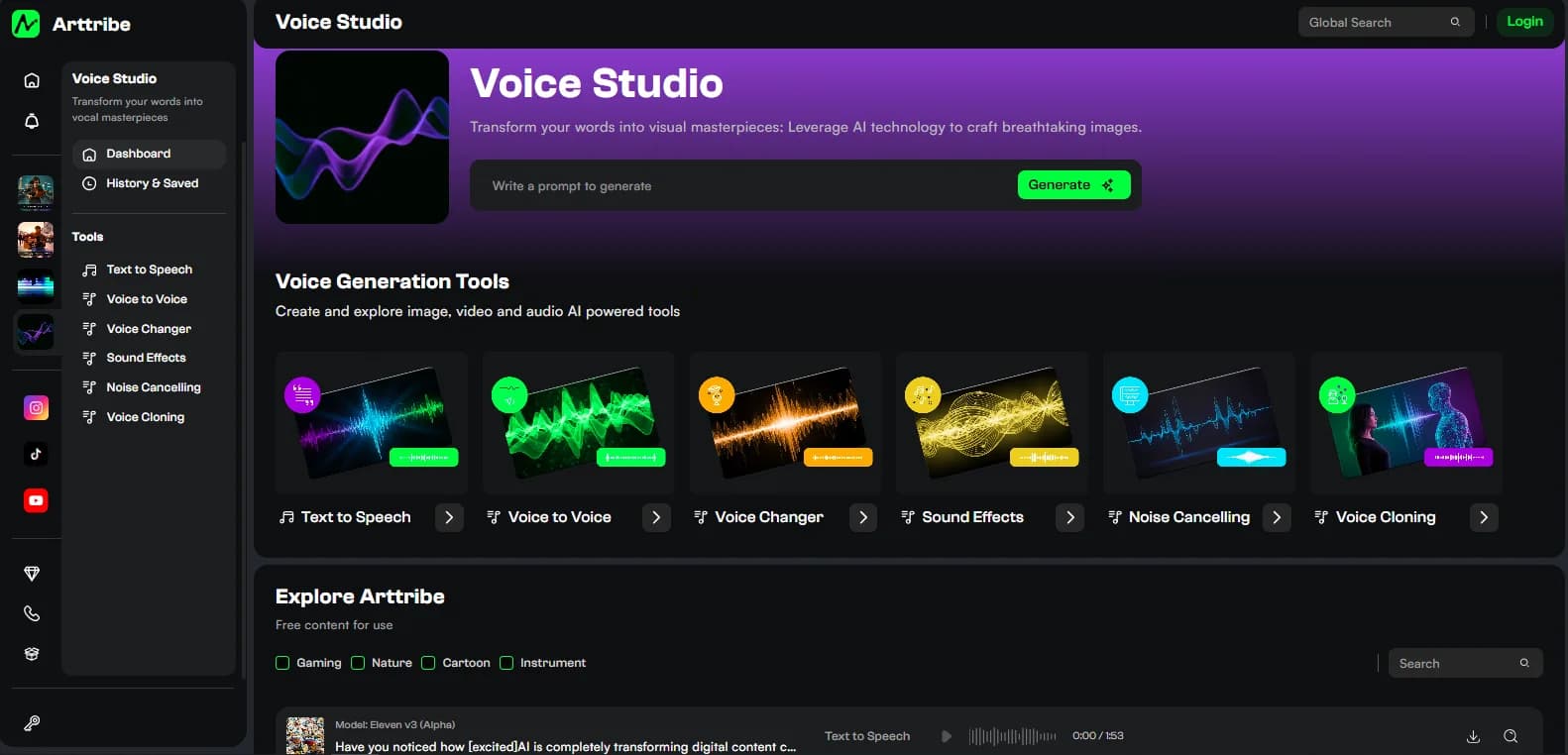 Guides
Voice Studio Settings: Voice, Speed, Stability and Similarity
How to set Voice Studio controls for better speech: voice, model, speed, stability, similarity, and style exaggeration across Text to Speech, conversion, cloning, SFX, and noise cancelling.
Read article Video
VideoMiniMax H3 Max on fal.ai: Speed, Audio and When It Matters
What MiniMax H3 Max is, why fal post-trained it, how it compares to Kling, Veo and Seedance, and how to use a fast video model in a real production workflow.
Read article Image
ImageAI Art: How to Generate, Edit and Ship Images in One Studio
What AI art is in 2026, how to generate it from a prompt, which models to use, and how Arttribe Image Studio turns stills into real campaign assets.
Read article Image
ImageMuse Image on fal.ai: Meta’s Agentic Image Model, Explained
What Muse Image is, how agentic planning and web-grounded generation differ from standard text-to-image, and when a studio still needs a regular image model.
Read article Video
VideoAI Video: Text to Video, Image to Video and What to Use When
What AI video is, how text-to-video and image-to-video differ, which models to try, and how to produce clips in Arttribe Video Studio.
Read article Image
ImageKrea 2 on fal.ai: Large, Medium and Turbo Compared
Krea 2 is now on the fal API. What Large, Medium, and Turbo are for, how style references work, and how it sits next to FLUX, Ideogram and GPT Image 2.
Read article Music
MusicAI Music: Beds, Songs and How to Fit a Track to Picture
What AI music is, when to generate a song versus an instrumental bed, and how to use Arttribe Music Studio on video and social.
Read article Voice
VoiceAI Voice: Text to Speech, Cloning and Conversion
What AI voice is, when to use text-to-speech versus cloning or a voice changer, and how Arttribe Voice Studio produces narration you can publish.
Read article Voice
VoiceVoice Changer: Convert a Take Without Rewriting the Script
What a voice changer does, how it differs from text-to-speech and cloning, and how to convert performance in Arttribe Voice Studio.
Read article Image
ImageAI Headshot: Profile Photos From a Real Face, Not a Prompt
How to make an AI headshot for LinkedIn, team pages, and sites: source photo, lighting, consistency, and when to use Arttribe Headshot instead of a generic portrait.
Read article Voice
VoiceBest AI Voice Tools in 2026: TTS, Cloning, Voice Changer and Conversion
A practical map of AI voice tools for text-to-speech, voice cloning, voice conversion, sound effects, and production cleanup — and how they fit together in one studio.
Read articleVoiceHow to Use AI Text to Speech for Videos, Podcasts and Ads
A practical AI text-to-speech workflow for YouTube, ads, courses, and podcasts: script writing, voice selection, pacing, pronunciation, and mix.
Read article Voice
VoiceAI Voiceover vs Voice Cloning: When You Need Each One
When to use AI voiceover from text-to-speech and when to clone an authorized voice — plus consent, consistency, and commercial-use checks.
Read article Voice
VoiceAI Voice Changer vs Voice to Voice: Which Conversion Tool to Use
The difference between an AI voice changer and voice-to-voice conversion — when to keep a performance, shift character, and skip regenerating from text.
Read article Voice
VoiceAI Sound Effects and Noise Cancelling for Voice and Video
How to generate AI sound effects, clean noisy recordings, and finish voiceovers without leaving your studio — for ads, YouTube, and short-form video.
Read article Music
MusicBest AI Music Models in 2026: Songs, Beds and Production Fit
Compare AI music generation in 2026 by use case: instrumental beds, full songs, video timing, vocals, iteration cost, and how to choose inside Music Studio.
Read article Music
MusicText to Music vs Text to Song: Which Arttribe Tool to Use
Clear difference between Arttribe text-to-music and text-to-song: instrumental beds versus full songs with vocals, and when each one fits video and social.
Read articleVideoBest AI Video Models in 2026: Seedance, Veo, Kling, Runway & More
A practical comparison of the best AI video generation models in 2026, including motion quality, realism, audio, reference control, clip length, and cost.
Read article Music
MusicAI Music for Video and Social: Beds, Hooks and Timing
How to generate AI music that fits YouTube, ads, Reels, and Shorts: timing, energy, vocals vs instrumentals, and a mix that leaves room for voiceover.
Read article Guides
AI Image Generator vs AI Art Generator: What Is the Difference?
Understand the difference between AI image generators, AI art generators, AI design tools, and AI creative studios — and which one you actually need.
Read article Guides
How to Compare AI Models: Quality, Speed, Features and Price
A practical framework for comparing AI generation models without relying on hype, benchmark screenshots, or outdated rankings.
Read articleGuidesBest AI Tools for Content Creators in 2026
A practical map of AI tools for images, video, music, voice, editing, and creative production — with advice on building a streamlined workflow.
Read article Image
ImageAI Product Photography in 2026: From Product Photo to Campaign
Learn how to turn one product image into ecommerce packshots, lifestyle scenes, campaign visuals, and social assets with AI.
Read articleVideoAI Video Prompting in 2026: Camera, Motion, Subject and Scene
A practical AI video prompt framework for controlling camera movement, subject action, environment, lighting, timing, and cinematic style.
Read articleMusicAI Music Generation in 2026: Text-to-Music, Songs and Soundtracks
How to use AI music generation for videos, advertisements, social media, background music, songs, and creative projects.
Read articleVoiceAI Voice Generation in 2026: TTS, Cloning and Voice Conversion
A practical guide to AI voice generation, including text-to-speech, voice cloning, voice conversion, narration, and responsible commercial use.
Read articleGuidesHow to Build an AI Creative Workflow From Idea to Final Asset
A repeatable workflow for turning one creative brief into AI-generated images, video, music, and voice without losing consistency.
Read articleVideoSeedance 2.5 vs Veo 3: Which AI Video Model Actually Delivers
An honest comparison of Seedance 2.5 and Google Veo 3 across motion quality, realism, audio, pricing, and real-world production use.
Read articleGuidesAI Creative Tool Pricing in 2026: Where the Value Actually Is
A transparent look at how major AI creative platforms price their services, what you actually get per dollar, and where the hidden costs lie.
Read article Image
ImageCustom AI Model Training: When It Makes Sense and When It Does Not
A practical guide to training custom AI image models, including what it costs, what it produces, and when a custom model actually beats general-purpose generation.
Read articleImageNano Banana Pro vs GPT Image 2: Which Image Model Handles Real Work Better
A practical comparison of Nano Banana Pro and GPT Image 2 for real production tasks, beyond the demo screenshots.
Read articleGuidesAI Video Copyright in 2026: What Creators Actually Need to Know
A clear breakdown of copyright, licensing, and usage rights for AI-generated video, images, music, and voice in commercial production.
Read articleImageCharacter Consistency Across AI Image Models: Who Actually Delivers
We tested GPT Image 2, Nano Banana Pro, Seedream, and Ideogram on the same character prompts. Here is what each model actually produced.
Read articleVideoAI Video Model Length and Resolution Compared: What You Actually Get
A practical breakdown of clip length, resolution, aspect ratio, and output quality across major AI video models.
Read articleVoiceAI Voice Models in 2026: ElevenLabs, Cartesia, and Beyond
A practical comparison of AI voice generation models for narration, voice cloning, multilingual content, and commercial production.
Read articleGuidesAI Social Media Content Automation: What Actually Works in 2026
A practical look at AI-powered social media content creation and scheduling, including what automation handles well and where human input still matters.
Read articleReady to put these workflows to work?
Generate stills, motion, music, and voice in one studio — then publish from the same workspace.
