
How to Turn Lyrics Into a Song: AI Lyrics Mode That Sings Your Words
Turn lyrics into a song with Lyrics mode: label your sections, keep lines singable, pick a genre, and generate a full vocal track in Arttribe Text to Song.
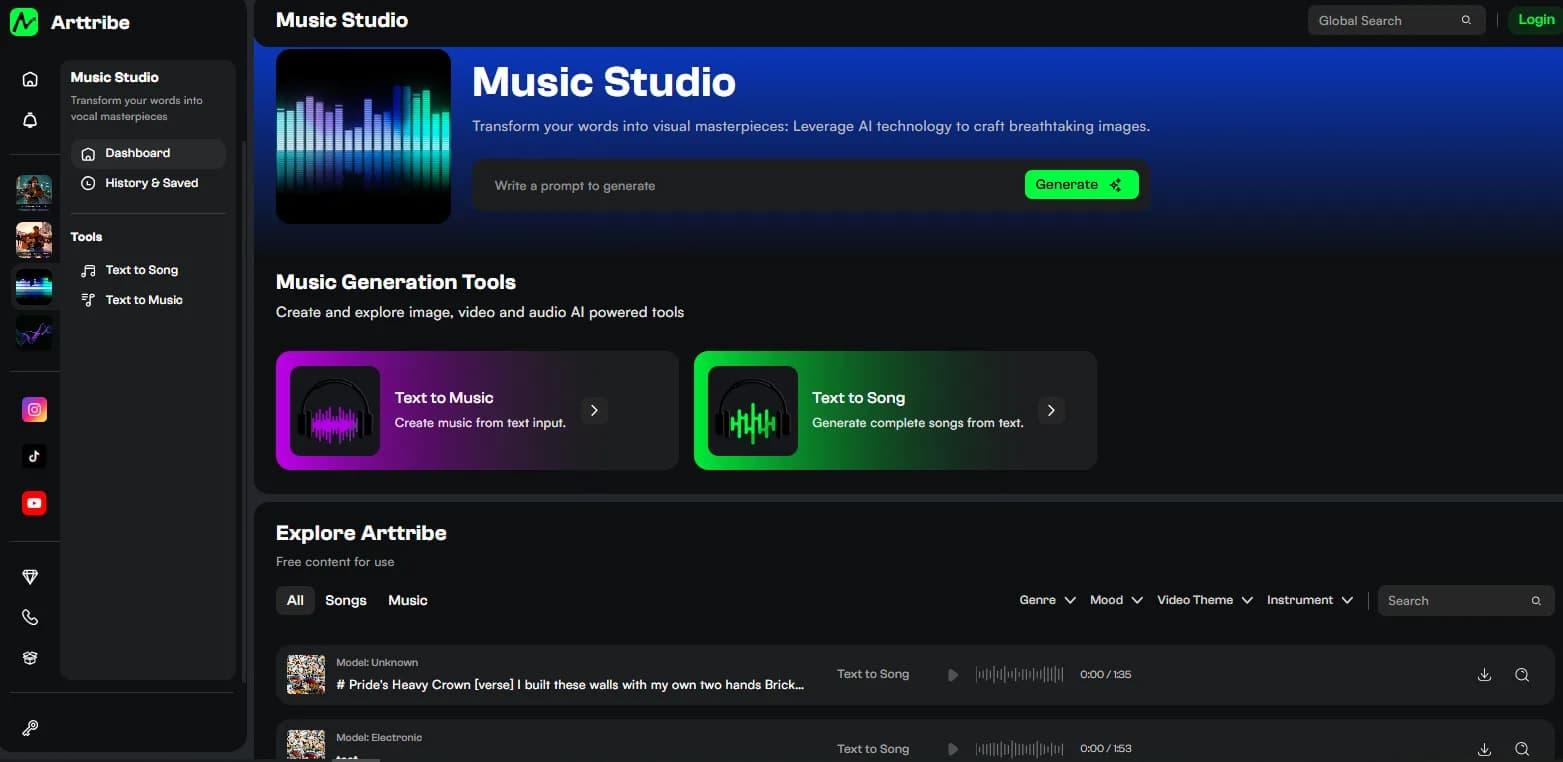
Lyrics mode exists for one sentence: sing these exact words. Open Text to Song, switch the main panel to Lyrics, paste your verses and chorus, set a genre, and generate. The output is a full song with AI singer vocals performing your lines.
Lyrics mode vs Prompt mode#
Prompt mode invents a song from your description. Lyrics mode performs your text. Pasting finished lyrics into Prompt mode is the most common mistake: the tool reads them as a topic and writes a different song about them.
Rule of thumb: if changing a single word would ruin it, you are in Lyrics mode. If you only have a vibe, you are in Prompt mode. The Prompt workflow is in how to turn text into a song.
Format lyrics the model can follow#
Label your sections so the song gets a shape. Write Verse, Chorus, and Bridge as plain labels above each block. Keep lines short and singable: one image or idea per line, natural stresses, no paragraph-long sentences.
Repeat the chorus instead of writing it twice with small changes. Repetition is what makes a hook land, and identical text keeps the performance consistent. If your lines already rhyme, this is also where the tool acts as a text to rhyme song generator: it sings the rhymes you supplied. It does not write rhymes for you.
Pick a genre that fits the words#
Genre steers delivery: Pop, Classical, Metal, Jazz, Flute. A tender verse wants a different delivery than a shouted chorus, so match the tile to the emotional center of the lyrics, not to your favorite genre in general. Change genre or lyrics, not both in the same run.
Fix the take with one change#
Generate, then listen for word clarity first and hook second. Blurry words usually mean lines are too long or the structure is too dense. Cut syllables, split the line, or simplify the bridge. If the words are clear but the song drags, the brief around the lyrics needs more shape: a shorter verse, a repeated chorus, a hard end.
A short production path#
- Finish the words first. Label Verse, Chorus, and Bridge.
- Paste them into Lyrics mode in Text to Song and set the genre.
- Generate. Keep the take with the clearest vocal and strongest hook.
- Download it, remix it with other songs, or lay it behind stills in Video Editor.
FAQ#
Will it sing my lyrics word for word? That is the job of Lyrics mode. Prompt mode will not. Use the right tab.
Do my lyrics need to rhyme? No, but rhymed lines sing more naturally. See the rhyme song generator guide if you write in rhyme or verse.
Can I mix my lyrics with a generated idea? Yes. Sketch the concept in Prompt mode, lock the final words in Lyrics mode.
What if the vocal is unclear? Shorten lines, cut filler words, and simplify the structure. Then generate again with the same genre.
Try this in Arttribe
Open the matching studio and run the workflow from this article.
Open Text to Song