
AI Singer Text to Song: How AI Vocals Work in Arttribe
Arttribe Text to Song performs your brief or lyrics with an AI singer. How the vocal works, how genre shapes delivery, and how to keep words clear.
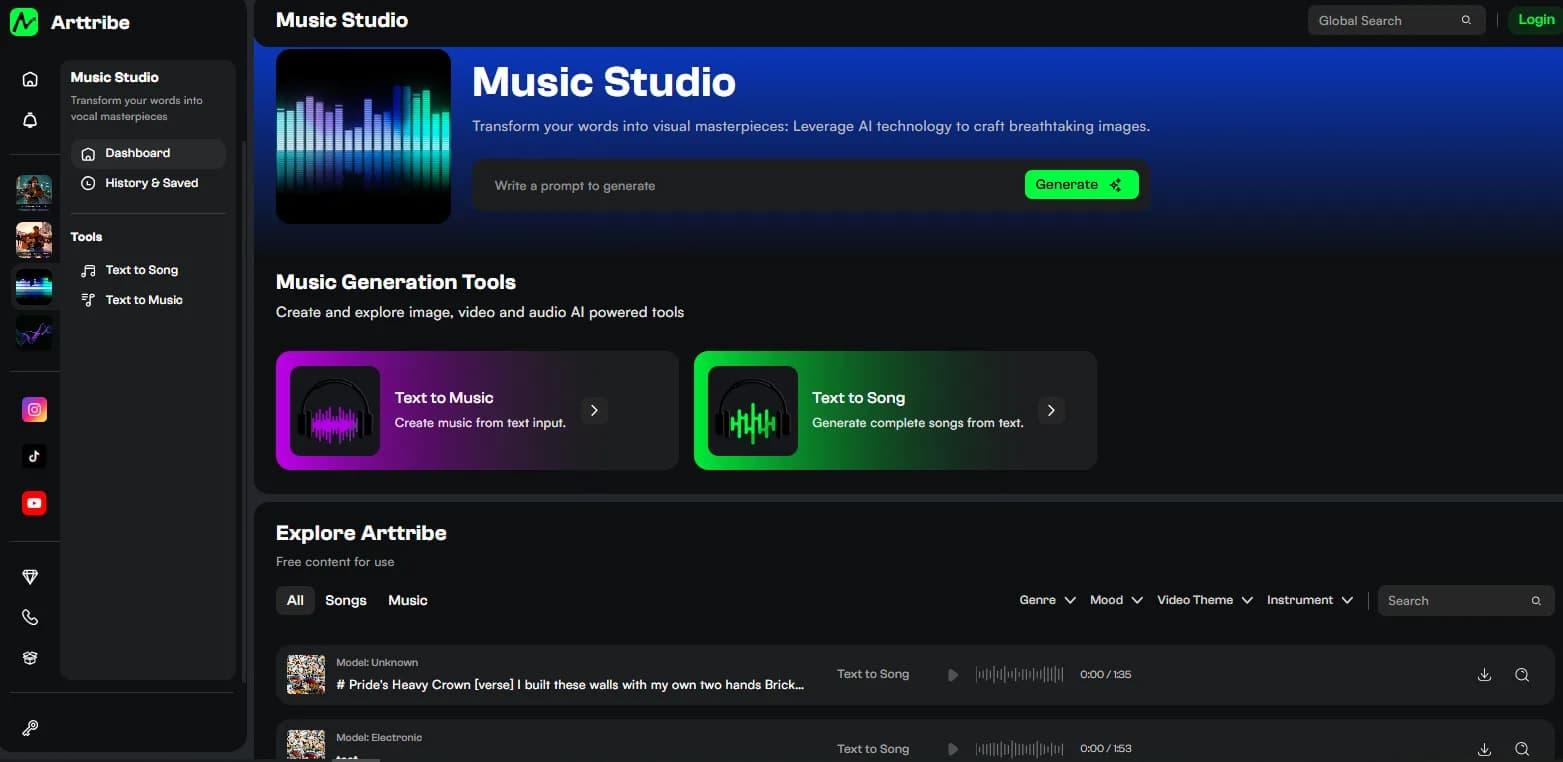
AI singer text to song means one thing: the output is a sung performance, not an instrumental with a melody. You supply the words or the brief, and Text to Song delivers a vocal track with song structure. That distinction decides everything about how you brief it and where the file belongs.
What the AI singer actually is#
A generated vocal performance shaped by your prompt or lyrics and your genre tile. It is not a recording of a real singer, and it is not a celebrity clone. Voice cloning is a separate Arttribe tool for matching a specific voice; Text to Song does not do that job.
Judge it like a session vocalist, not a demo synth. Listen for phrasing, clarity, and whether the delivery fits the lyric. Those are the same three things a producer checks on a real vocal take.
Genre shapes the vocal#
The genre tile is mostly a vocal-direction choice: Pop, Classical, Metal, Jazz, Flute. It steers rhythm, instruments, and how the singer attacks the line. A lullaby lyric under Metal and a protest lyric under Flute will both sound wrong, and no prompt wording fully fixes a mismatched tile.
Match the tile to the lyric’s emotional center. Then put the fine style in the brief: warm, bright, soft, driving, intimate. One direction per run.
Write briefs that keep words clear#
Blurry vocals are almost always a briefing failure. Name the vocal style explicitly: “clear female vocal,” “slow delivery,” “every word audible.” Keep structures simple while you test: verse-chorus with a repeated hook beats a six-section epic on the first run.
In Lyrics mode, short lines with natural stress sing cleanly. Long, dense lines blur. Cut syllables before you blame the singer. The formatting rules are in how to turn lyrics into a song.
Mixing rules change when someone sings#
A song with vocals is the lead, not the background. Feature it, or you picked the wrong tool. The moment a voiceover or dialogue has to stay clear, throw the song out and generate an instrumental bed in Text to Music instead. Singing under speech is the fastest way to make both unintelligible. The full split is in text to music vs text to song.
A short production path#
- Decide the lyric’s emotion, then set the genre tile in Text to Song.
- Brief the vocal style in Prompt mode, or paste finished lines in Lyrics mode.
- Generate. Keep the take with the clearest, best-fitting vocal.
- Use it as the lead: solo track, remix with other songs, or behind stills in Video Editor.
FAQ#
Is the AI singer a real person? No. It is a generated performance. It is also not a clone of a famous voice.
Can Text to Song clone my voice? No. Voice cloning is a different tool. Text to Song sings with its own generated vocal.
Why do the words sound blurry? Lines too long, structure too dense, or genre mismatched to the lyric. Simplify one thing and generate again.
Can I use the vocal track under a video voiceover? No. Use an instrumental from Text to Music when speech must stay clear.
Try this in Arttribe
Open the matching studio and run the workflow from this article.
Open Text to Song