
Source audio
The recording you upload. One clean speaker with low noise converts better than a mix with music under the voice. Keep a copy of the original so you can compare.
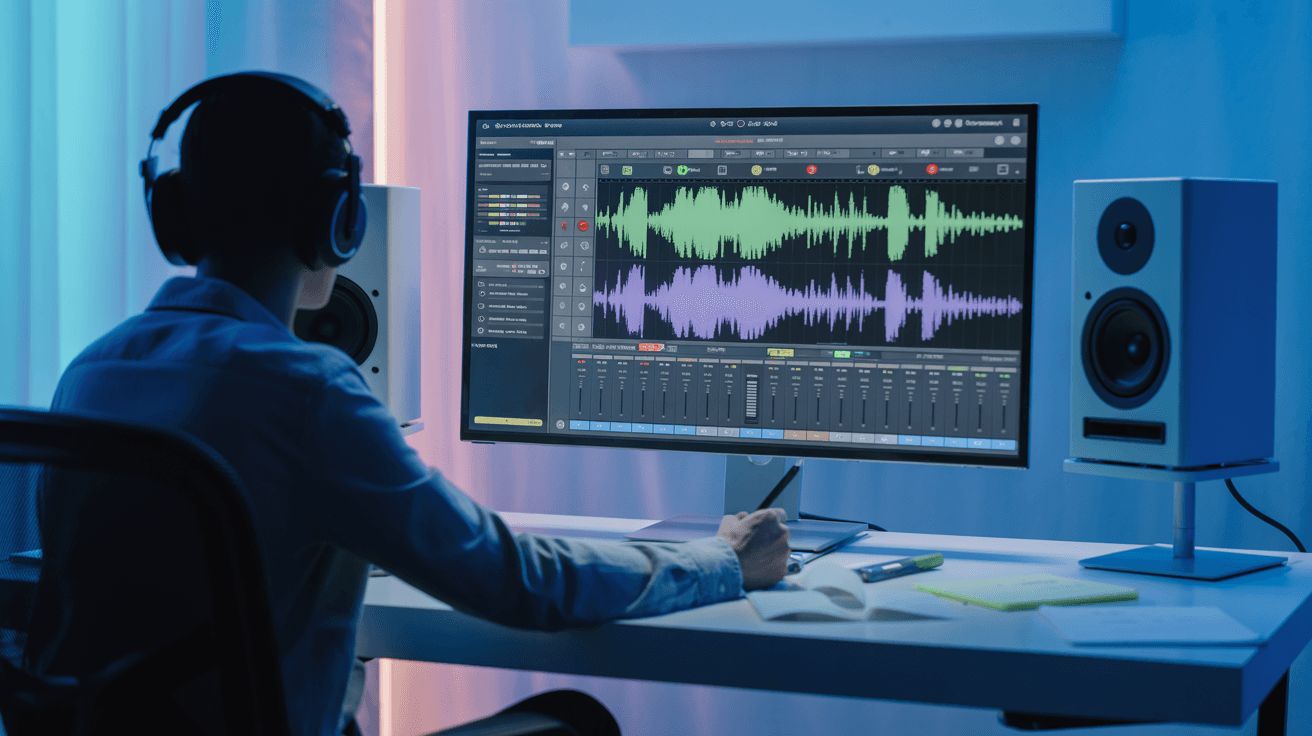
Change your voice in real time with AI on Arttribe. Apply character, accent, and style effects for content creation, gaming, and entertainment.
Power Creativity for Global Leaders


An AI voice changer modifies tone, character, accent, and style in spoken audio — ideal for creators who need distinct vocal identities without multiple recording sessions. Apply expressive voice effects for YouTube videos, gaming clips, podcasts, and social content in minutes. On Arttribe, Voice Changer is part of Voice Studio, where you can shape voices, generate narration, and add sound effects without leaving the platform.
Voice Changer is built for creative experimentation and stylized content. Combine it with Voice to Voice for deeper conversion workflows, Text to Speech for scripted voiceovers, or Sound Effects to finish polished audio for video and stream projects.
Explore Voice StudioHow to use
Change voice tone and style with Arttribe Voice Changer. Upload audio, pick an output voice, and restyle the take for character work, ads, and creative voiceovers without rewriting the script.
A single dry vocal works best. Loud music beds and heavy effects fight the conversion.
Choose a catalog voice or a cloned voice, then set similarity and stability so the new identity holds.
Listen for timing, consonants, and identity. Raise similarity if the character slips away from the voice you picked.
Adjust your AI voice changer settings, including source audio, voice, speed, and delivery, to restyle a recording that still fits your project.
The recording you upload. One clean speaker with low noise converts better than a mix with music under the voice. Keep a copy of the original so you can compare.
Selects the speaker. Catalog voices and your cloned voices both appear here when the model supports them. Pick the voice first, then tune speed and delivery.
Controls how fast the voice speaks. Lower is slower and clearer. Higher is quicker and more energetic. Start near the default, then nudge after you hear a full take.
How consistent the delivery stays. Higher stability sounds even. Lower stability adds more variation between lines. Use higher values for long narration.
How closely the output should match the selected voice. Higher keeps the original character. Lower allows more interpretation. Raise it if the identity starts to slip.
Pushes emotional delivery. Raise it for ads and character reads. Keep it low for narration and long-form speech. Change this after voice and speed feel right.
| Mistake | What happens | Fix |
|---|---|---|
| Source with a loud music bed | The model treats instruments as part of the voice. | Use a dry vocal, or run Noise Cancelling first. |
| Max style exaggeration on a dialogue take | Consonants smear and the voice sounds cartoonish. | Keep exaggeration low, then raise it only for character spots. |
| Judging from the first second | Identity drift shows up later in the clip. | Listen to the full take and compare it with the original. |
What happens: The model treats instruments as part of the voice.
Fix: Use a dry vocal, or run Noise Cancelling first.
What happens: Consonants smear and the voice sounds cartoonish.
Fix: Keep exaggeration low, then raise it only for character spots.
What happens: Identity drift shows up later in the clip.
Fix: Listen to the full take and compare it with the original.
Use Cases
Modify tone, character, accent, and style with Arttribe Voice Changer. Shape distinct vocal identities for videos, streams, podcasts, and entertainment content in minutes.
Apply character voices and vocal effects for Twitch streams, gameplay clips, and live content without extra hardware or post-production tools.
Create attention-grabbing voice styles for Shorts, Reels, skits, and creator videos perfect for anonymous hosts or stylized narration.
Switch between vocal personas for interviews, comedy bits, and multi-character audio without recording each voice separately.
Arttribe Voice Changer lets you modify voice tone, character, and style with AI — ideal for videos, podcasts, gaming clips, and creative entertainment content.
Modify voice tone and character with AI to create engaging voiceovers, character voices, and creative audio content.
Experiment with different voice personalities for storytelling, social content, gaming clips, and branded campaigns.
Create multiple voice versions quickly to optimize creative performance across channels and audience segments.
Best For Content Creation & Gaming
Apply character voices, accents, and style effects for YouTube videos, streams, and social content. Experiment with vocal identities without multiple recordings.




Arttribe Voice Changer gives streamers, content creators, and marketers flexible voice styling for professional and entertainment projects.

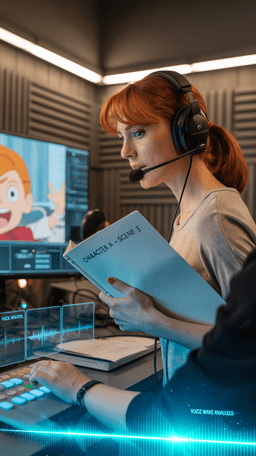
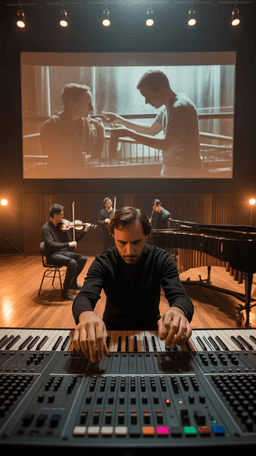
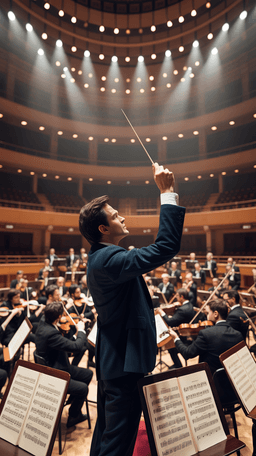

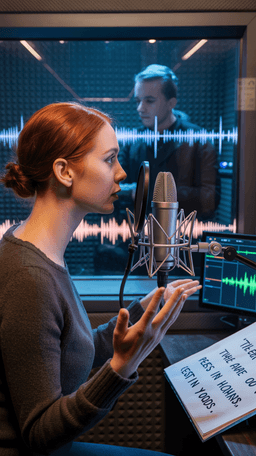
Explore the world of artistic creation with Arttribe. Discover how people worldwide are using it to express themselves and bring their ideas to form.

Maya Chen
Creative Director, Brightlane Studio


Jordan Ellis
Head of Content, Nova Brand Co.
Alex Rivera
Independent Content Creator
Frequently asked questions about AI voice generation, voice cloning, and text-to-speech on Arttribe.
What is an AI voice generator?
How does voice cloning work on Arttribe?
What is text to speech on Arttribe?
Can I change my voice with AI?
Change your voice with character, accent, and style effects. Start free — no credit card required.

Tools
Automations
Resources
Support Email: support@arttribe.ai
© 2026 Arttribe. All rights reserved.
Arttribe