
Source audio
The recording you upload. One clean speaker with low noise converts better than a mix with music under the voice. Keep a copy of the original so you can compare.
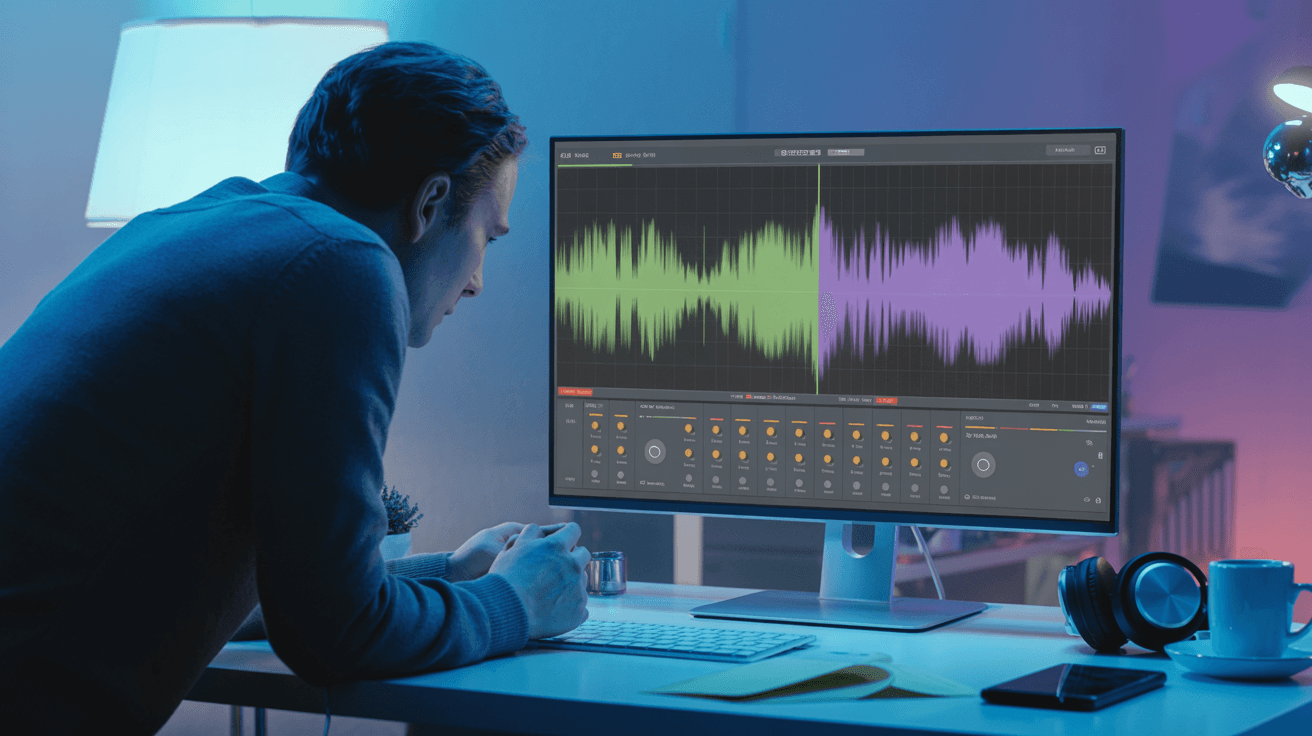
Remove background noise from audio with AI on Arttribe. Clean up voice recordings, podcasts, and video audio for professional sound quality.
Power Creativity for Global Leaders


AI noise cancelling removes background hum, room echo, wind, and distractions from audio recordings while keeping speech clear and natural. Clean up podcast episodes, remote interviews, and video voiceovers recorded outside a professional studio. On Arttribe, Noise Cancelling is a Voice Studio tool designed to improve source audio before narration, dubbing, or voice conversion workflows.
Start with cleaner audio to get better results from every other Voice Studio tool. Use Noise Cancelling before Voice to Voice conversion, Voice Cloning samples, or final voiceover exports so your finished content sounds professional and publish-ready.
Explore Voice StudioHow to use
Remove background noise from a recording with Arttribe Noise Cancelling. Clean hum, room tone, wind, and hiss from podcasts, interviews, and voiceovers. The file is the input. There are no voice sliders.
Keep the original file. Run a copy through Noise Cancelling so you can compare the clean version.
Listen for leftover hiss, cut consonants, and music that should have stayed in the mix.
Use it in Voice to Voice, Voice Changer, Text to Speech prep, or drop it on a Video Editor timeline.
Adjust how you upload and compare the take so Noise Cancelling cleans speech without punching holes in the voice.
The recording you upload. One clean speaker with low noise converts better than a mix with music under the voice. Keep a copy of the original so you can compare.
Keep the noisy file. Play it next to the clean version and listen for leftover hiss, cut consonants, or music that should have stayed.
| Mistake | What happens | Fix |
|---|---|---|
| Expecting it to remix a full song | Instruments get treated as noise, or the vocal holes out. | Use this for dialogue and voice takes, not mastering a mix. |
| Deleting the original file | You cannot tell what the cleanup removed. | Keep the noisy take and A/B it with the clean export. |
| Cleaning a take with loud music under speech | The voice thins out with the bed. | Start from a dry vocal when you can, then clean. |
| Using it to fix clipping or distortion | Harsh peaks stay, or the voice sounds crushed. | Re-record a cleaner take if the file is already distorted. |
| Cleaning an already quiet studio track | Natural air disappears and the voice sounds gated. | Skip Noise Cancelling when the take is already clean. |
What happens: Instruments get treated as noise, or the vocal holes out.
Fix: Use this for dialogue and voice takes, not mastering a mix.
What happens: You cannot tell what the cleanup removed.
Fix: Keep the noisy take and A/B it with the clean export.
What happens: The voice thins out with the bed.
Fix: Start from a dry vocal when you can, then clean.
What happens: Harsh peaks stay, or the voice sounds crushed.
Fix: Re-record a cleaner take if the file is already distorted.
What happens: Natural air disappears and the voice sounds gated.
Fix: Skip Noise Cancelling when the take is already clean.
Use Cases
Arttribe Noise Cancelling removes background hum, room echo, wind, and distractions from recordings so podcasts, interviews, and voiceovers sound studio-ready.
Fix noisy home recordings, fan hum, and uneven room tone so every episode sounds clear, consistent, and ready to publish.
Rescue Zoom calls, remote guest recordings, and field audio by stripping out background noise while keeping speech natural.
Polish narration tracks for YouTube, ads, and corporate videos when recording conditions were not ideal no expensive audio engineer required.
Arttribe Noise Cancelling removes background hum, hiss, and distractions from recordings — delivering studio-like clarity for podcasts, interviews, and voiceovers. Clean up home recordings, Zoom calls, and field audio with AI noise removal inside Voice Studio — no expensive audio engineer or complex editing software required. Built for podcast hosts, video creators, and remote teams who need broadcast-ready speech for content production, ads, and professional voiceover workflows.
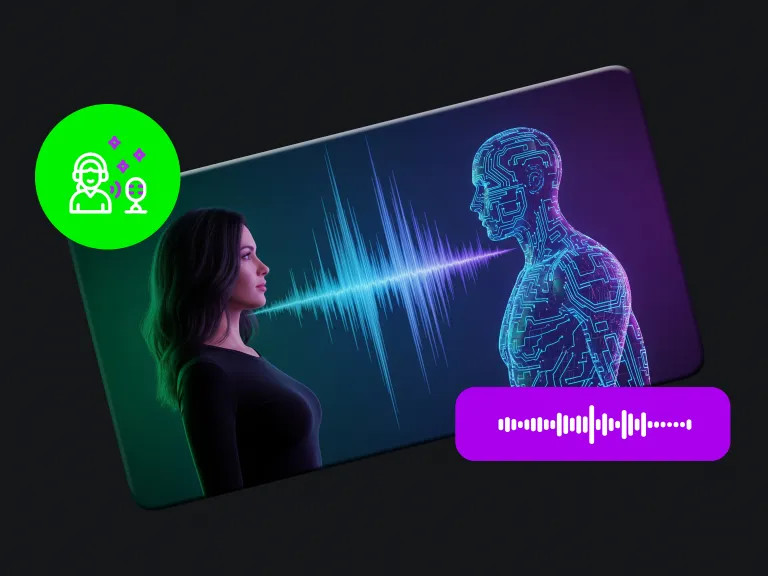
Clean noisy recordings with AI and remove background hum, hiss, and distractions for clearer voice and audio quality. Arttribe Noise Cancelling fixes fan noise, room echo, and background interference while keeping speech natural — ideal for podcasts, interviews, and video voiceovers. Get studio-like clarity from home or remote recordings inside Voice Studio without manual audio cleanup tools.
Enhance clarity in podcasts, interviews, meetings, and voiceovers by reducing unwanted environmental noise. Arttribe Noise Cancelling removes room echo, keyboard clicks, and background hum while preserving natural speech — so remote recordings sound closer to studio quality. Ideal for podcast hosts, creators, and teams preparing audio for publishing, ads, and voice conversion workflows inside Voice Studio.
Prepare clean audio tracks quickly for social videos, ad creatives, and professional content publishing workflows. Arttribe Noise Cancelling delivers publish-ready speech by removing background noise while keeping voice natural and clear. Built for creators and marketing teams who need clean narration for YouTube, TikTok ads, podcasts, and client deliverables without slow manual audio editing.
Best For Podcast & Interview Cleanup
Clean up remote recordings, podcast episodes, and interviews by removing ambient noise and distractions. Get broadcast-ready audio without expensive post-production. Arttribe Noise Cancelling removes fan hum, room echo, and background interference from Zoom calls, guest recordings, and home studio sessions — while keeping speech clear and natural. Ideal for podcast hosts, interviewers, and video creators who need professional audio for publishing, ads, and voiceover workflows inside Voice Studio.
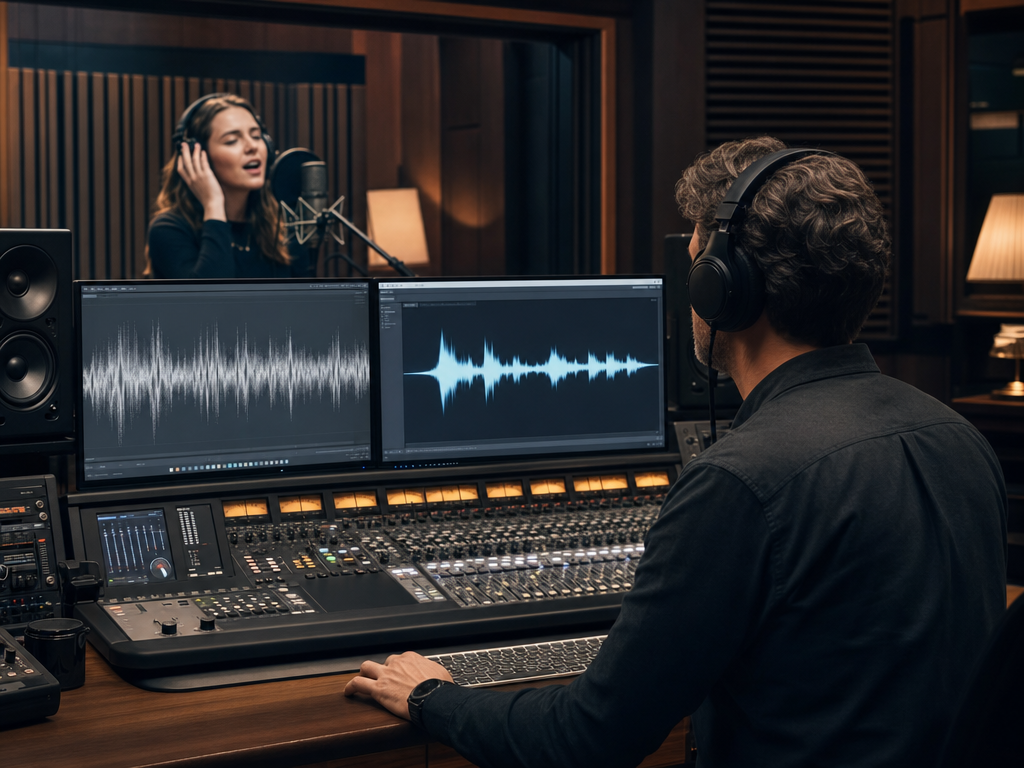
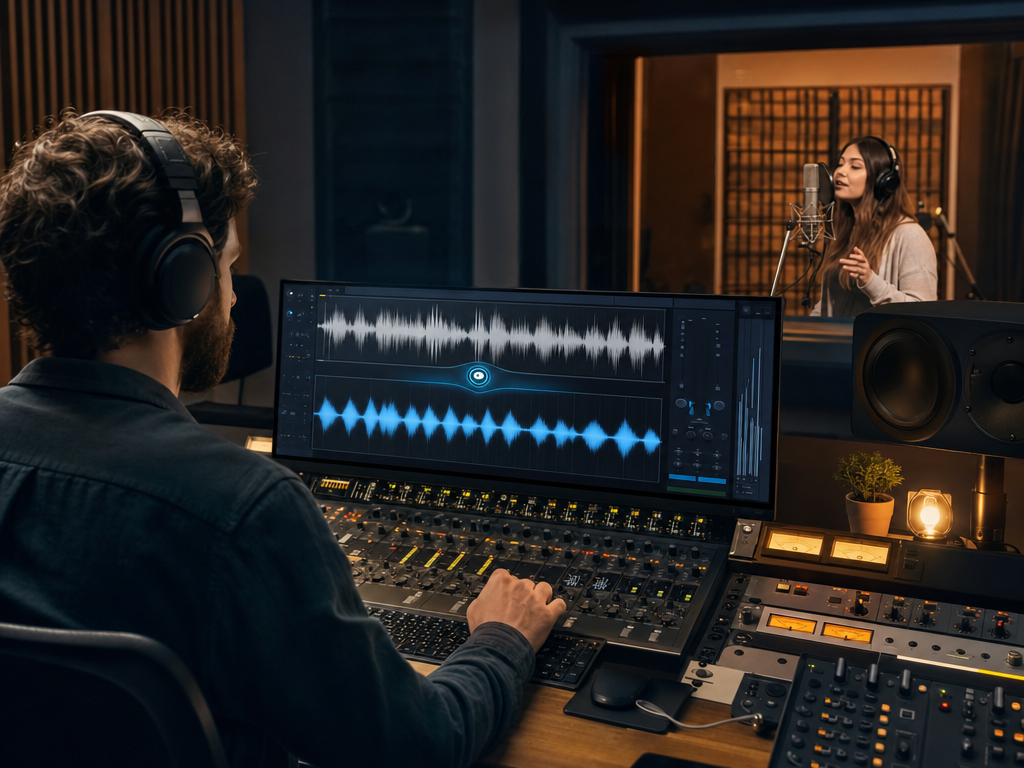
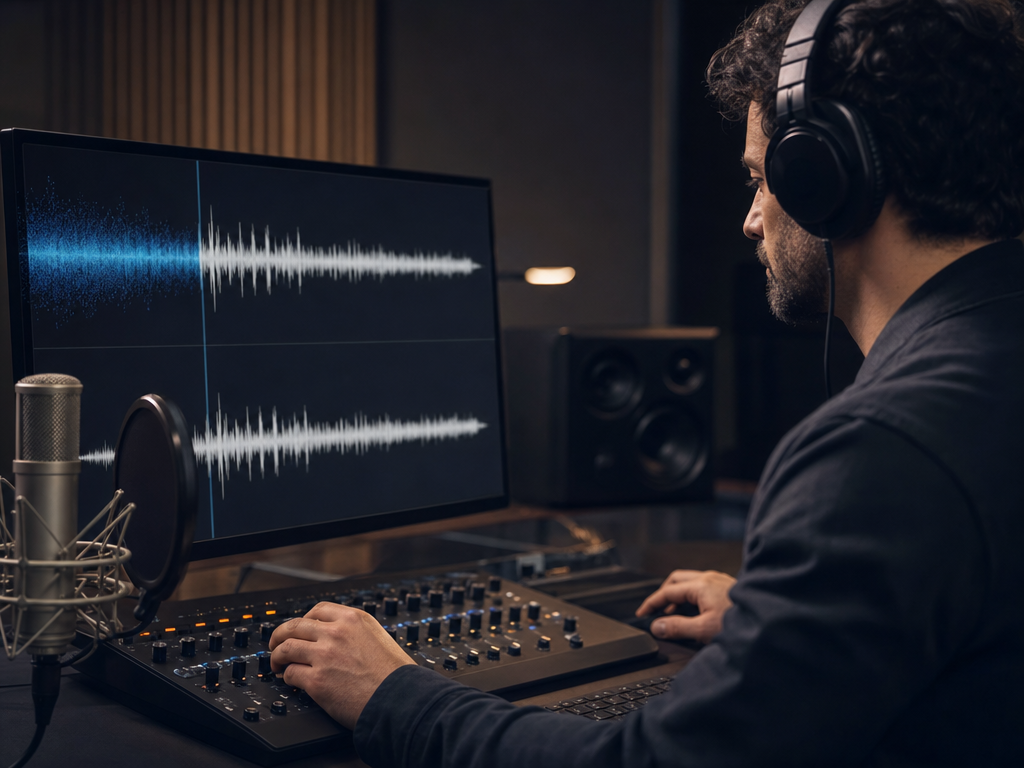
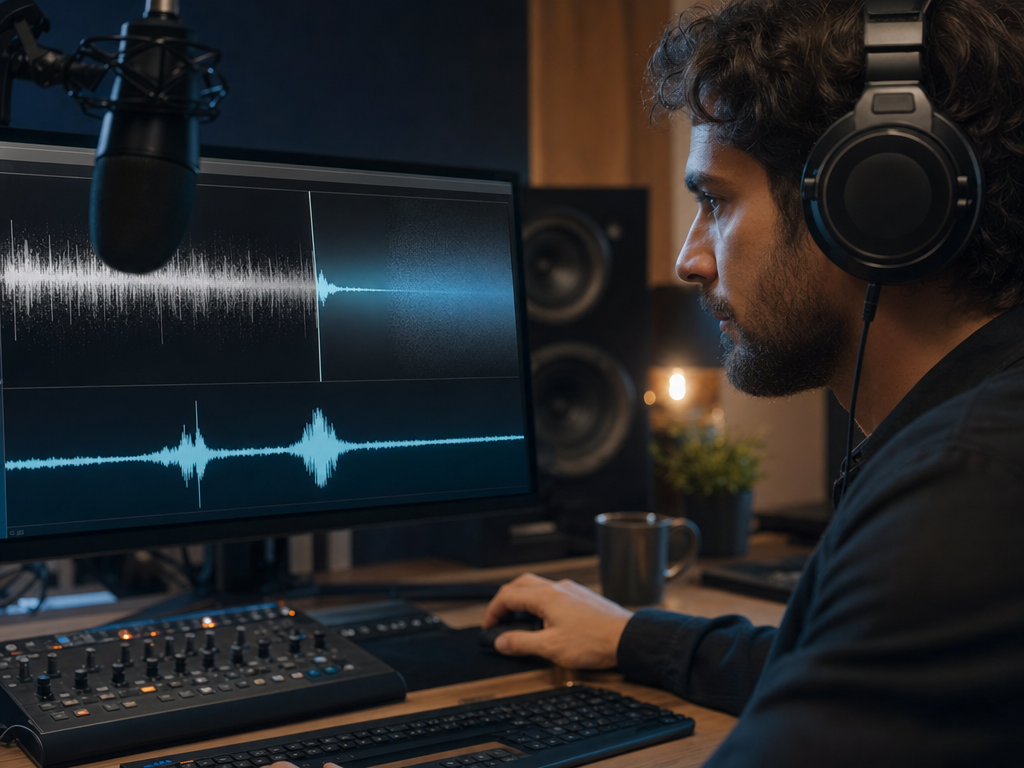
Arttribe Noise Cancelling helps podcast hosts, video creators, and remote teams produce clean audio without dedicated sound engineering. Remove background hum, hiss, and room noise from interviews, narration, and meeting recordings in seconds inside Voice Studio. Built for creators and teams who need broadcast-ready speech for podcasts, YouTube videos, ads, and client content — without expensive post-production or studio setups.



Explore the world of artistic creation with Arttribe. Discover how people worldwide are using it to express themselves and bring their ideas to form.

Maya Chen
Creative Director, Brightlane Studio


Jordan Ellis
Head of Content, Nova Brand Co.

Alex Rivera
Independent Content Creator
Frequently asked questions about AI voice generation, voice cloning, and text-to-speech on Arttribe.
What is an AI voice generator?
How does voice cloning work on Arttribe?
What is text to speech on Arttribe?
Can I change my voice with AI?
Remove background noise from recordings with AI. Start free — no credit card required.

Tools
Automations
Resources
Support Email: support@arttribe.ai
© 2026 Arttribe. All rights reserved.
Arttribe