
Genre
Sets the instrumental style, such as lo-fi, cinematic, hip-hop, or jazz. Genre steers rhythm and instruments. Keep the prompt for tempo and where the track will play.
Power Creativity for Global Leaders


Text to music turns a written prompt into instrumental music. On Arttribe, you describe mood, tempo, and instruments, then generate a background track with no vocals.
Use it when the music should sit under a video, voiceover, game scene, or remix — not when you need a sung song. For lyrics and vocals, switch to Text to Song.
Music Studio splits two jobs. Text to Music builds instrumental beds and beats. Text to Song builds full songs with vocals. Generate the bed here, then drop it under a voiceover or a Video Editor cut.
Explore Music StudioHow to use
Type a prompt, pick a genre, generate, then listen and download. Use the instrumental under a video, social clip, game scene, or remix. Check your plan before commercial publishing.
Type a prompt. Name mood, tempo, instruments, and the kind of track you want. Example: lo-fi hip-hop, 85 BPM, warm keys, soft drums.
Pick a genre, click Generate, and wait. Text to Music turns that prompt into instrumental music and beats.
Play the track, download it, and use it in video, social, games, or a remix.
Genre steers the instrumental without rewriting the whole prompt.
Sets the instrumental style, such as lo-fi, cinematic, hip-hop, or jazz. Genre steers rhythm and instruments. Keep the prompt for tempo and where the track will play.
| Mistake | What happens | Fix |
|---|---|---|
| Writing lyrics in the music prompt | You wanted a bed and got a vocal-leaning track, or the words were ignored. | Use Text to Song for vocals. Keep Text to Music prompts instrumental. |
| Skipping “instrumental” or “no vocals” | Hums or vocal pads sneak into a video bed. | Say instrumental only in the prompt when the track sits under speech. |
| No use case in the prompt | The track is too busy for a video bed or too thin for a game loop. | Say what it is for: explainer, reel, social clip, game menu, or remix stem. |
What happens: You wanted a bed and got a vocal-leaning track, or the words were ignored.
Fix: Use Text to Song for vocals. Keep Text to Music prompts instrumental.
What happens: Hums or vocal pads sneak into a video bed.
Fix: Say instrumental only in the prompt when the track sits under speech.
What happens: The track is too busy for a video bed or too thin for a game loop.
Fix: Say what it is for: explainer, reel, social clip, game menu, or remix stem.
Generated Musics
Play instrumental beds from text prompts. Use the same prompt to generate your own version.

Night-drive social clip
Prompt: future garage, breathing pads, cascade percussion, instrumental only, night drive bed, no vocals

Cinematic video bed
Prompt: deep abstract ambient, slow evolving pads, sparse texture, instrumental only, cinematic underscore, no vocals

Outro / end card
Prompt: cinematic closing cue, sparse melody, restrained drums, instrumental only, end-title bed, no vocals
Game menu or reel
Prompt: night-run electronic, driving pulse, dark synth, instrumental only, game menu loop, no vocals
Use Cases
Generate instrumental background music from text instead of searching a stock library. Keep vocals out of the prompt so the bed stays under speech and picture.
Build YouTube, reel, ad, and explainer beds from a prompt. Name mood, tempo, and “instrumental only” so the track does not fight the voiceover.
Generate loops and beds for menus, levels, and trailers. Put tempo and mood in the prompt so the asset fits the scene.
Start from a prompted instrumental or beat, then remix in a DAW. Faster than sketching a bed from a blank session.
Text to Music is the instrumental tool in Arttribe Music Studio. Describe music or beats, set genre, add an optional reference song, and keep vocals for Text to Song. Use the files in video, social content, games, or remixes.

Write mood, tempo, and instruments. Text to Music returns an instrumental bed or beat, not a vocal song. Faster than scrolling a stock library when the scene needs a specific feel.
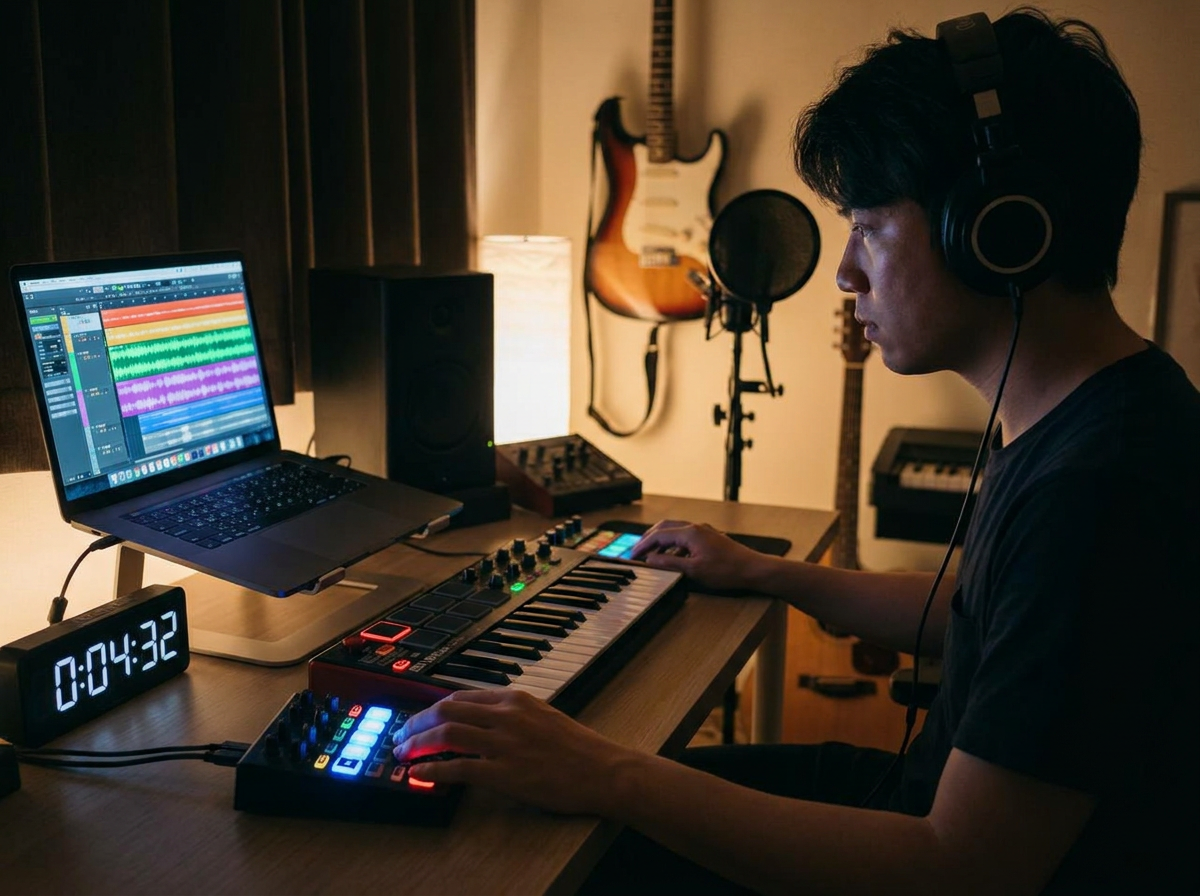
Genre sets the lane. An optional reference song nudges mood and arrangement. Keep tempo, instruments, and “instrumental only” in the prompt so the bed stays under speech.
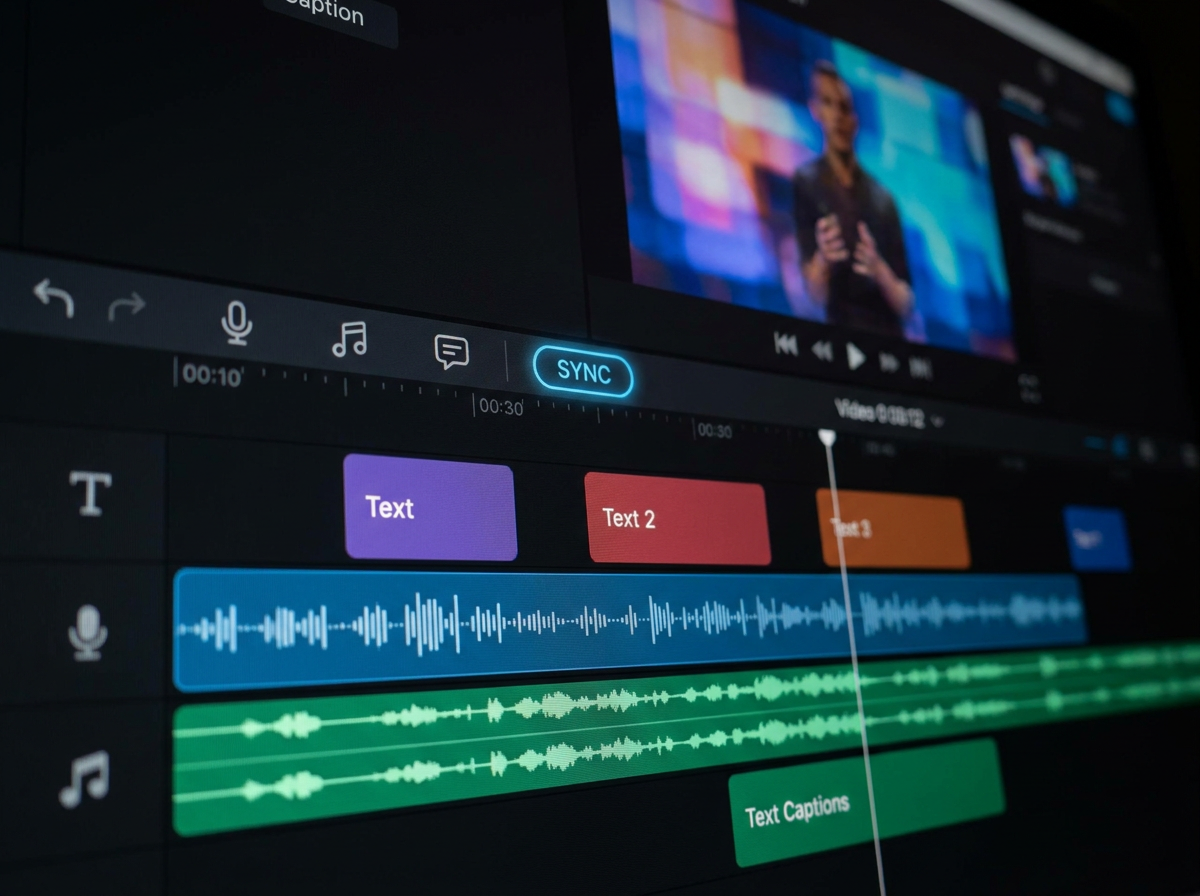
Export the file and use it under video, on social, in a game, or as a remix stem. If you need lyrics and vocals, switch tools instead of stuffing verses into this prompt.
Video, social, game, and remix teams use Text to Music on Arttribe for instrumental music and beats that match a prompt. Keep the same genre notes so assets stay consistent across a project.

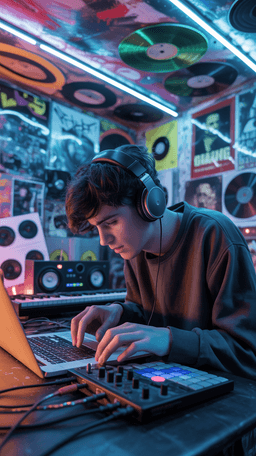


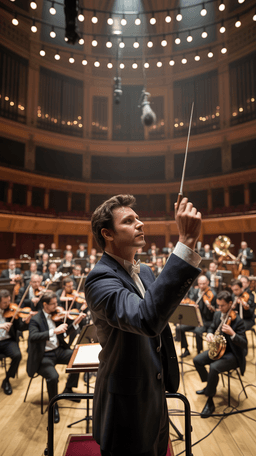
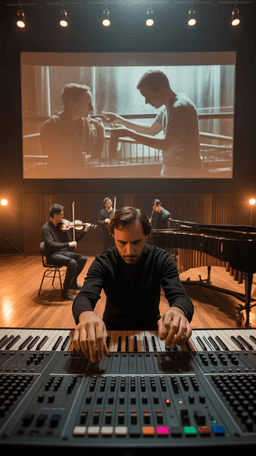
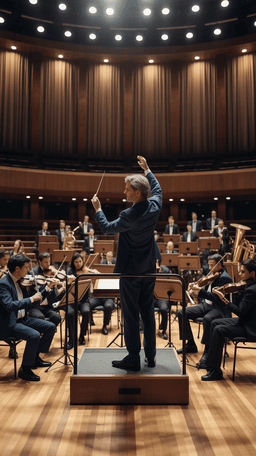

Explore the world of artistic creation with Arttribe. Discover how people worldwide are using it to express themselves and bring their ideas to form.

Maya Chen
Creative Director, Brightlane Studio


Jordan Ellis
Head of Content, Nova Brand Co.

Alex Rivera
Independent Content Creator
Answers about Arttribe Text to Music: generate instrumental background music from a text prompt, how it differs from Text to Song, and how to use tracks in video, games, and remixes.
What is a text to music generator?
Can I use Arttribe tracks as background music for YouTube?
Is Text to Music free, and can I use it commercially?
Is this a MIDI piano-roll tool?

Generate instrumental background music from a prompt. Start free, no credit card required. Check your plan before you publish commercially.

Tools
Automations
Resources
Support Email: support@arttribe.ai
© 2026 Arttribe. All rights reserved.
Arttribe