
Voice samples
Upload or record one speaker in a quiet room. Read varied sentences. Short noisy clips train a noisy clone. Dry solo speech works best.
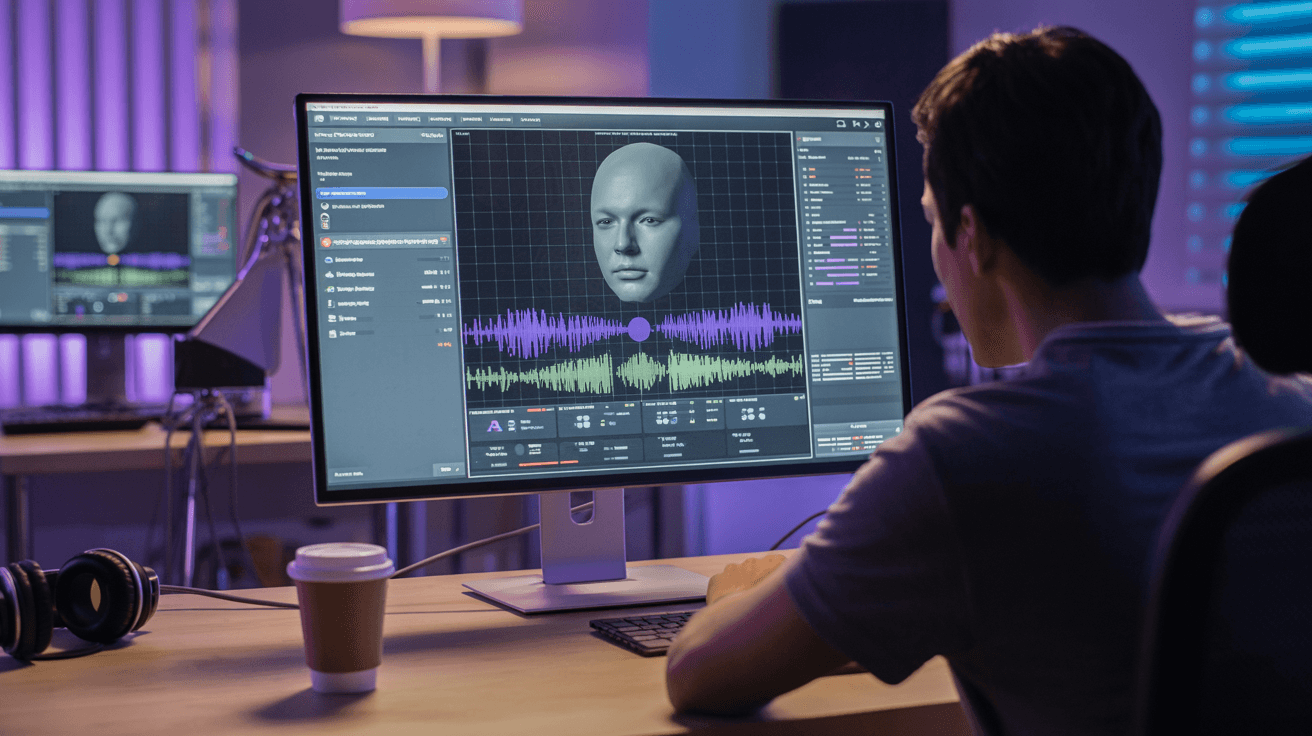
Clone any voice with AI on Arttribe. Create realistic digital voice replicas for narration, dubbing, accessibility, and personalized audio content.
Power Creativity for Global Leaders


AI voice cloning creates a digital replica of a voice from a short audio sample, then generates new speech in that same tone and style. Build a consistent brand voice for ads, courses, podcasts, and dubbing without booking repeated studio sessions. On Arttribe, Voice Cloning is a core Voice Studio capability — clone once, then scale narration across Text to Speech, dubbing, and multilingual content workflows.
Voice Cloning gives teams a reusable vocal identity for long-term production. Pair cloned voices with Text to Speech for scripted content, Voice to Voice for recorded conversions, and Noise Cancelling to prepare high-quality training samples.
Explore Voice StudioHow to use
Clone a voice on Arttribe Voice Cloning, then generate narration, dubbing, and branded speech in Text to Speech. Upload or record a clean sample, name the voice, train it, and reuse it across Voice Studio.
One speaker, quiet room, no music. Read varied sentences. Short noisy clips train a noisy clone.
Give it a clear name on the Voice Cloning dashboard, start training, and wait until it finishes.
Open Text to Speech, select the cloned voice, paste a script, and generate. Use the same voice in conversion tools when you need it.
Adjust your AI voice cloning setup, including samples, voice name, and where you generate next, to keep the clone consistent.
Upload or record one speaker in a quiet room. Read varied sentences. Short noisy clips train a noisy clone. Dry solo speech works best.
Names the clone so you can find it later in Text to Speech, Voice to Voice, and Voice Changer. Use a clear label such as Brand narrator or Podcast host.
Start training from the Voice Cloning dashboard after you add audio and a name. Wait until training finishes before you generate with the clone.
After training finishes, open Text to Speech and select the cloned voice. Paste a script and generate. The same voice can also be used for dubbing and conversion tools.
| Mistake | What happens | Fix |
|---|---|---|
| Samples with reverb and background talk | The clone inherits the room and extra voices. | Record dry, solo speech, then clone. |
| A vague voice name | You cannot find the clone next to catalog voices. | Name it for the job, such as Brand narrator or Course host. |
| Training, then never opening Text to Speech | The clone sits unused on the dashboard. | Select the new voice in Text to Speech and run a short script first. |
| A 3-second hello as the only sample | The clone has no range and breaks on longer scripts. | Record varied sentences at a normal speaking pace. |
| Training from a song or group interview | The clone picks up extra voices or melody. | Use one speaker, spoken lines only, no music bed. |
What happens: The clone inherits the room and extra voices.
Fix: Record dry, solo speech, then clone.
What happens: You cannot find the clone next to catalog voices.
Fix: Name it for the job, such as Brand narrator or Course host.
What happens: The clone sits unused on the dashboard.
Fix: Select the new voice in Text to Speech and run a short script first.
What happens: The clone has no range and breaks on longer scripts.
Fix: Record varied sentences at a normal speaking pace.
What happens: The clone picks up extra voices or melody.
Fix: Use one speaker, spoken lines only, no music bed.
Use Cases
Clone a voice once on Arttribe and generate unlimited narration, dubbing, and branded speech scalable AI voice cloning for teams that need consistency at speed.
Create a reusable digital voice for ads, product demos, and campaigns so every touchpoint sounds on-brand without repeated studio bookings.
Scale lesson narration and training content with a cloned instructor voice update scripts anytime without re-recording full modules.
Produce long-form narration and localized dubbing from a single voice sample, keeping tone and delivery aligned across every asset.
Arttribe Voice Cloning creates realistic digital voice replicas for consistent narration, dubbing, and branded audio — without repeated studio sessions.
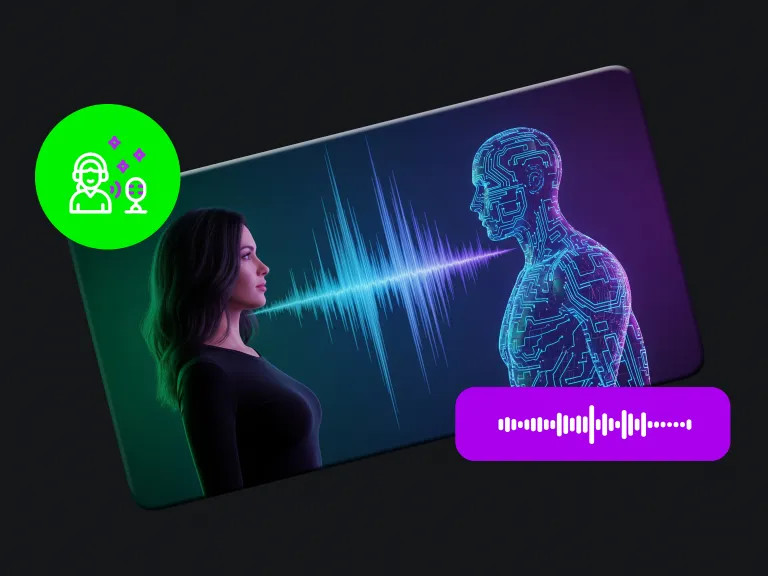
Clone realistic voices with AI to produce consistent voiceovers for content, campaigns, and branded audio experiences.
Maintain voice consistency across videos, ads, podcasts, and multilingual campaigns with reusable cloned voice profiles.
Generate scalable voice content faster without repeated recording sessions, while keeping high audio quality.
Best For Branded Voice & Narration
Build a consistent brand voice for videos, ads, and podcasts. Clone a voice once and generate unlimited narration while maintaining quality and tone.
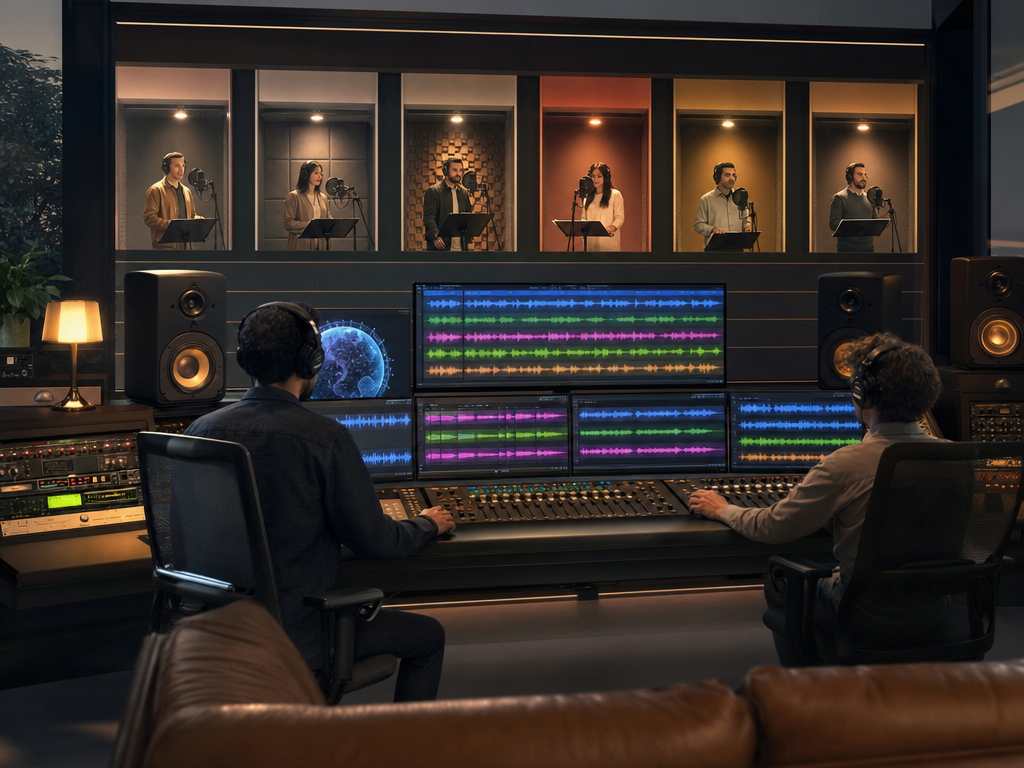
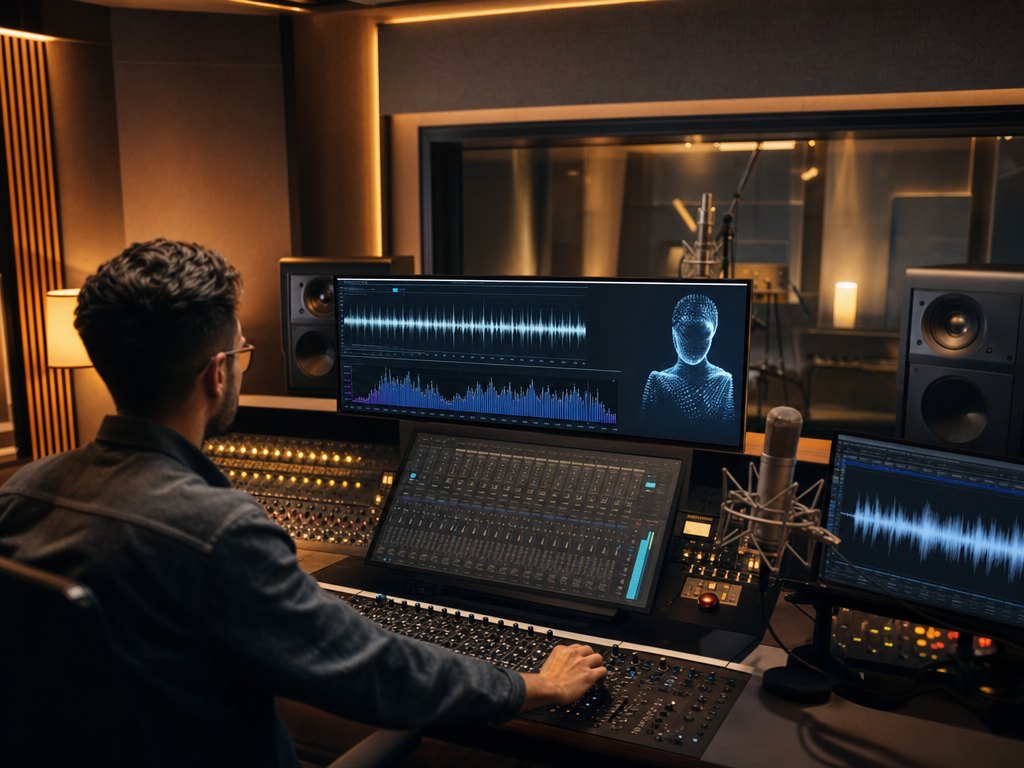
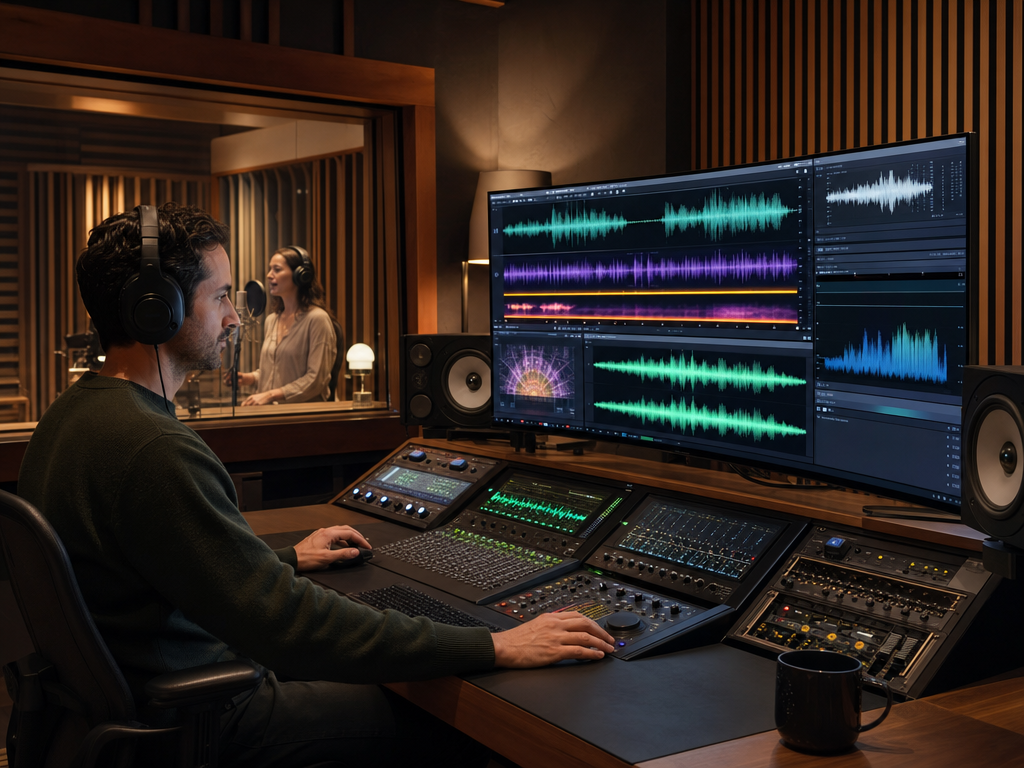
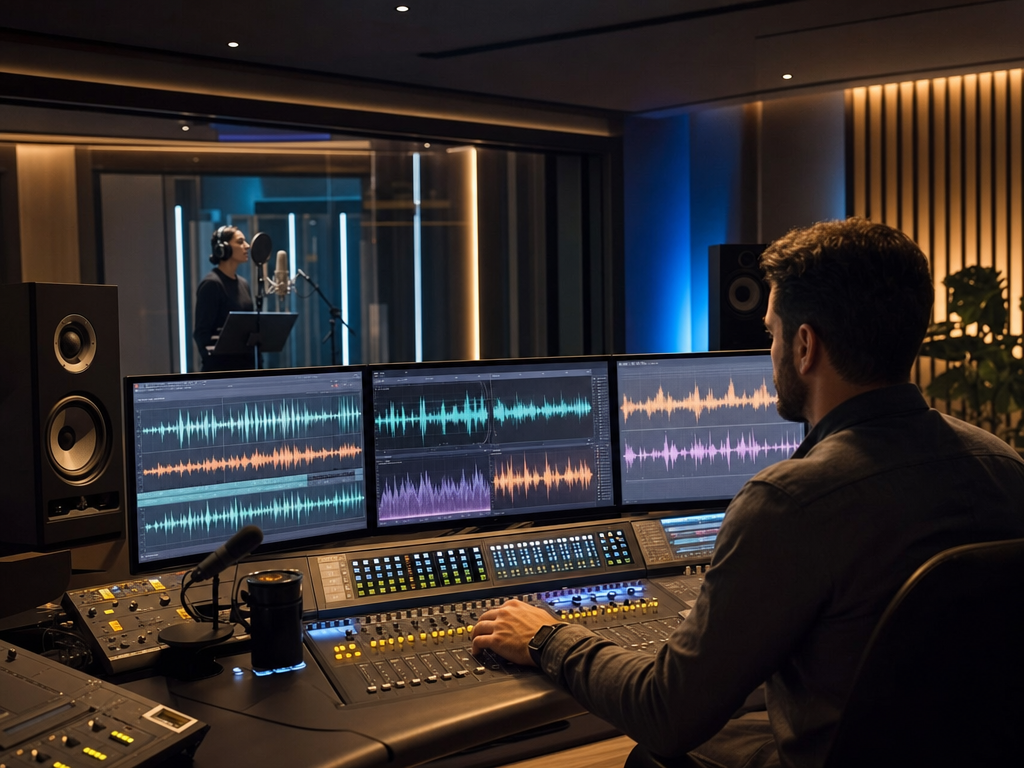
Arttribe Voice Cloning helps brands, agencies, and content teams create reusable voice models for scalable, high-quality audio production.
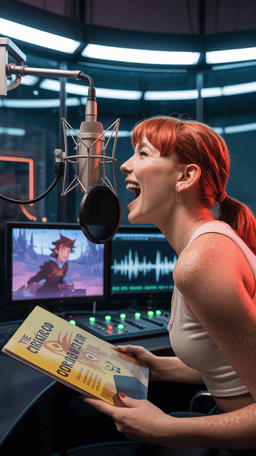
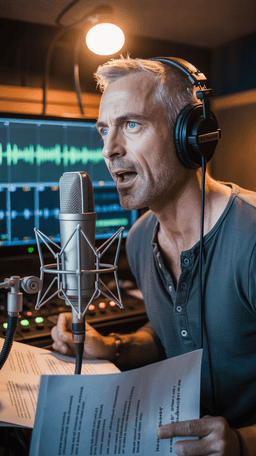
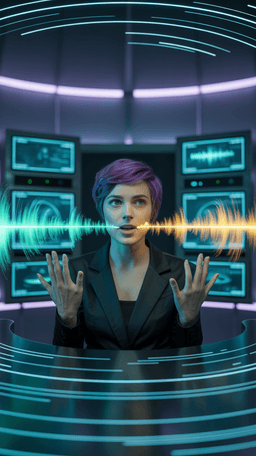

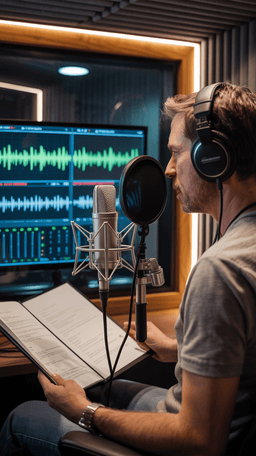
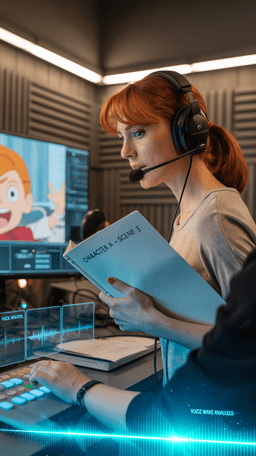
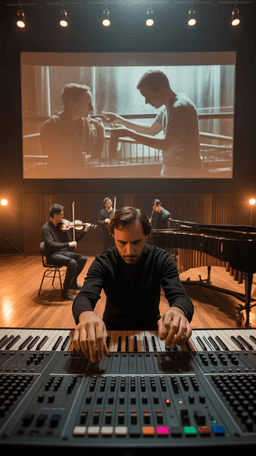
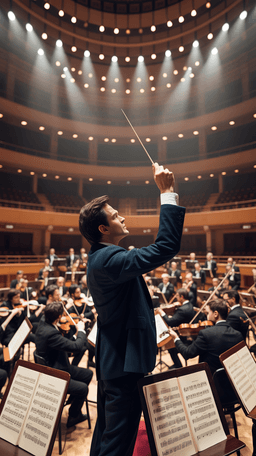

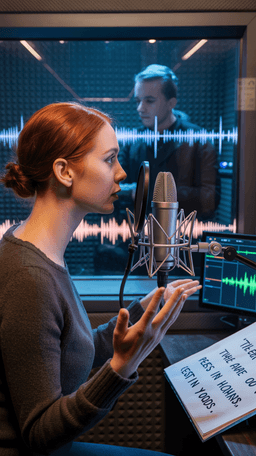
Explore the world of artistic creation with Arttribe. Discover how people worldwide are using it to express themselves and bring their ideas to form.

Maya Chen
Creative Director, Brightlane Studio

Jordan Ellis
Head of Content, Nova Brand Co.
Alex Rivera
Independent Content Creator
Frequently asked questions about AI voice generation, voice cloning, and text-to-speech on Arttribe.
What is an AI voice generator?
How does voice cloning work on Arttribe?
What is text to speech on Arttribe?
Can I change my voice with AI?
Create a realistic AI voice replica for narration and dubbing. Start free — no credit card required.

Tools
Automations
Resources
Support Email: support@arttribe.ai
© 2026 Arttribe. All rights reserved.
Arttribe