
Aspect Ratio
Sets the frame shape, such as 1:1, 16:9, or 9:16. Match this to where the output will be used.
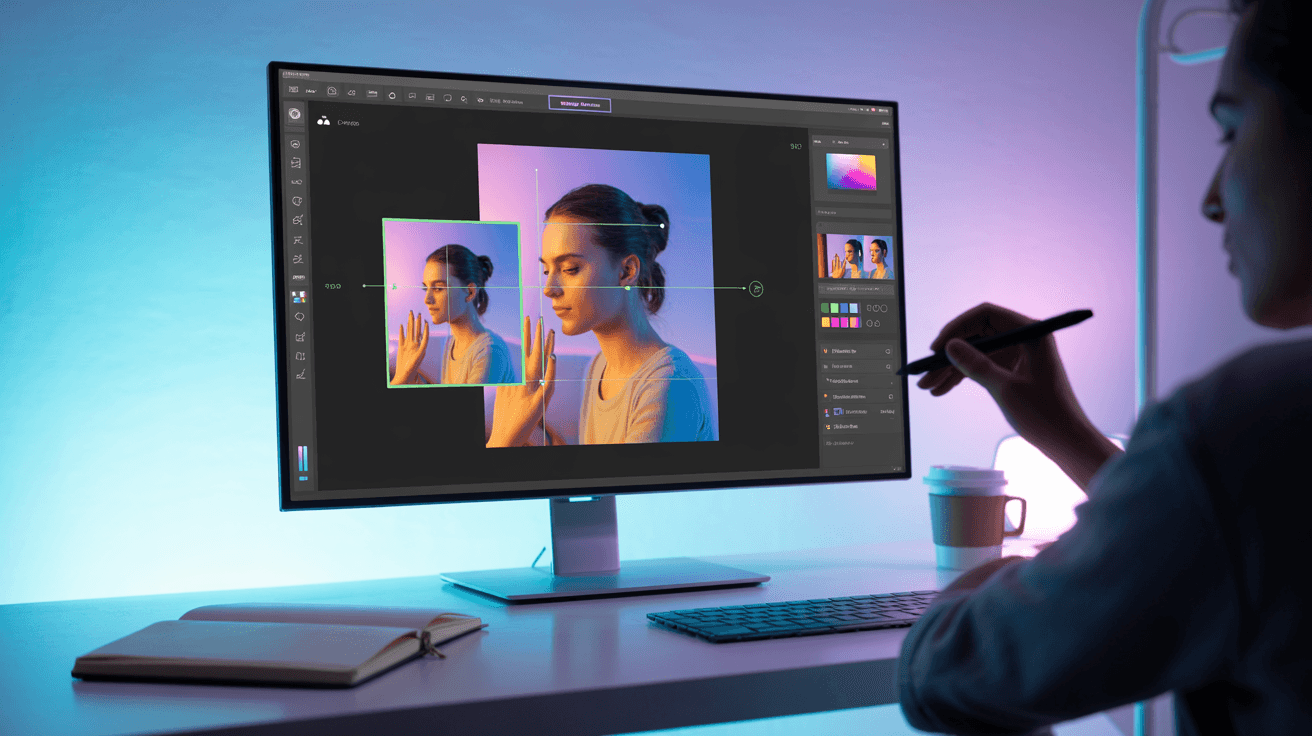
Recompose AI images with new backgrounds and layouts on Arttribe. Restructure scenes and objects while keeping subjects intact and natural.
Power Creativity for Global Leaders


AI recompose restructures images by changing layouts, backgrounds, and object placement while keeping the subject recognizable — ideal for creating variations from a single asset. On Arttribe, Recompose is an Image Studio tool for marketers and designers who need multiple campaign layouts without regenerating from scratch.
Start from Text to Image or Product Photography outputs, then recompose for A/B tests, seasonal campaigns, and localized creatives. Pair with Background Remover and Image Editor for precise final control.
Explore Image StudioHow to use
Upload up to three reference images and a prompt to rebuild the scene: new camera, layout, or context while keeping the subject.
First image is usually the hero subject. Extra images can add a product, location, or style lock.
Describe camera, setting, and what should change. Say what must stay: “same person, new wide shot in a kitchen.”
Choose aspect ratio, styles if needed, and number of images, then generate.
Sets the frame shape, such as 1:1, 16:9, or 9:16. Match this to where the output will be used.
Chooses a resolution (1k, 2k, 4k). Shown instead of Aspect Ratio when the selected model uses image sizes.
Applies a visual look to the generation, such as cinematic, illustration, or product photography.
Sets the light mood — studio, natural, neon, dramatic, and similar presets. This changes contrast and atmosphere more than the subject.
Generates 1 to 4 images in one run. More images cost more credits and give you options to pick from.
Expands a short prompt with extra detail before generation. Helpful for vague ideas; turn it off when you already wrote a precise prompt.
| Mistake | What happens | Fix |
|---|---|---|
| Vague prompt | The model fills in the gaps and the result looks generic. | Name the subject, action, setting, and style in one or two sentences. |
| Changing every setting at once | You cannot tell what improved the output. | Change one setting or the prompt per generation. |
| Starting at maximum quality | Credits go to test runs that you will discard. | Keep Number of Images at 1 (or the shortest duration on video) until the prompt works. |
What happens: The model fills in the gaps and the result looks generic.
Fix: Name the subject, action, setting, and style in one or two sentences.
What happens: You cannot tell what improved the output.
Fix: Change one setting or the prompt per generation.
What happens: Credits go to test runs that you will discard.
Fix: Keep Number of Images at 1 (or the shortest duration on video) until the prompt works.
Use Cases
Arttribe Recompose restructures scenes, backgrounds, and object placement in AI images ideal for creating variations without regenerating from scratch.
Move subjects, adjust composition, and rebuild layouts while keeping the core visual identity of your original image intact.
Place products or people into new environments for seasonal campaigns, A/B tests, and localized marketing variations.
Produce multiple ad and catalog layouts from one base image to speed up campaign testing and content production.
Arttribe Recompose lets you restructure scenes, swap backgrounds, and adjust layouts while keeping subjects natural, ideal for marketing visuals and campaign variations. Rebuild composition around people, products, and key objects without regenerating the whole image from scratch. Designers and marketers get faster A/B layout tests for ads, landing pages, and social content. Built for teams that need AI image recompose workflows inside Image Studio.

Reframe and recompose images with AI to improve composition, balance, and visual storytelling for marketing and content design. Rebuild scenes, swap backgrounds, and adjust layouts while keeping subjects looking natural. Ideal for designers and marketers who need stronger ad and social layouts without regenerating from zero. Use AI image recompose when the idea is right but the framing still needs work.

Adjust framing around people, products, and key visual elements while preserving context and maintaining high image quality. Shift placement, crop intent, and scene balance without losing the subject that matters. Ecommerce and brand teams can prepare cleaner product and campaign crops for store pages and ads. Keep subject focus sharp while you rebuild the surrounding layout.
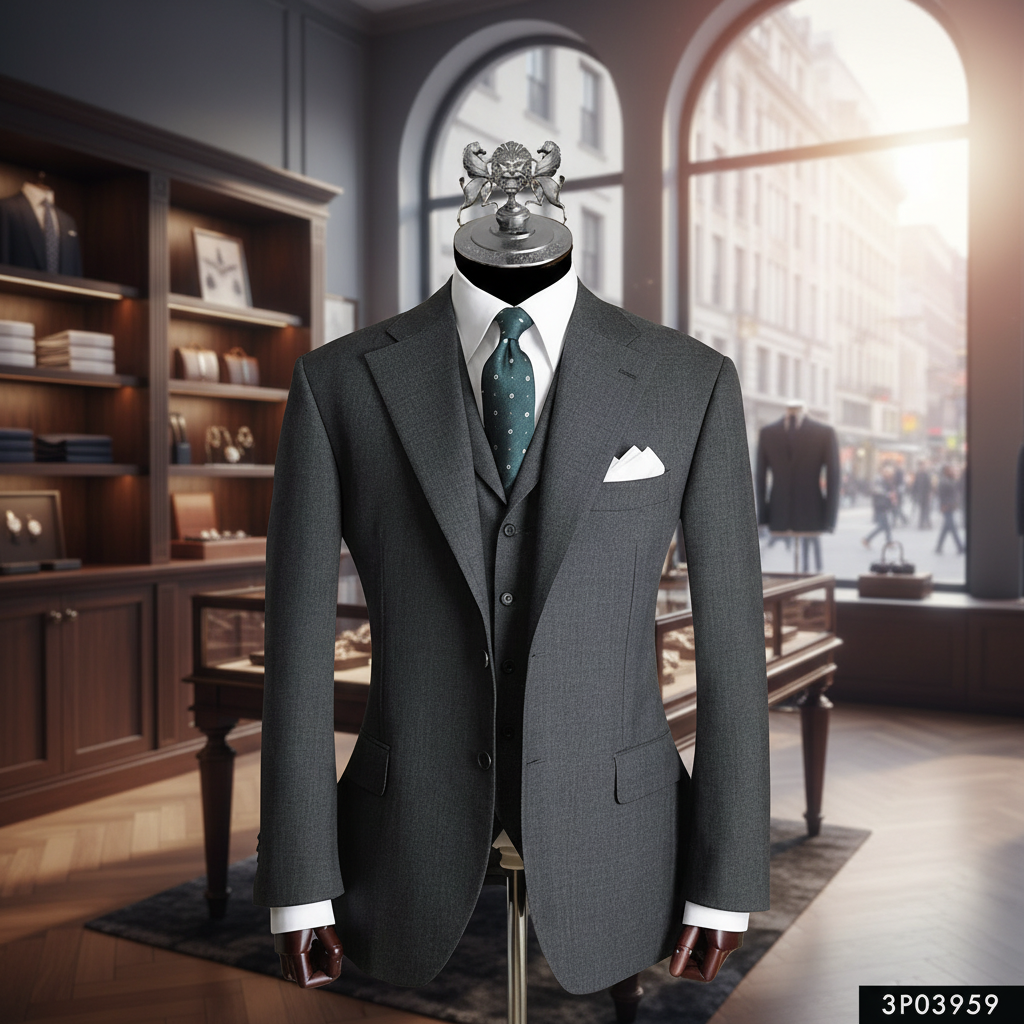
Generate multiple composition variants quickly for ads, landing pages, and social media tests to find top-performing visuals. Create layout and background options from one base image for A/B testing and seasonal refreshes. Agencies and growth teams ship more creative directions without booking another shoot. Pair recompose outputs with Image Editor when you need final polish before publish.
Best For Scene & Layout Restructuring
Reframe images, adjust composition, and improve visual balance for ads, landing pages, and social content. Generate multiple layout variants without starting from scratch or booking another shoot. Swap backgrounds, shift subject placement, and test creative directions while preserving the core visual. Ideal when you need campaign variations and scene updates from one strong base image.

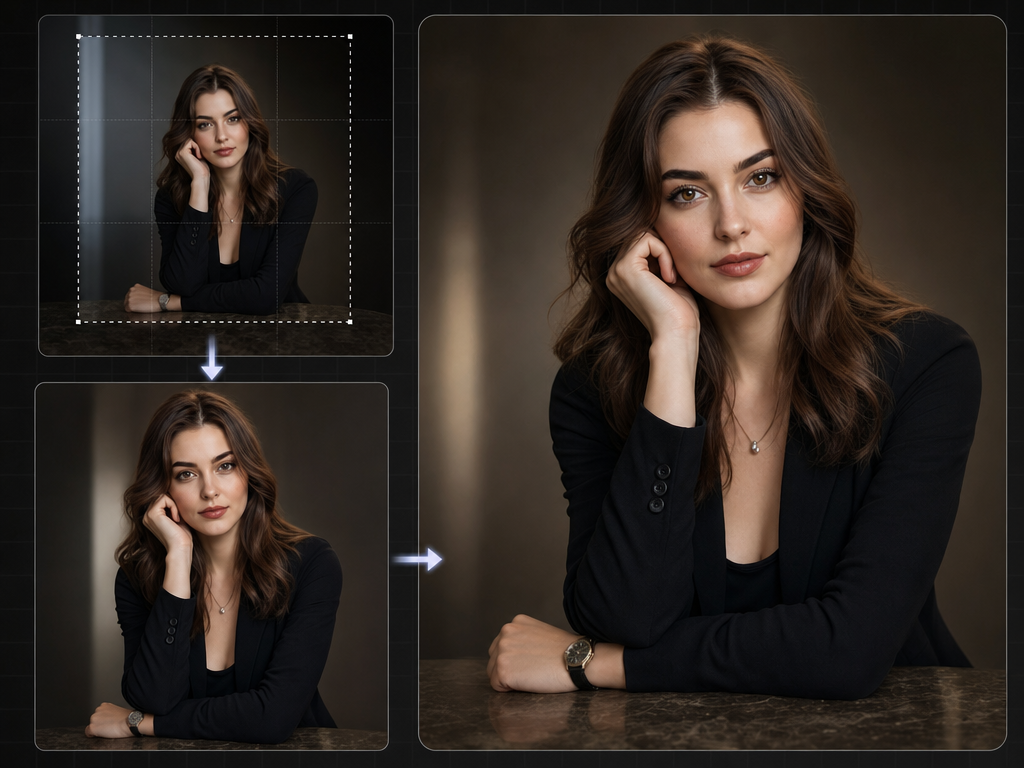
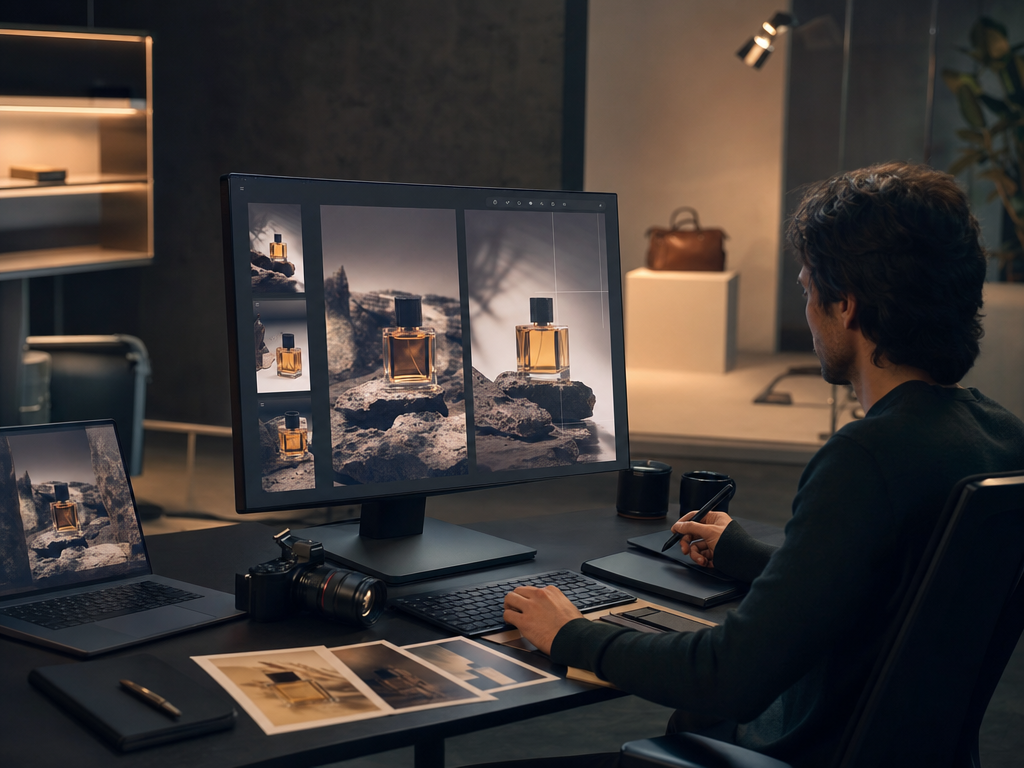
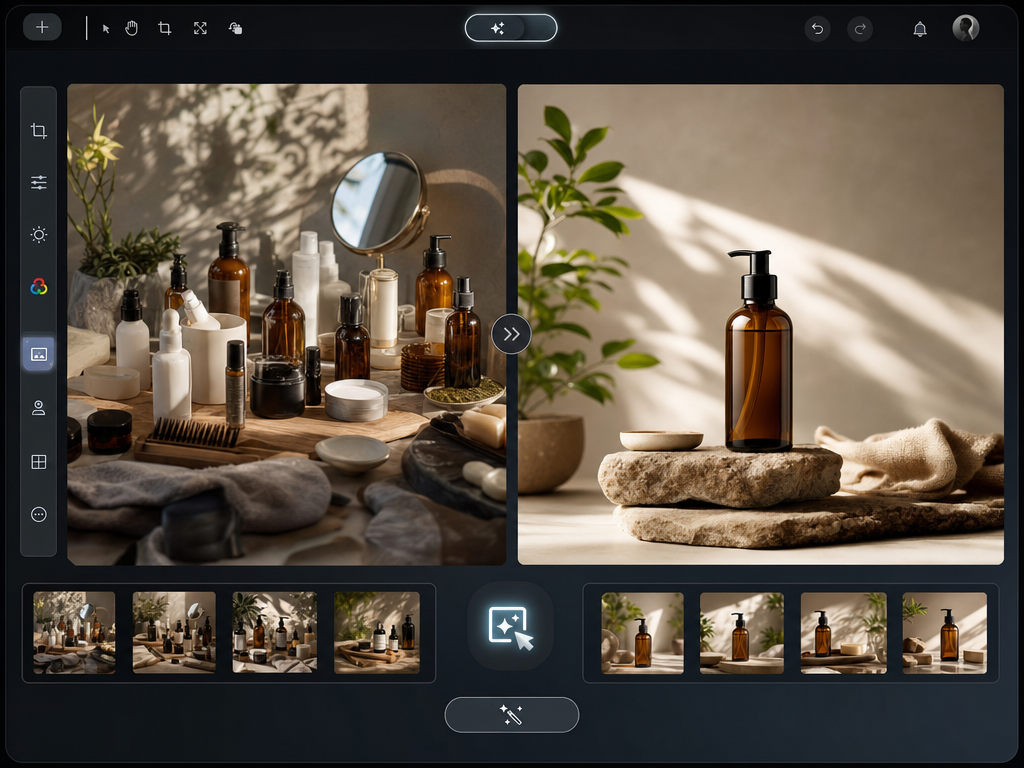
Arttribe Recompose helps designers, marketers, and ecommerce teams create layout variations and scene updates without reshoots or complex editing. Place products or people into new environments for seasonal campaigns, localized ads, and catalog refreshes. Agencies and creative teams ship more composition options from one source image. Keep recompose, background cleanup, and final crops in one Arttribe Image Studio flow.
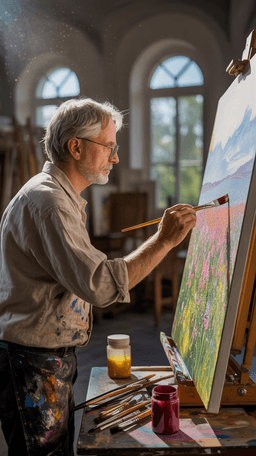





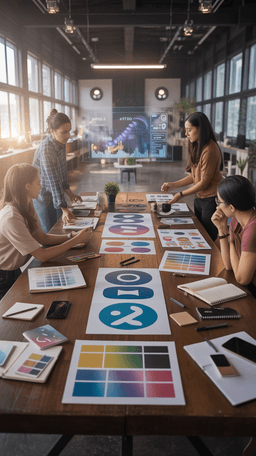





Explore the world of artistic creation with Arttribe. Discover how people worldwide are using it to express themselves and bring their ideas to form.

Maya Chen
Creative Director, Brightlane Studio


Jordan Ellis
Head of Content, Nova Brand Co.
Alex Rivera
Independent Content Creator
Answers about Arttribe AI Image Recompose, scene restructuring, layout variations, background swaps, and composition workflows for ads and campaigns.
What is AI Image Recompose?
Can I reframe people and products in an image?
Can I swap backgrounds with Recompose?
Is Recompose good for ad and social testing?
Restructure scenes and swap backgrounds with AI. Start free — no credit card required.

Tools
Automations
Resources
Support Email: support@arttribe.ai
© 2026 Arttribe. All rights reserved.
Arttribe