
Voice
Selects the speaker. Catalog voices and your cloned voices both appear here when the model supports them. Pick the voice first, then tune speed and delivery.
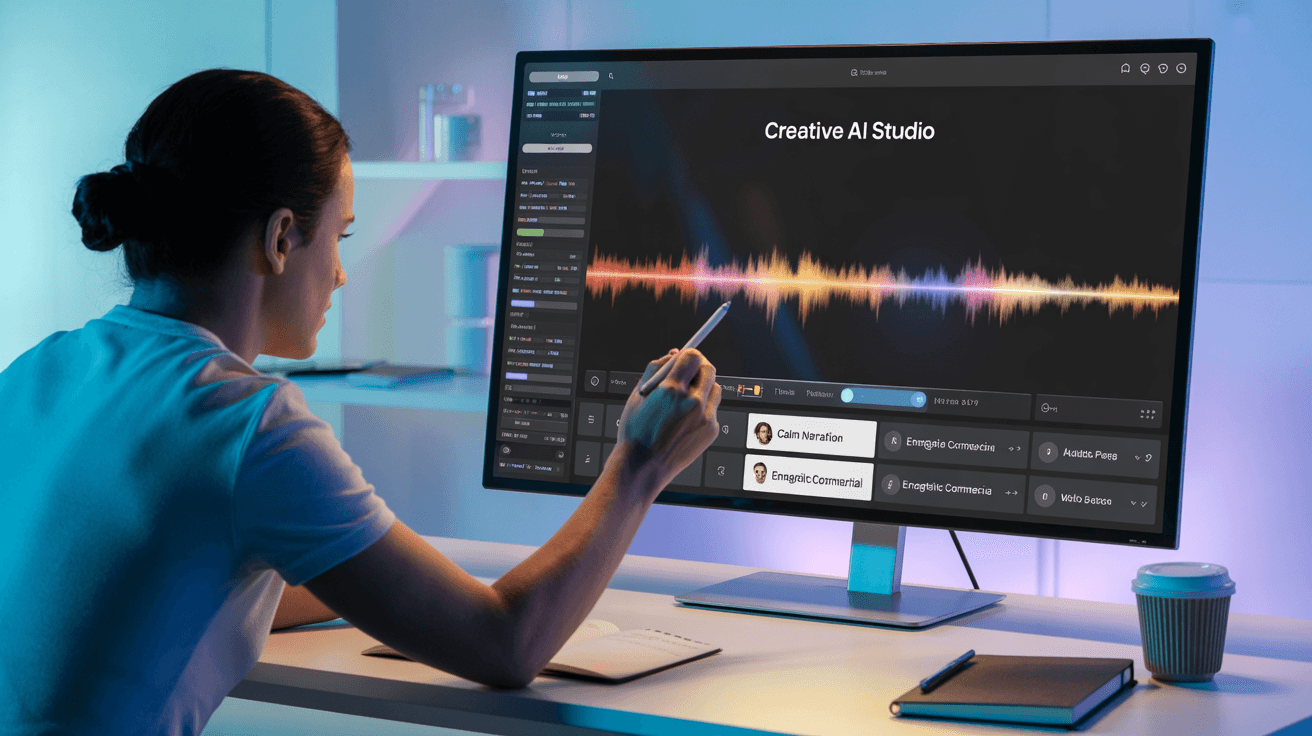
Convert text into natural AI speech on Arttribe. Lifelike text-to-speech voices for videos, podcasts, e-learning, and accessibility content.
Power Creativity for Global Leaders


Text to speech converts written scripts into natural AI audio. Paste your text, choose a voice, and generate studio-quality speech for videos, courses, podcasts, and accessibility content without recording in a booth. On Arttribe, Text to Speech is one tool inside Voice Studio. Generate voiceovers here, then pair them with Image, Video, or Music Studio projects in the same creative workspace.
Voice Studio brings narration, cloning, voice changing, and sound effects into one place. Start with Text to Speech for fast voiceovers, or explore cloning and conversion when you need a custom or transformed voice.
Explore Voice StudioHow to use
Generate natural AI speech from text with Arttribe Text to Speech. Paste a script, pick a voice and model, then create voiceovers for videos, podcasts, courses, and accessibility content.
Add periods and commas. Split long pages into short sections. Text to Speech follows punctuation more than paragraph length.
Choose a catalog voice or a cloned voice, then set the model. Some models, including Eleven v3, hide sliders and read the script with fewer manual controls.
Start near the defaults. Raise stability for even narration. Raise style exaggeration only for ads and character reads.
Adjust your AI text to speech settings, including voice, model, speed, and delivery, to create a read that matches your vision.
Selects the speaker. Catalog voices and your cloned voices both appear here when the model supports them. Pick the voice first, then tune speed and delivery.
Picks the AI model that generates the output. Models differ in quality, speed, credit cost, and which other settings they support.
Controls how fast the voice speaks. Lower is slower and clearer. Higher is quicker and more energetic. Start near the default, then nudge after you hear a full take.
How consistent the delivery stays. Higher stability sounds even. Lower stability adds more variation between lines. Use higher values for long narration.
How closely the output should match the selected voice. Higher keeps the original character. Lower allows more interpretation. Raise it if the identity starts to slip.
Pushes emotional delivery. Raise it for ads and character reads. Keep it low for narration and long-form speech. Change this after voice and speed feel right.
| Mistake | What happens | Fix |
|---|---|---|
| One giant block with no punctuation | Pacing sounds flat or rushed. | Add periods, commas, and short paragraphs before you generate. |
| Max style exaggeration on narration | The read becomes theatrical and tiring in a long video or course. | Keep exaggeration low for long-form. Raise it for short ads. |
| Changing voice, model, and sliders together | You cannot tell what fixed the delivery. | Lock the script, change one control, then listen again. |
What happens: Pacing sounds flat or rushed.
Fix: Add periods, commas, and short paragraphs before you generate.
What happens: The read becomes theatrical and tiring in a long video or course.
Fix: Keep exaggeration low for long-form. Raise it for short ads.
What happens: You cannot tell what fixed the delivery.
Fix: Lock the script, change one control, then listen again.
Use Cases
Skip voice actors and studio sessions. Arttribe Text to Speech turns scripts into natural AI voiceovers for audiobooks, video narration, podcasts, e-learning, and accessibility content.
Convert long-form written content into engaging audiobooks and chapter narration with lifelike AI voices that keep listeners hooked.
Generate professional YouTube voiceovers, explainers, and documentary narration without hiring voice talent or re-recording takes.
Produce podcast intros, ad reads, and full episodes with consistent AI speech ideal when recording time or studio access is limited.
Arttribe Text to Speech turns scripts and written content into natural AI voiceovers ideal for videos, online courses, podcasts, e-learning, and accessibility projects. Create professional text-to-speech audio with expressive AI voices for YouTube narration, training content, and commercial voiceovers inside Voice Studio. With Arttribe, creators can quickly transform text into high-quality voice content without traditional recording equipment or complicated audio production workflows. Choose an AI voice that fits your content, generate voiceovers in minutes, and bring your scripts to life with a more natural and engaging listening experience.

Convert text prompts into natural AI voiceovers for videos, explainers, podcasts, and social content in minutes. Create engaging voice narration for YouTube videos, tutorials, marketing content, e-learning, presentations, and commercial projects without the need for traditional voice recording. Generate professional text-to-voice audio quickly and bring your creative ideas to life with Arttribe Voice Studio.

Create clear, expressive, and natural-sounding AI narration for brand stories, product presentations, tutorials, training materials, and creative projects. Arttribe’s AI voice generator transforms written scripts into realistic speech with natural pacing, consistent tone, and engaging vocal expression.

Generate multiple AI voiceover variations quickly for different campaigns, audiences, formats, and creative workflows. Arttribe makes it easy to produce consistent, high-quality audio at scale while saving time on repetitive voice recording and production tasks.
Best For Video & Podcast Narration
Create natural AI voiceovers for video storytelling, podcast openings, educational explainers, and long-form narration without the need for professional voice talent. Arttribe turns your scripts into clear, expressive speech with natural pacing and polished delivery. Produce engaging narration in minutes and keep your audio consistent across different projects, episodes, and creative formats with Arttribe Voice Studio.



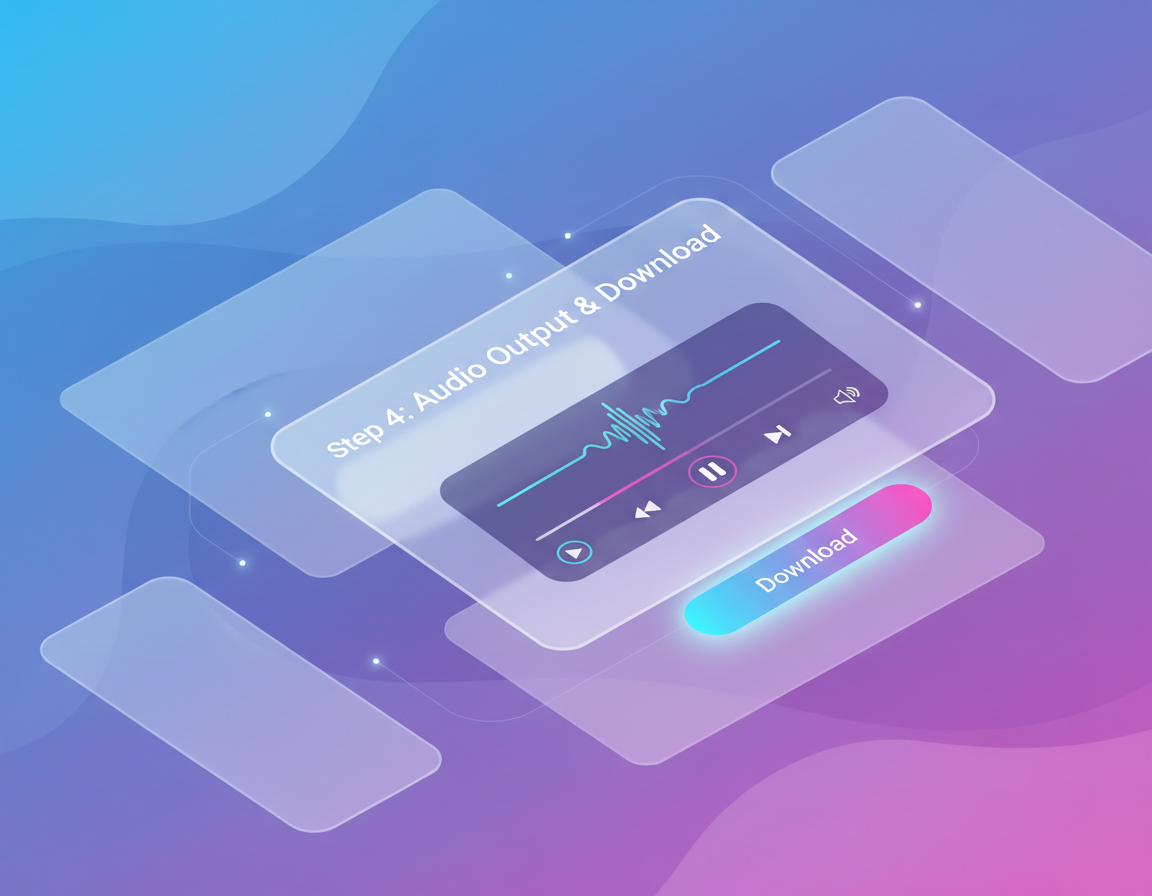
Arttribe Text to Speech gives creators, brands, and creative teams a faster way to turn written scripts into natural-sounding AI voiceovers. Generate polished speech for different projects, campaigns, and content workflows without the time and cost of traditional studio recording. With expressive AI voices, flexible voice generation, and consistent audio quality, Arttribe makes it easier to scale professional voice content while keeping your creative workflow simple and efficient.
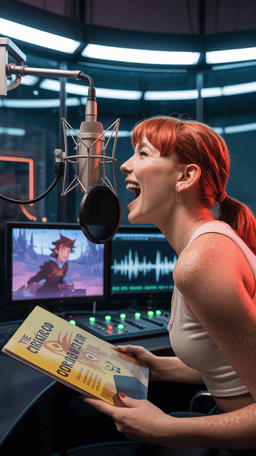
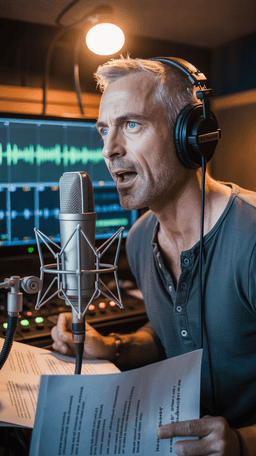
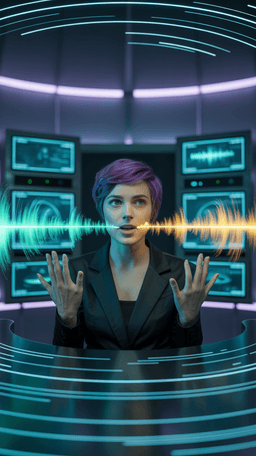

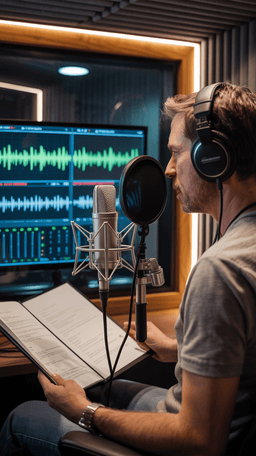
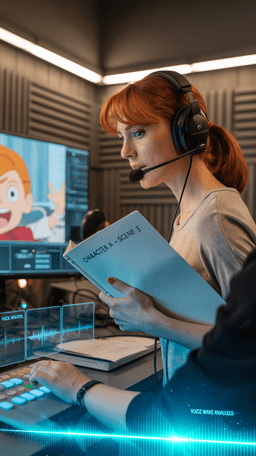
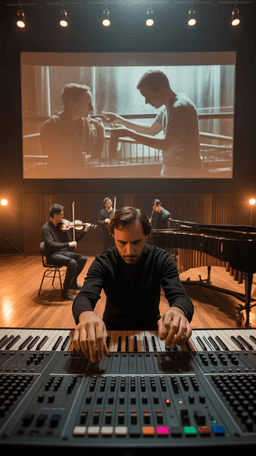
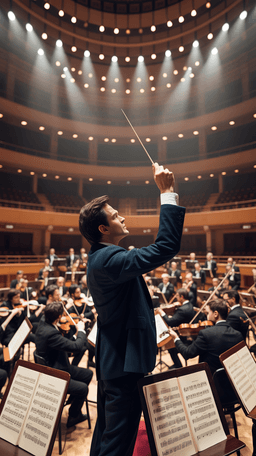

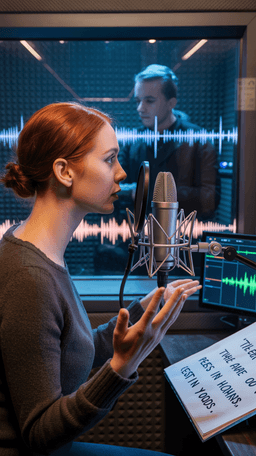
Explore the world of artistic creation with Arttribe. Discover how people worldwide are using it to express themselves and bring their ideas to form.

Maya Chen
Creative Director, Brightlane Studio


Jordan Ellis
Head of Content, Nova Brand Co.
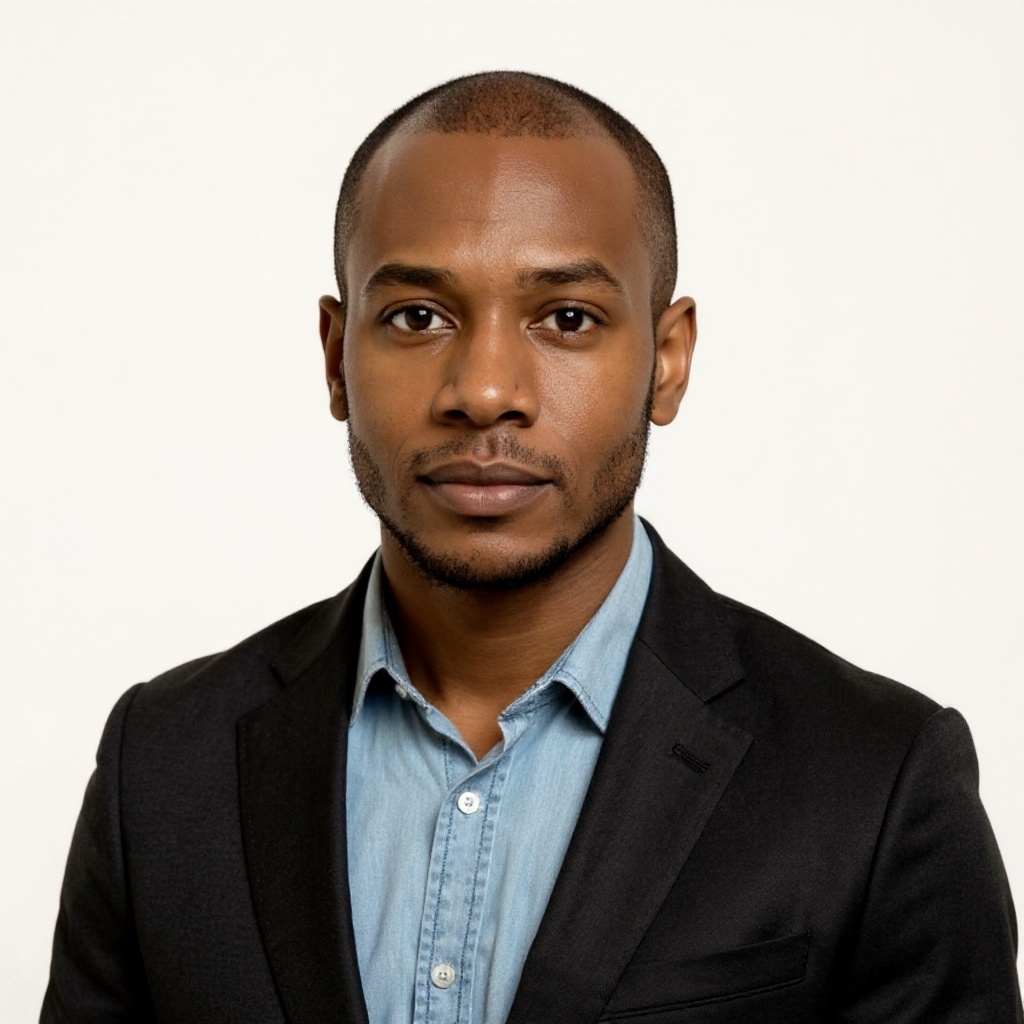
Alex Rivera
Independent Content Creator
Frequently asked questions about AI voice generation, voice cloning, and text-to-speech on Arttribe.
What is an AI voice generator?
How does voice cloning work on Arttribe?
What is text to speech on Arttribe?
Can I change my voice with AI?
Convert text into natural AI voiceovers. Start free — no credit card required.

Tools
Automations
Resources
Support Email: support@arttribe.ai
© 2026 Arttribe. All rights reserved.
Arttribe