
Aspect Ratio
Sets the frame shape, such as 1:1, 16:9, or 9:16. Match this to where the output will be used.
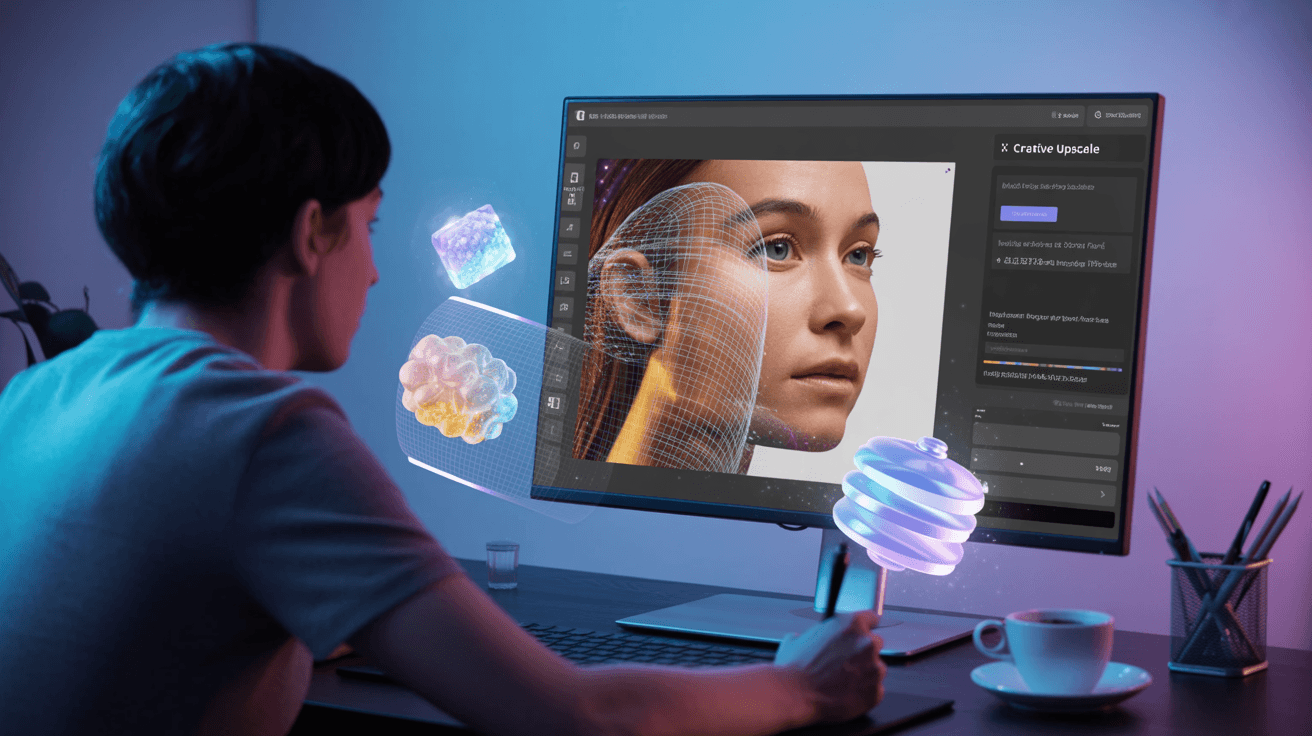
Enhance image resolution and detail with Creative Upscale on Arttribe. AI upscaling that preserves artistic intent while boosting clarity and sharpness.
Power Creativity for Global Leaders


Creative Upscale uses AI to increase image resolution and recover detail while preserving the original artistic style — ideal when you need sharper assets for print, zoomed product views, or high-resolution campaigns. On Arttribe, it is an Image Studio enhancement tool that fits between generation and delivery, helping teams export production-ready visuals from AI or low-res sources.
Upscale after generating or editing in Image Studio to prepare assets for ecommerce, ads, and large-format use. Combine with Text to Image for creation, Background Remover for clean product cutouts, and Image Editor for final touch-ups.
Explore Image StudioHow to use
Upload an image and upscale it with more detail. Use this after generation or on an existing asset that needs higher resolution.
Use a clear image from your device or from Image Studio. Heavy blur, tiny crops, and busy compression artifacts limit how much detail the upscale can add.
Prompt the subject and look you want to keep. Mention materials, lighting, and what should stay unchanged.
Pick aspect ratio, image size, number of images, and enhance prompt, then generate. Compare against the original before exporting.
Sets the frame shape, such as 1:1, 16:9, or 9:16. Match this to where the output will be used.
Chooses a resolution (1k, 2k, 4k). Shown instead of Aspect Ratio when the selected model uses image sizes.
Generates 1 to 4 images in one run. More images cost more credits and give you options to pick from.
Expands a short prompt with extra detail before generation. Helpful for vague ideas; turn it off when you already wrote a precise prompt.
| Mistake | What happens | Fix |
|---|---|---|
| Upscaling a blurry original | The model invents detail that does not match the source. | Start from the sharpest version you have. |
| Empty or unrelated prompt | The upscale drifts away from the original look. | Describe the existing image, not a new scene. |
What happens: The model invents detail that does not match the source.
Fix: Start from the sharpest version you have.
What happens: The upscale drifts away from the original look.
Fix: Describe the existing image, not a new scene.
Use Cases
Arttribe Creative Upscale enhances resolution and detail while preserving artistic intent ideal for print, e-commerce zoom, and portfolio-ready assets.
Boost image resolution for posters, banners, and high-resolution deliverables without losing texture, color, or visual character.
Sharpen product visuals for marketplace listings and zoom views so customers see crisp detail on every device.
Refine AI-generated or low-res assets into cleaner, sharper finals ready for ads, decks, and brand presentations.
Arttribe Creative Upscale transforms low resolution images into sharp, high-detail visuals ideal for product photos, marketing assets, and AI-generated art that needs a quality boost. AI upscaling recovers texture and clarity while preserving the original artistic style, so outputs stay true to your source. Use it for print-ready exports, ecommerce zoom views, social creatives, and campaign assets without starting from a new photoshoot. Built for marketers, creators, and ecommerce teams who need fast image enhancement inside Image Studio.
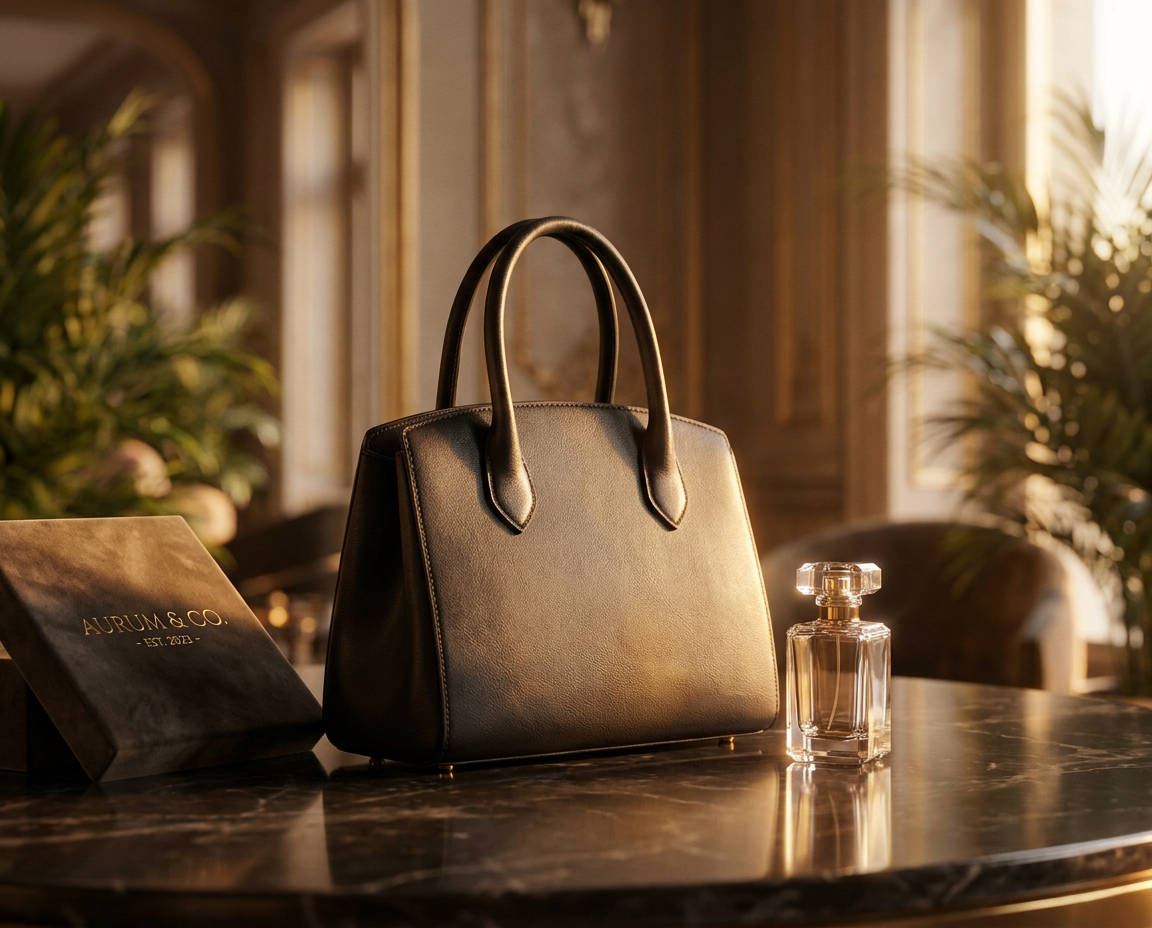
Upscale low-resolution images with AI to improve sharpness, clarity, and overall quality. Creative Upscale helps transform pixelated or blurry visuals into clean, high-resolution outputs for web and marketing use. Increase image size while recovering detail that standard resize tools lose, so your assets stay crisp on large screens, zoomed product views, and print layouts. Ideal when you need production-ready quality from smaller source files without regenerating from scratch.

Recover fine details, cleaner textures, and better visual depth with AI-powered enhancement. Ideal for improving product photos, social creatives, and brand assets without manual editing effort. Preserve artistic style and subject integrity while boosting clarity — edges stay clean, textures look natural, and colors remain consistent with the original. Use it to refine AI-generated art, campaign stills, and catalog images before export.
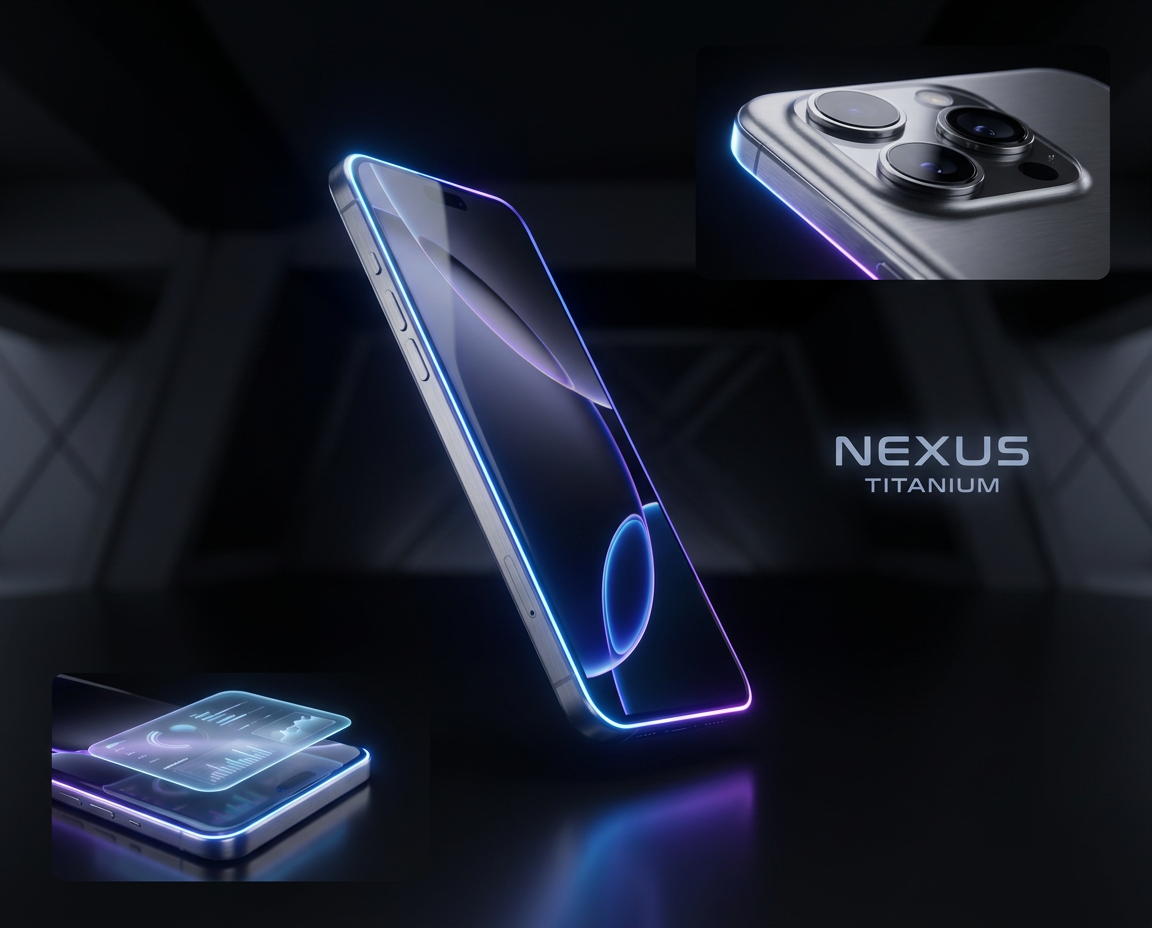
Create crisp product visuals and campaign-ready marketing images faster. Creative Upscale delivers fast, high-quality outputs for ecommerce teams, performance marketers, and content creators. Turn soft listing photos and low-res ad creatives into sharper assets ready for Amazon, Shopify, social ads, and landing pages. Ship higher-quality visuals at scale without a new photoshoot or heavy retouching workflow.
Best For Photo & Asset Enhancement
Upscale product shots, social creatives, and AI-generated images with preserved detail and cleaner textures. Get print-ready and web-ready quality from smaller source files. Recover sharpness for ecommerce zoom, campaign ads, and portfolio assets without regenerating from scratch. Built for marketers, creators, and ecommerce teams who need fast image enhancement before export.
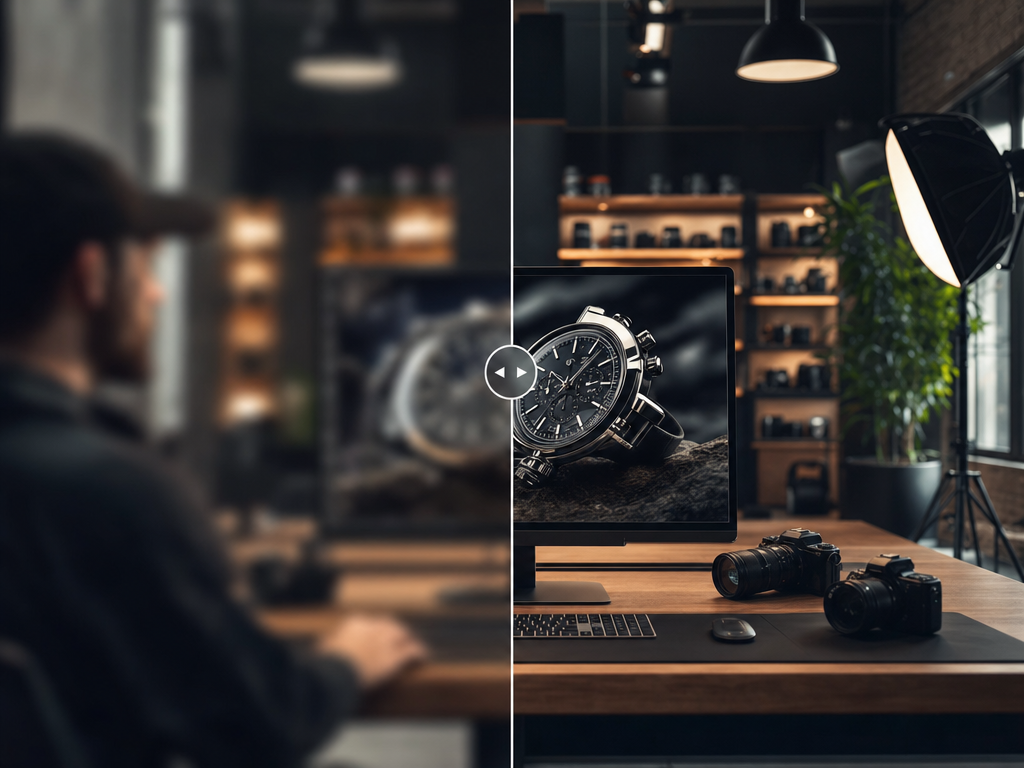
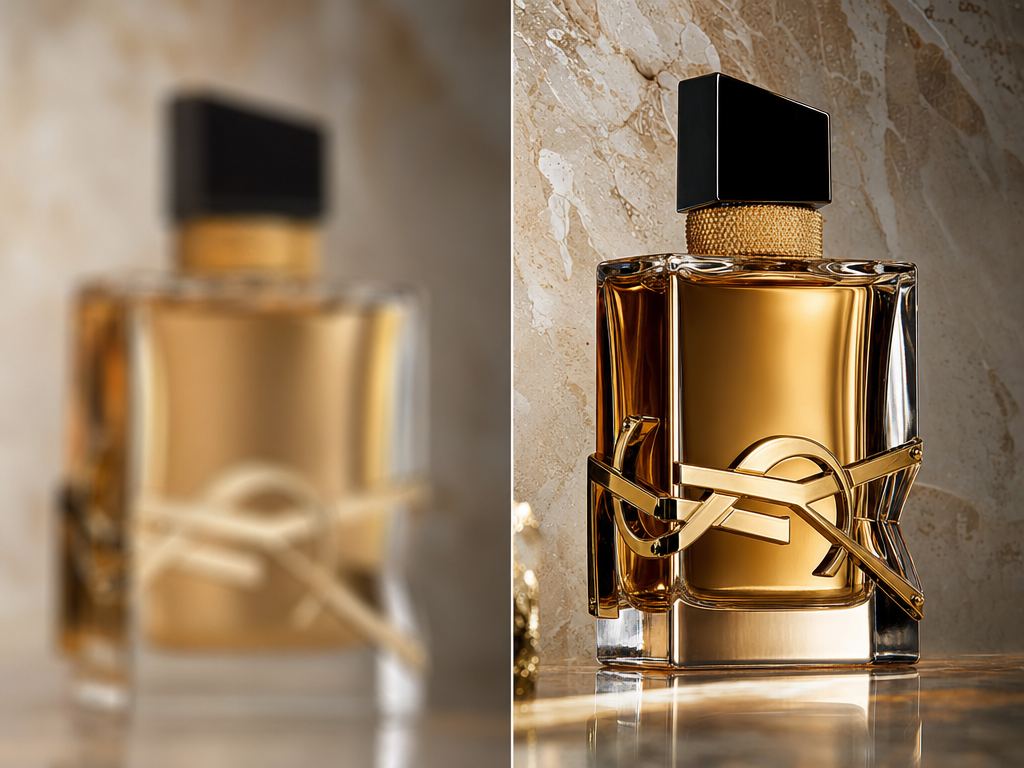
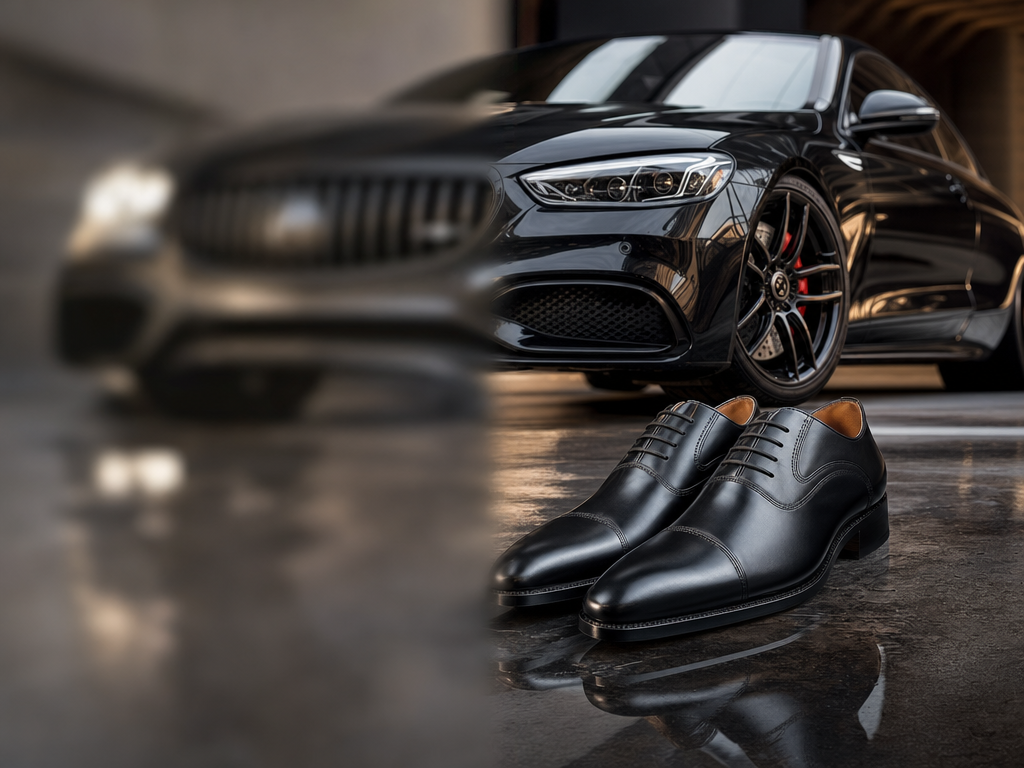
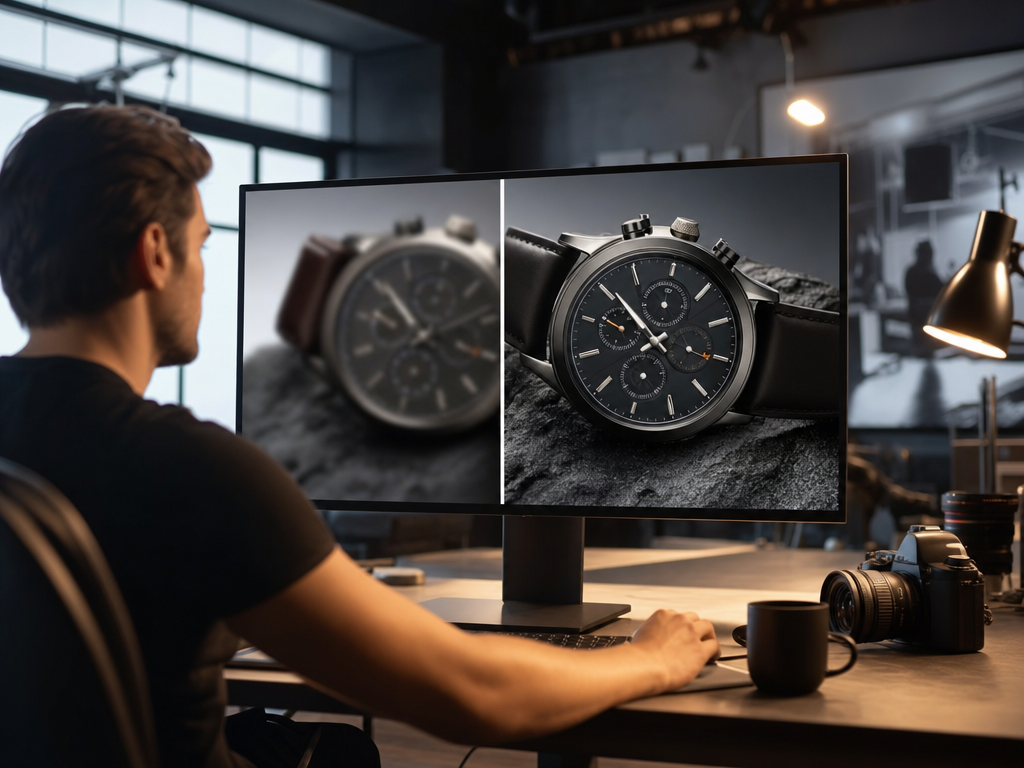
Arttribe Creative Upscale helps photographers, ecommerce sellers, and marketing teams enhance image resolution and detail at scale. Turn low-res product shots, social creatives, and AI-generated art into sharper, campaign-ready visuals without regenerating from scratch. Preserve artistic style while recovering texture and clarity for print, web, and paid ads.
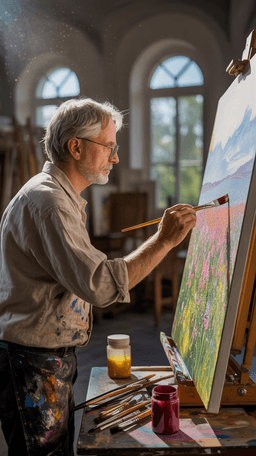
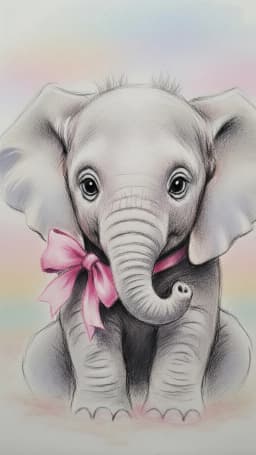
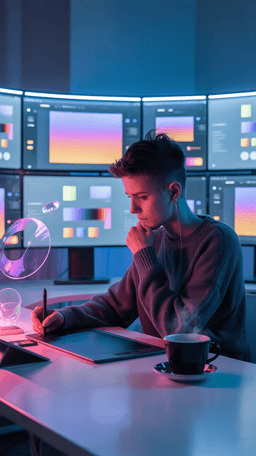
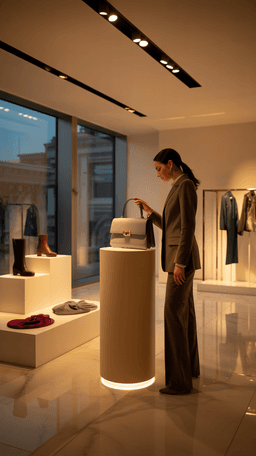
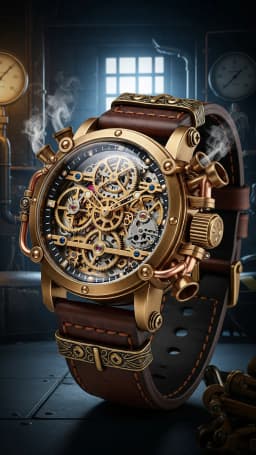
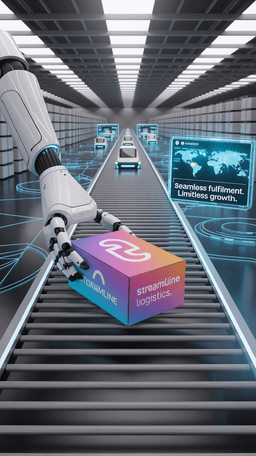
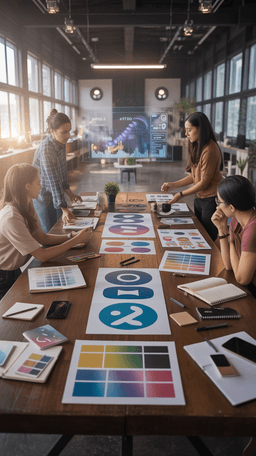

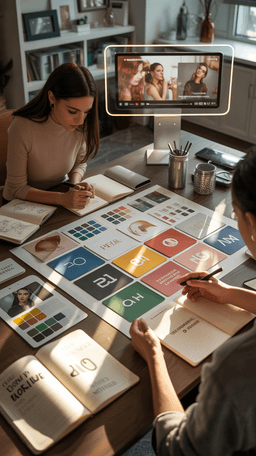
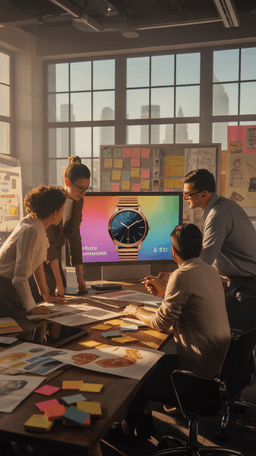

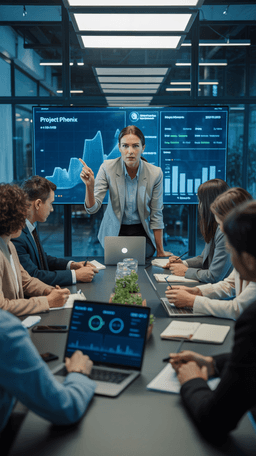
Explore the world of artistic creation with Arttribe. Discover how people worldwide are using it to express themselves and bring their ideas to form.

Maya Chen
Creative Director, Brightlane Studio

Jordan Ellis
Head of Content, Nova Brand Co.

Alex Rivera
Independent Content Creator
Answers about Arttribe Creative Upscale — an AI image upscaler to enhance resolution, recover detail, and prepare sharper product and marketing visuals.
What is Creative Upscale on Arttribe?
How do I upscale a low resolution image with AI?
Does AI upscaling preserve detail and artistic style?
Can I upscale product photos for ecommerce and ads?
Enhance resolution and detail with AI upscaling. Start free — no credit card required.

Tools
Automations
Resources
Support Email: support@arttribe.ai
© 2026 Arttribe. All rights reserved.
Arttribe