
Style
Applies a visual look to the generation, such as cinematic, illustration, or product photography.
Transform video style online on Arttribe. Video to video AI generator for AI video transformation and campaign video restyling.
Power Creativity for Global Leaders


A video to video AI generator applies AI video transformation so you can transform video style online — video style enhancement that keeps motion while changing look and mood. Use campaign video restyling and AI video restyle for ad variations and creative tests without reshooting. On Arttribe, Video to Video is an AI-based video editing tool and video content generator inside Video Studio.
Run campaign video restyling on clips from Text to Video or Image to Video, then polish in Video Editor. Pair Image Studio stills and Music Studio tracks to finish transformed campaign deliverables.
Explore Video StudioHow to use
Add a source clip, describe what happens next, and generate. Video to Video extends the original footage — it continues the shot from the last frames instead of restyling or replacing it.
Upload a file, pick one from History, or click Extend on a Text to Video, Image to Video, or Video to Video result. Short, stable single shots extend more cleanly than fast cuts or heavy shake.
Describe the next action that should follow the last frames. Weak: “continue the video.” Stronger: “she keeps walking toward camera, rain gets heavier, slow follow.” Do not describe a new scene or a style swap.
Duration is the extra length added after the source. Start short, generate, and watch the join between the original and the extension. Change the continuation prompt or duration one at a time.
This tool has no model picker or aspect ratio. The source clip is the start of the shot. Duration is how long to continue it. Prompt and styles steer what happens next. Enhance Prompt can expand a short continuation; turn it off when the next action is already specific.
Applies a visual look to the generation, such as cinematic, illustration, or product photography.
Sets the light mood — studio, natural, neon, dramatic, and similar presets. This changes contrast and atmosphere more than the subject.
Controls how the shot is framed: close-up, wide, low angle, and other camera presets.
How many extra seconds to generate after the source clip. Available lengths come from the model. Longer extensions cost more credits.
| Mistake | What happens | Fix |
|---|---|---|
| No video attached | Generate is blocked until a clip is selected. | Upload a file, pick from History, or click Extend on an existing Video Studio clip. |
| Prompting a new scene or restyle | The extension breaks from the source and the join looks wrong. | Prompt the next action only. Keep the same subject, setting, and camera from the original clip. |
| Busy multi-cut source | The model cannot continue one shot when the source already cuts. | Extend one continuous shot at a time, then cut the results together in Video Editor. |
| Oversized source video | Clips wider or taller than 1920px are reduced before generation. | Use a clip at 1920px or below when you need to keep native sharpness. |
What happens: Generate is blocked until a clip is selected.
Fix: Upload a file, pick from History, or click Extend on an existing Video Studio clip.
What happens: The extension breaks from the source and the join looks wrong.
Fix: Prompt the next action only. Keep the same subject, setting, and camera from the original clip.
What happens: The model cannot continue one shot when the source already cuts.
Fix: Extend one continuous shot at a time, then cut the results together in Video Editor.
What happens: Clips wider or taller than 1920px are reduced before generation.
Fix: Use a clip at 1920px or below when you need to keep native sharpness.
Use Cases
Arttribe is a video to video AI generator for AI video transformation — transform video style online and run campaign video restyling.
Transform video style online with AI video restyle and video style enhancement for branded content and creative A/B testing.
Campaign video restyling creates multiple ad looks from one source — different moods and treatments for performance testing.
AI video transformation to revisualize videos with AI for seasonal promos, rebrands, and platform-specific campaign refreshes.
Arttribe is a video to video AI generator for AI video transformation — transform video style online, refresh campaigns, and create channel-ready variants without reshooting. Use AI video restyle, video style enhancement, and campaign video restyling to turn one clip into multiple looks for ads, social, and brand storytelling. Revisualize videos with AI inside Video Studio as an AI-based video editing tool and video content generator for marketers who need fast creative variations.
Use this video to video AI generator for AI video transformation and transform video style online on existing footage. Apply video style enhancement and AI video restyle for social campaigns and branded storytelling — without reshooting. Revisualize videos with AI inside Video Studio and ship fresh looks from one source clip.
Campaign video restyling turns one clip into many versions — faster A/B testing, localization, and channel-specific edits. Pair AI video restyle with video style enhancement to compare moods before you commit spend. Ideal for marketers who need AI video transformation without rebuilding every creative from scratch.
Transform video style online with an AI-based video editing tool that adapts one base video into campaign variants for paid ads and social. Revisualize videos with AI for seasonal refreshes and platform cuts while keeping motion intact. Built for teams that need a video to video AI generator and video content generator for multi-channel output.
Best For Campaign Restyling & Ad Tests
Use campaign video restyling and AI video restyle to refresh ads, social content, and branded storytelling. Transform video style online with this video to video AI generator — revisualize videos with AI and turn one source into many directions for A/B tests. Pair video style enhancement with AI video transformation when you need a video content generator without rebuilding shoots from scratch.
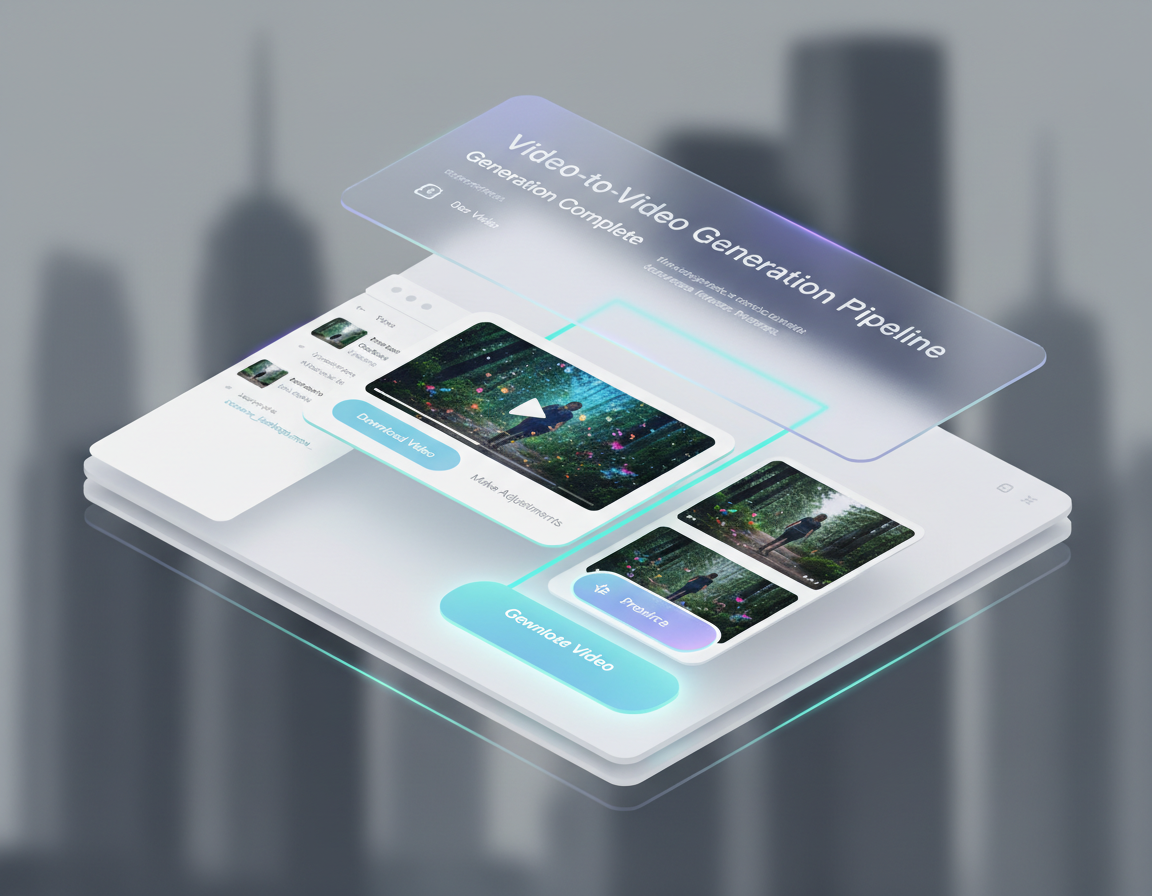
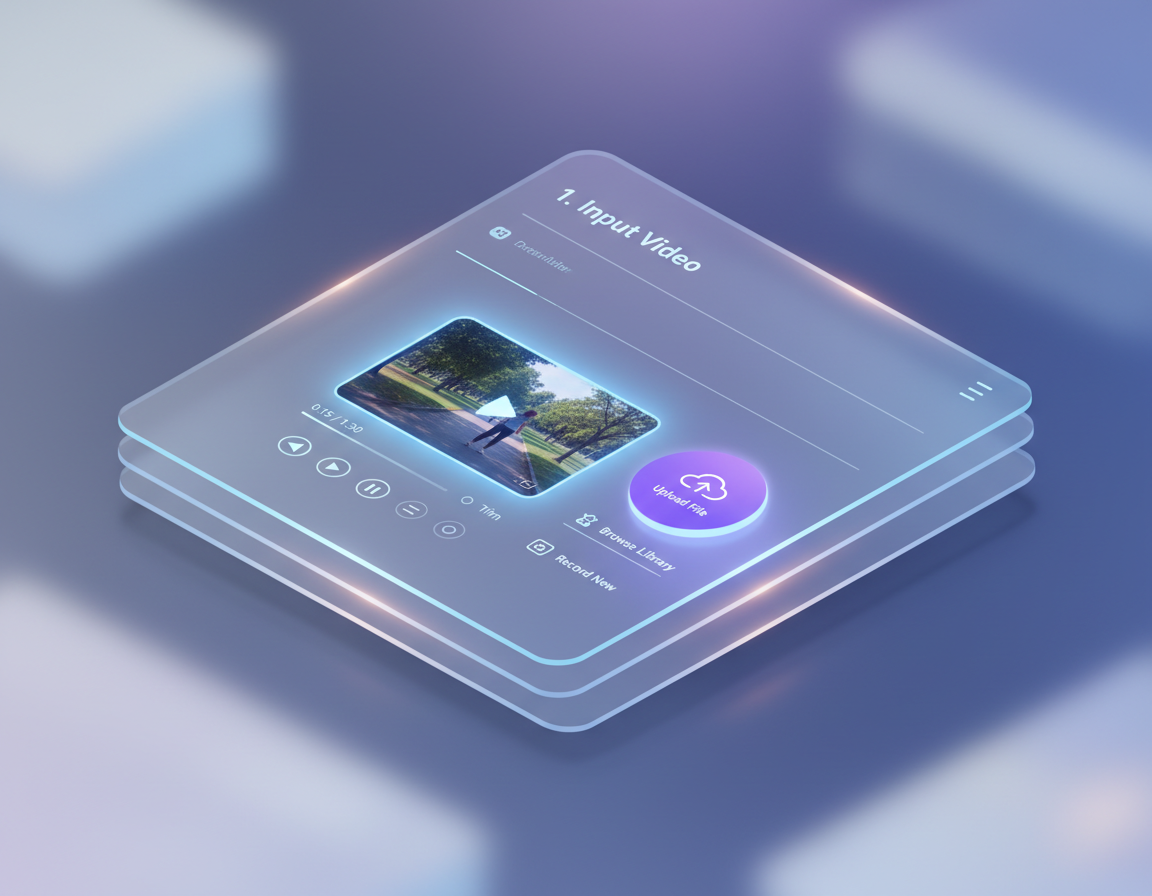
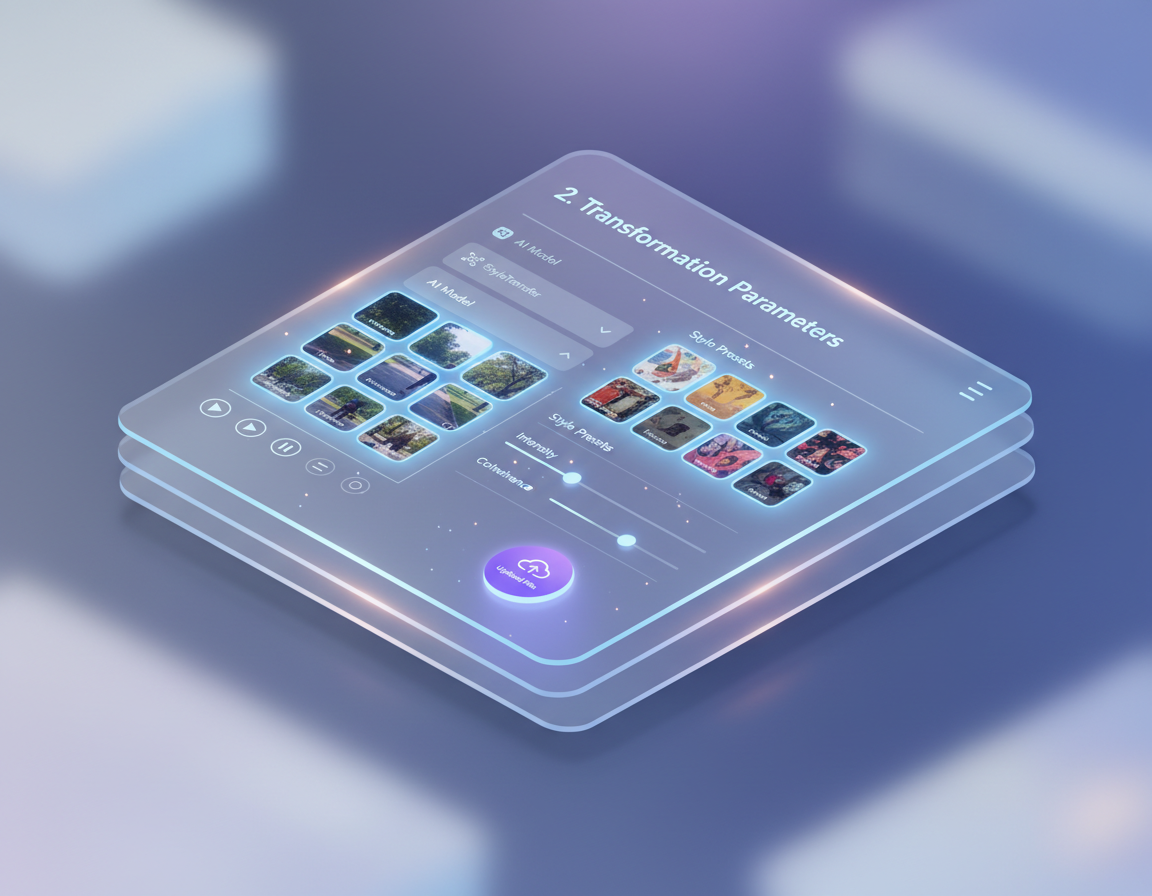
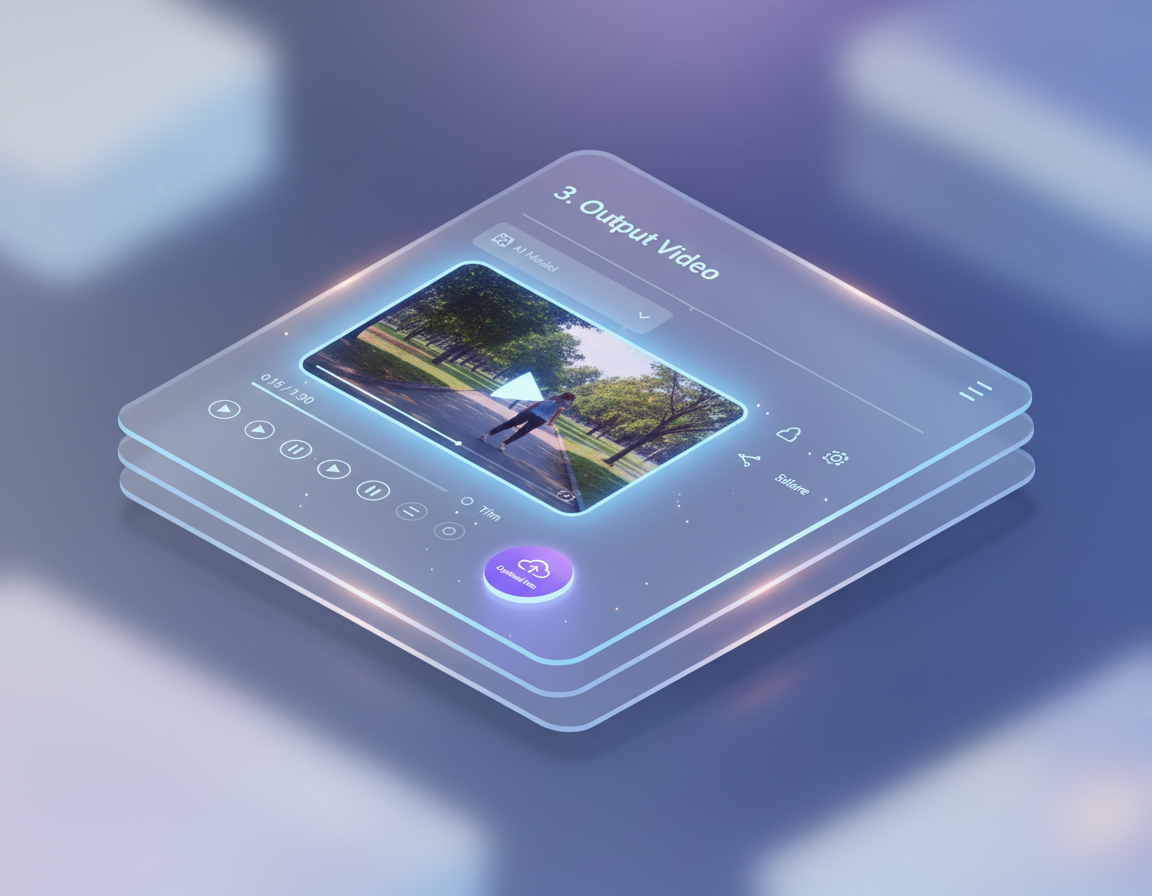
Arttribe Video to Video is an AI-based video editing tool for agencies, marketers, and editors who need AI video transformation at scale. Transform video style online, apply campaign video restyling, and ship fresh variants without starting from scratch. Use this video to video AI generator as a video content generator for ads, social refreshes, and campaign adaptations inside Video Studio.
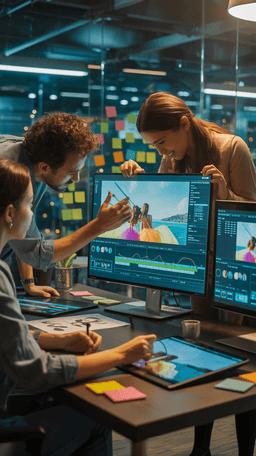


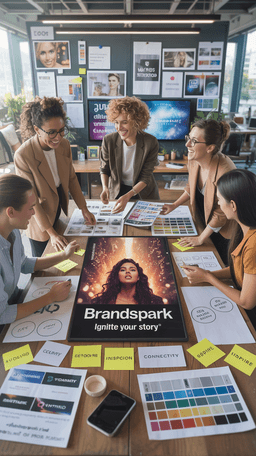

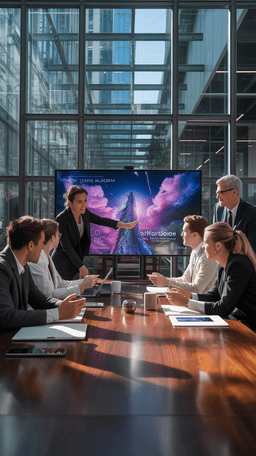

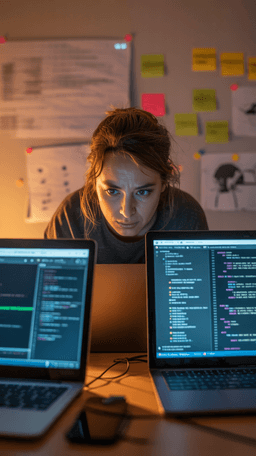
Explore the world of artistic creation with Arttribe. Discover how people worldwide are using it to express themselves and bring their ideas to form.

Maya Chen
Creative Director, Brightlane Studio


Jordan Ellis
Head of Content, Nova Brand Co.
Alex Rivera
Independent Content Creator
Answers about Arttribe Video to Video — a video to video AI generator for AI video transformation, campaign video restyling, and transform video style online.
What is a video to video AI generator?
Can I transform video style online?
What is campaign video restyling?
Is Video to Video an AI-based video editing tool?
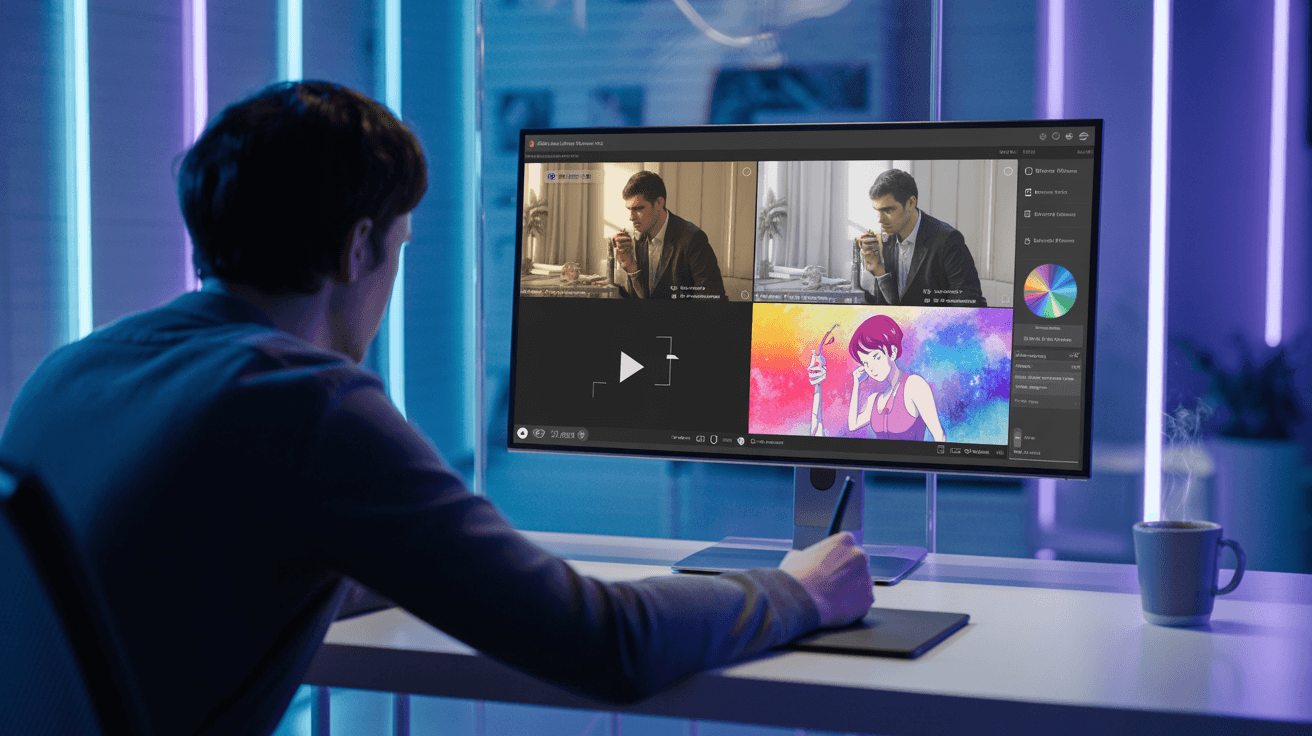
Transform video style online with AI video transformation. Start free — no credit card required.

Tools
Automations
Resources
Support Email: support@arttribe.ai
© 2026 Arttribe. All rights reserved.
Arttribe