
Source audio
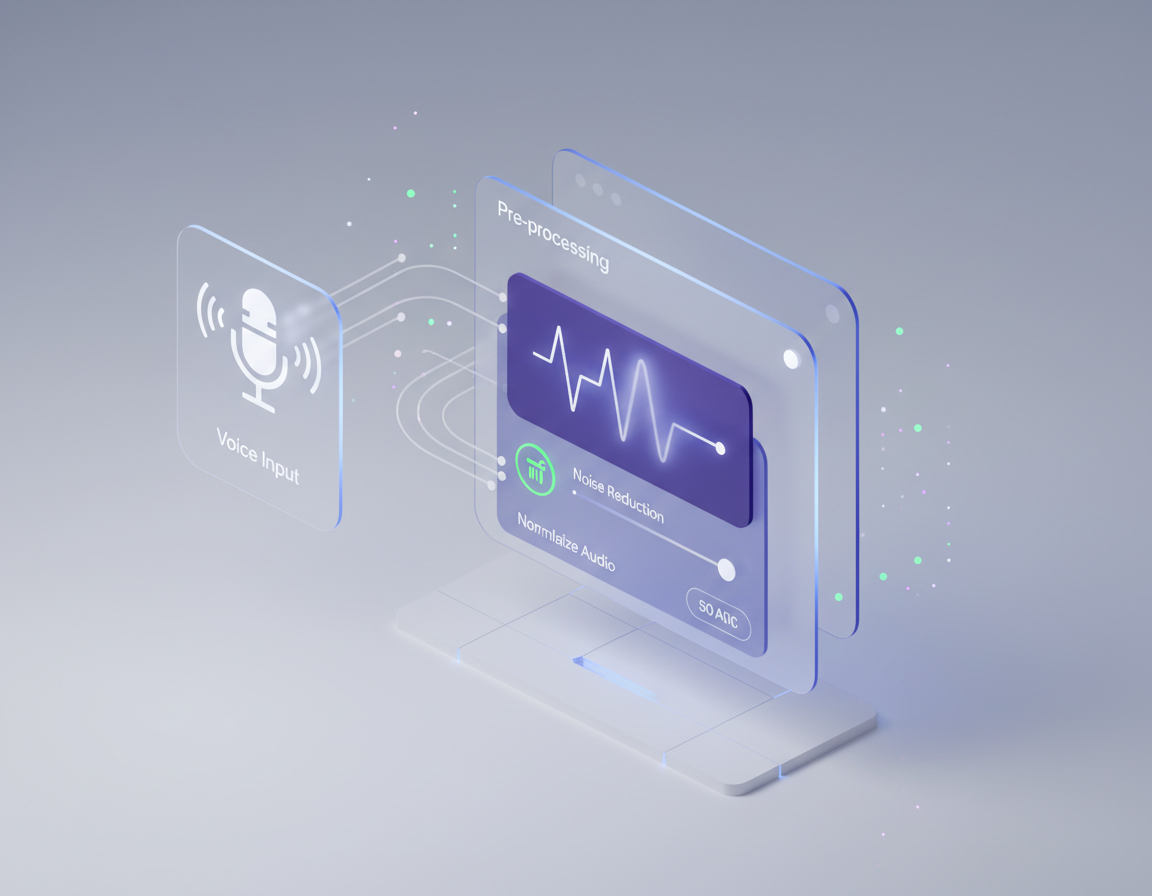
The recording you upload. One clean speaker with low noise converts better than a mix with music under the voice. Keep a copy of the original so you can compare.
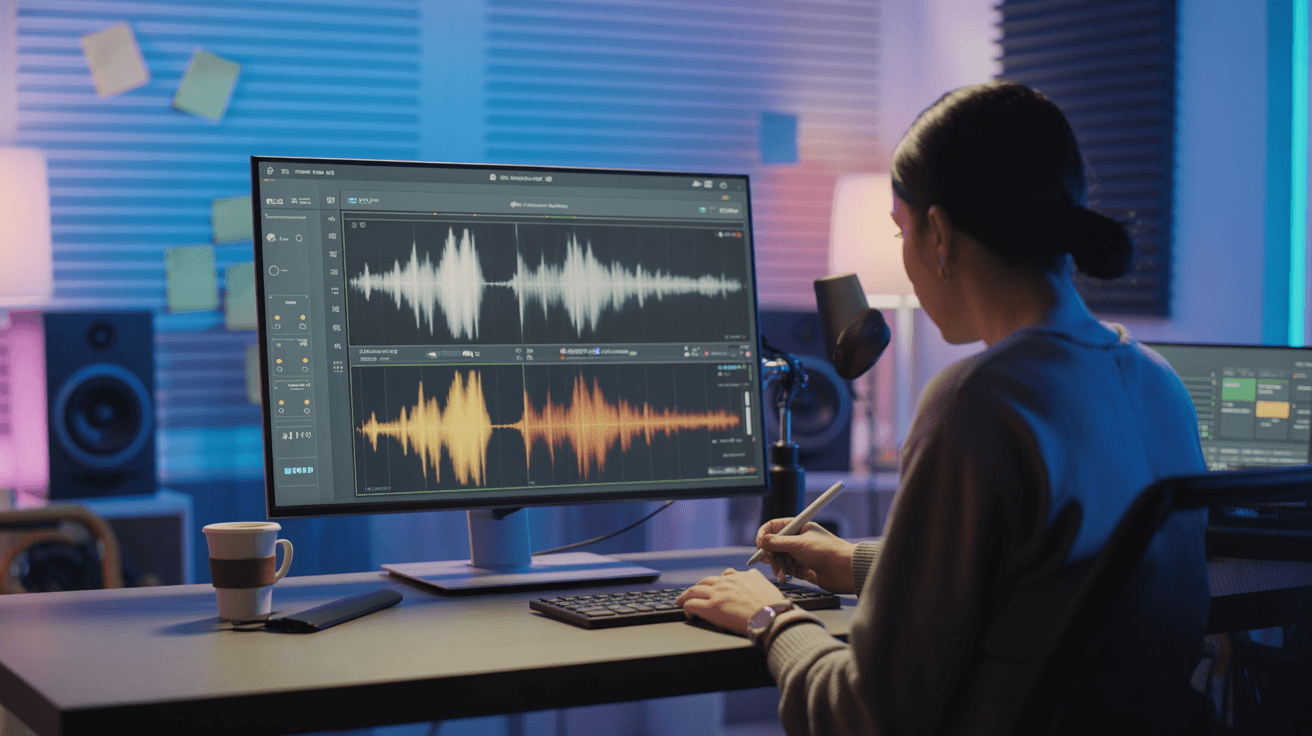
Transform one voice into another with AI on Arttribe. Voice-to-voice conversion for dubbing, character voices, and creative audio production.
Power Creativity for Global Leaders


Voice to voice converts an existing audio recording into a new AI voice while preserving speech patterns, timing, and delivery. Upload a clip, choose a target voice, and generate transformed speech for dubbing, character work, and localized content — without re-recording the full performance. On Arttribe, Voice to Voice sits inside Voice Studio alongside text-to-speech, cloning, and audio cleanup tools in one production workflow.
Use Voice to Voice when you already have a recording and need a different vocal identity. Pair it with Noise Cancelling for cleaner source audio, Voice Cloning for a branded target voice, or Text to Speech when you are starting from a script instead of a recording.
Explore Voice StudioHow to use
Convert a recorded voice into another AI voice with Arttribe Voice to Voice. Upload a take, pick the target voice, and keep timing and emotion for dubbing, localization, and character work.
Use one speaker, low noise, and little music under the voice. Overlap and hiss reduce conversion quality.
Pick a catalog voice or a cloned voice. This is who the output should sound like while the original performance keeps the timing.
Raise similarity to stay closer to the target identity. Generate and listen to the full take before you export.
Adjust your voice to voice settings, including source audio, target voice, speed, and similarity, to convert a recording that still matches the original performance.
The recording you upload. One clean speaker with low noise converts better than a mix with music under the voice. Keep a copy of the original so you can compare.
Selects the speaker. Catalog voices and your cloned voices both appear here when the model supports them. Pick the voice first, then tune speed and delivery.
Controls how fast the voice speaks. Lower is slower and clearer. Higher is quicker and more energetic. Start near the default, then nudge after you hear a full take.
How consistent the delivery stays. Higher stability sounds even. Lower stability adds more variation between lines. Use higher values for long narration.
How closely the output should match the selected voice. Higher keeps the original character. Lower allows more interpretation. Raise it if the identity starts to slip.
Pushes emotional delivery. Raise it for ads and character reads. Keep it low for narration and long-form speech. Change this after voice and speed feel right.
| Mistake | What happens | Fix |
|---|---|---|
| Noisy or multi-speaker source | The converted voice warbles or picks up the wrong person. | Record one speaker in a quiet room, or run Noise Cancelling first. |
| Skipping the target voice | Generation cannot start, or the identity is random. | Select a narration voice before you convert. |
| Changing every slider at once | You cannot tell what kept the timing or the identity. | Move similarity first. Then adjust speed or stability. |
What happens: The converted voice warbles or picks up the wrong person.
Fix: Record one speaker in a quiet room, or run Noise Cancelling first.
What happens: Generation cannot start, or the identity is random.
Fix: Select a narration voice before you convert.
What happens: You cannot tell what kept the timing or the identity.
Fix: Move similarity first. Then adjust speed or stability.
Use Cases
Arttribe Voice to Voice converts one recorded voice into another while keeping timing, emotion, and delivery intact built for dubbing, localization, and creative audio workflows.
Replace original dialogue with a new AI voice style for films, ads, and social videos without scheduling another recording session.
Adapt voice recordings for global audiences by transforming speech into localized voice profiles for international campaigns and content.
Turn a single performance into multiple character or brand voices for storytelling, branded series, and serialized content production.
Arttribe Voice to Voice converts recordings from one voice into another while preserving message, timing, and delivery — perfect for dubbing and localization.
Convert one voice recording into a new voice style while preserving the original message, timing, and delivery.
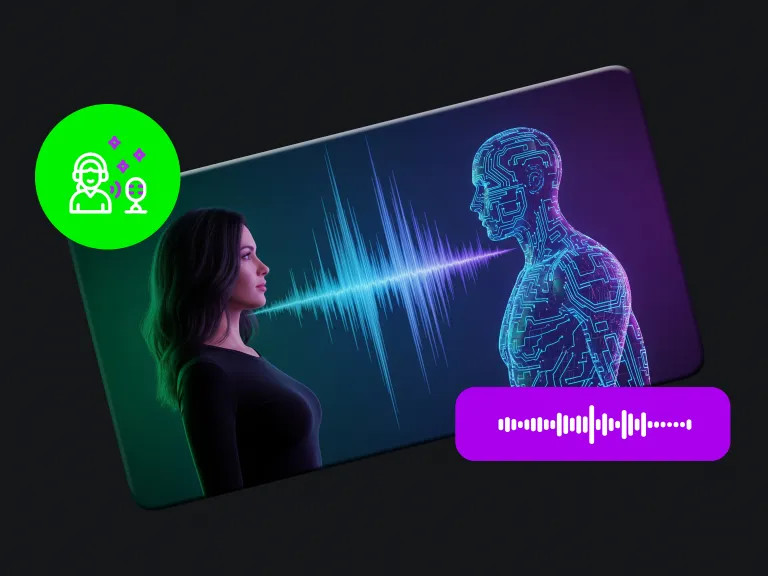
Generate multiple voice versions quickly for localization, campaign testing, and platform-specific content formats.
Repurpose existing voice recordings into polished outputs for ads, videos, podcasts, and branded audio experiences.
Best For Dubbing & Localization
Convert voice recordings into new voice styles for multilingual content, dubbed videos, and localized ad campaigns without re-recording from scratch.
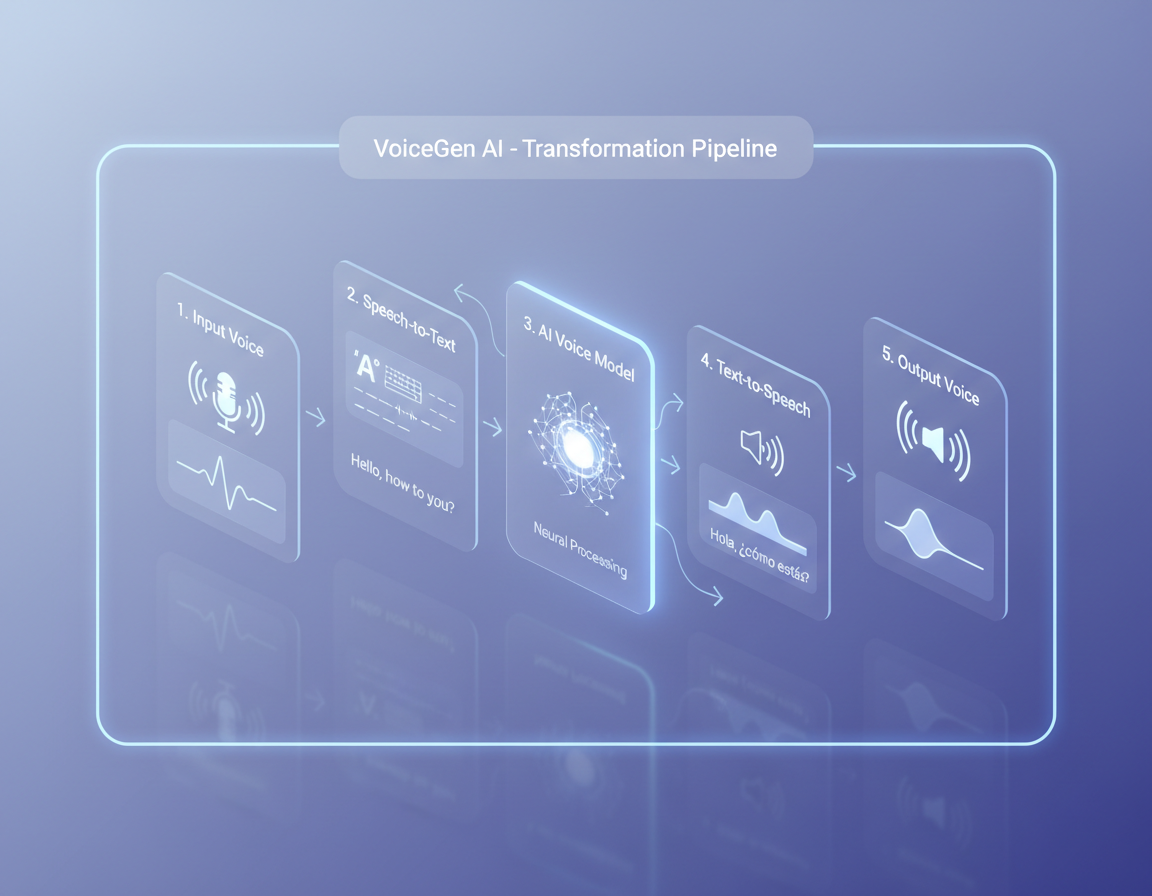
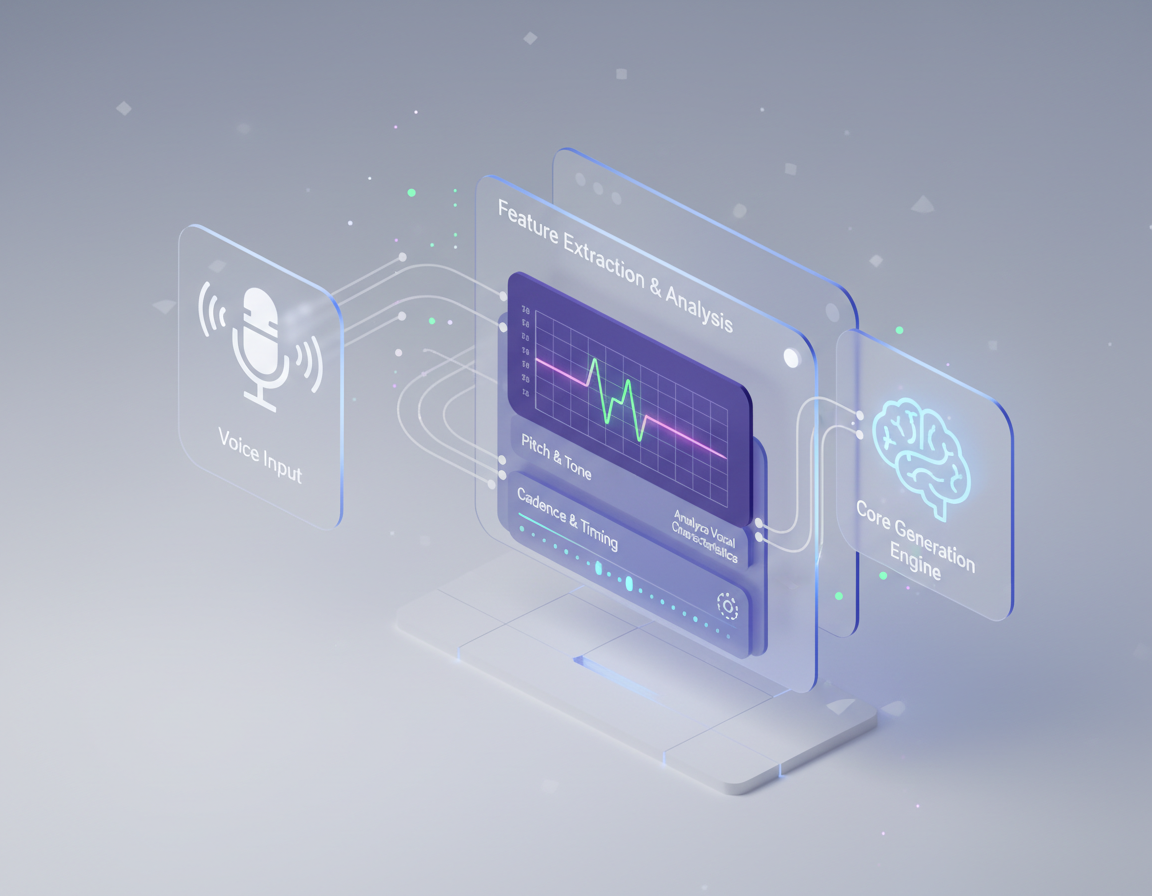
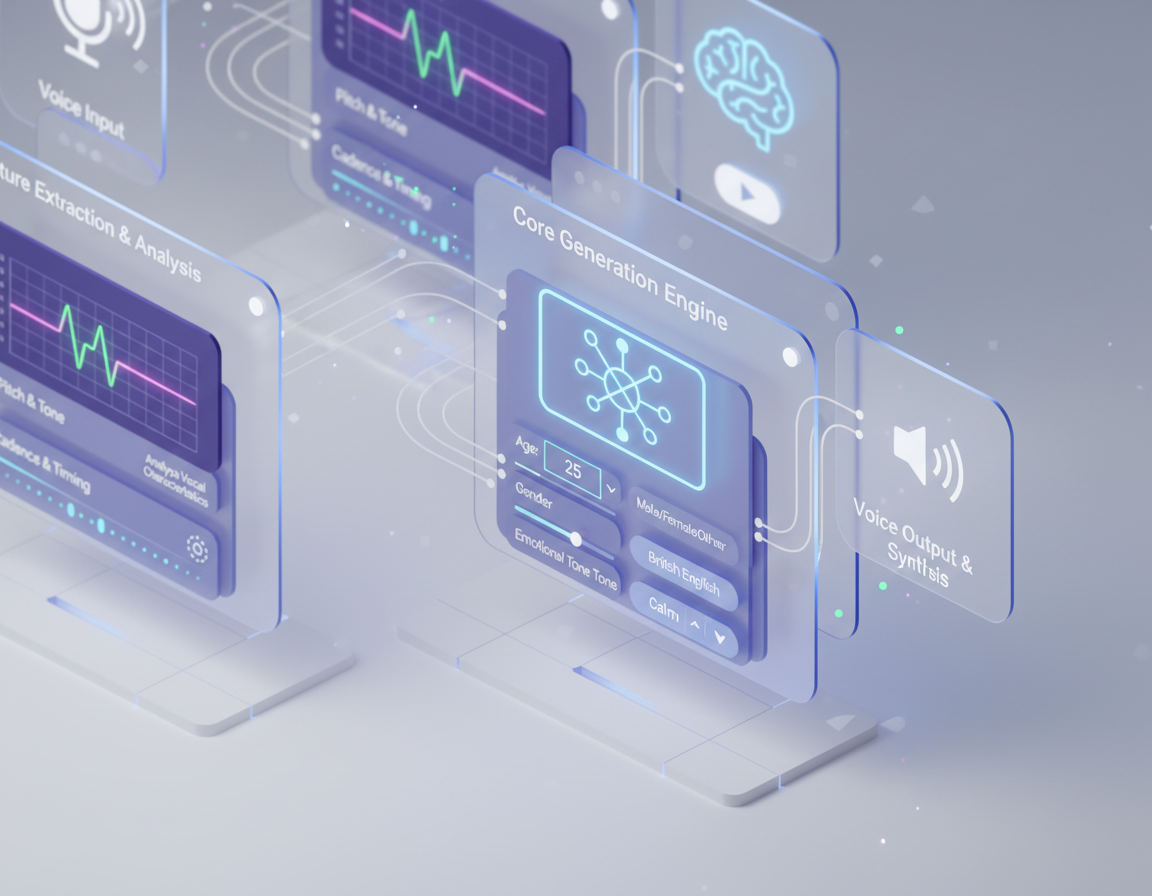
Arttribe Voice to Voice helps content creators, agencies, and production teams transform voice recordings at scale for dubbing and creative projects.
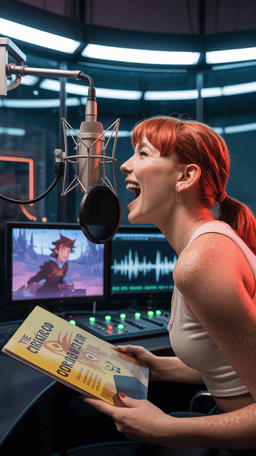
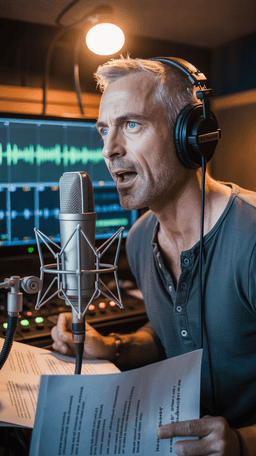
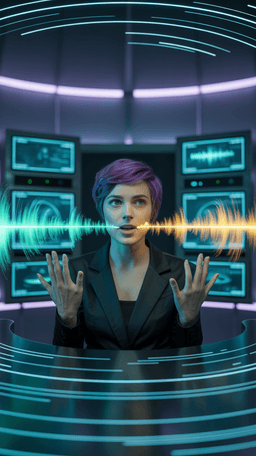

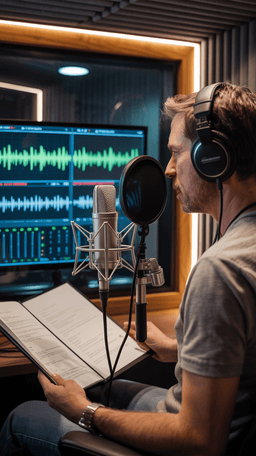
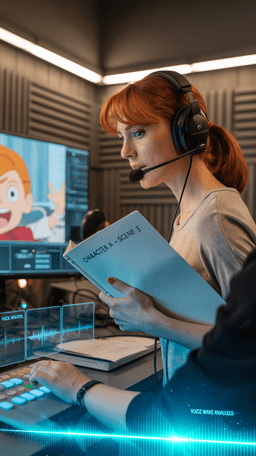
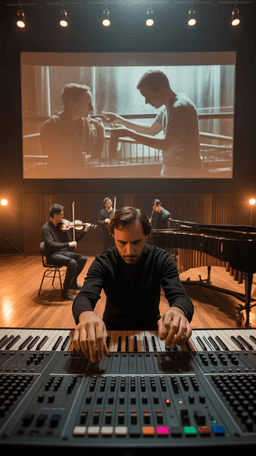

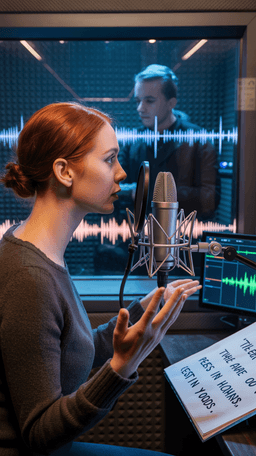
Explore the world of artistic creation with Arttribe. Discover how people worldwide are using it to express themselves and bring their ideas to form.

Maya Chen
Creative Director, Brightlane Studio


Jordan Ellis
Head of Content, Nova Brand Co.
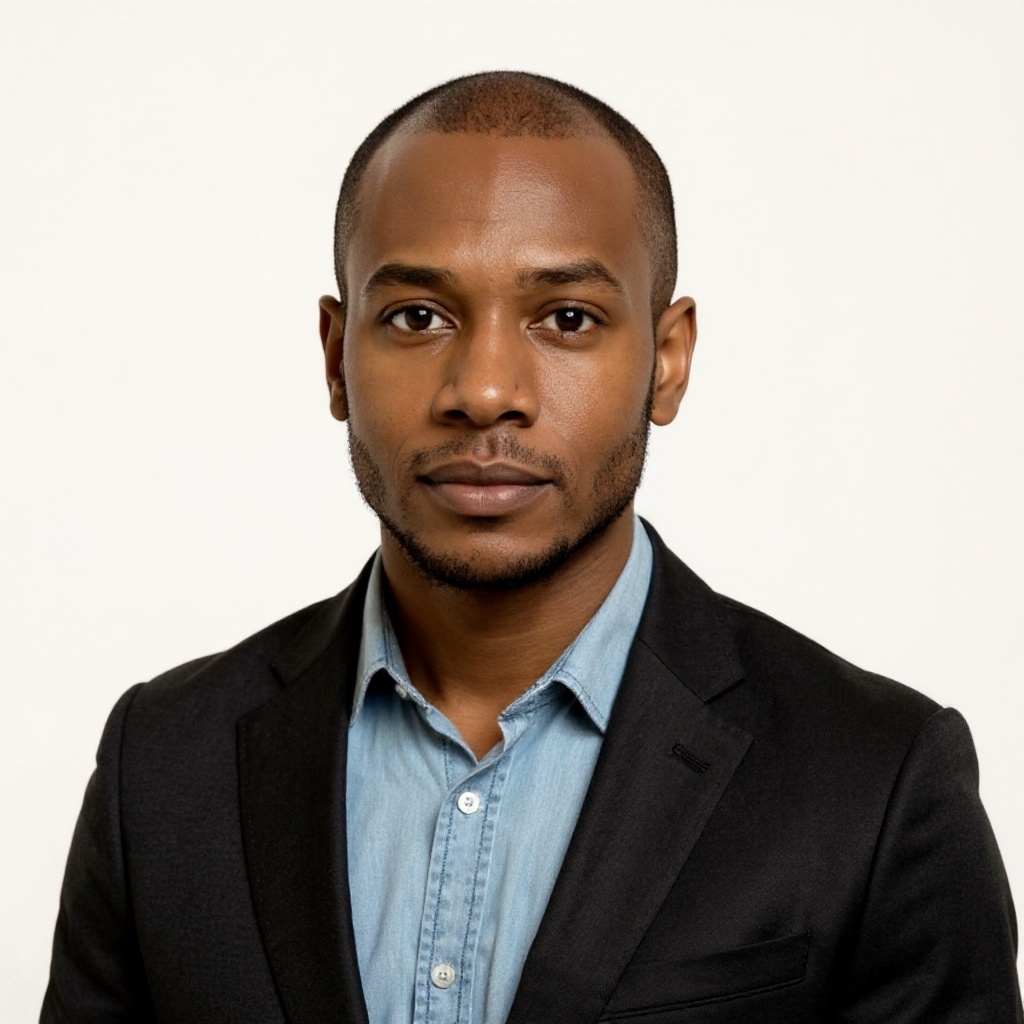
Alex Rivera
Independent Content Creator
Frequently asked questions about AI voice generation, voice cloning, and text-to-speech on Arttribe.
What is an AI voice generator?
How does voice cloning work on Arttribe?
What is text to speech on Arttribe?
Can I change my voice with AI?
Transform one voice recording into another with AI. Start free — no credit card required.

Tools
Automations
Resources
Support Email: support@arttribe.ai
© 2026 Arttribe. All rights reserved.
Arttribe