
Timeline
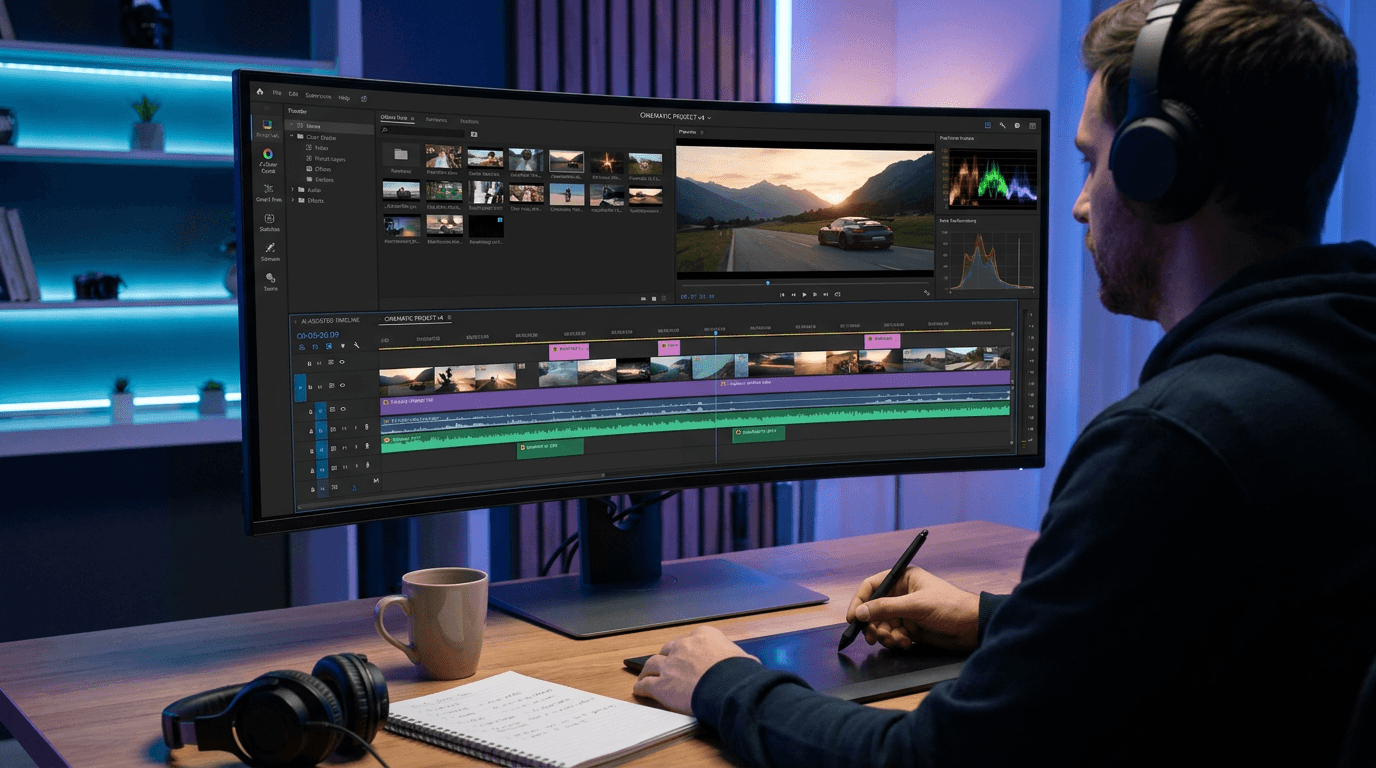
Where video, images, text, captions, and audio sit on tracks. Trim by dragging clip edges. Treat each AI clip as a new shot, not a continuous take.
Arttribe Video Editor is a free online video editor for creators and marketers. Trim videos online, crop clips, polish video for free, and edit videos for ads and social media in one browser workflow.
Power Creativity for Global Leaders


Arttribe Video Editor is a free online video editor that helps you trim videos online, crop clips, compose scenes, and polish video online for free. Use it for social media and ads. It is built for creators and marketers who need a fast social media video editor and a video editor for ads without installing desktop software. Edit videos, refine timing, and prepare publish ready cuts in one Video Studio workflow. Then integrate music with video for stronger campaign delivery.
Trim and polish clips from Text to Video and Image to Video, then integrate music with video from Music Studio before export. Video Editor completes the loop from generation to publish ready social and ad content inside Arttribe.
Explore Video StudioHow to use
Open a project on the timeline and finish it: trim, overlay, caption, add audio, then render. This is a desktop editor, not a prompt-only generator.
Click Edit New, then upload a file, pick a clip from History, or generate one. You can also open an existing project from All Videos.
Trim clip edges, add Uploads, Text, Captions, Audio, Images, or Stickers from the left panels. Keep each AI clip as its own shot rather than one long take.
Watch the full sequence in the player. When it is ready, use Render Video to export. The file is saved back to the Video Editor dashboard.
The left panels replace the generation sidebar used by other Video Studio tools. Work in the timeline, then export from the header.
Where video, images, text, captions, and audio sit on tracks. Trim by dragging clip edges. Treat each AI clip as a new shot, not a continuous take.
Bring in your own video, image, and audio files, then drop them on the timeline at the playhead.
Add titles on the canvas. Captions can come from an SRT file or a script with automatic timing.
Add music or voiceover under the picture. Pair with tracks from Music Studio or Voice Studio.
Exports the timeline and saves the file to the Video Editor dashboard. Preview the full cut before you render.
The editor is not available on mobile. Use a desktop or wider screen for the best experience.
| Mistake | What happens | Fix |
|---|---|---|
| Trying to open it on mobile | The tool is not available on mobile. | Use desktop, or generate clips with Text to Video / Image to Video on mobile. |
| Expecting one generation to be a full video | Most models output a short clip, not a finished edit. | Generate several clips, then cut, caption, and mix them here. |
What happens: The tool is not available on mobile.
Fix: Use desktop, or generate clips with Text to Video / Image to Video on mobile.
What happens: Most models output a short clip, not a finished edit.
Fix: Generate several clips, then cut, caption, and mix them here.
Use Cases
Arttribe Video Editor is a free online video editor that lets you trim videos online, crop clips, and polish video for social media and ads. It is built for creators and marketers who need a fast social media video editor without desktop software.
Trim videos online and crop clips for Reels, Shorts, and TikTok. Make quick social cuts without a full production suite.
Build and polish ad creatives for paid social and landing pages. Get fast video editing for ads when you need campaign ready clips.
Polish video online for free and integrate music with video for stronger hooks across social posts and marketing campaigns.
Arttribe is a free online video editor built for fast video editing without heavy desktop software. Trim videos online, crop clips, compose scenes, and polish video online for free. It works well for social media and paid campaigns. Use this social media video editor as a video editor for ads when you need quick cuts, cleaner timing, and publish ready content. From TikTok and Reels to YouTube Shorts and marketing creatives, edit videos and integrate music with video inside Video Studio.
Arttribe Video Editor is a free online video editor for everyday cuts. Trim videos online, crop clips, and polish video online for free. Edit videos for social posts and ads in your browser without installing heavy desktop software. Built for creators and marketers who want a simple way to turn raw footage into publish ready content inside Video Studio.
Trim videos online and crop clips for Reels, Shorts, TikTok, and paid placements. Make quick format changes in one social media video editor workflow, then polish timing and delivery before you export. Ideal when you need clean social cuts without opening a full desktop editing suite or slowing down your content calendar.
Use this video editor for ads and social media video editing when you need campaign ready clips fast. Compose scenes, polish video for marketing, and integrate music with video for stronger hooks across channels. Built for teams shipping paid social creatives, brand promos, and multi platform video edits from one place.
Best For Trim, Crop & Social Cuts
Use Video Editor to trim videos online and crop clips for Reels, Shorts, TikTok, and paid placements. It is ideal for social media video editing and video editing for ads when you need fast turnaround without a full production suite. Polish video online for free, arrange scenes, and prepare campaign ready cuts in one free online video editor workflow. Built for creators and marketing teams who want clean edits for ads, landing pages, and multi platform social content.




Arttribe Video Editor helps creators, social media teams, and agencies edit videos online. It is a free online video editor for ads, Reels, and campaign clips. Trim videos online, crop clips, and polish social content without complex desktop software. Built for teams that need a social media video editor and a video editor for ads to ship faster across TikTok, Instagram, YouTube, and paid campaigns.











Explore the world of artistic creation with Arttribe. Discover how people worldwide are using it to express themselves and bring their ideas to form.

Maya Chen
Creative Director, Brightlane Studio


Jordan Ellis
Head of Content, Nova Brand Co.

Alex Rivera
Independent Content Creator
Answers about Arttribe Video Editor, a free online video editor to trim videos, crop clips, and polish social and ad content.
Is Arttribe a free online video editor?
Can I trim videos online and crop clips?
Can I use Video Editor for ads and social media?
Do I need desktop video editing software?
Edit videos online with Arttribe free online video editor. No credit card required. Trim, crop, polish, and prepare social and ad clips in your browser.

Tools
Automations
Resources
Support Email: support@arttribe.ai
© 2026 Arttribe. All rights reserved.
Arttribe