
Genre
Sets the musical style for the track, such as pop, hip-hop, cinematic, or lo-fi. Genre steers rhythm, instruments, and vocal delivery. Pick the closest genre first. Change it only if the arrangement or vocal style is still off.
Power Creativity for Global Leaders


The Arttribe text to song app runs in the browser. No install. Write a prompt or paste lyrics, pick a genre, and generate a full-fledged song with vocals. Use that track solo or remix it with other songs. Best for artists and music studio owners. It lives in Music Studio next to Text to Music, so songs and instrumental beds stay in one workspace.
Generate the song in Text to Song. Generate images in Text to Image, edit them in Image Editor, then put the song behind those stills in Video Editor.
Explore Music StudioHow to use
Open the text to song app in the browser. Write a prompt or paste lyrics, pick a genre, hit Generate. You get a full song with text to song vocals you can use solo or remix. Start free — no credit card required.
Prompt is a short brief: theme, mood, vocal style, structure. Lyrics is for words you want sung as written. Already have rhyming verses and a chorus? Use Lyrics as a text to rhyme song generator — paste them, label verse and chorus.
Pick pop, hip-hop, cinematic, lo-fi, or the closest match. Click Generate and wait. Genre sets rhythm, instruments, and how the AI singer delivers the vocal.
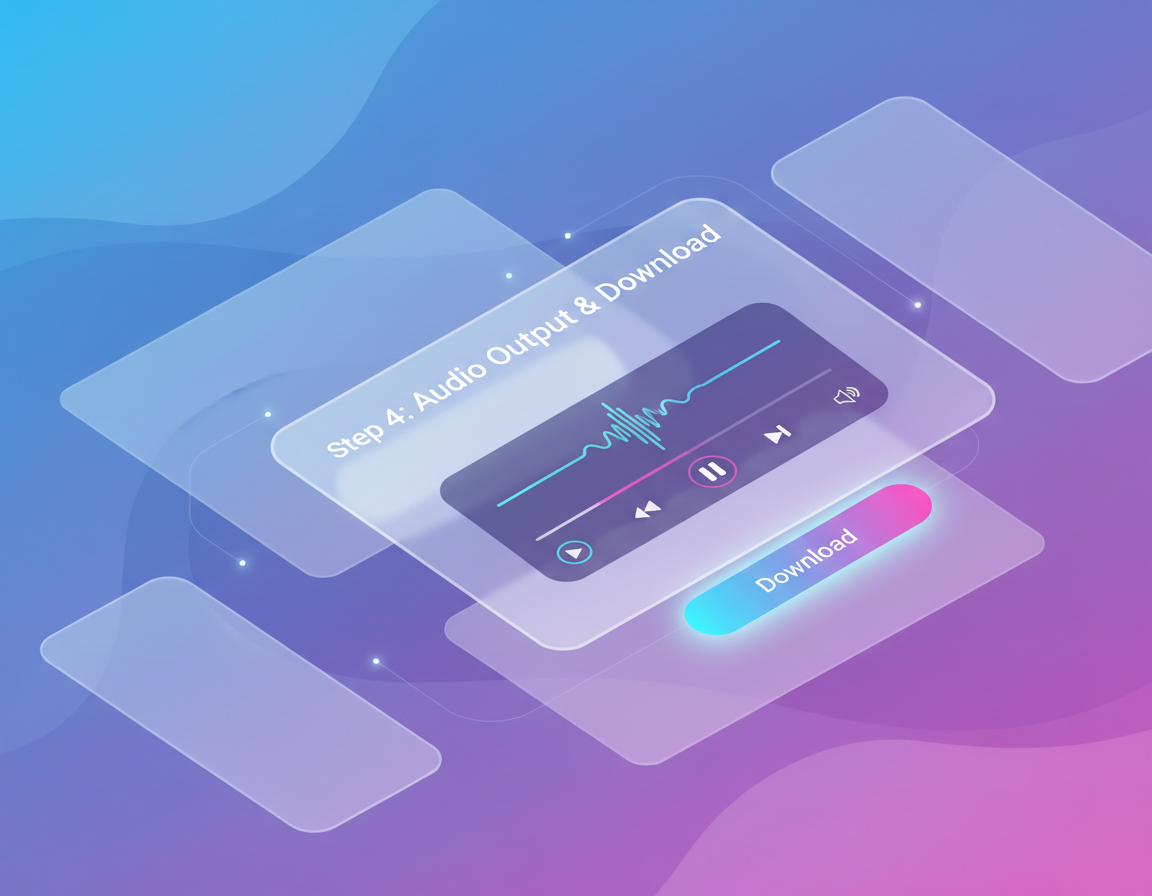
Check the hook and whether the lyrics are sung clearly. Download the track. Use it solo, remix it, or put it behind a clip in Video Editor. Change prompt or genre, not both at once.
Genre and Prompt or Lyrics mode steer the conversion. Keep Prompt for vibe. Switch to Lyrics when the words must stay exact.
Sets the musical style for the track, such as pop, hip-hop, cinematic, or lo-fi. Genre steers rhythm, instruments, and vocal delivery. Pick the closest genre first. Change it only if the arrangement or vocal style is still off.
Prompt describes the song in a short brief: theme, mood, vocal style, and structure. Lyrics is for exact verses and chorus you want sung. Use Prompt to sketch the idea. Switch to Lyrics when the words must stay exact.
| Mistake | What happens | Fix |
|---|---|---|
| Pasting lyrics into Prompt mode | The tool treats the lines as a description, not words to sing. | Switch to the Lyrics tab when you need exact verses and a chorus. |
| A vague prompt like “make a sad song” | You get a generic pop vocal with no clear story or hook. | Name genre, mood, tempo, vocal style, and what the song is about. |
| Changing genre and lyrics together | You cannot tell which change fixed the vocal or the arrangement. | Keep the lyrics, change genre. Or keep the genre, rewrite one section. |
What happens: The tool treats the lines as a description, not words to sing.
Fix: Switch to the Lyrics tab when you need exact verses and a chorus.
What happens: You get a generic pop vocal with no clear story or hook.
Fix: Name genre, mood, tempo, vocal style, and what the song is about.
What happens: You cannot tell which change fixed the vocal or the arrangement.
Fix: Keep the lyrics, change genre. Or keep the genre, rewrite one section.
Use Cases
Arttribe is a text to song creator for remix stems, background songs for videos and images, and occasion tracks. Generate a full song with text to song vocals, then use it solo, under picture, or in a mix.
Generate a full song you can remix with other tracks. Use it as a vocal stem, a hook, or a layer in a mix instead of starting from a blank session.
Put a sung track behind a clip or a still sequence. Generate the song, then drop it under Text to Image stills in Video Editor.
As a text to song creator, write the story in Prompt mode or paste finished lines in Lyrics mode for birthdays, brand anthems, and one-off campaign tracks.
Arttribe turns a prompt or lyrics into a sung track without a studio session. Start free online, pick a genre, and iterate until the hook, vocals, and ending fit the project.
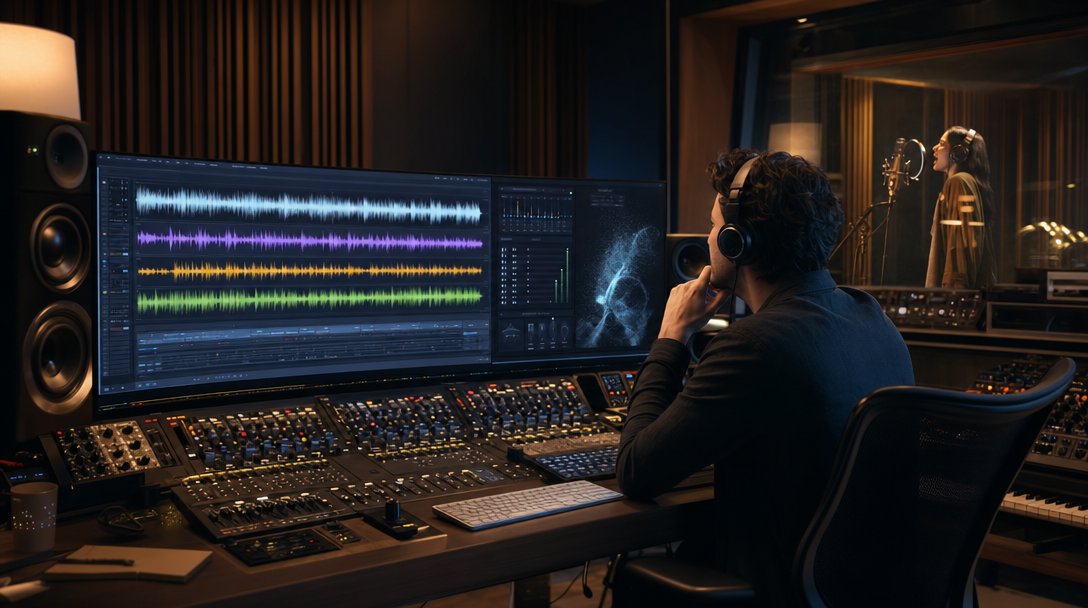
Paste a prompt or lyrics and convert them into a full song. Arttribe is a text to song converter: text in, sung track out, inside Music Studio. Iterate genre and mood until the demo is usable.
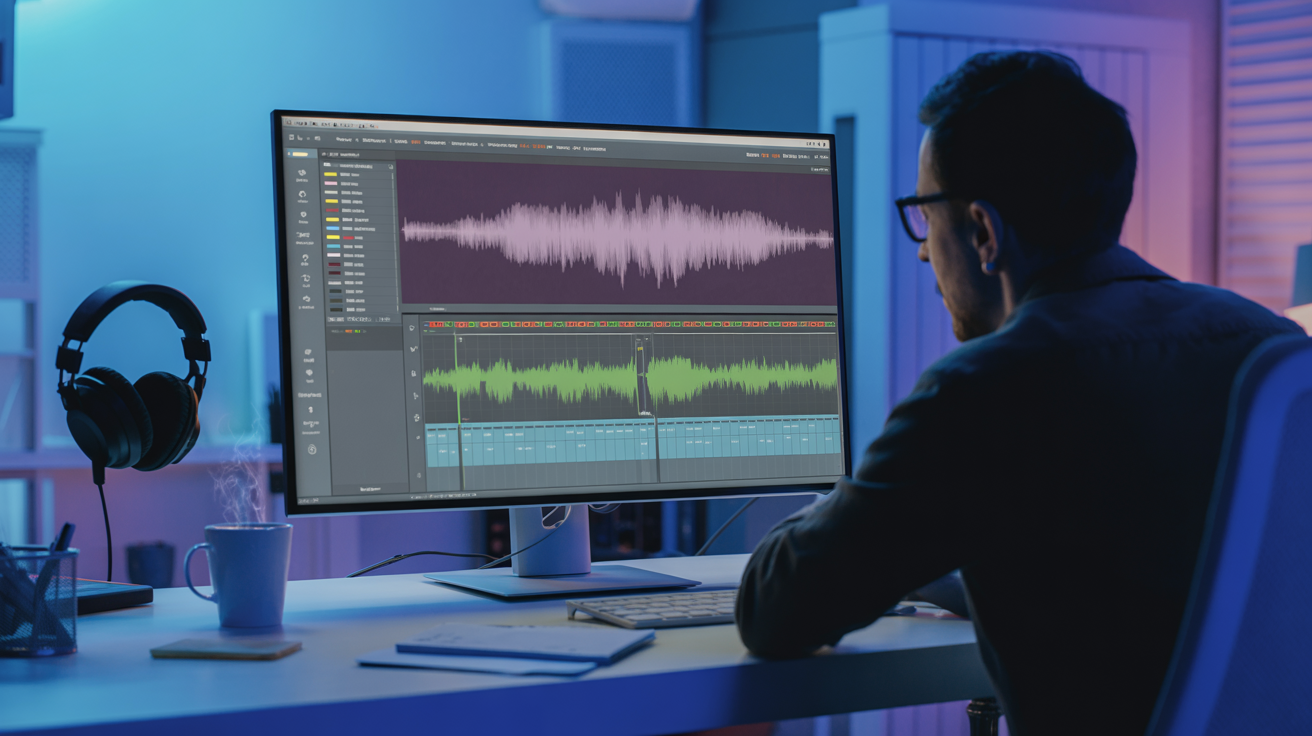
Need an AI singer for text to song? Arttribe writes a sung performance with text to song vocals, not an instrumental bed. Describe vocal style in the prompt, or paste lyrics you want sung as written.
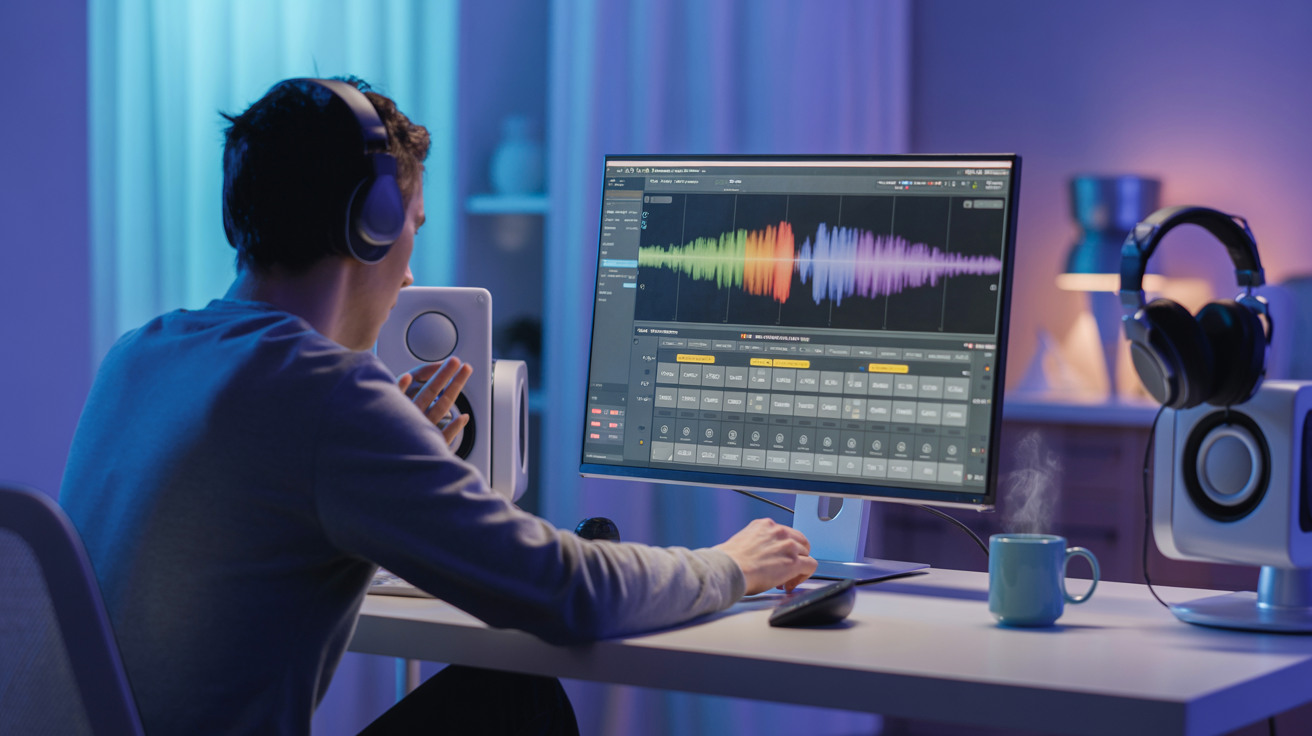
Use Lyrics mode as a text to rhyme song generator. Paste verses and a chorus you already rhymed, label the sections, and the tool sings those lines. It does not write rhymes for you — it performs the ones you supply.
Best For Videos, Podcasts, and Ads
Use Text to Song when the clip needs a sung hook, not a stock bed. Generate intros, jingles, and campaign tracks for YouTube, TikTok, reels, and podcasts, then drop the file into Video Editor.



Arttribe Text to Song helps YouTube creators, indie musicians, filmmakers, and marketing teams ship original songs without booking studio time. Generate in the browser, iterate on genre and lyrics, and keep the same workflow across ads, social clips, and branded stories.





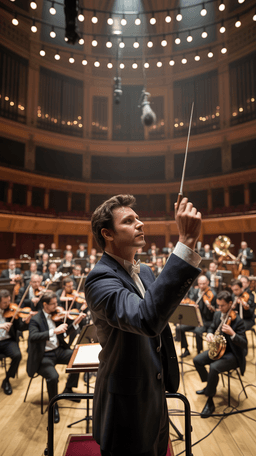
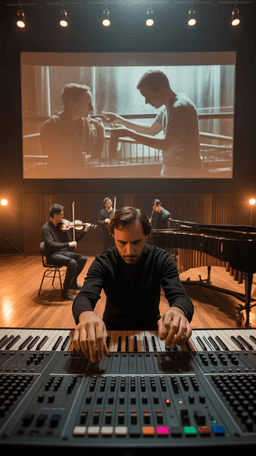
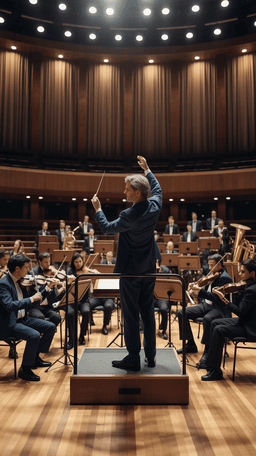

Explore the world of artistic creation with Arttribe. Discover how people worldwide are using it to express themselves and bring their ideas to form.

Maya Chen
Creative Director, Brightlane Studio


Jordan Ellis
Head of Content, Nova Brand Co.

Alex Rivera
Independent Content Creator
Answers about Arttribe Text to Song: starting free online, converting text or lyrics into a sung track, and how it differs from Text to Music.
Is Arttribe a text to song generator online free?
What is a text to song converter?
Can I use this as a text to rhyme song generator?
Does it include an AI singer and text to song vocals?

Open Text to Song in the browser. Convert a prompt or lyrics into a song with vocals. Start free — no credit card required.

Tools
Automations
Resources
Support Email: support@arttribe.ai
© 2026 Arttribe. All rights reserved.
Arttribe