
Sound prompt
Describes the physical sound you want. Name the object, action, material, distance, and space. Weak: epic trailer. Stronger: metal door slam in a concrete hallway, short tail reverb.
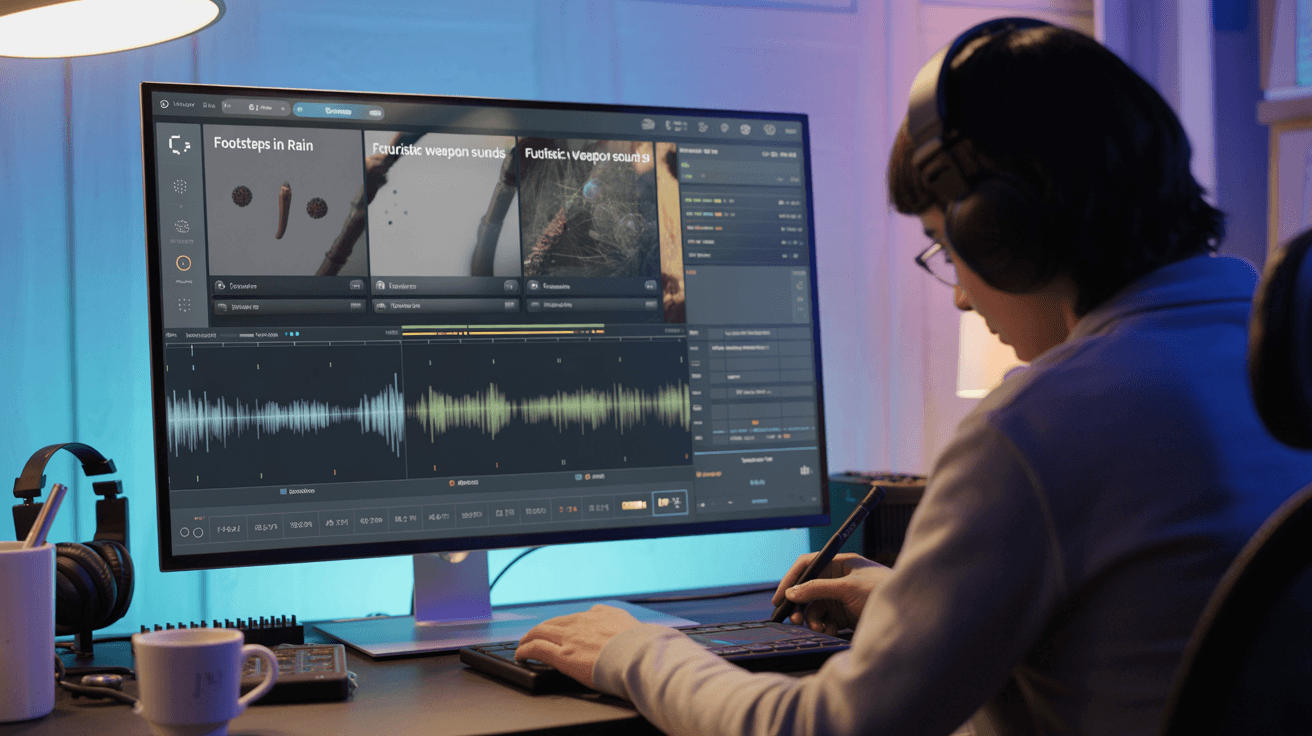
Generate custom sound effects from text prompts with AI on Arttribe. Create foley, ambient audio, and SFX for videos, games, and multimedia projects.
Power Creativity for Global Leaders


AI sound effects generation turns text prompts into custom audio — from foley and impacts to ambient textures and transitions. Describe the sound you need and generate SFX for videos, games, podcasts, and multimedia projects without digging through stock libraries. On Arttribe, the Sound Effects tool lives in Voice Studio, so you can build complete audio workflows next to voiceovers, cloning, and voice transformation.
Sound Effects completes the audio side of creative production in Voice Studio. Generate voiceovers with Text to Speech, clean dialogue with Noise Cancelling, then layer custom SFX to deliver broadcast-ready sound for ads, content, and interactive media.
Explore Voice StudioHow to use
Generate custom AI sound effects from text with Arttribe Sound Effects. Describe foley, hits, whooshes, and ambience for videos, games, podcasts, and ads. The prompt is the control. There is no voice picker.
Name the object, action, material, and space. Weak: epic trailer. Stronger: metal door slam in a concrete hallway, short tail reverb.
Listen on speakers and on a phone. An effect that works on studio monitors can disappear on a laptop.
Adjust material, distance, or room. Layer several clips in Video Editor if you need a fuller bed.
Adjust your AI sound effects prompt and playback check to create SFX that match the scene.
Describes the physical sound you want. Name the object, action, material, distance, and space. Weak: epic trailer. Stronger: metal door slam in a concrete hallway, short tail reverb.
Listen on speakers and on a phone. An effect that works on studio monitors can disappear on a laptop. Check both before you drop it on a timeline.
| Mistake | What happens | Fix |
|---|---|---|
| Cinematic adjectives with no object | You get music-like noise instead of a usable effect. | Name the physical event: who hits what, where, how close. |
| Writing a full story instead of a sound | The clip feels like a score, not foley. | Keep the prompt on the sound event, not the plot. |
| Judging only on studio speakers | The hit vanishes on phones and laptop speakers. | Play the SFX on a phone before you lock it in an edit. |
| Stacking five events in one prompt | The clip smears into one muddy hit. | Generate one sound per run, then layer clips in Video Editor. |
| Never changing material or distance | Every take sounds like the same generic whoosh. | Change one word per run: wood vs metal, close vs far, dry vs hallway. |
What happens: You get music-like noise instead of a usable effect.
Fix: Name the physical event: who hits what, where, how close.
What happens: The clip feels like a score, not foley.
Fix: Keep the prompt on the sound event, not the plot.
What happens: The hit vanishes on phones and laptop speakers.
Fix: Play the SFX on a phone before you lock it in an edit.
What happens: The clip smears into one muddy hit.
Fix: Generate one sound per run, then layer clips in Video Editor.
What happens: Every take sounds like the same generic whoosh.
Fix: Change one word per run: wood vs metal, close vs far, dry vs hallway.
Use Cases
Generate custom SFX from text prompts with Arttribe. Create foley, ambient textures, transitions, and cinematic sound design for videos, games, and multimedia projects.
Add impact hits, transitions, and scene ambience to ads, trailers, and short films without searching stock libraries or hiring a foley artist.
Produce UI sounds, action effects, and environmental audio for indie games, mobile apps, and interactive experiences from simple text prompts.
Enhance episodes and social clips with custom stingers, whooshes, and background textures that match your brand tone and pacing.
Arttribe Sound Effects generates custom SFX from text prompts — ideal for videos, games, podcasts, and multimedia projects that need unique audio elements. Create foley, impacts, transitions, and ambient textures with AI sound effect generation inside Voice Studio — no stock library hunting or manual recording required. Built for creators, game developers, and marketers who need original SFX for YouTube videos, ads, podcasts, and interactive content at speed.
Generate custom AI sound effects from text prompts for videos, games, reels, and storytelling content. Describe the sound you need — impacts, whooshes, ambience, or foley — and Arttribe creates unique SFX in seconds inside Voice Studio. Perfect for YouTube creators, game developers, and marketers who need original audio without stock libraries or field recording.
Build a reusable sound effect library with mood and style variations for faster post-production and editing workflows. Generate multiple AI SFX versions from text prompts — impacts, transitions, ambience, and UI sounds — so your team always has the right audio ready. Ideal for video editors, podcast producers, and game teams who need a custom FX library without searching stock sites or recording foley from scratch.
Produce unique sound effects at scale for ads, shorts, podcasts, and branded experiences without external libraries. Arttribe Sound Effects lets content teams generate custom SFX from text prompts for YouTube, TikTok, podcast episodes, and paid ad campaigns in minutes. Built for marketing teams and creators who need original audio design inside Voice Studio — no stock libraries, no foley recording, no licensing headaches.
Best For Video & Film Production
Create foley, ambient sounds, and custom SFX for videos, short films, and ad creatives. Generate unique audio from text descriptions without hunting stock libraries. Use Arttribe Sound Effects to build impacts, transitions, and scene ambience for YouTube content, commercials, and multimedia projects in minutes — ideal for creators and post-production teams who need original AI sound design inside Voice Studio.


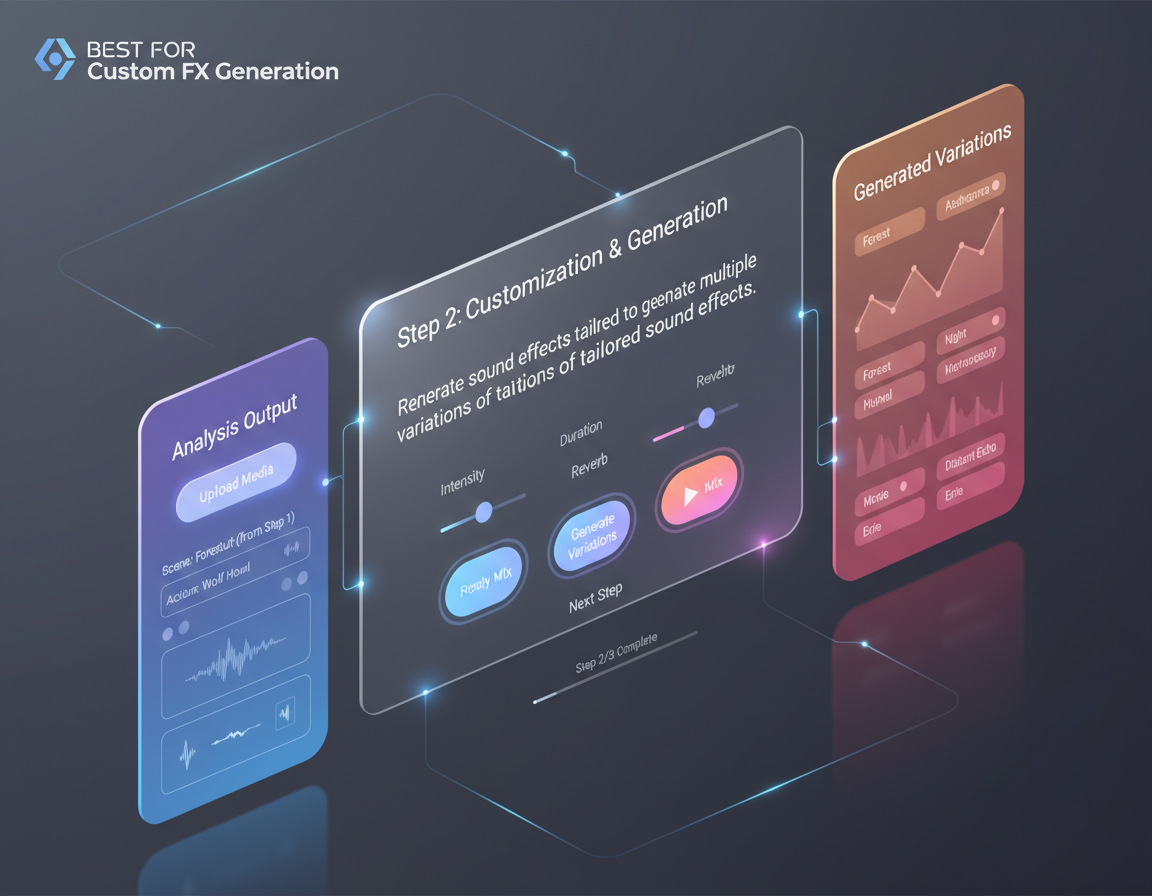
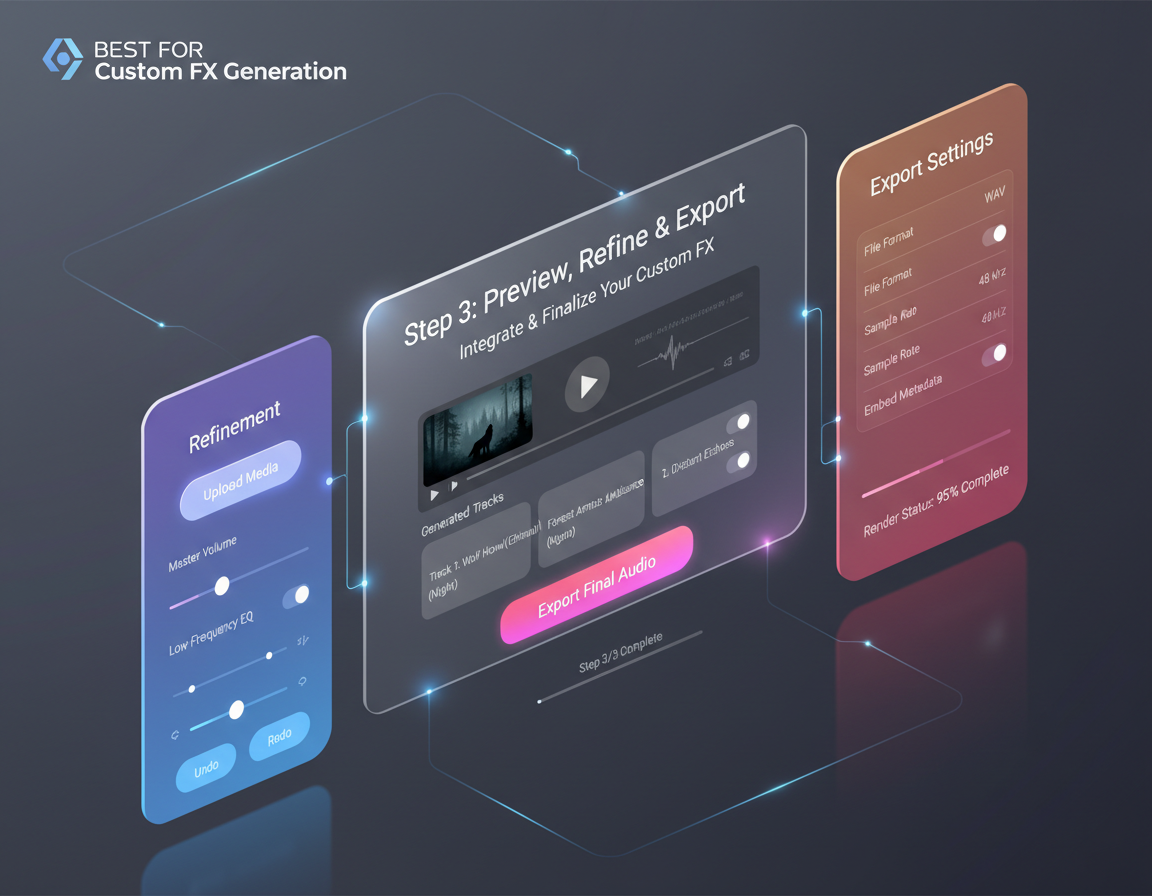
Arttribe Sound Effects helps filmmakers, game developers, and content teams generate unique audio assets from simple text prompts. Create custom foley, impacts, ambience, and UI sounds for videos, games, podcasts, and ad campaigns inside Voice Studio — no stock libraries or field recording required. Built for creators and teams who need scalable AI sound design for YouTube content, short films, social ads, and branded multimedia experiences.


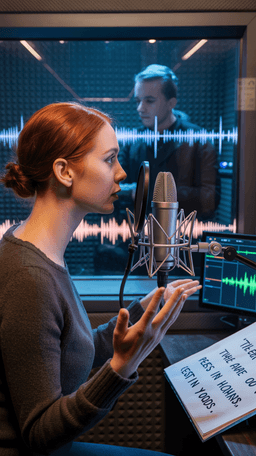
Explore the world of artistic creation with Arttribe. Discover how people worldwide are using it to express themselves and bring their ideas to form.

Maya Chen
Creative Director, Brightlane Studio


Jordan Ellis
Head of Content, Nova Brand Co.
Alex Rivera
Independent Content Creator
Frequently asked questions about AI voice generation, voice cloning, and text-to-speech on Arttribe.
What is an AI voice generator?
How does voice cloning work on Arttribe?
What is text to speech on Arttribe?
Can I change my voice with AI?
Create custom SFX from text prompts with AI. Start free — no credit card required.

Tools
Automations
Resources
Support Email: support@arttribe.ai
© 2026 Arttribe. All rights reserved.
Arttribe