
Model
Picks the AI model that generates the output. Models differ in quality, speed, credit cost, and which other settings they support.
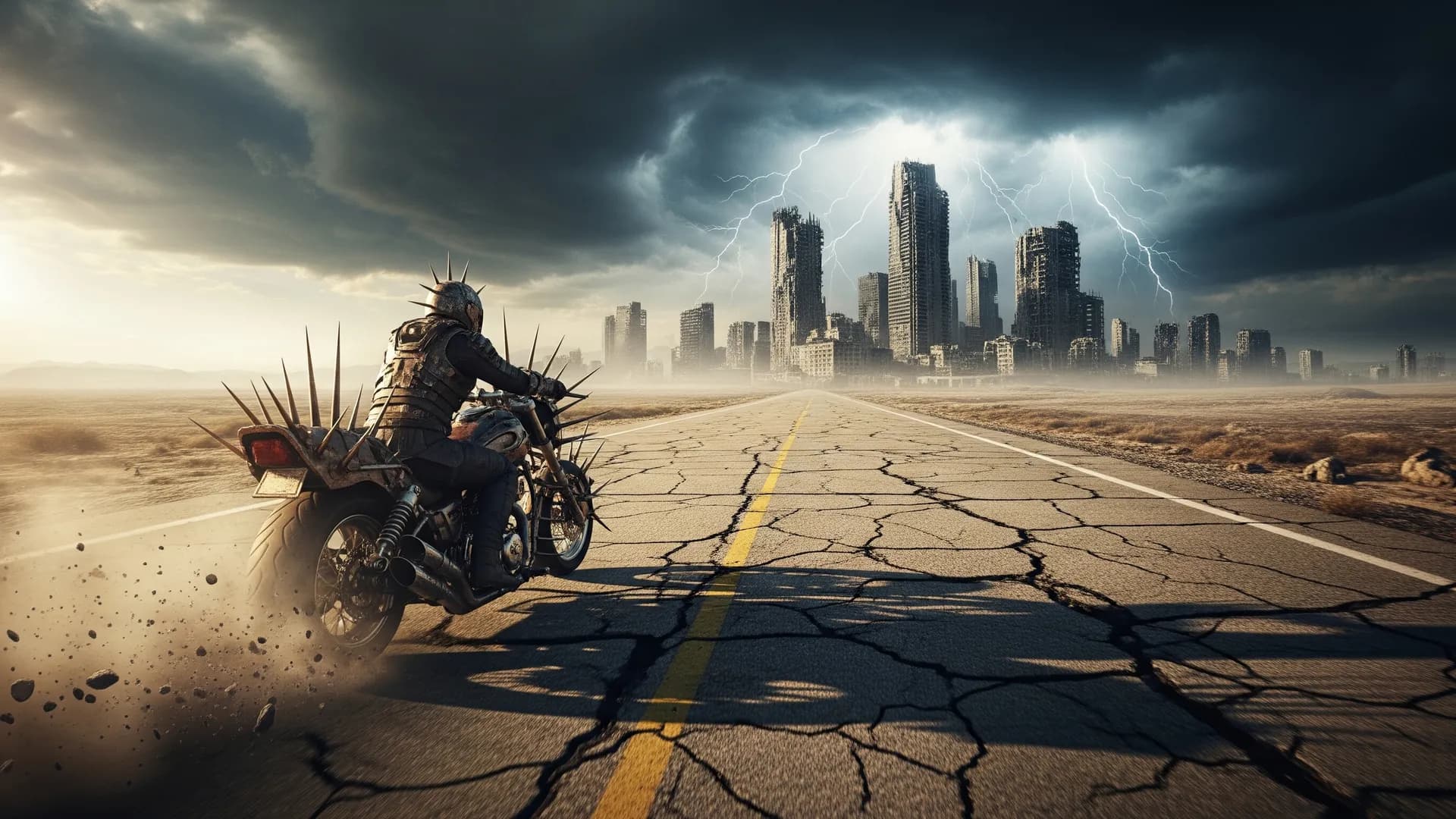
Turn text prompts into stunning AI images on Arttribe. Access FLUX, Ideogram, Gemini, and more text-to-image models in one creative workflow.
Power Creativity for Global Leaders


Text to image converts written prompts into AI-generated visuals — from marketing graphics and concept art to product mockups and social content. Describe what you want, pick a model, and generate images in seconds without design software or a photoshoot. On Arttribe, Text to Image is the core of Image Studio, where you can also edit, upscale, recompose, and prepare assets for Video and Music projects.
Image Studio combines generation, editing, and enhancement in one workflow. Start with Text to Image for new visuals, then refine with Image Editor, upscale with Creative Upscale, or remove backgrounds before using assets across your campaigns.
Explore Image StudioHow to use
Write a prompt, set the sidebar options, and generate. Output quality depends on a clear prompt plus the controls actually on this tool: model, frame, styles, and how many images you want.
Describe subject, setting, lighting, and camera. Weak: “a woman walking.” Stronger: “a woman in a red coat on a rainy Tokyo street at night, close-up, neon on wet pavement.”
Pick a model such as FLUX, GPT Image, Ideogram, or Gemini, then set Aspect Ratio or Image Size. Keep Number of Images at 1 until the prompt is right.
Review the full image. If something is off, change the prompt, a style, or the model not all three at once.
Adjust your AI image generation settings, including the model, aspect ratio, style, and image size, to create results that match your vision.
Picks the AI model that generates the output. Models differ in quality, speed, credit cost, and which other settings they support.
Sets the frame shape, such as 1:1, 16:9, or 9:16. Match this to where the output will be used.
Chooses a resolution (1k, 2k, 4k). Shown instead of Aspect Ratio when the selected model uses image sizes.
Applies a visual look to the generation, such as cinematic, illustration, or product photography.
Generates 1 to 4 images in one run. More images cost more credits and give you options to pick from.
Expands a short prompt with extra detail before generation. Helpful for vague ideas; turn it off when you already wrote a precise prompt.
| Mistake | What happens | Fix |
|---|---|---|
| Vague prompt | The model fills in the gaps and the result looks generic. | Name the subject, action, setting, and style in one or two sentences. |
| Changing every setting at once | You cannot tell what improved the output. | Change one setting or the prompt per generation. |
| Starting at maximum quality | Credits go to test runs that you will discard. | Keep Number of Images at 1 (or the shortest duration on video) until the prompt works. |
What happens: The model fills in the gaps and the result looks generic.
Fix: Name the subject, action, setting, and style in one or two sentences.
What happens: You cannot tell what improved the output.
Fix: Change one setting or the prompt per generation.
What happens: Credits go to test runs that you will discard.
Fix: Keep Number of Images at 1 (or the shortest duration on video) until the prompt works.
Use Cases
Arttribe Text to Image turns prompts into production-ready visuals using leading AI models built for ads, social content, concept art, and fast creative iteration.
Create scroll-stopping ad creatives, Instagram posts, and campaign visuals from text prompts without a design team or photoshoot.
Explore visual directions, mood boards, and creative concepts in minutes ideal for pitches, storyboards, and early-stage design work.
Produce branded graphics, hero images, and promotional assets at scale with consistent style across your content pipeline.
Arttribe Text to Image gives you leading AI image models in one workflow — from quick concepts to production-ready visuals for ads, products, and social content. Turn any text prompt into high-quality AI images with Gemini 2.5 flash, GPT image 2.0, Nano Banana Pro, and more top text-to-image models inside Image Studio. Create ad creatives, product mockups, concept art, and social graphics in minutes without a photoshoot or design team. Built for marketers, creators, and brands who need fast, scalable AI image generation for commercial campaigns and content production.
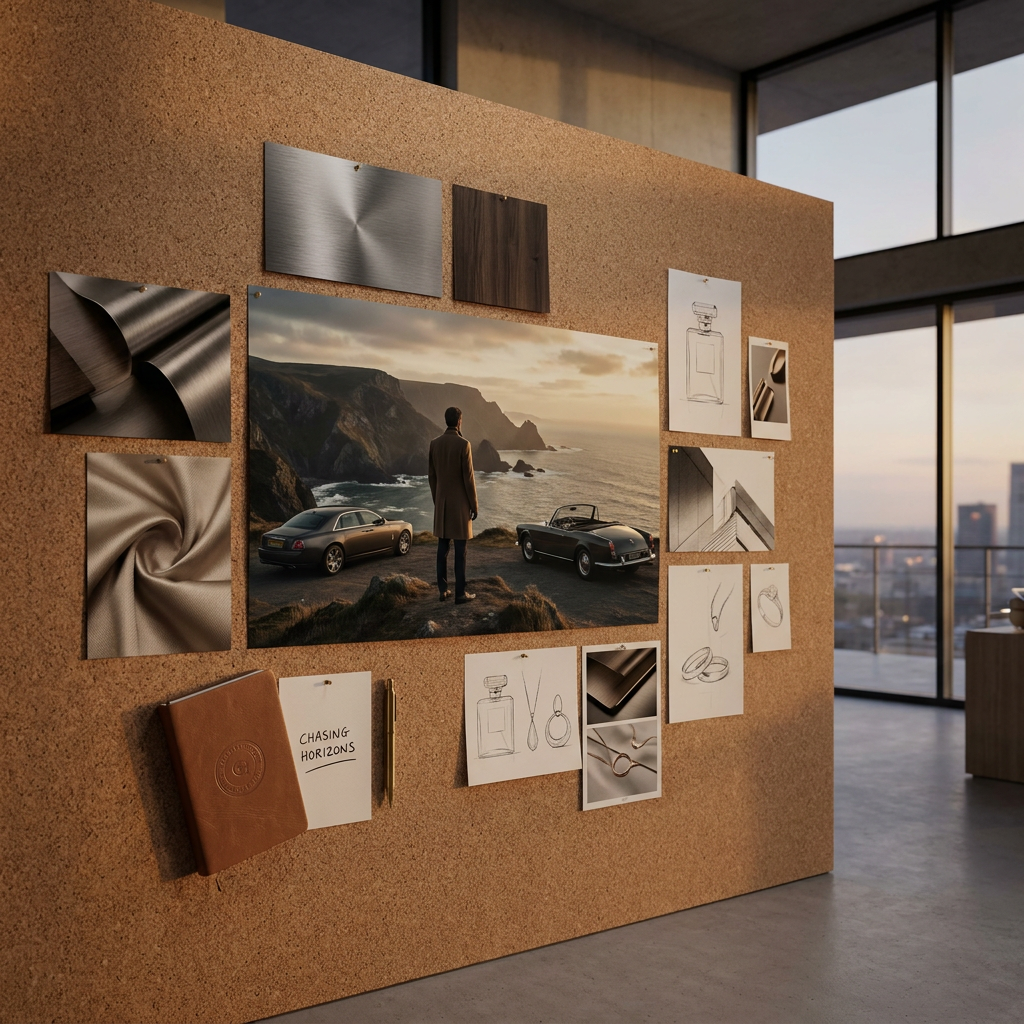
Create high-quality visuals from prompts with Text to Image, or transform existing visuals with Image to Image generation. This gives creators and marketing teams full control over concept creation, style exploration, and fast content production.
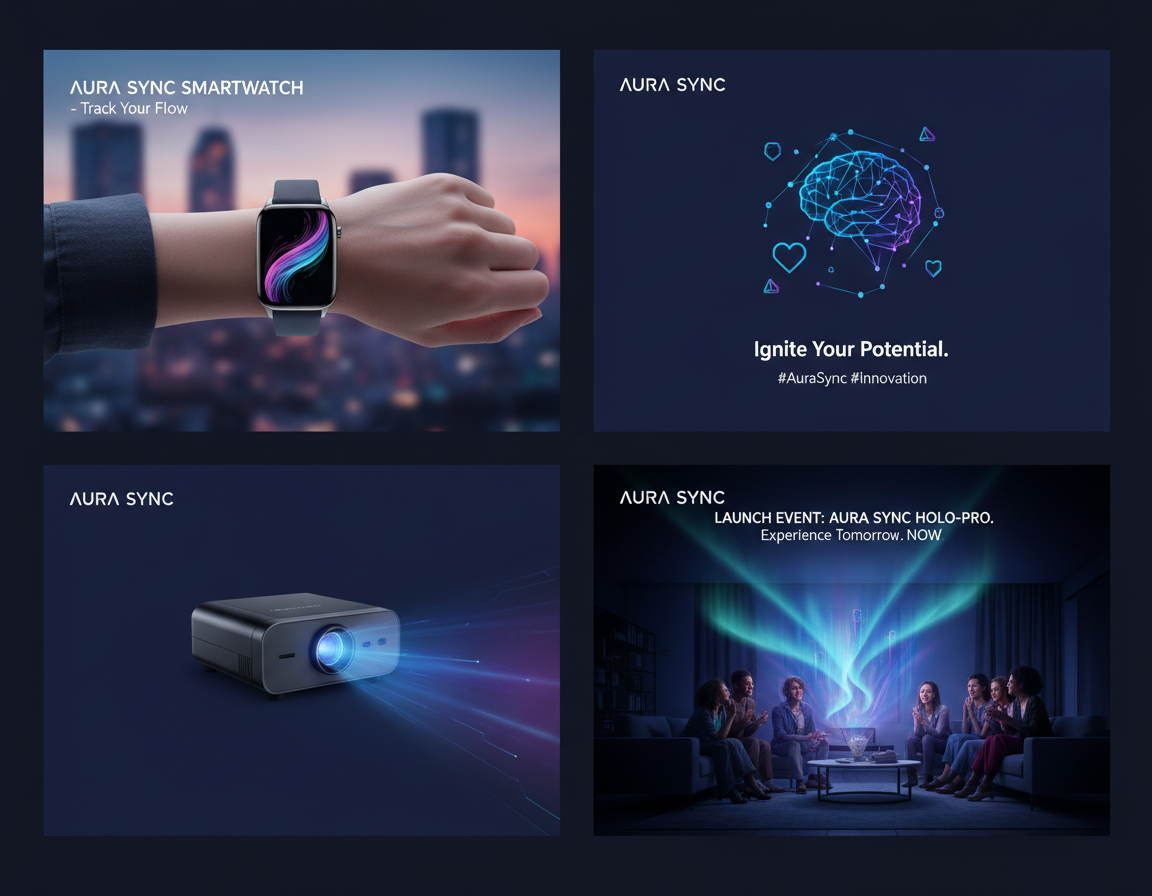
Upload one or multiple reference images to guide your generation output more accurately. Multiple image support helps with product image creation, brand consistency, and detailed creative direction across campaigns.
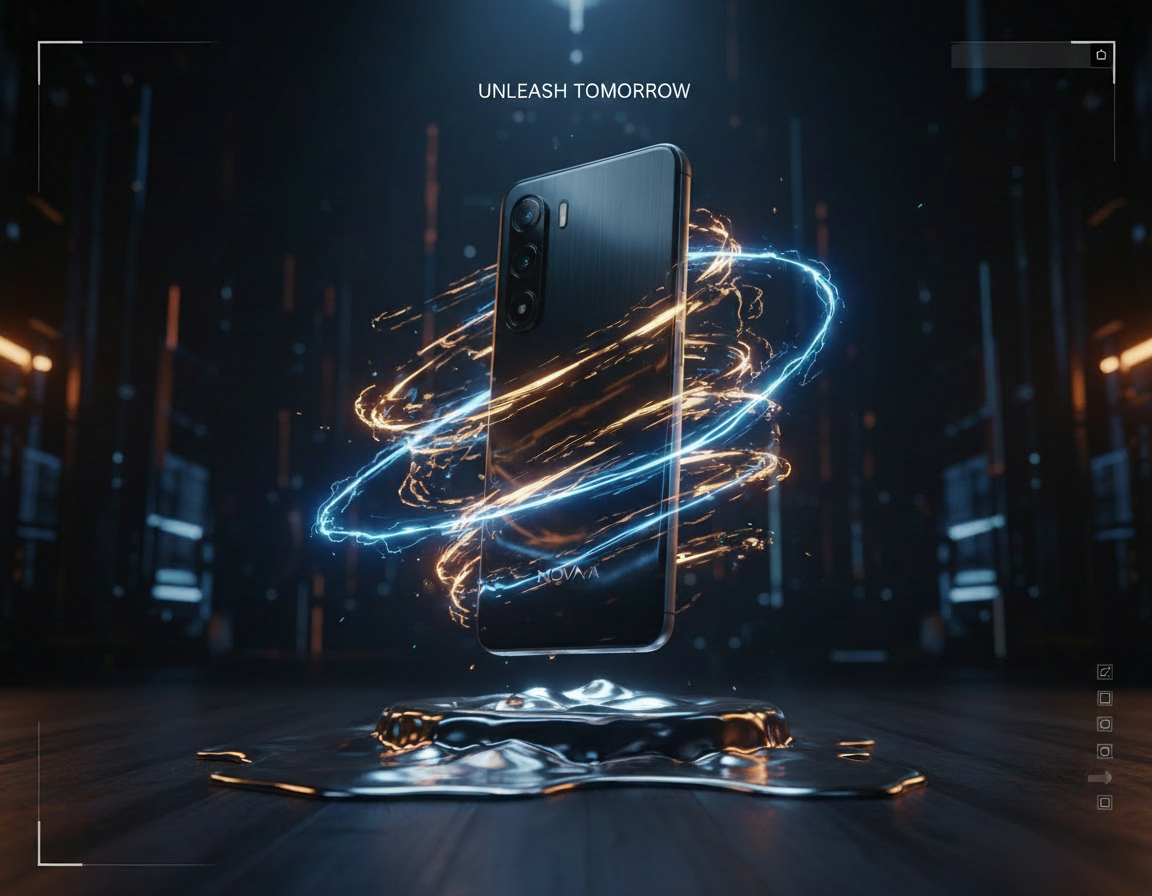
Generate with popular AI image models like Nano Banana, Seedream, and more from one Text to Image platform. Choose the best model for realistic product images, marketing creatives, concept art, and social-ready visual assets.
Best For Marketing & Social Content
Generate ad creatives, social graphics, and concept art from text prompts with Arttribe Text to Image — built for marketing teams, designers, and content creators who need fast visual iteration without a photoshoot. Create scroll-stopping visuals for Instagram, Facebook, YouTube thumbnails, and paid social ads using AI image generation in minutes. Produce campaign-ready graphics, promotional banners, and brand content at scale for ecommerce, product launches, and digital marketing. Ideal for teams that want high-quality AI images for social media marketing, A/B testing, and content production without hiring a studio or designer for every asset.
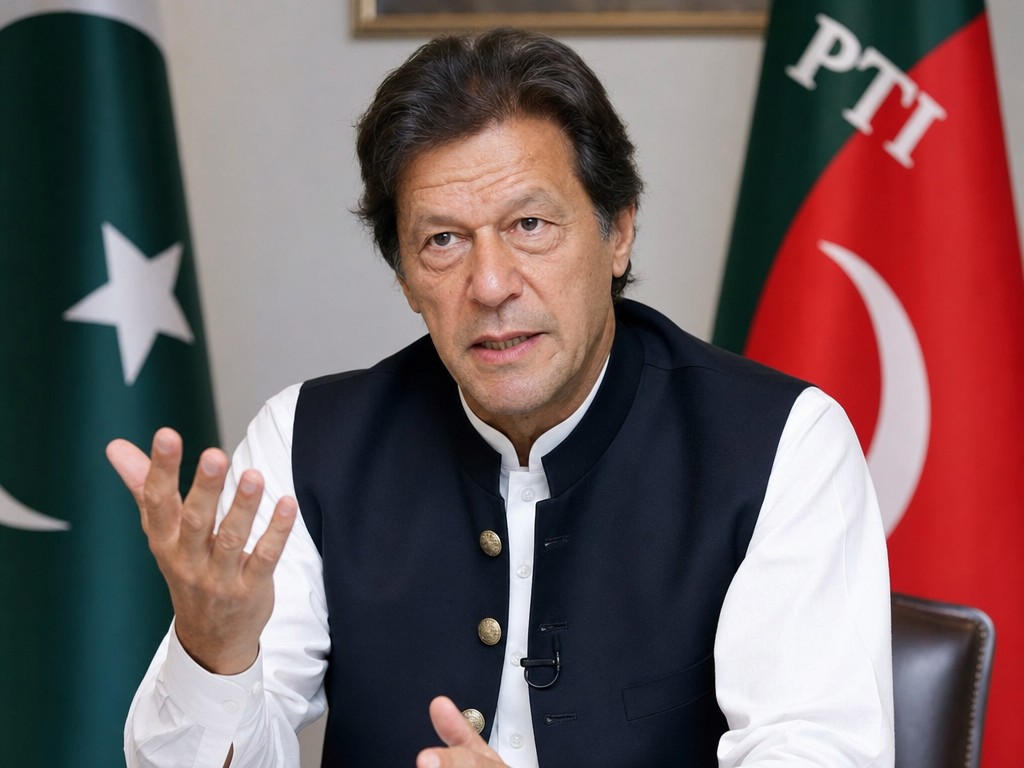
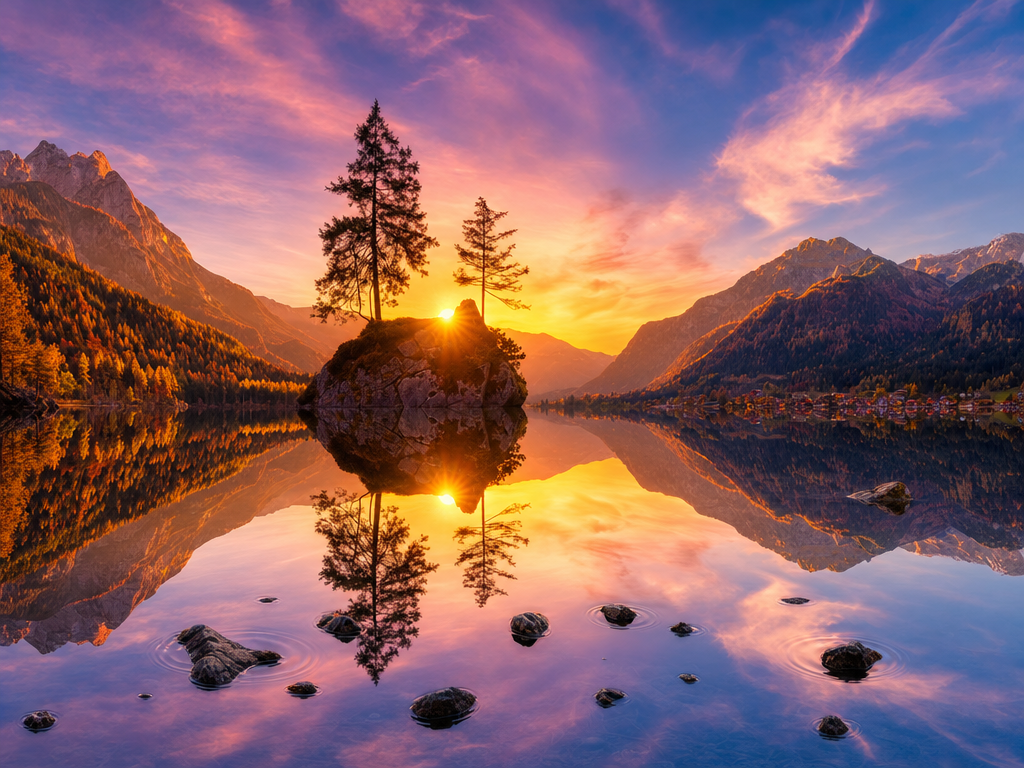
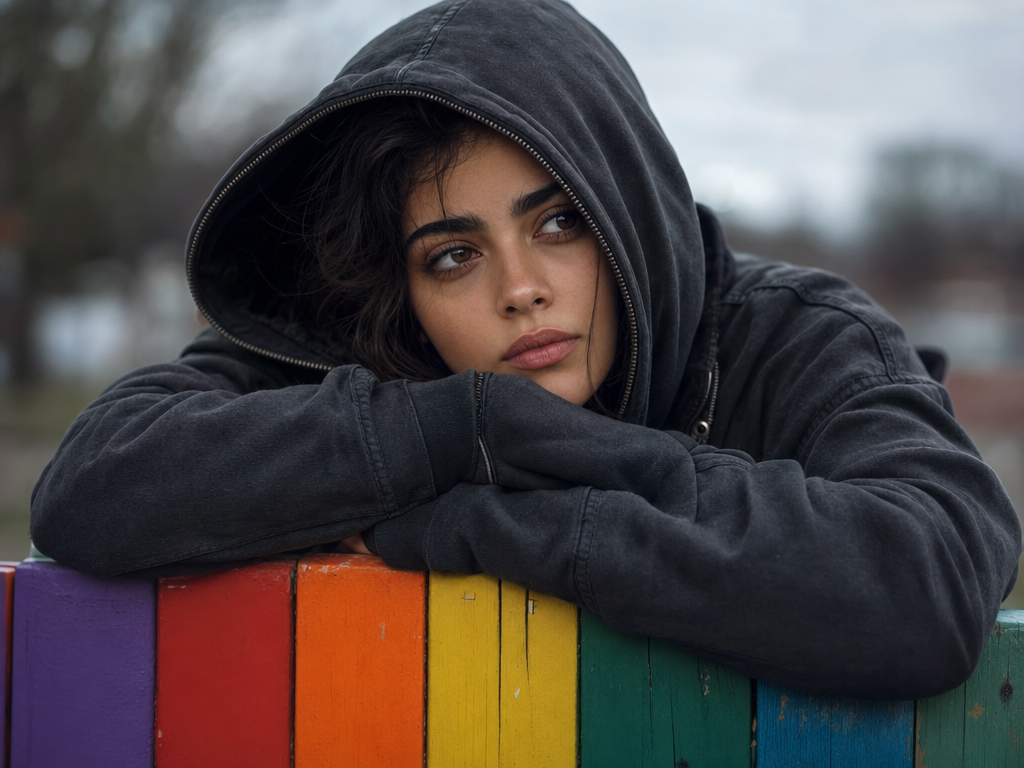
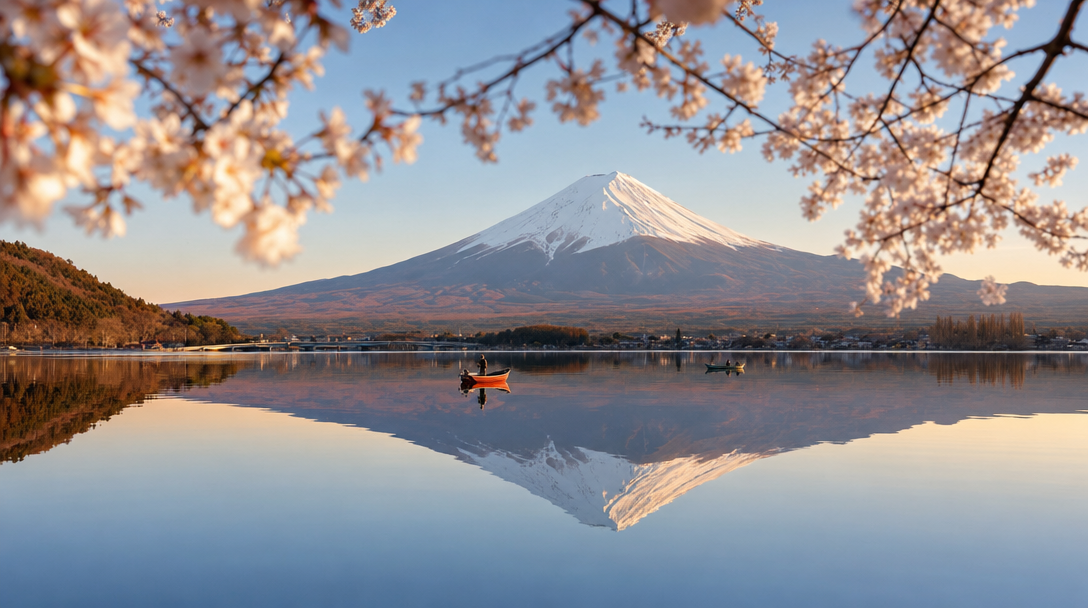
Arttribe Text to Image helps solo creators, ecommerce brands, and marketing teams turn prompts into production-ready images — no design agency or photoshoot required. Generate AI images for social content, product listings, ad campaigns, and brand storytelling from simple text prompts in minutes. Built for YouTubers, DTC stores, agencies, and storytellers who need scalable text-to-image workflows inside Image Studio. Ship campaign-ready visuals, concept art, and marketing graphics faster — with leading AI models and one creative workspace for commercial content production.
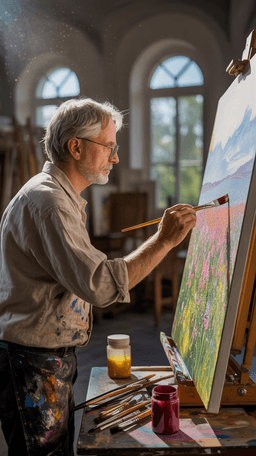
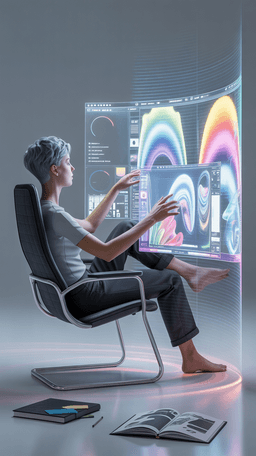
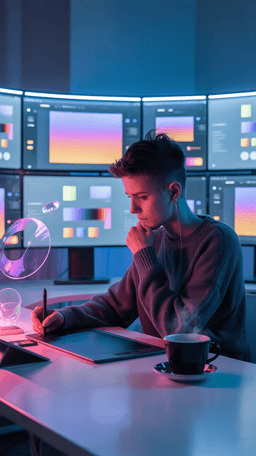
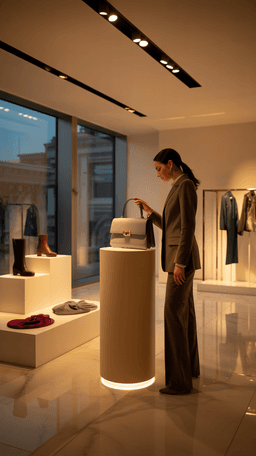
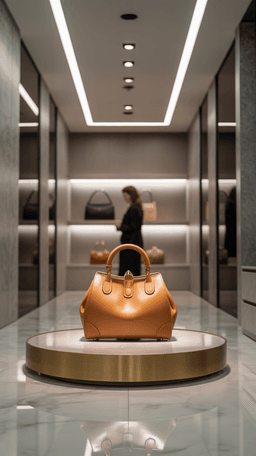
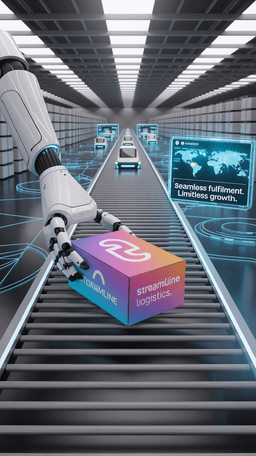
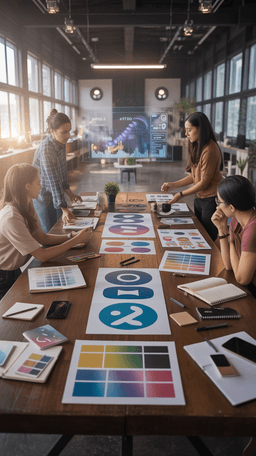
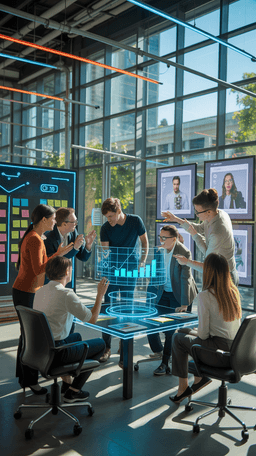
Explore the world of artistic creation with Arttribe. Discover how people worldwide are using it to express themselves and bring their ideas to form.
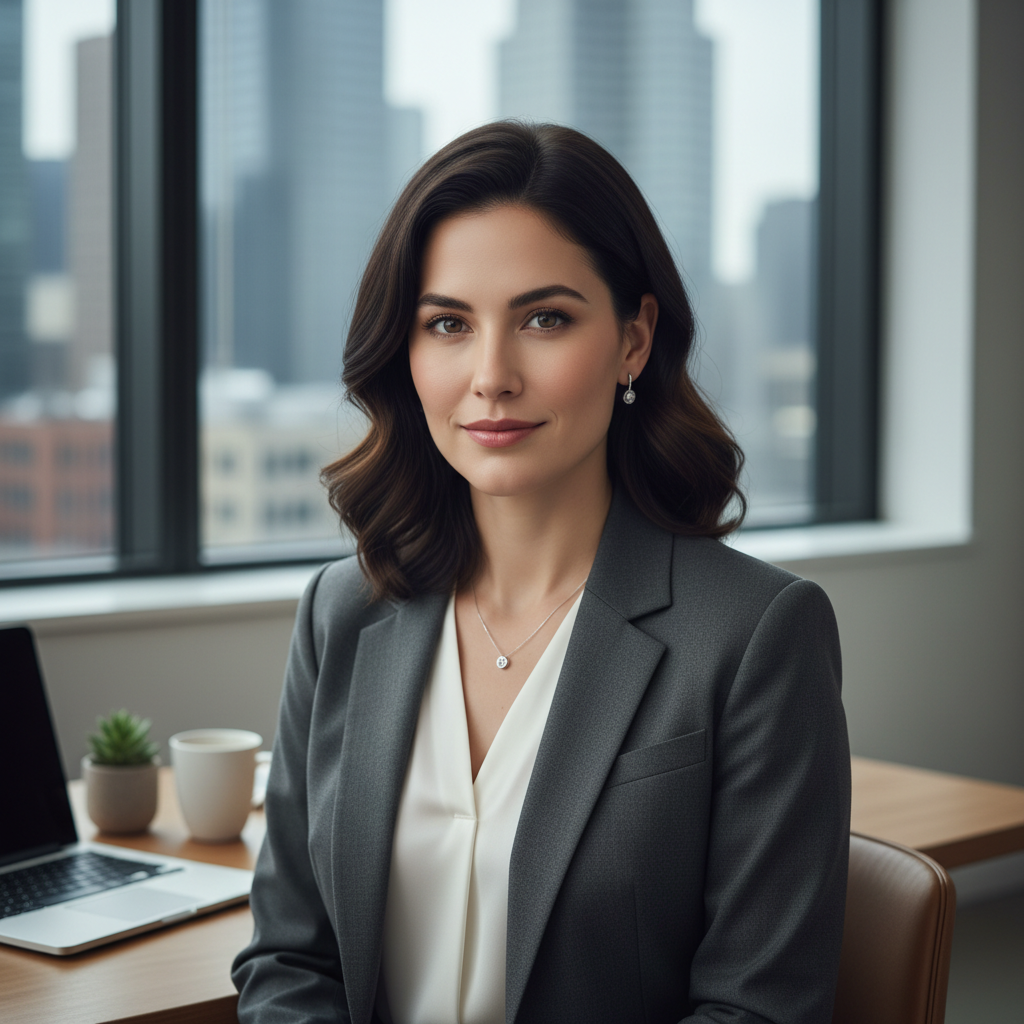
Maya Chen
Creative Director, Brightlane Studio

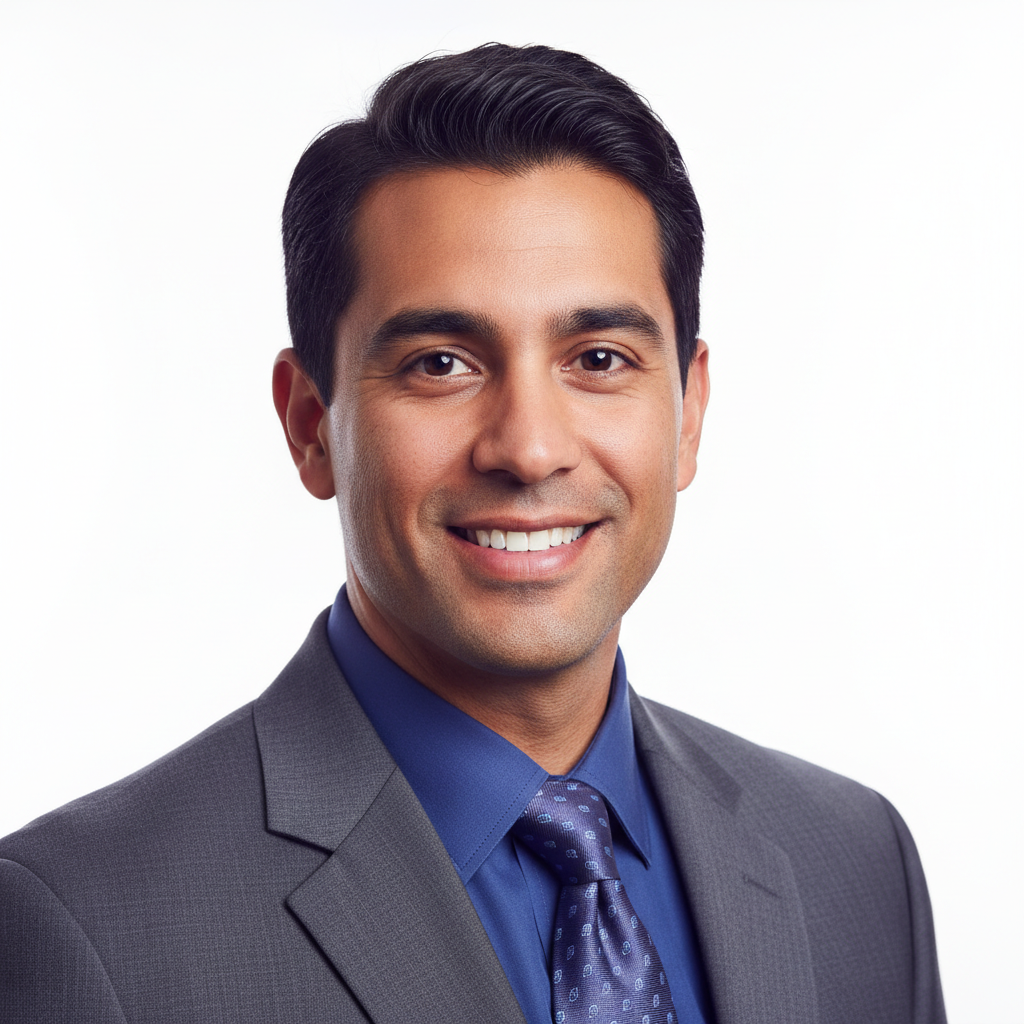
Jordan Ellis
Head of Content, Nova Brand Co.
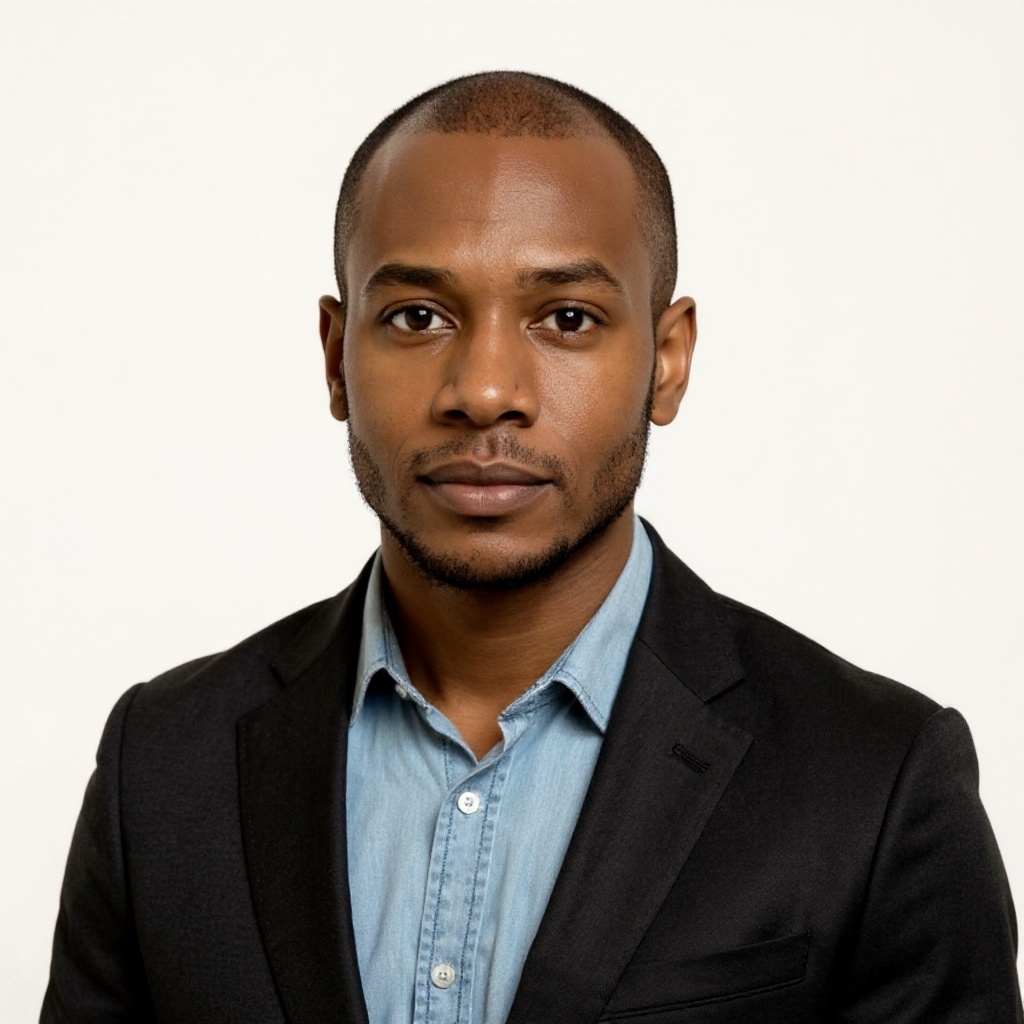
Alex Rivera
Independent Content Creator
Frequently asked questions about AI image generation, editing, and creative workflows on Arttribe.
What is an AI image generator?
Can I create commercial images with Arttribe?
Which image models are available on Arttribe?
What is the best AI image generator?
Turn a text prompt into your first AI image. Start free — no credit card required.

Tools
Automations
Resources
Support Email: support@arttribe.ai
© 2026 Arttribe. All rights reserved.
Arttribe