
Aspect Ratio
Sets the frame shape, such as 1:1, 16:9, or 9:16. Match this to where the output will be used.
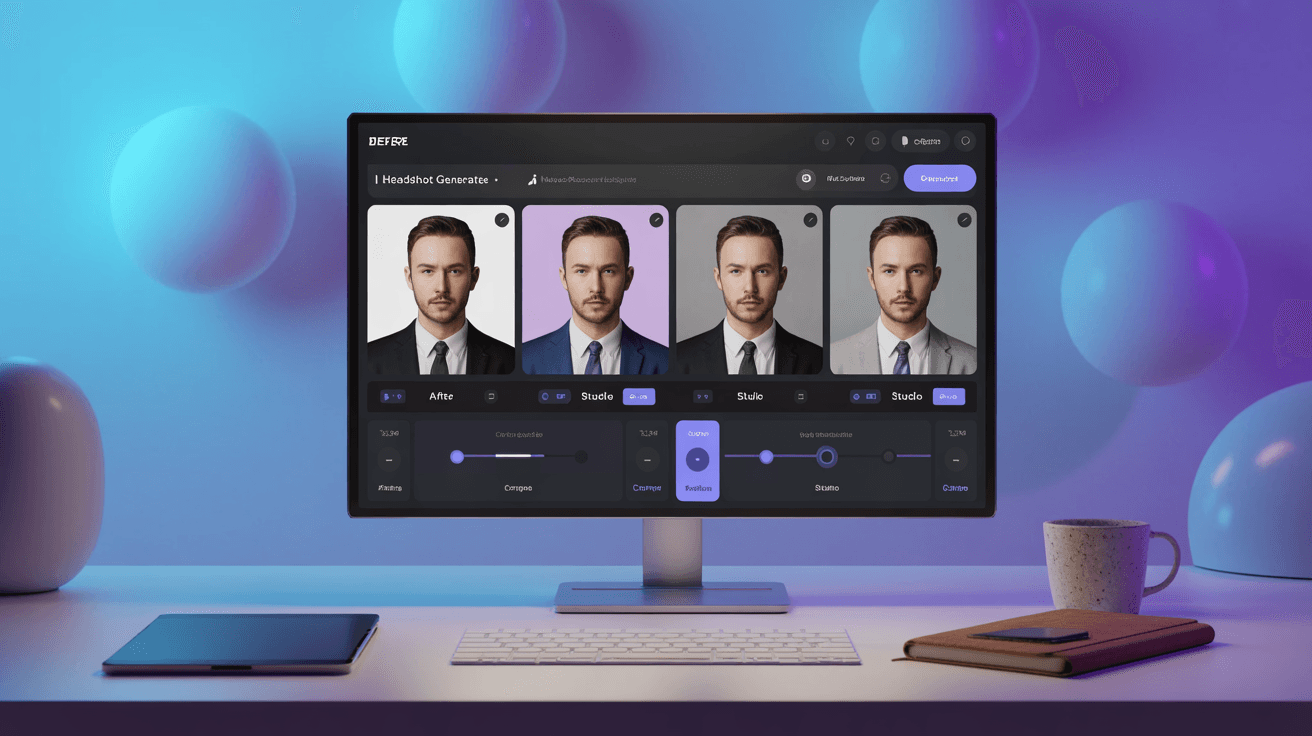
Create professional AI headshots for LinkedIn, resumes, and company pages. Studio-quality portraits from your photos, no shoot required.
Power Creativity for Global Leaders


An AI headshot generator creates professional portraits from your photos instead of a studio booking. Arttribe produces AI-generated headshots that keep your identity while updating lighting, wardrobe, and background so professional AI headshots still look like you.
Use it for a LinkedIn profile photo, a business or corporate headshot, a resume headshot, or a professional profile picture. Start free, then generate matching portraits for personal sites, pitch decks, and company directories.
Arttribe is a professional headshot generator inside Image Studio. Pair portraits with Background Remover for clean profile cutouts, Creative Upscale for high-resolution exports, and Text to Image for supporting brand visuals.
Explore Image StudioHow to use
Upload a photo or select from Image Studio and generate studio-style headshots. The model is fixed. Framing, lighting, and a clean source photo matter more than a long prompt.
Use a sharp, front-facing image from your device or from Image Studio. Sunglasses, heavy crop, and group photos reduce likeness.
Prompt wardrobe, background, and mood. Example: “black crew-neck, soft studio light, grey backdrop, linked-in headshot.”
Pick aspect ratio, image resolution, styling then generate.
Sets the frame shape, such as 1:1, 16:9, or 9:16. Match this to where the output will be used.
Chooses a resolution (1k, 2k, 4k). Shown instead of Aspect Ratio when the selected model uses image sizes.
Applies a visual look to the generation, such as cinematic, illustration, or product photography.
Sets the light mood — studio, natural, neon, dramatic, and similar presets. This changes contrast and atmosphere more than the subject.
| Mistake | What happens | Fix |
|---|---|---|
| Low-quality source photo | Likeness drifts and skin detail looks off. | Use a well-lit, front-facing photo at a decent resolution. |
| Prompting a different person | The model fights the uploaded identity. | Prompt clothes and scene, not a new face. |
What happens: Likeness drifts and skin detail looks off.
Fix: Use a well-lit, front-facing photo at a decent resolution.
What happens: The model fights the uploaded identity.
Fix: Prompt clothes and scene, not a new face.
Use Cases
Use Arttribe as a LinkedIn headshot generator and AI profile picture generator for job seekers, founders, and teams, no photographer required.
Create a LinkedIn-ready portrait that looks like a real studio session. A clear LinkedIn profile photo helps job seekers, founders, and freelancers look credible.
Generate consistent business and corporate headshots for About pages, pitch decks, and directories without coordinating a group photoshoot.
Produce a resume headshot or professional profile picture for CVs, speaker bios, and portfolios in minutes.
Arttribe is a professional AI headshot generator for LinkedIn profile photos, team directories, and personal branding - without booking a studio.
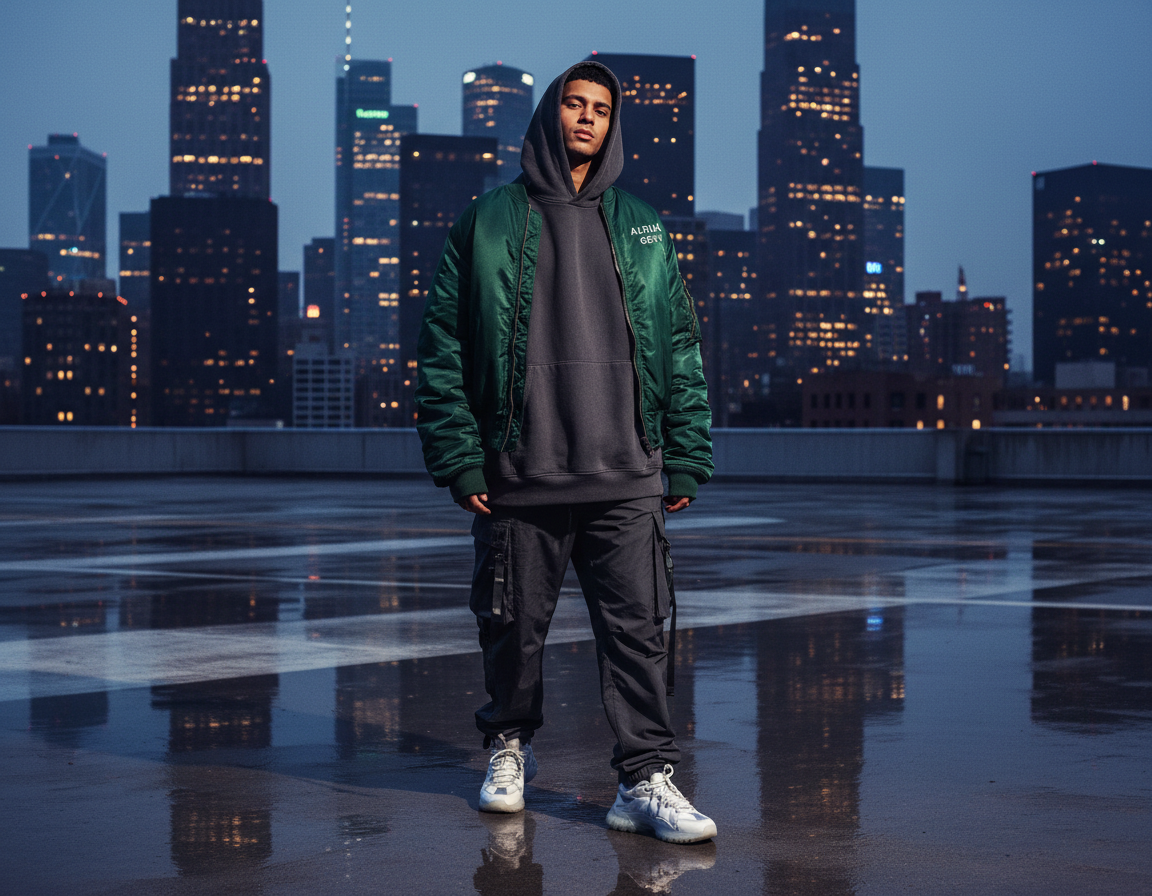
Create professional AI headshots with an AI headshot generator built for real identity, not a random portrait prompt. Upload your photos and get AI-generated headshots with studio lighting, a clean crop, and a look you can use as a LinkedIn profile photo, resume headshot, or professional profile picture. Start with a free AI headshot generator. No photographer or studio booking required.
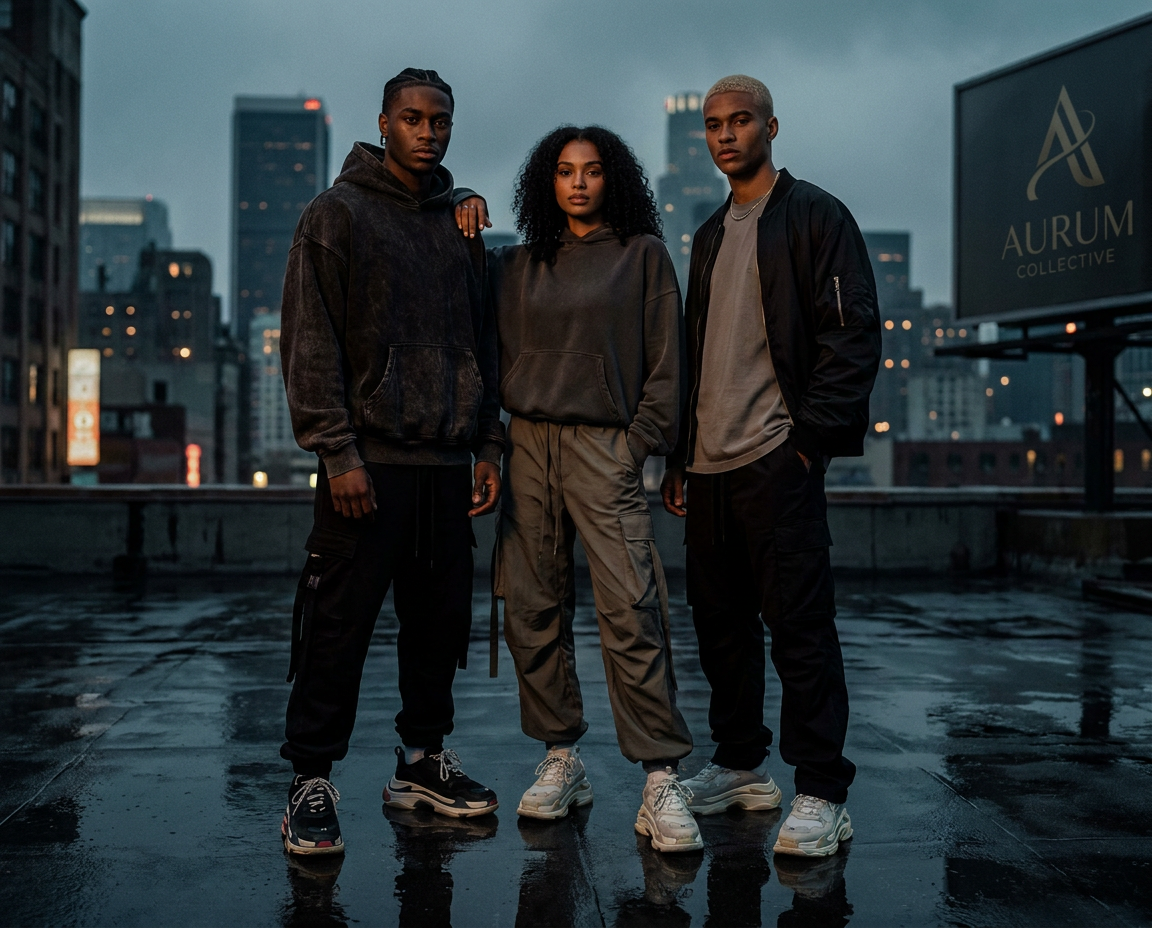
Use Arttribe as a professional AI headshot generator so founders and teams share the same look on company pages, pitch decks, and directories. Generate a business headshot or corporate headshot for About pages, then run the same AI profile picture generator workflow as a LinkedIn headshot generator so personal and company profiles match. Consistent portraits across every channel are what people expect from the best AI headshot generator.
Best For LinkedIn and Professional Profiles
Generate a LinkedIn profile photo, resume headshot, or business portrait in minutes. Built for job seekers, founders, and freelancers who need a polished online presence.
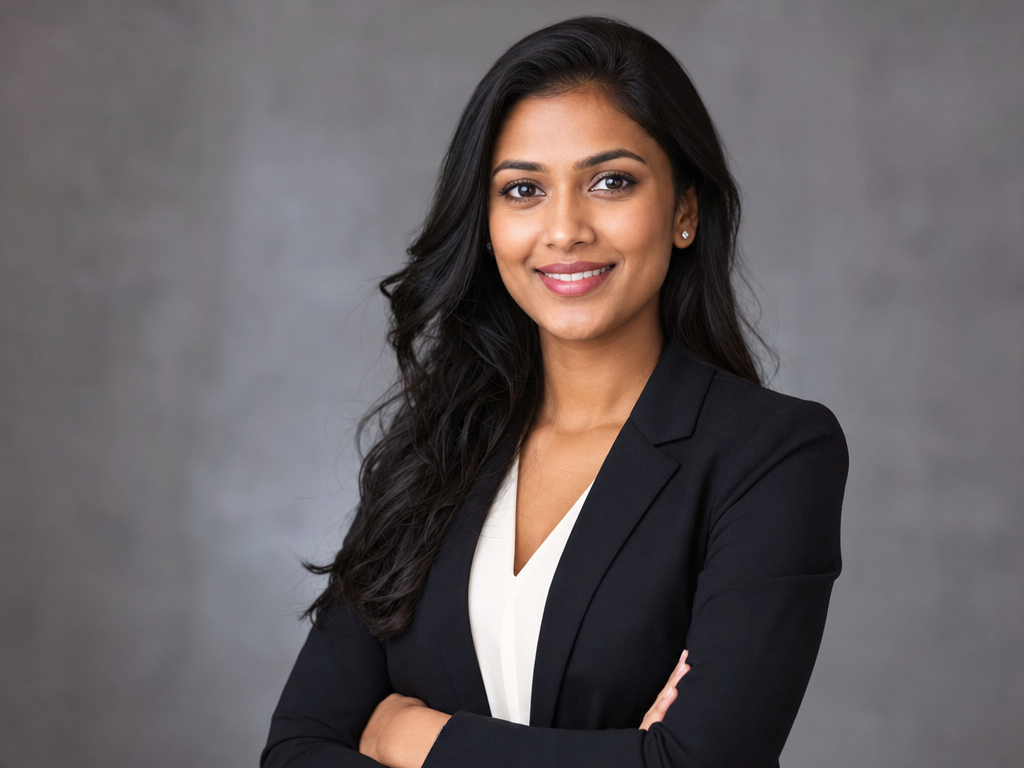
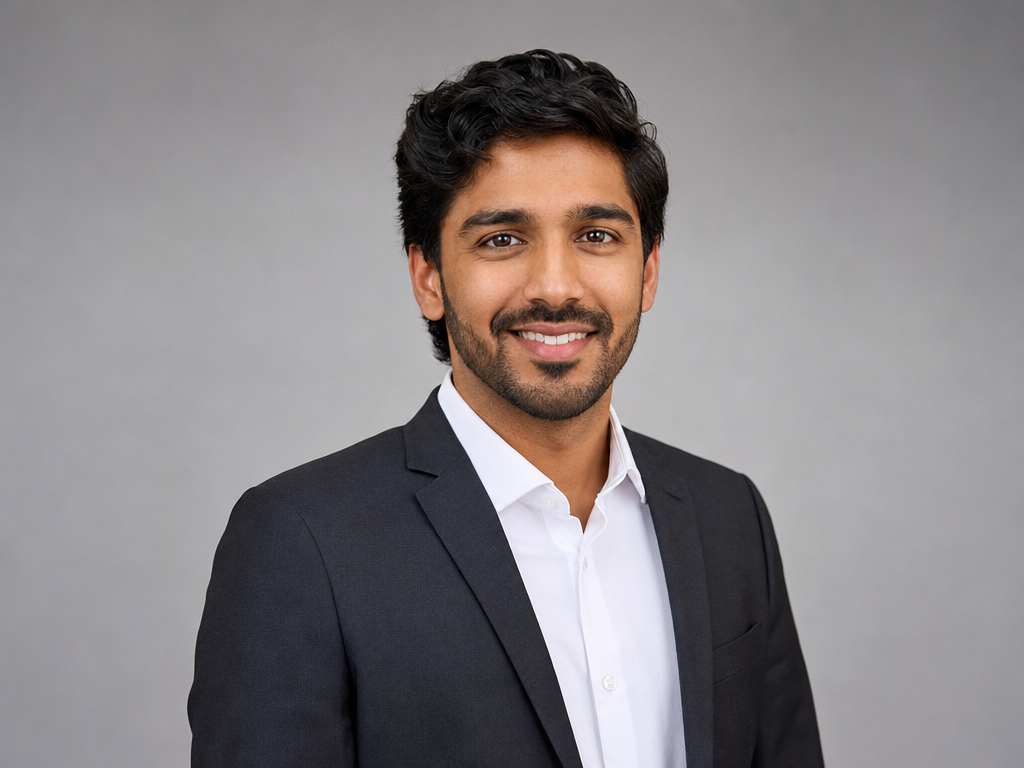
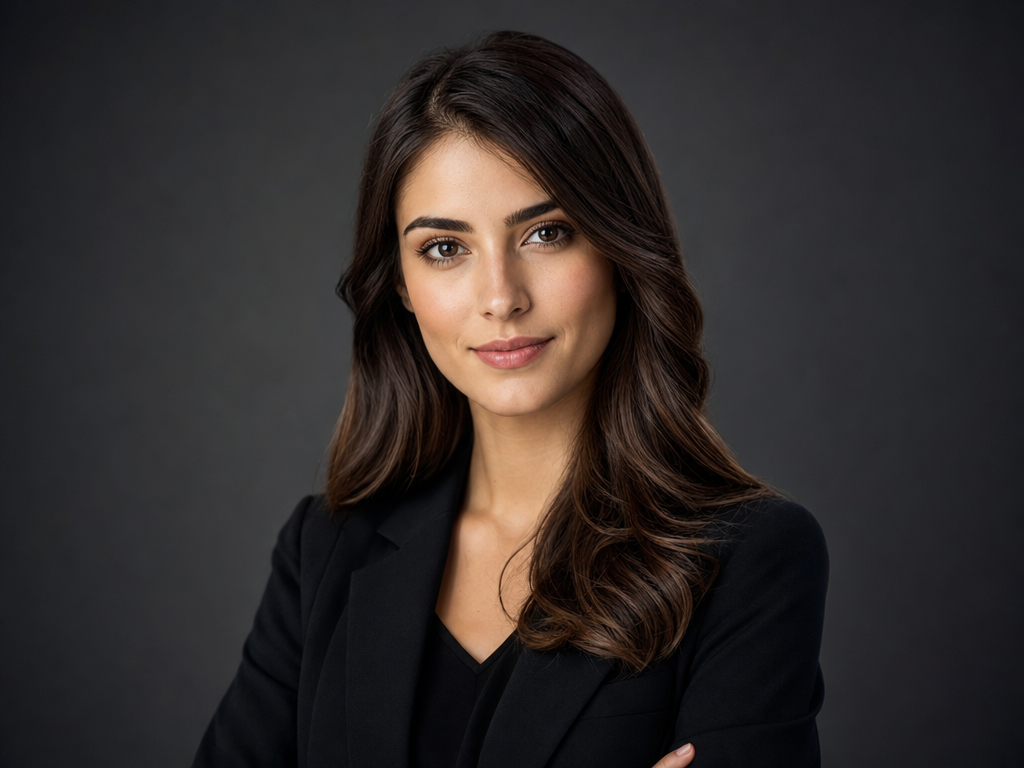
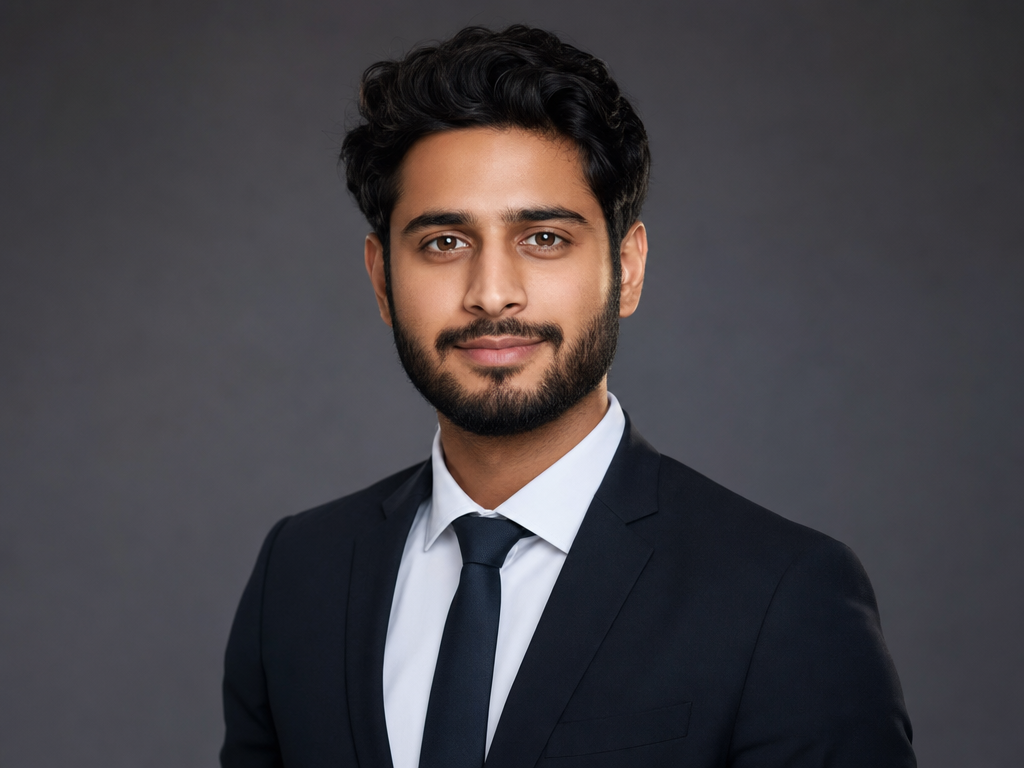
Use Arttribe for professional AI headshots when you need matching portraits without a photoshoot. Individuals get a professional profile picture; teams get consistent corporate headshots for sites and decks.
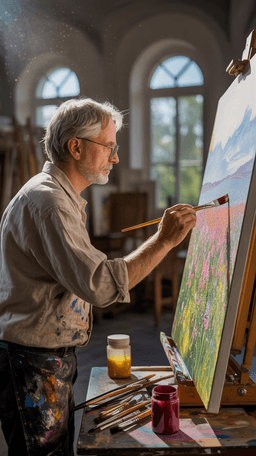
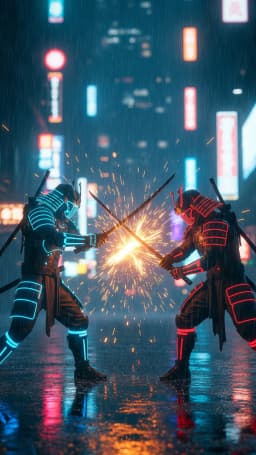
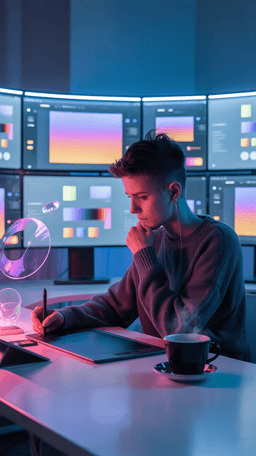
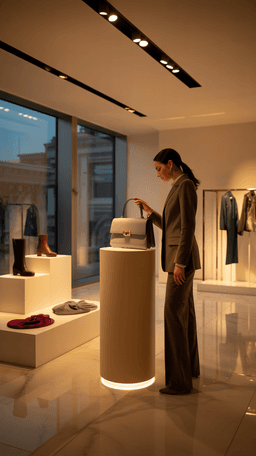

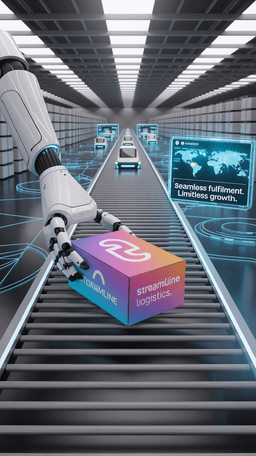
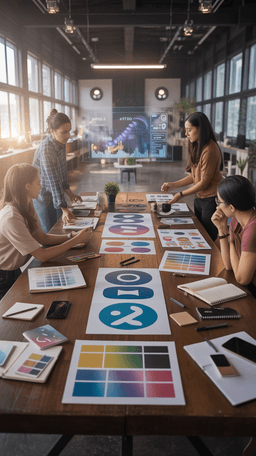
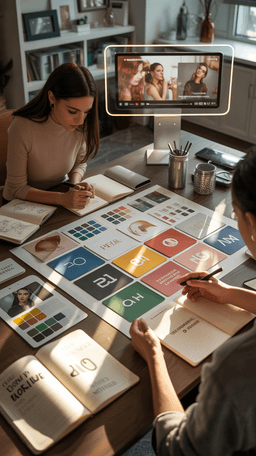
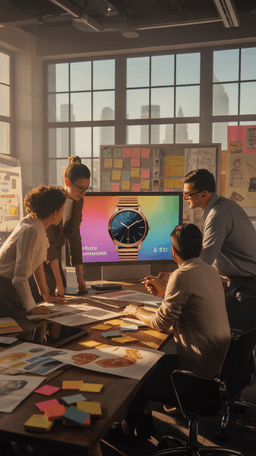

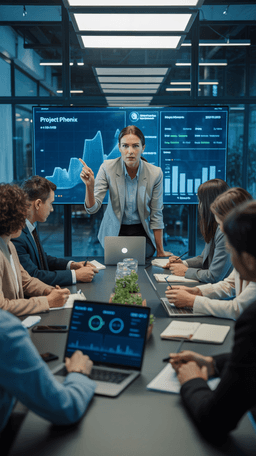
Explore the world of artistic creation with Arttribe. Discover how people worldwide are using it to express themselves and bring their ideas to form.
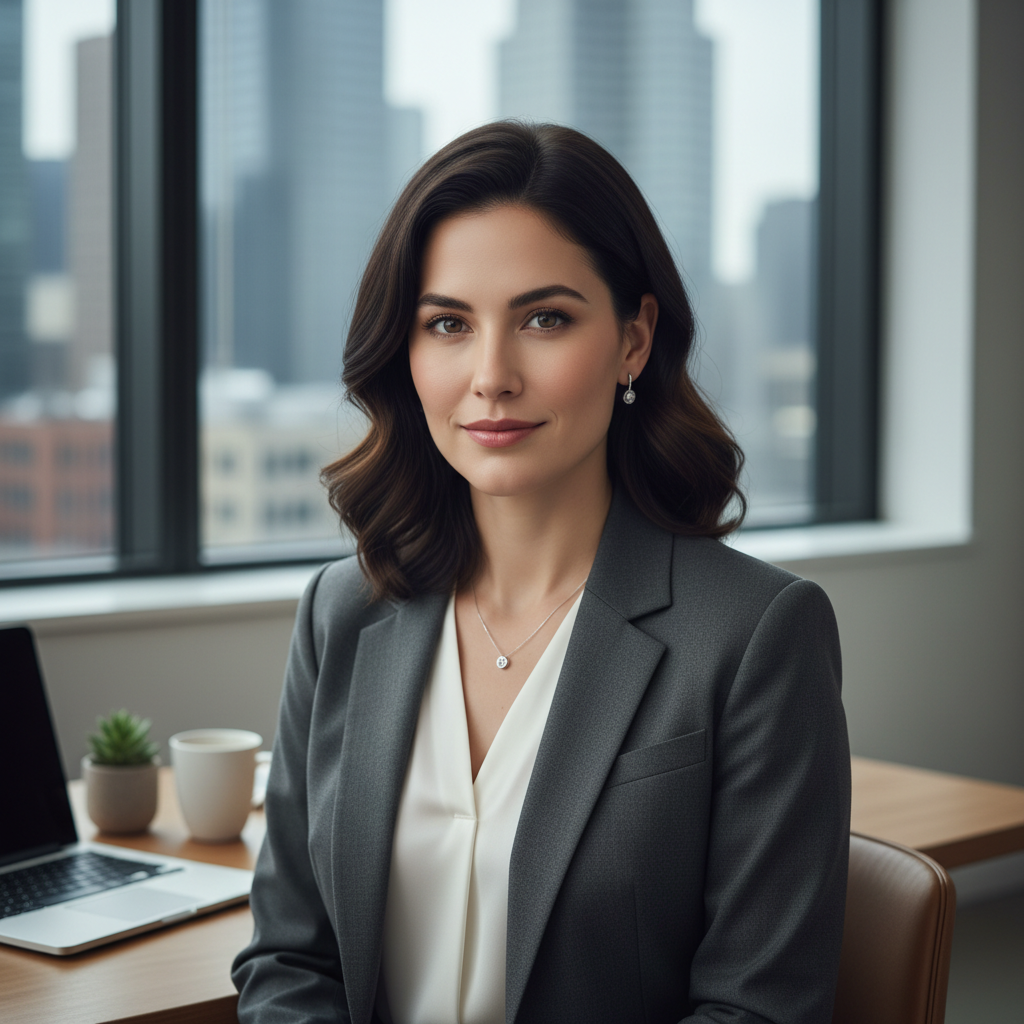
Maya Chen
Creative Director, Brightlane Studio

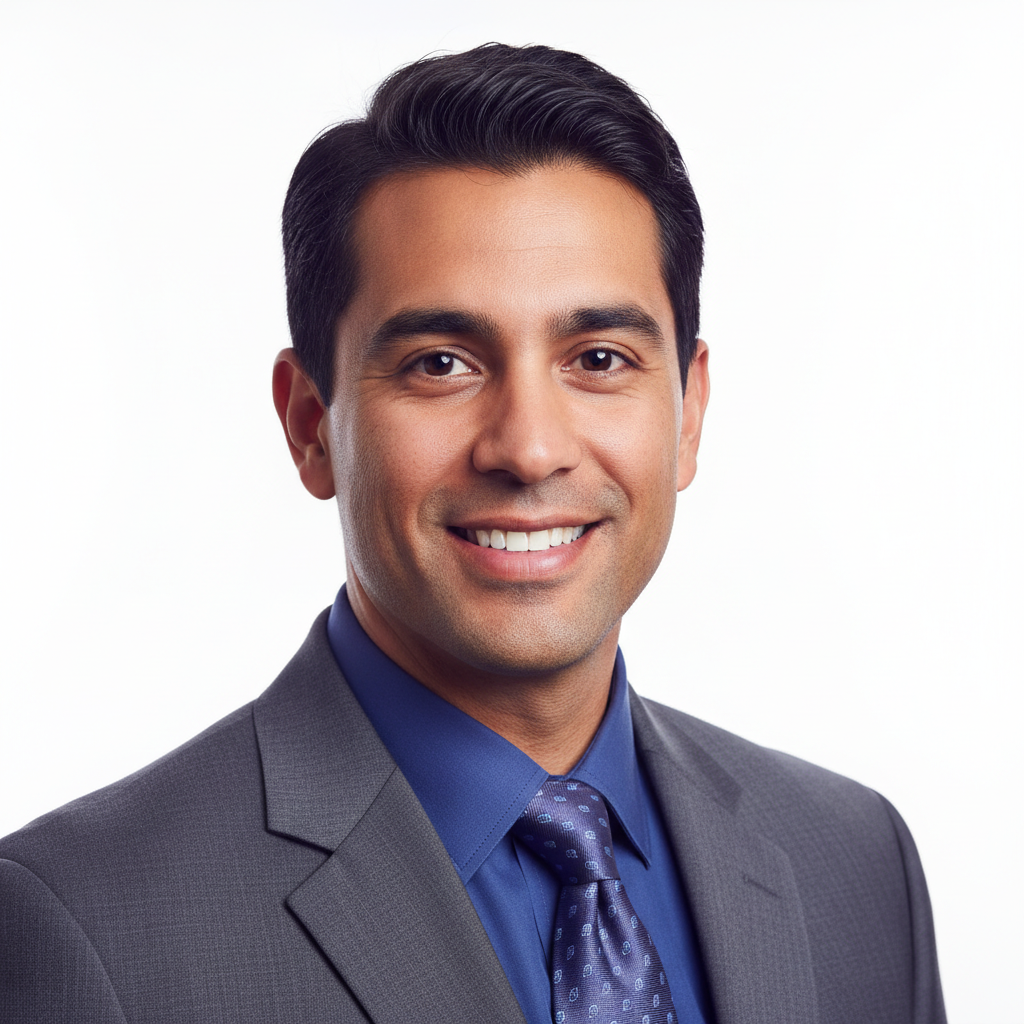
Jordan Ellis
Head of Content, Nova Brand Co.
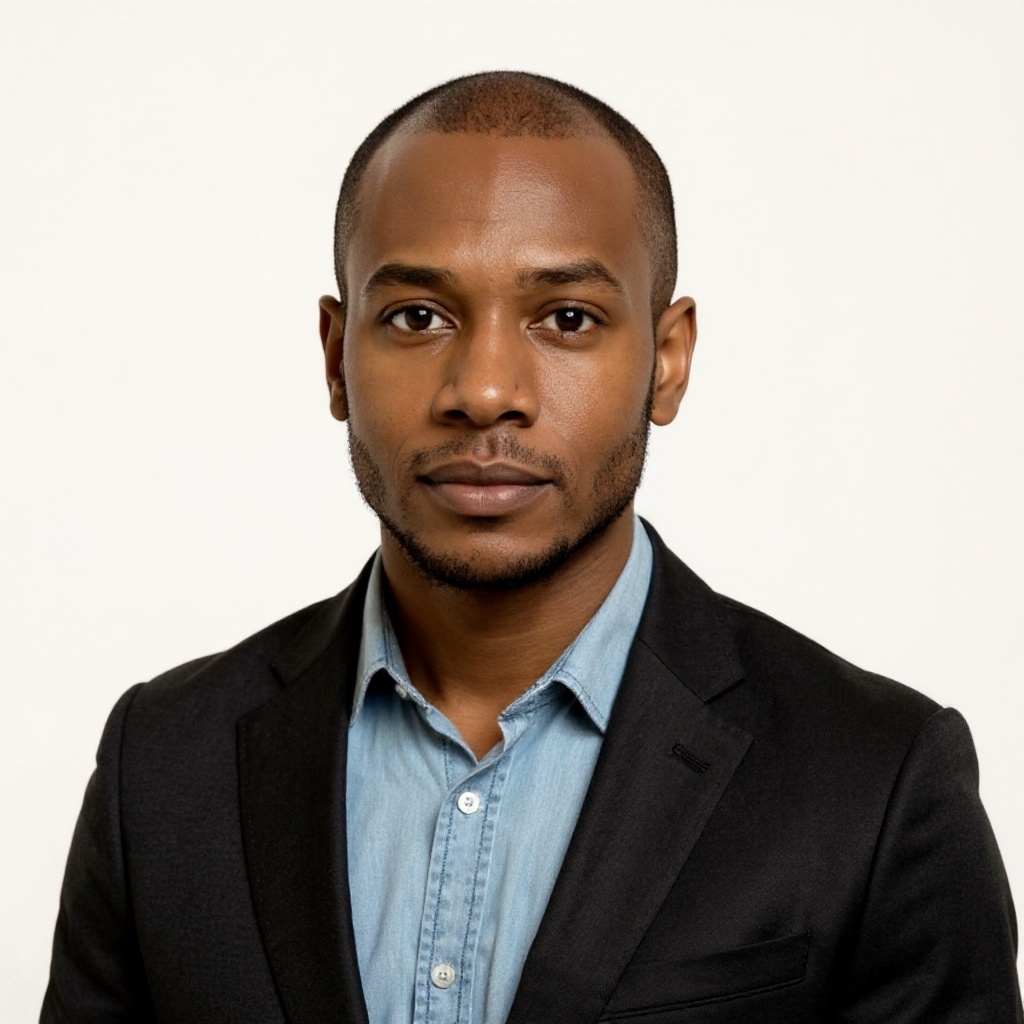
Alex Rivera
Independent Content Creator
Frequently asked questions about AI image generation, editing, and creative workflows on Arttribe.
What is an AI image generator?
Can I create commercial images with Arttribe?
Which image models are available on Arttribe?
What is the best AI image generator?
Create LinkedIn, resume, and team portraits with a free AI headshot generator. No credit card required.

Tools
Automations
Resources
Support Email: support@arttribe.ai
© 2026 Arttribe. All rights reserved.
Arttribe