
Text to Song Creator: Write, Generate, Remix and Ship Songs
Be a text to song creator: sketch in Prompt mode, lock words in Lyrics mode, try genres, remix tracks, and ship occasion songs, anthems, and video songs.
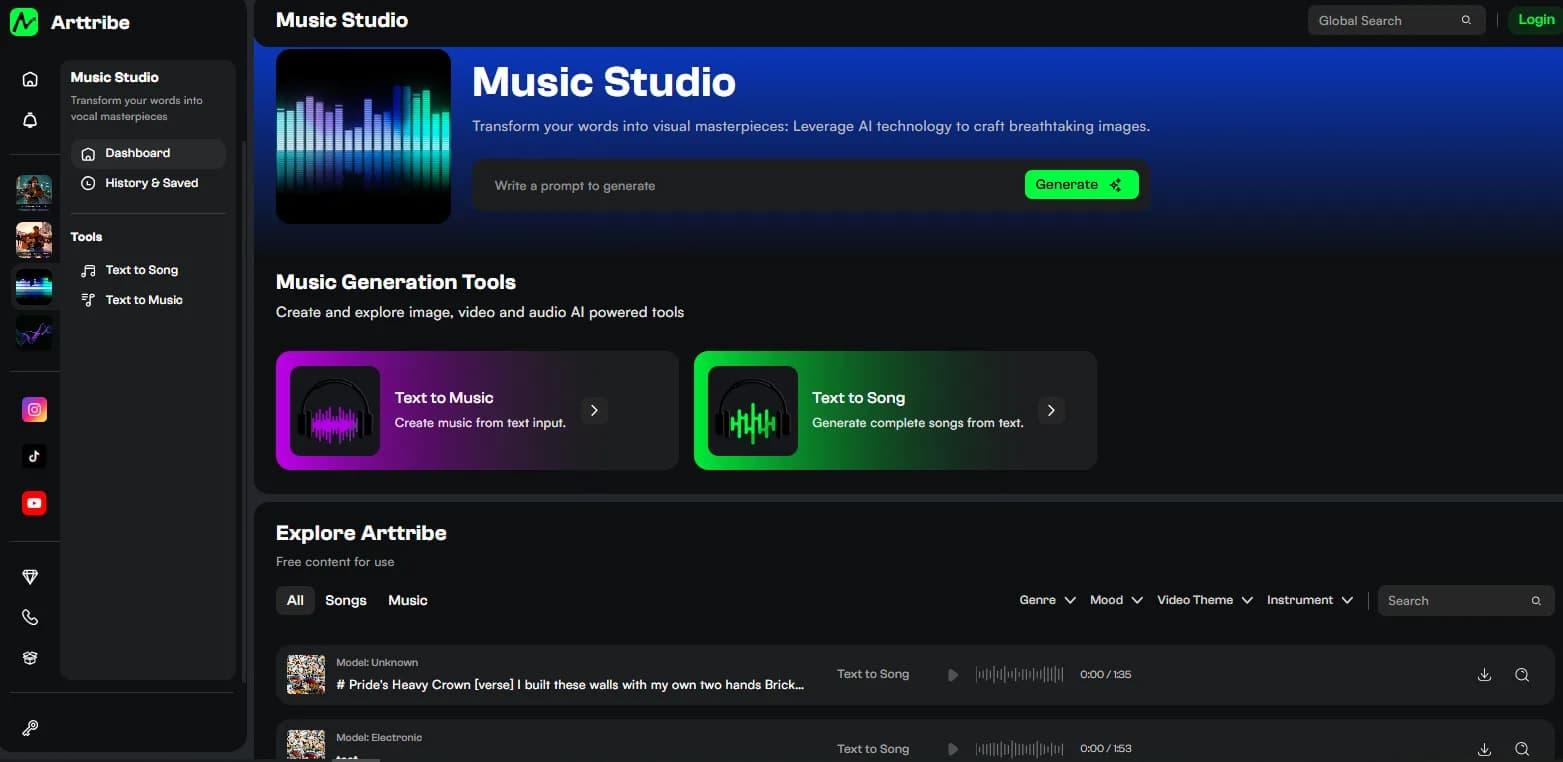
A text to song creator ships finished songs, not prompts. The workflow is a loop: sketch the idea, lock the words, try it in more than one genre, remix the keepers, and put the track where it earns its keep. Text to Song covers the whole loop in the browser, and the rest of this article is how to run it without wasting runs.
Sketch the idea in Prompt mode#
Start loose. A one-line brief with theme, mood, vocal style, and structure is enough: birthday pop, bright vocal, verse-chorus, hook with the name Maya, hard end. Generate and listen for potential, not perfection. You are asking whether the idea sings, not whether take one is final.
If the idea does not survive Prompt mode, kill it early. No amount of Lyrics formatting rescues a concept with no hook.
Lock the words in Lyrics mode#
Once the idea works, write the real lines and switch to Lyrics mode so the AI singer performs your exact words. Label Verse and Chorus, keep lines short, repeat the hook. The formatting rules are in how to turn lyrics into a song. Starting from existing writing? Run the converter workflow first.
Try the same song in more than one genre#
The genre tile is the cheapest experiment in the studio: Pop, Classical, Metal, Jazz, Flute. Run the locked lyrics under two or three tiles before you call the song done. Same words, different delivery, sometimes a completely different record. Change genre only, never genre and lyrics together, or you will not know what fixed the take.
Remix and reuse the keepers#
Keepers multiply. Remix a track with other songs, cut the hook as a standalone opener, or generate stills and lay the song behind them in Video Editor. A birthday song becomes a video gift. A brand anthem becomes a Short, a Reel, and a lobby loop. One generation session should leave you with assets, plural.
Occasion songs are the highest-volume creator job: birthdays, weddings, anniversaries, team wins, product launches. Personalized details in the verses plus a repeated name in the chorus outperform generic lyrics every time. Nobody replays a song that could belong to anyone.
Ship it where it earns its keep#
Solo tracks go wherever audio goes. Songs behind picture stay inside the studio: stills in Text to Image, the song behind those stills in Video Editor. If speech ever has to sit on top, the song loses and an instrumental from Text to Music takes its place. Check your plan for generation limits and commercial terms before a client job.
A short production path#
- Sketch in Prompt mode in Text to Song. Kill hookless ideas fast.
- Lock real words in Lyrics mode. Label sections.
- Run the locked lyrics under two or three genre tiles. Keep the best delivery.
- Remix, download, and ship: solo track, video song, or occasion gift.
FAQ#
What does a text to song creator actually do? Write or brief, generate, pick takes, remix, and publish. The tool sings. You direct.
Prompt or Lyrics first? Prompt to explore, Lyrics to finish. In that order.
Can I make personalized songs for other people? Yes. Names and details in the verses, repeated hook in the chorus. That is the whole trick.
Can I use these songs commercially? Check your plan’s limits and commercial terms first. The studio path for client video work is in AI music for video and social.
Try this in Arttribe
Open the matching studio and run the workflow from this article.
Open Text to Song