
How to Turn Text Into a Song With an AI Song Generator
Turn text into a song in four steps: brief the song in Prompt mode, pick a genre, generate, and keep the take with the clearest hook. Works with Arttribe Text to Song in the browser.
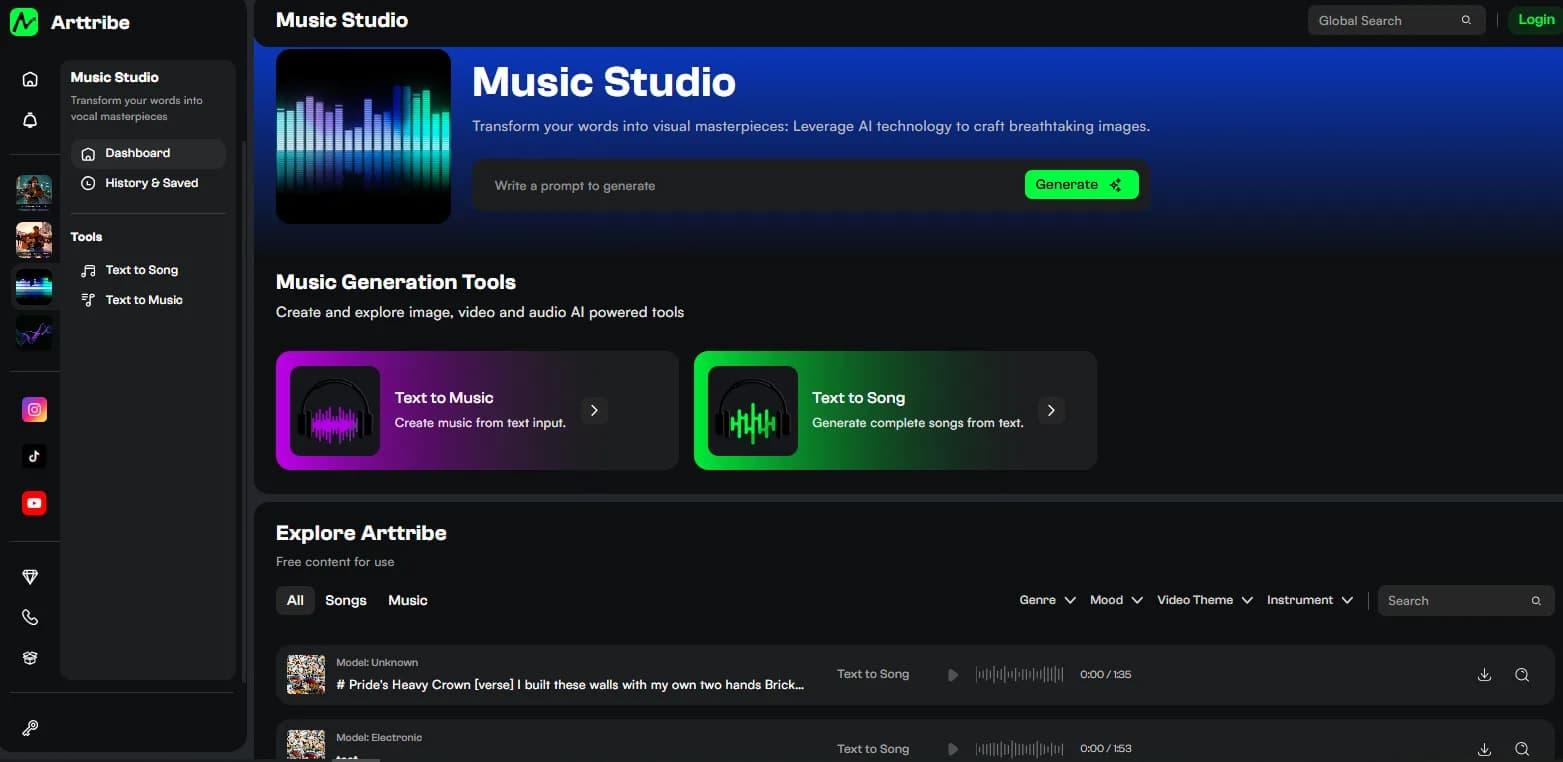
Turning text into a song is a briefing problem, not a music-theory problem. You describe the song, pick a genre, and let Text to Song sing it. The people who get good takes fast all do the same four things: write a tight brief, set genre first, generate, and judge the hook before touching anything else.
Write the brief first#
Open Text to Song and use Prompt mode. A good prompt names theme, mood, vocal style, and structure in one short line. Example: upbeat pop, warm vocal, verse-chorus, hook about a summer drink, hard end.
Weak prompts produce vague songs. “Something happy” gives you a shrug with a beat. Name the feeling, the voice, and the shape, and the first take is usually close enough to judge.
Pick the genre before you generate#
Genre is a sidebar tile, not a word in the prompt: Pop, Classical, Metal, Jazz, Flute. It steers rhythm, instruments, and how the AI singer delivers the vocal. Pick the closest match first, then leave it alone while you fix the words. Change genre or brief, not both in the same run. The full control list is in Music Studio settings.
Generate and judge the take#
Generate, then listen for three things: the hook, whether the words are clear, and how the track ends. If the hook is weak, rewrite the brief. If the words blur, simplify the prompt or shorten the structure. One variable at a time.
Keep the take with the clearest vocal. A slightly plain arrangement with clean words beats a busy mix you cannot understand. Songs are carried by the voice, not the production around it.
When to paste lyrics instead#
Prompt mode sketches. If you already wrote the words, switch to Lyrics mode so the tool sings your exact lines instead of inventing a song about them. Pasting lyrics into Prompt mode treats them as a description, and you will get a song about your lyrics rather than your lyrics sung. The full workflow is in how to turn lyrics into a song.
A short production path#
- Write a one-line brief: theme, mood, vocal style, structure.
- Set the genre tile in Text to Song and generate.
- Keep the take with the clearest hook and vocal. Change one variable and run again only if needed.
- Download the track. Use it solo, remix it with other songs, or put it behind stills in Video Editor.
That is the whole job. Everything else on this page is a refinement of those four steps.
FAQ#
Do I need music theory to turn text into a song? No. You need a clear brief and a genre pick. The tool handles composition and performance.
Should I use Prompt or Lyrics mode? Prompt when you have an idea. Lyrics when you have the words. They are different tabs for different starting points.
Is Arttribe a text to song generator online free? Yes to start, in the browser, no install. Check your plan for generation limits and commercial terms.
Where does the finished song go? Download it for anywhere, or keep working in the studio: stills in Text to Image, then the song behind those stills in Video Editor.
What if I want an instrumental instead? That is Text to Music, not Text to Song. Songs sing. Beds do not.
Try this in Arttribe
Open the matching studio and run the workflow from this article.
Open Text to Song