AI Video Prompting in 2026: Camera, Motion, Subject and Scene
A practical AI video prompt framework for controlling camera movement, subject action, environment, lighting, timing, and cinematic style.
AI video prompts work better when they describe an observable shot rather than a collection of cinematic adjectives. The model needs to understand what is visible, what moves, and how the camera behaves. Clear prompts reduce ambiguity and make it easier to iterate when the first result is close but not quite right.
A useful prompt should describe the shot as if you were giving instructions to a cinematographer. Identify the subject, environment, action, camera behavior, and lighting conditions. Style words can help, but they should support the physical description rather than replace it.
Use a five-part AI video prompt#
Breaking a prompt into predictable components makes it easier to control. It also gives you a practical debugging method: when the output is wrong, identify whether the problem came from the subject, environment, action, camera, or atmosphere instead of rewriting the entire prompt.
- Subject: what the camera is watching.
- Environment: where the scene takes place.
- Action: what changes during the shot.
- Camera: movement, framing, lens feel, and perspective.
- Lighting and atmosphere: the visual conditions surrounding the action.
For example, instead of writing a prompt filled with words such as “epic,” “cinematic,” and “dynamic,” describe a subject walking through a rainy street while the camera slowly tracks backward. The physical instruction gives the model something observable to reproduce, while cinematic style can then be used to refine the overall look.
One shot should have one dominant movement#
A prompt that asks for a dolly-in, orbit, handheld shake, zoom, character spin, wind, rain, and moving background at once gives the model too many competing instructions. Start with one dominant camera or subject movement. Once that movement works, additional environmental motion can be introduced carefully.
This is especially important for short AI-generated clips. The model has limited time to establish the scene and execute the requested movement. Simpler motion often looks more intentional and can be easier to combine with other shots during editing.
Use image-to-video when composition matters
If the opening frame already looks correct, animate that frame instead of asking the video model to invent the scene and motion simultaneously. This is especially useful for products, characters, fashion, and advertising. The image provides a visual anchor while the prompt focuses mainly on movement and camera behavior.
Image-to-video can also improve continuity between shots. If several clips start from carefully designed stills, the overall project can maintain a stronger visual identity even when different motions or generation settings are used.
Iterate one variable at a time#
When a generation is close, change only the motion, camera, or lighting instruction. Keeping the rest of the prompt stable makes it easier to understand why a new generation improved or failed. This approach also prevents accidental changes to the parts of the scene that were already working.
Save successful prompts as reusable templates. Over time, a library of tested camera movements, subject actions, and lighting descriptions can make video production faster because you are improving known patterns rather than starting from an empty prompt for every shot.
Try this in Arttribe
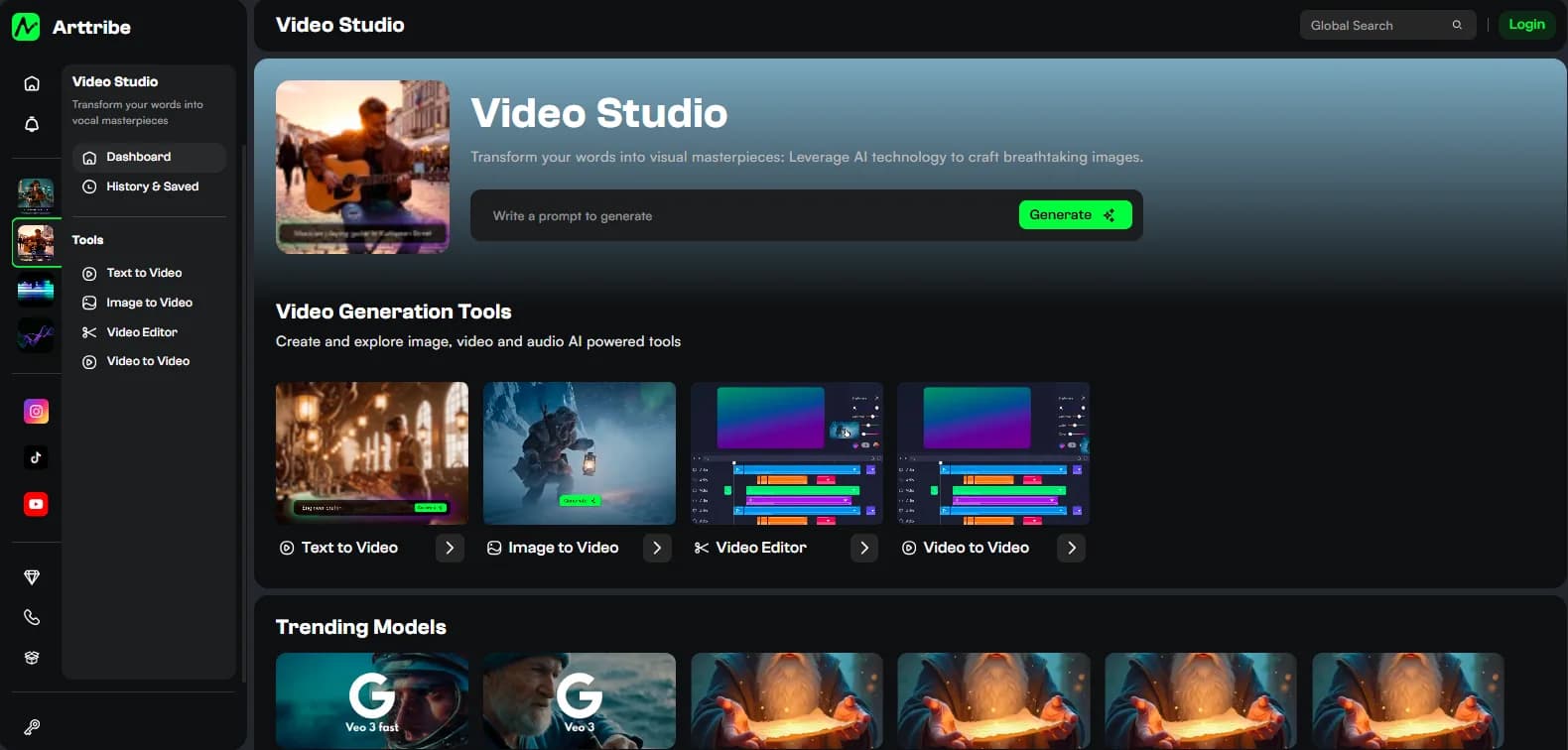
Open the matching studio and run the workflow from this article.
Try AI Video Generation