MiniMax H3 Max on fal.ai: Speed, Audio and When It Matters
What MiniMax H3 Max is, why fal post-trained it, how it compares to Kling, Veo and Seedance, and how to use a fast video model in a real production workflow.
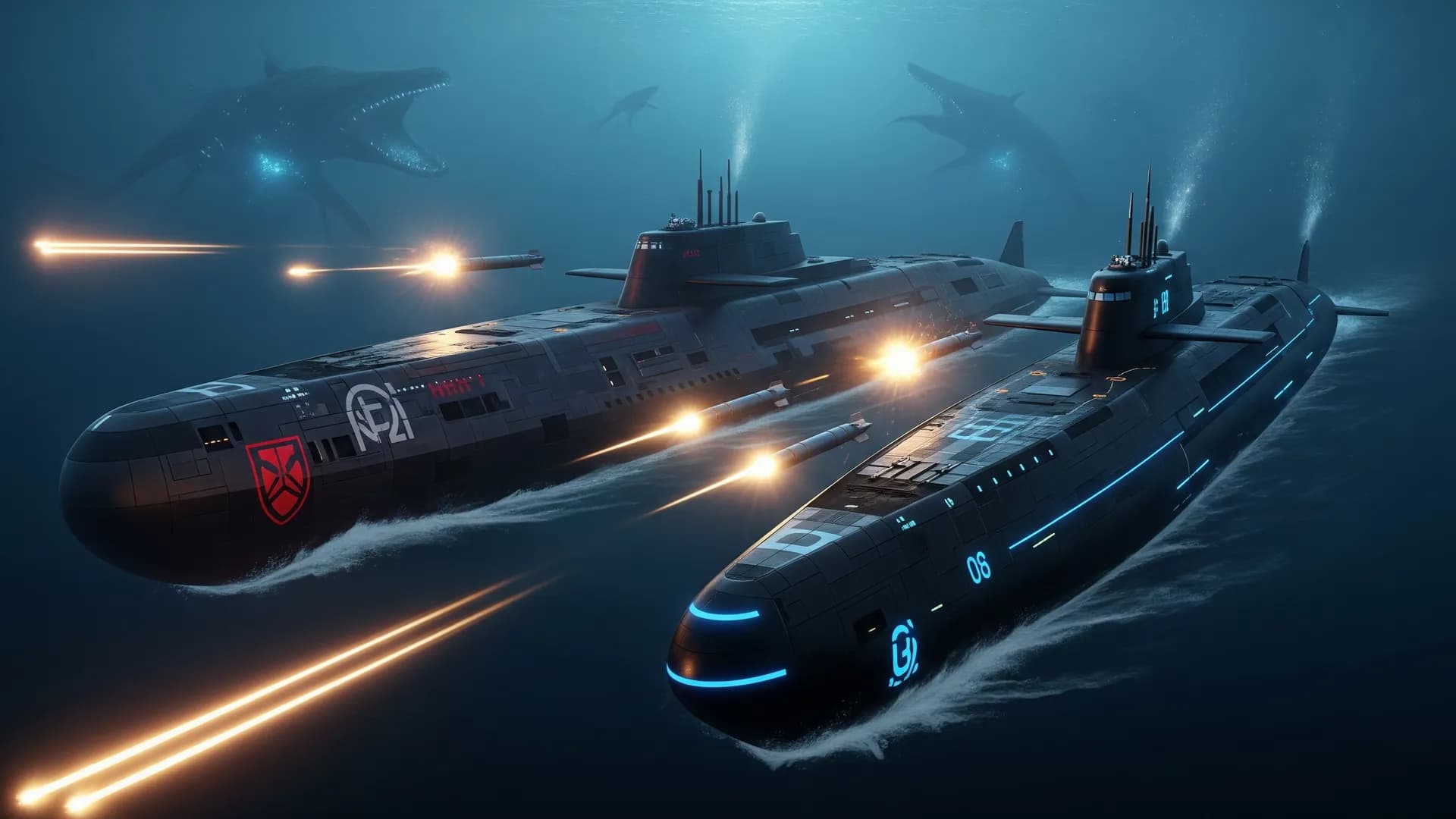
MiniMax H3 Max is the video model fal shipped on 27 August 2026: a post-trained MiniMax H3 checkpoint, served on fal’s own inference stack. The claim that matters is not a new demo aesthetic. It is speed with native audio. fal says a 5-second clip returns in under 3 seconds — faster than real time — while ranking first on their internal head-to-heads against twelve models, including Kling 3, Veo 3.1, Seedance 2.5 and Wan 3.0.
Treat that as a dated snapshot. Leaderboards move. What does not move is the production question: do you need a 15-second clip with audio this afternoon, or a controlled shot you will edit for a week?
What H3 Max actually is#
H3 Max is not a new foundation model from scratch. fal started from open-weight MiniMax H3, added post-training data aimed at prompt adherence and aesthetics, and co-designed the serving path around their diffusion inference engine (they cite NVIDIA GB200 NVL72). Launch endpoints were text to video and image to video, with optional first-to-last frame via an end image. Maximum length at launch: about 15 seconds, with synchronized audio.
That combination — length, audio, and latency — is why the model showed up in every “new on fal” roundup. A model that is beautiful but slow is a concept tool. A model that is merely OK but returns in seconds is an iteration tool. H3 Max is being sold as both. Independent boards (Design Arena image-to-video, Artificial Analysis I2V with audio) listed it at or near the top in late August 2026. Recheck those boards before you treat the rank as current.
Speed vs the models you already know#
fal’s own write-up puts H3 Max against the same names Arttribe Video Studio already uses for production: Kling v3, Veo 3.1, Seedance, plus Wan 3.0. Their human preference study ranked H3 Max first on overall quality, prompt understanding, and aesthetics and first on throughput.
Use that as a hypothesis, not a purchase order:
- Need native dialogue or ambience in the same pass: H3 Max, Veo, and current Kling audio tiers are the relevant set.
- Need 4K-class finish and physics-heavy motion: still test Kling v3 4K on the real shot.
- Need reference-driven creative motion: Seedance remains the model to beat in many Arttribe workflows — see Seedance 2.5 vs Veo 3.
- Need OpenAI’s look and ecosystem: Sora 2.
The cheapest fal promo week is not the cheapest campaign. Count retries, edit time, and whether audio is usable or needs a Voice Studio replace.
When a faster-than-real-time model helps#
H3 Max is useful when the bottleneck is iteration, not a single hero take:
- Prompt discovery: twenty camera variants in the time one slow model gives you two.
- Social batches: many 8–15s clips, native sound as a scratch track.
- Image-to-video from an approved still, when you want motion options the same hour.
It is the wrong first tool when you need a locked brand frame, product labels, or a shot longer than one generation. Then: still in Image Studio, animate in image to video, mix music and TTS separately.
A practical Arttribe path while the leaderboard churns#
You do not have to wait for every fal launch to land in the picker. The workflow stays the same as how to compare AI models: same prompt, same still, several engines, keep the take with the best quality-to-retry ratio.
- Lock the first frame in Image Studio.
- Run image-to-video in Video Studio on Kling, Veo, or Seedance.
- If a new fal endpoint (H3 Max, Turbo, Director) becomes the iteration layer, use it for exploration, then finish the approved shot on the engine that holds identity and labels.
- Replace or keep native audio. Native sound is a draft until it survives phone speakers under captions.
For prompt structure, use AI video prompting in 2026. For length and resolution limits across engines, see AI video model length and resolution.
What to record if you test H3 Max#
- Date, endpoint (T2V vs I2V), duration, resolution.
- Whether audio was kept or replaced.
- Attempts to an approved take.
- What broke: identity, text, physics, lip sync.
That log is the only ranking that matters for your work. fal’s Elo is a starting prior.
Try this in Arttribe
Open the matching studio and run the workflow from this article.
Explore Video Studio