AI Video: Text to Video, Image to Video and What to Use When
What AI video is, how text-to-video and image-to-video differ, which models to try, and how to produce clips in Arttribe Video Studio.
AI video is a clip generated from text, a still, or another video. People search “AI video” because they want motion without a crew. The useful split is text to video versus image to video. One invents the scene. The other animates a frame you already approved.
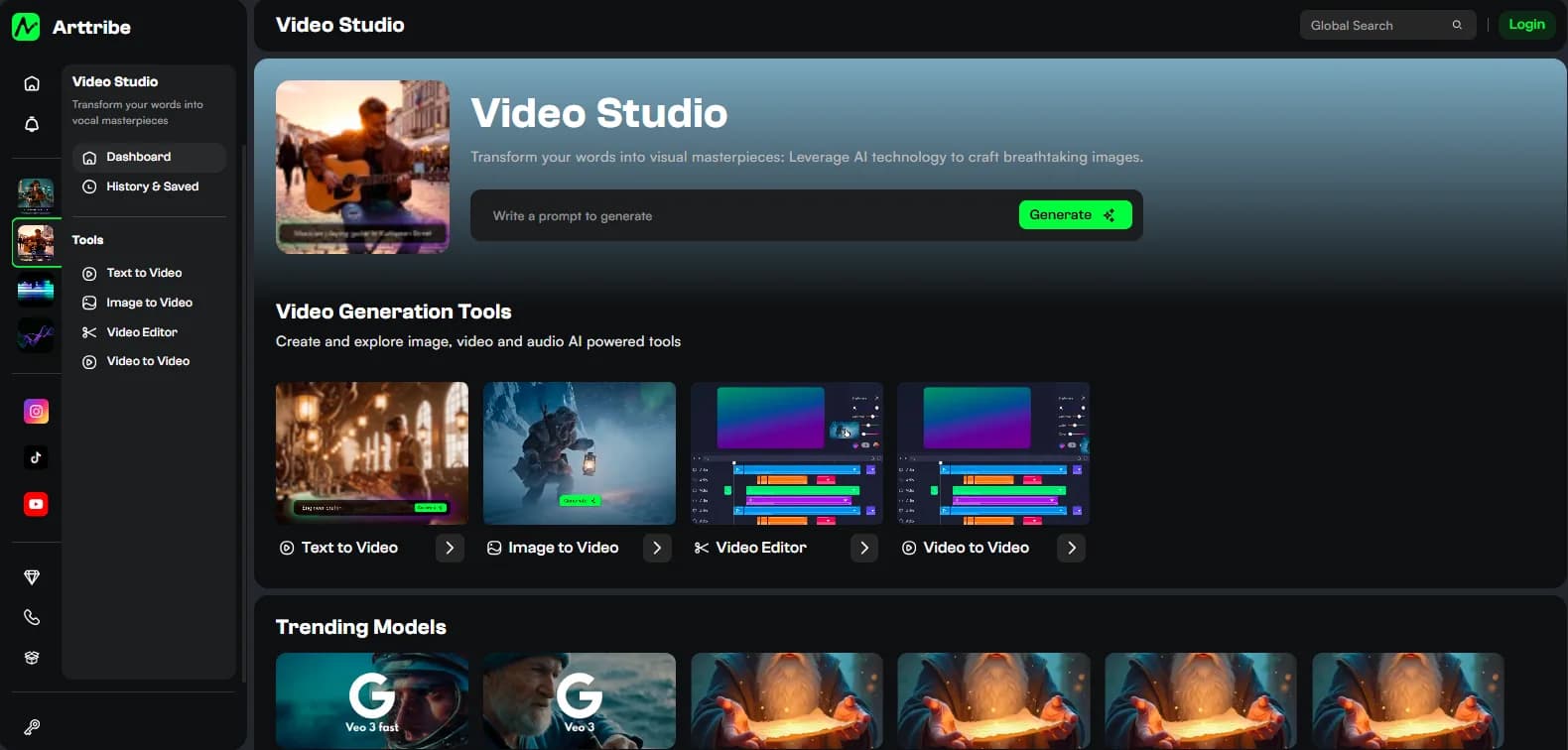
Arttribe Video Studio is the hub: Kling v3, Veo 3.1, Sora 2, Seedance, Pixverse, Hailuo, plus video to video and the video editor.
Text to video vs image to video#
- No approved frame: text to video. Write subject, action, camera. See AI video prompting.
- Product, face, or layout locked: image to video. Prompt only motion. Start the still as AI art in Image Studio.
Speed models on fal, including MiniMax H3 Max, make iteration cheaper. They do not remove the need for a first frame when identity matters.
How to make AI video that survives an edit#
- Lock aspect ratio (9:16 vs 16:9) before you generate.
- Keep shots short. Most engines are strongest in a few seconds.
- Change one instruction per retry.
- Replace native audio if it fights the brand: AI voice and AI music.
- Compare engines on the same brief. Best AI video models. Length caps: clip length and resolution.
When AI video is the wrong tool#
Long-form narrative, legal-sensitive faces, or label-perfect packaging still need a human shoot or heavy cleanup. AI video is for concepts, social, ads, and motion off a still — not a replacement for every camera.
Open Video Studio and run one image-to-video take from an approved still. That is the shortest path from the search “AI video” to a clip you can publish.
Try this in Arttribe
Open the matching studio and run the workflow from this article.
Open Video Studio