AI Art: How to Generate, Edit and Ship Images in One Studio
What AI art is in 2026, how to generate it from a prompt, which models to use, and how Arttribe Image Studio turns stills into real campaign assets.
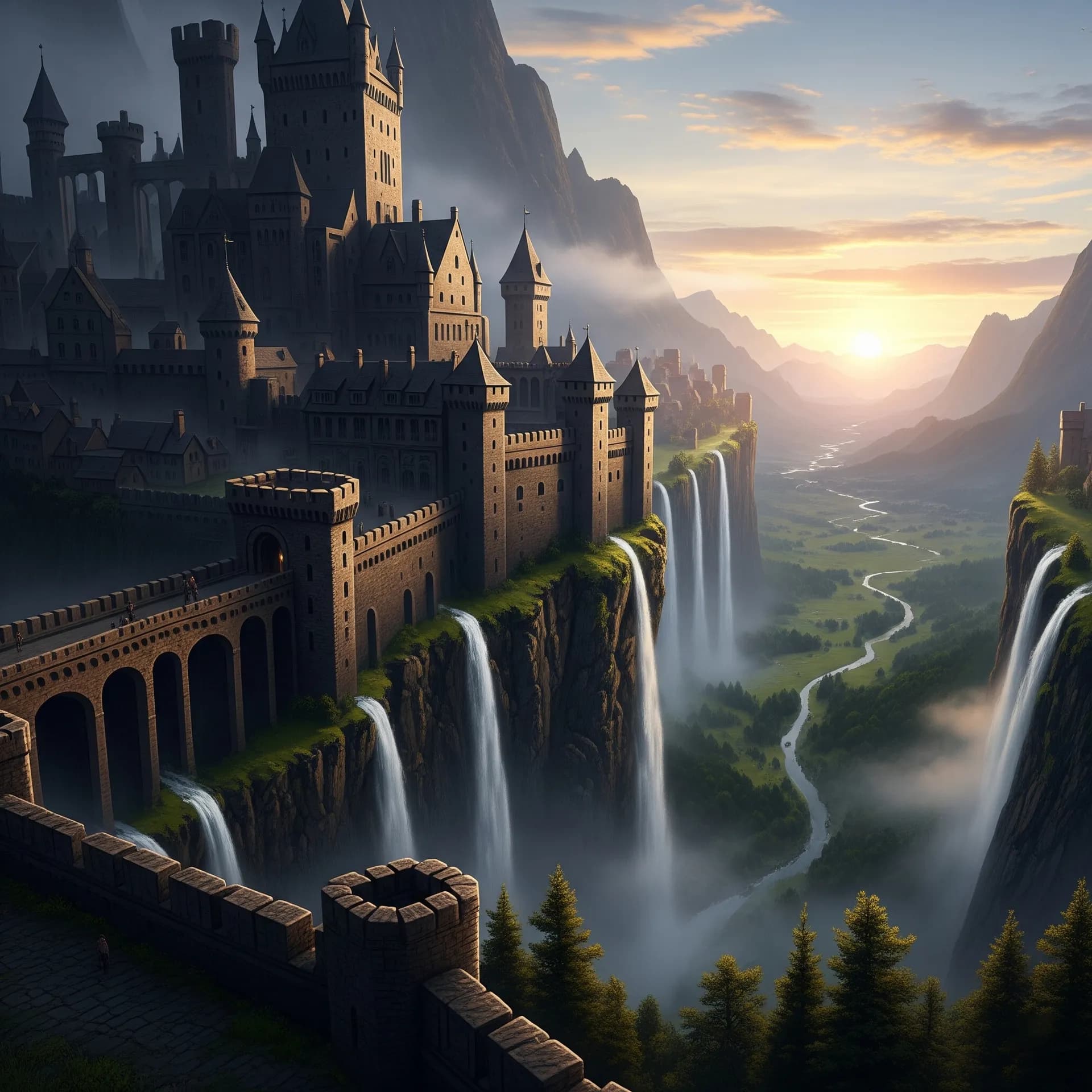
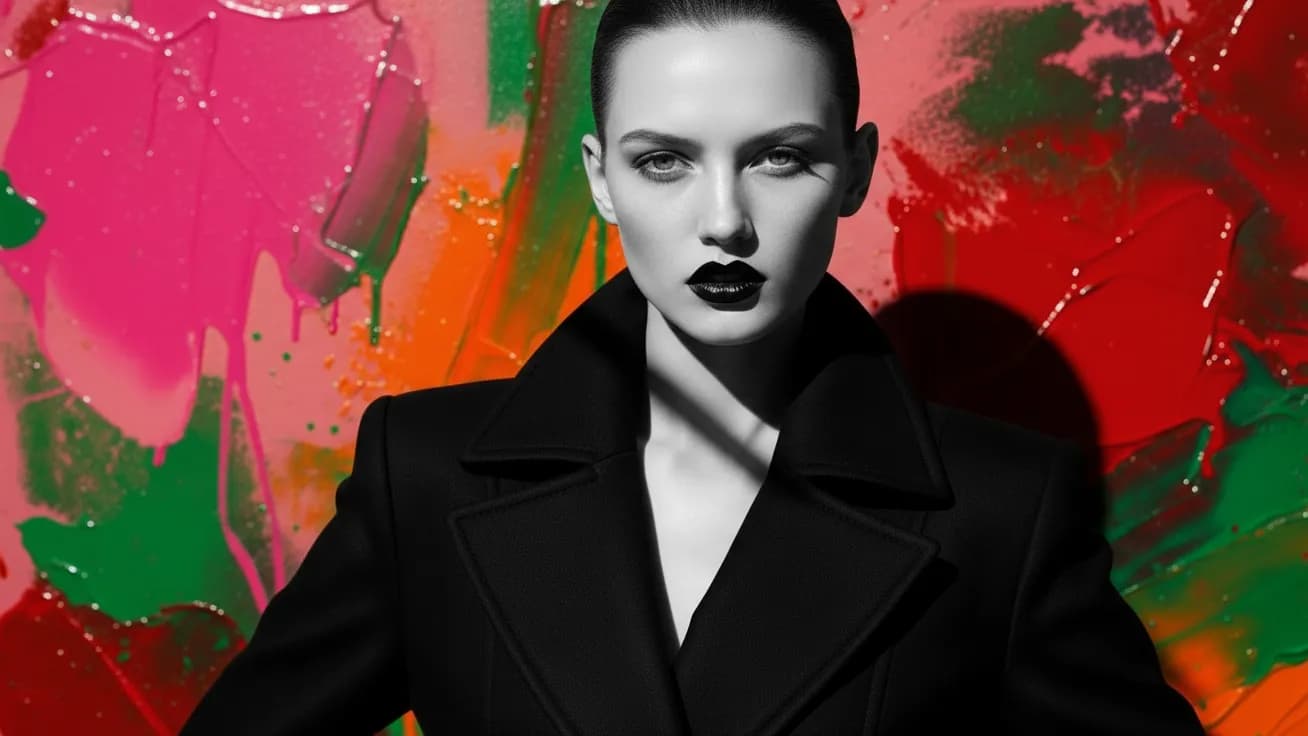
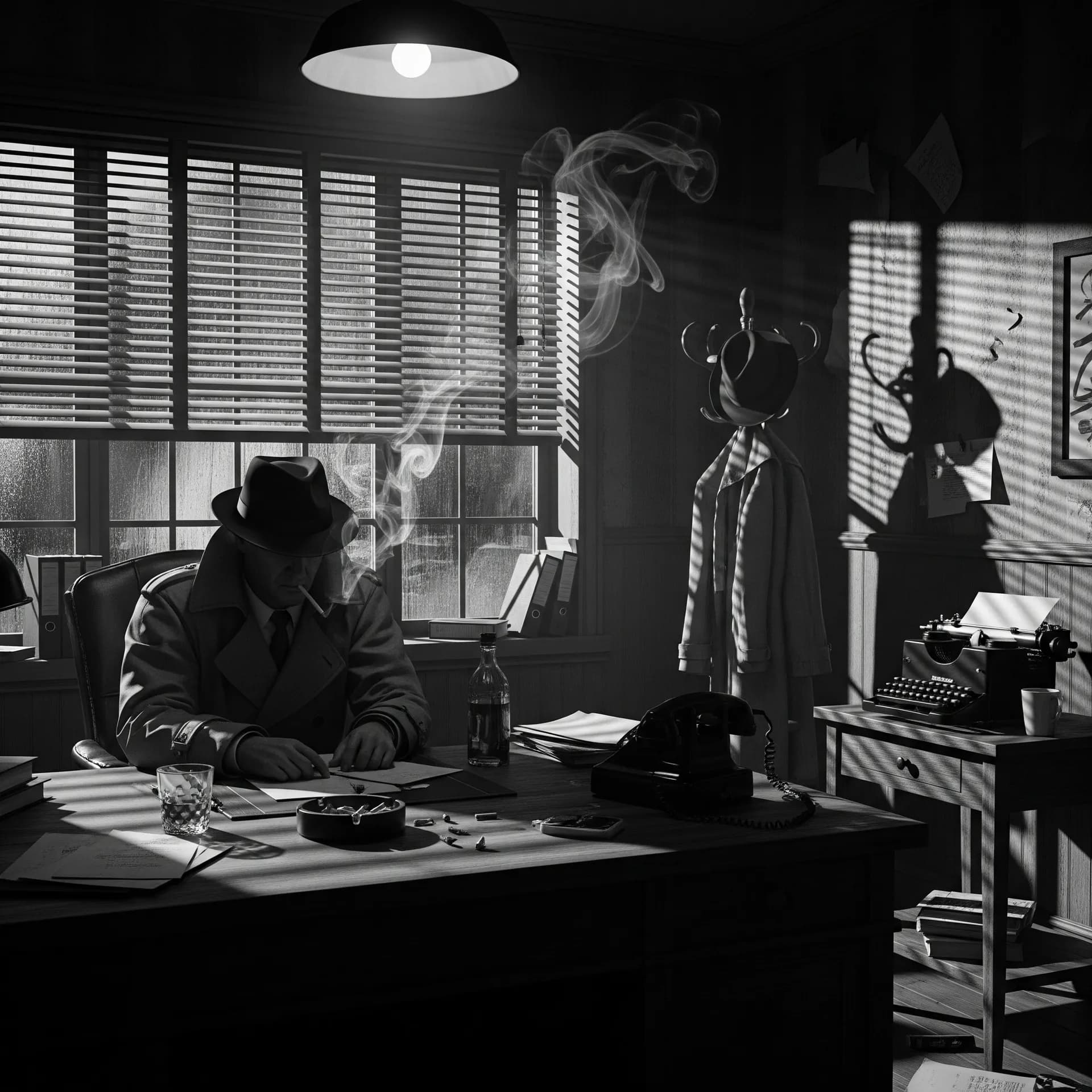
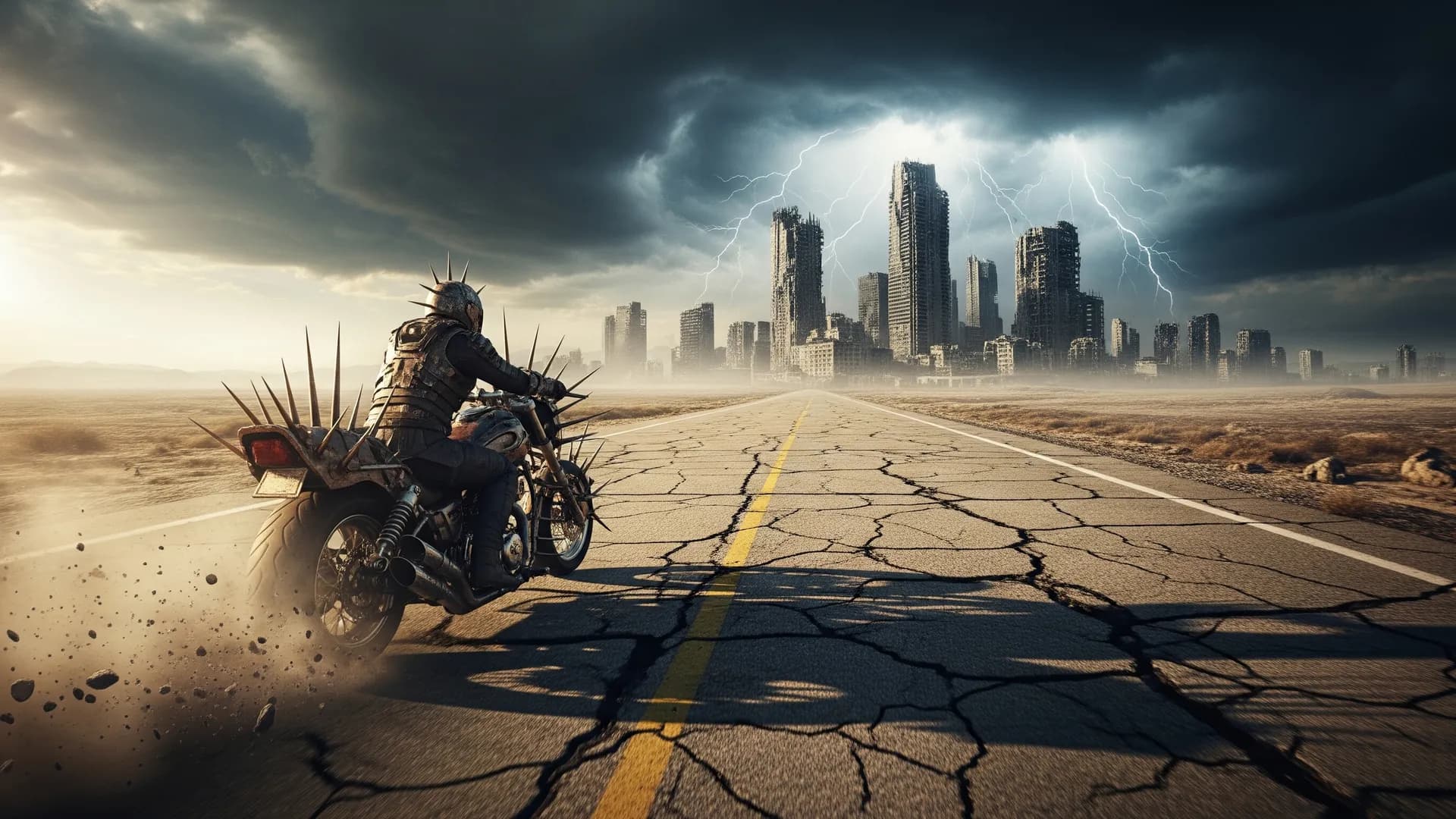
AI art is an image made from a prompt, a reference, or an edit — not a filter on a stock photo. Searchers type “AI art” when they want a picture. Production teams still need a model that follows the brief, an editor, and a license they can live with.
Arttribe Image Studio is the place to make AI art, then keep it: text to image, image editor, creative upscale, headshot, product photography.
What counts as AI art#
The phrase covers illustration, photoreal stills, concept frames, and graphics with type. Some people mean “pretty pictures.” Some mean ads. The studio does not care which. The brief does: subject, style, aspect ratio, and whether text or a product must stay accurate.
If you only want a gallery image, any generator will do. If you need the same character, SKU, or logo across a set, you need models and tools, not one lucky sample. See AI image generator vs AI art generator and best AI image models.
How to generate AI art that you can use#
- Write the subject before the vibe.
- Pick a model for the job: Ideogram for type, GPT Image 2 for layouts, FLUX or Nano Banana Pro for photoreal, Seedream for commercial looks.
- Generate a small batch. Change one variable.
- Edit the winner. Do not regenerate the whole frame for a small fix.
- Upscale only the approved still.
New endpoints such as Krea 2 and Muse Image change the engine. They do not change this order.
From AI art to the rest of the studio#
A still is often the first frame of AI video. Send it to image to video. Add AI music or AI voice after picture lock. For a profile photo, use AI headshot instead of a generic portrait prompt.
Rights#
AI art is not automatically yours to run as an ad. Check current Arttribe and model terms. Keep the date and engine. Copyright for AI creators.
Start in Image Studio. That is the Arttribe page for AI art.
Try this in Arttribe
Open the matching studio and run the workflow from this article.
Open Image Studio