Krea 2 on fal.ai: Large, Medium and Turbo Compared
Krea 2 is now on the fal API. What Large, Medium, and Turbo are for, how style references work, and how it sits next to FLUX, Ideogram and GPT Image 2.
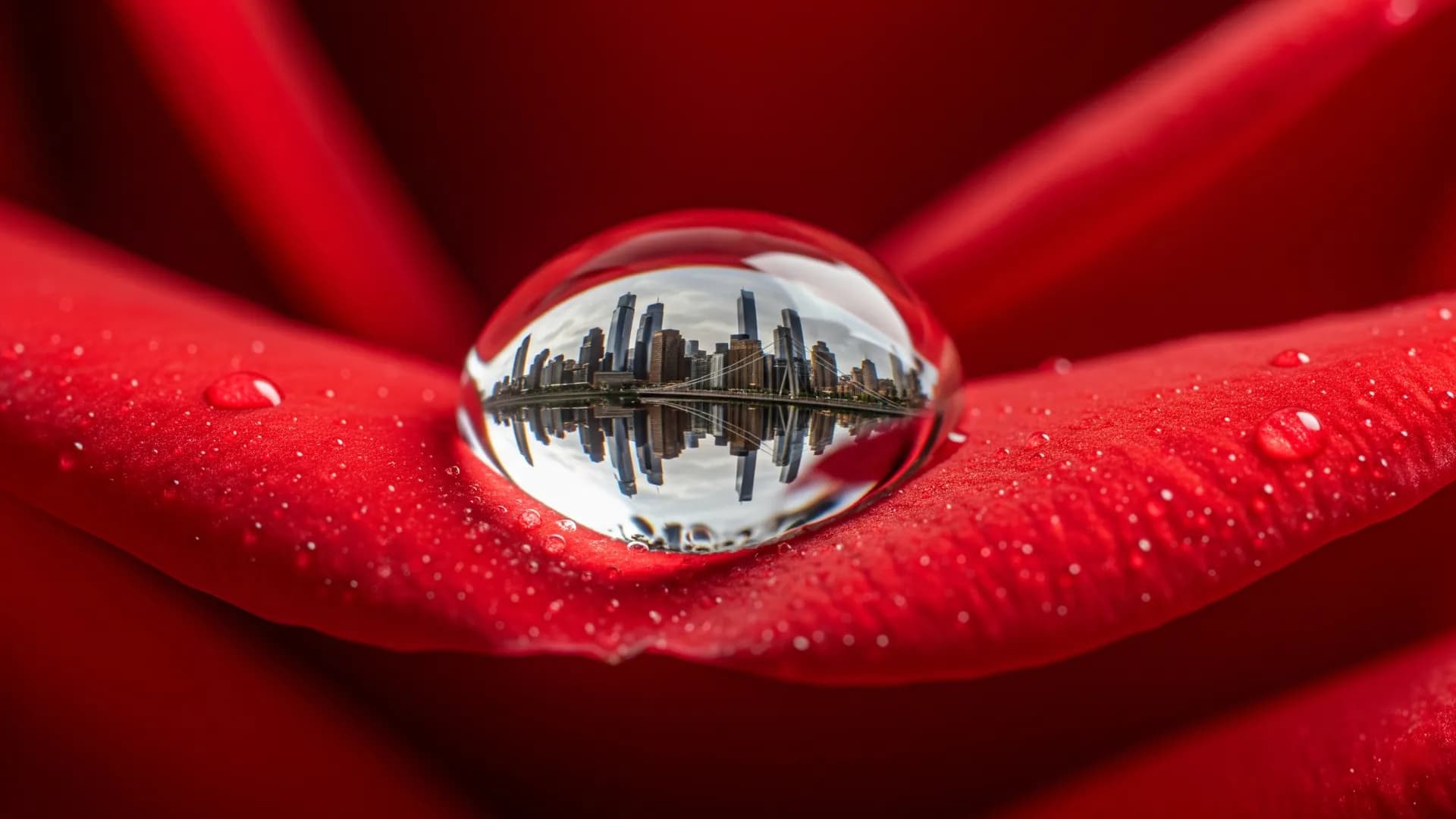
Krea 2 is Krea’s foundation image line, now callable on fal (fal announced an official API partnership). The useful split is not “Krea vs everyone.” It is Large vs Medium vs Turbo — photorealism, illustration, and cheap iteration — plus optional style references and Krea style/moodboard IDs.
If you already work in Arttribe Image Studio, treat Krea 2 as another engine with a clear personality, next to FLUX 2 Pro, GPT Image 2, Nano Banana Pro, and Ideogram v3.
Large, Medium, Turbo#
- Krea 2 Large: expressive photorealism. Use for campaigns, portraits, product-in-scene, anything that must look photographed rather than illustrated.
- Krea 2 Medium: illustration and graphic looks. Use for concepts, key art, stylized social.
- Krea 2 Turbo: fastest, lower fidelity. Use to explore composition before you spend on Large.
fal’s Large text-to-image endpoint exposes aspect ratio, a creativity slider, seed, and optional style-reference images (on the order of ten). Higher creativity drifts from the prompt; lower stays literal. That slider is the main control most people will actually use.
Style references vs Muse vs GPT Image 2#
Style references tell Krea 2 how to look. They do not replace a product photo workflow. For SKU-accurate packs, stay on product photography. For “make it look like this moodboard,” Krea’s references are the point.
Muse Image plans, searches, and verifies. Krea 2 generates. GPT Image 2 follows complex layout instructions and text. FLUX remains a photoreal / ecosystem choice. Pick by failure mode: wrong facts (Muse), wrong layout (GPT Image 2), wrong vibe (Krea), wrong camera realism (FLUX / Nano Banana Pro).
Cost and iteration#
Published fal Large pricing at documentation time was on the order of a few cents per image, slightly more with style references. Turbo exists so you do not pay Large prices for throwaway crops. Same rule as always: cost per approved image, including retries. AI creative tool pricing is the framework.
Where to actually ship the still#
Generate in whatever endpoint you are testing. Finish in Arttribe: image editor, creative upscale, then image to video if the still is the first frame. AI art is the Image Studio keyword page.
Krea 2 will keep shipping Turbo/Large variants. Re-test on your own references every time the version string changes. The brief stays; the engine does not have to.
Try this in Arttribe
Open the matching studio and run the workflow from this article.
Explore Image Studio