Video Studio Settings: Duration, Aspect Ratio and Shot Look
How to set Video Studio controls for better clips: model, aspect ratio, duration, styles, lighting, camera angles, and Enhance Prompt across Text to Video, Image to Video, and Video to Video.
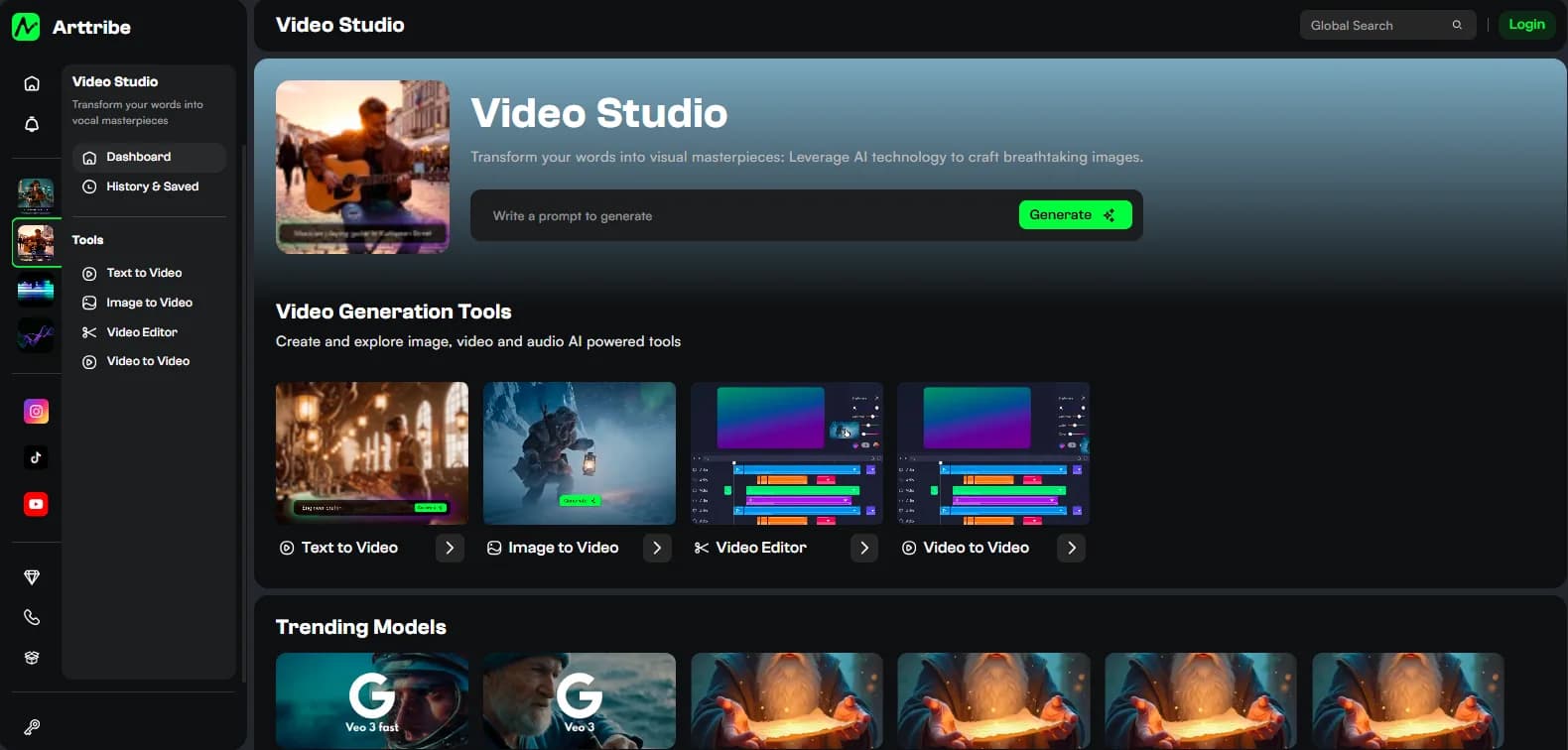
Video Studio settings decide format and length before the model invents motion. Aspect ratio is the crop. Duration is the credit bill. Styles, lighting, and camera steer look the same way they do in Image Studio. The prompt should name subject, action, and camera move — at least 10 characters on Text to Video.
Duration options come from the selected model. There is no single list for every engine. Start on the shortest length that model offers.
Shared generation controls#
Text to Video and Image to Video share the same sidebar:
- Model. Kling, Veo, Sora 2, Seedance, and the rest differ on physics, native audio, and max length. Pick the engine for the shot, then set the rest.
- Aspect Ratio. Shown when the model lists ratios. Set 16:9 or 9:16 before you generate. A landscape take will not become a Reel by prompting “vertical.”
- Duration. Seconds from the model’s list. Longer costs more. Identity and physics usually hold better on short clips. Extend later with Video to Video, or cut several shots in Video Editor.
- Styles, Lighting, Camera Angles. Same presets as Image Studio: Anime through Abstract; Studio Lighting through Split Light; Eye-Level through Tilt-Shift. Use them for look. Do not use them as a substitute for a motion prompt.
- Enhance Prompt. Expands a short shot description. Off when the action is already specific.
Image to Video also requires a still. Upload, paste, or pick from history. Prompt only what moves.
Video to Video vs the editors#
Video to Video extends a source clip. There is no model picker. Duration is extra seconds after the last frames, not the total runtime. Styles, lighting, camera, and Enhance Prompt still appear. Aspect Ratio shows only if the underlying model has ratios. Prompt the next action. Do not describe a new scene or a style swap. Sources wider or taller than 1920px are reduced before generation.
Video Editor has no generation sidebar. Timeline panels: Uploads, Text, Captions, Audio, Images, Stickers, then Render Video. Desktop-oriented. Generate clips in the other tools, then finish the cut here.
How to set a shot that survives an edit#
- Lock aspect ratio to the platform.
- Pick the tool: no approved frame → Text to Video. Locked product or face → Image to Video from an Image Studio still. Need more seconds on a good take → Video to Video.
- Set the shortest duration.
- Write subject + action + camera. For image-to-video: camera and motion only.
- Leave styles empty unless the look is still generic. Change one of prompt, duration, style, or model per retry.
- Play the full clip. Freeze, morph, and identity drift show up after the first second.
- Replace native audio in Voice Studio and Music Studio if the bed fights the brand.
Try this in Arttribe
Open the matching studio and run the workflow from this article.
Open Video Studio