Best AI Video Models in 2026: Seedance, Veo, Kling, Runway & More
A practical comparison of the best AI video generation models in 2026, including motion quality, realism, audio, reference control, clip length, and cost.
AI video has moved from experimental clips toward production workflows. The leading AI video models now differ in motion consistency, realism, reference control, native audio, clip length, camera direction, and generation cost. For creators, this means choosing a model is increasingly about matching the generation engine to the shot rather than simply choosing the model with the most impressive demo.
Video generation is also more sensitive to failure than image generation. A small visual inconsistency can become obvious when it persists across several seconds of motion. Hands, faces, objects, text, camera movement, and scene geometry all need to remain stable enough for the shot to feel intentional. Practical testing should therefore focus on temporal consistency as well as the appearance of individual frames.
The leading AI video models#
The current generation of video models covers different parts of the production spectrum. Some are optimized around cinematic realism, some around reference-driven generation, and others around creative tooling or flexible workflows. These strengths overlap, so the best choice depends on the type of shot and the level of control required.
- Seedance: strong choice for reference-driven creative video and complex generation workflows.
- Google Veo: strong option when realism, cinematic output, and native audio capabilities are priorities.
- Kling: particularly useful for dynamic motion, human movement, and cinematic sequences.
- Runway: strong creative-production ecosystem with tools extending beyond raw generation.
- Hailuo: useful for creators looking for another option for realistic short-form generation.
- Wan: useful when open model ecosystems, experimentation, and flexible workflows matter.
The list should not be treated as a fixed ranking. Video models change rapidly, and the strongest model for an establishing shot may not be the strongest model for dialogue, product animation, or complex physical motion. A production workflow should keep enough flexibility to test more than one engine when the shot is important.
Text-to-video vs image-to-video#
Text-to-video is useful when the scene itself is still being discovered. Image-to-video is usually better when composition, character appearance, product placement, or art direction has already been approved. Starting with a strong still gives the video model less visual uncertainty to solve and makes it easier to maintain a consistent visual identity.
For advertising and product work, this distinction is particularly important. If the first frame already contains the correct product, background, wardrobe, or character design, animating that frame can be more predictable than asking a video model to invent both the visual design and movement at the same time. Text-to-video remains valuable for exploratory shots where no approved visual anchor exists yet.
What to compare before choosing a video model#
Do not compare video models only by their best-looking demo. Evaluate the capabilities that affect whether a shot can actually be used in an edit. A model with excellent single-frame quality may still be difficult to use if movement becomes unstable, reference elements drift, or the generation length is too short for the intended sequence.
- Visual realism and temporal consistency.
- Camera and motion control.
- Reference image and reference video support.
- Native audio, dialogue, and lip-sync.
- Maximum generation length.
- Resolution and aspect-ratio options.
- Generation speed and cost.
- Consistency across multiple shots.
It is also worth testing the model using the same shot brief several times. Compare how often the subject remains stable, whether the camera follows the requested movement, and how much cleanup is required afterward. These practical measurements are often more valuable than a model’s headline feature list.
The cheapest AI video model is not always the cheapest workflow#
Video generation can become expensive through failed generations. Compare models by the number of attempts needed to produce an approved shot. For commercial work, motion consistency and controllability can save more money than a small difference in cost per generation. Editing time should also be included because a visually imperfect generation can require substantial manual correction.
A useful production metric is cost per approved shot. Track how many generations were created, how many were usable, how much editing each usable shot needed, and how long the process took. This gives a clearer picture of which model is actually efficient for your project.
A practical Arttribe AI video workflow#
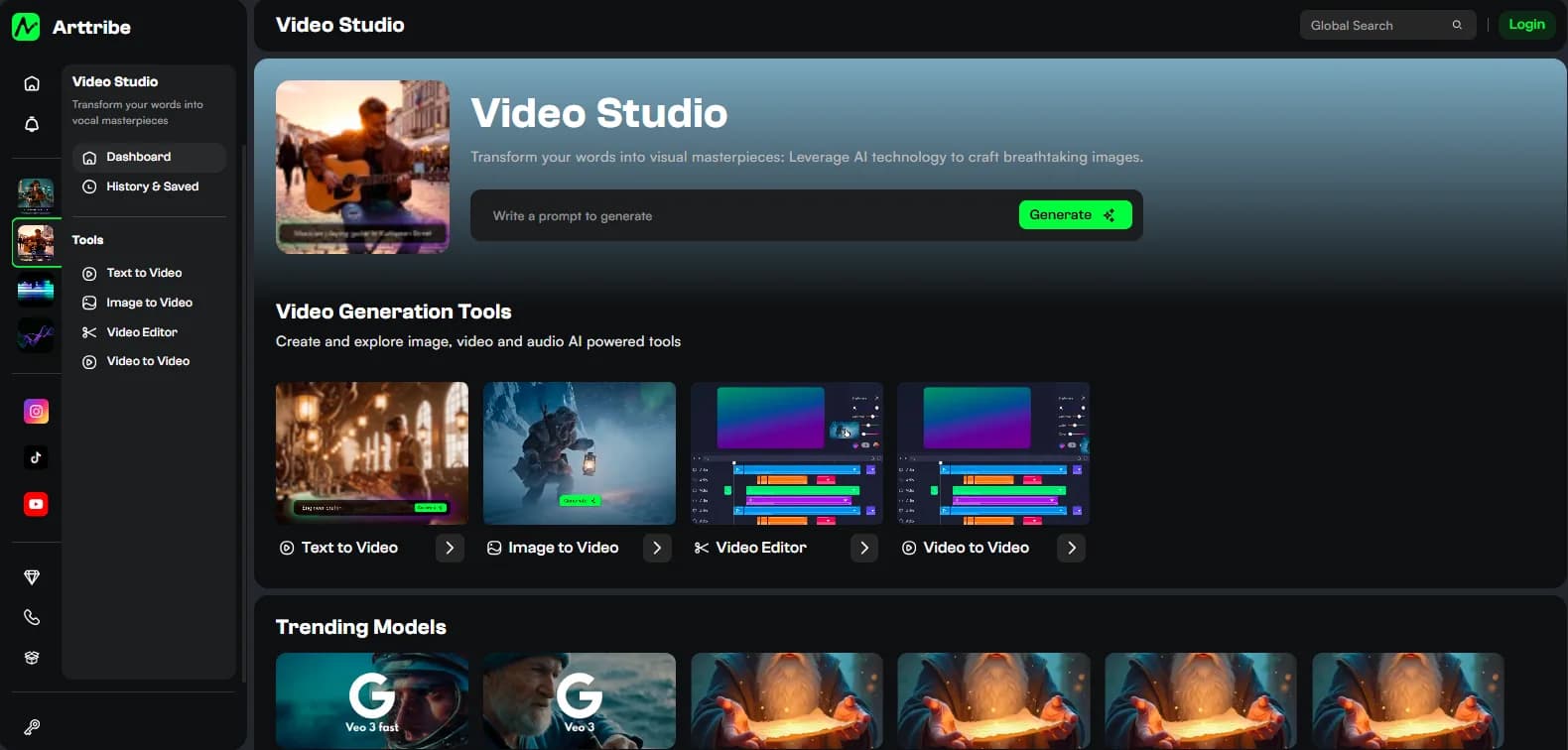
Create the hero frame in Image Studio, send it to Video Studio, generate several controlled motion variants, select the cleanest take, and finish the sequence with music and voice. This separates visual design from motion generation and makes iteration easier.
The same approach can be applied to campaigns, social content, product demonstrations, and cinematic concepts. First solve the visual composition, then solve motion, and finally add audio and editing. Each stage has a clearer objective, which makes it easier to identify what needs to be regenerated when something does not work.
When to use multiple AI video models#
Do not assume every shot in a project needs the same model. One model may produce the strongest establishing shot while another handles human movement or dialogue better. A multi-model AI studio makes this approach practical because the creative workflow does not have to change every time the generation engine changes.
For longer projects, this flexibility can improve both quality and reliability. Test each important shot according to its specific requirement, keep the strongest generation, and maintain a consistent visual direction through the edit. The model becomes a production component rather than a limitation on the entire project.
Try this in Arttribe
Open the matching studio and run the workflow from this article.
Explore Video Studio