Seedance 2.5 vs Veo 3: Which AI Video Model Actually Delivers
An honest comparison of Seedance 2.5 and Google Veo 3 across motion quality, realism, audio, pricing, and real-world production use.
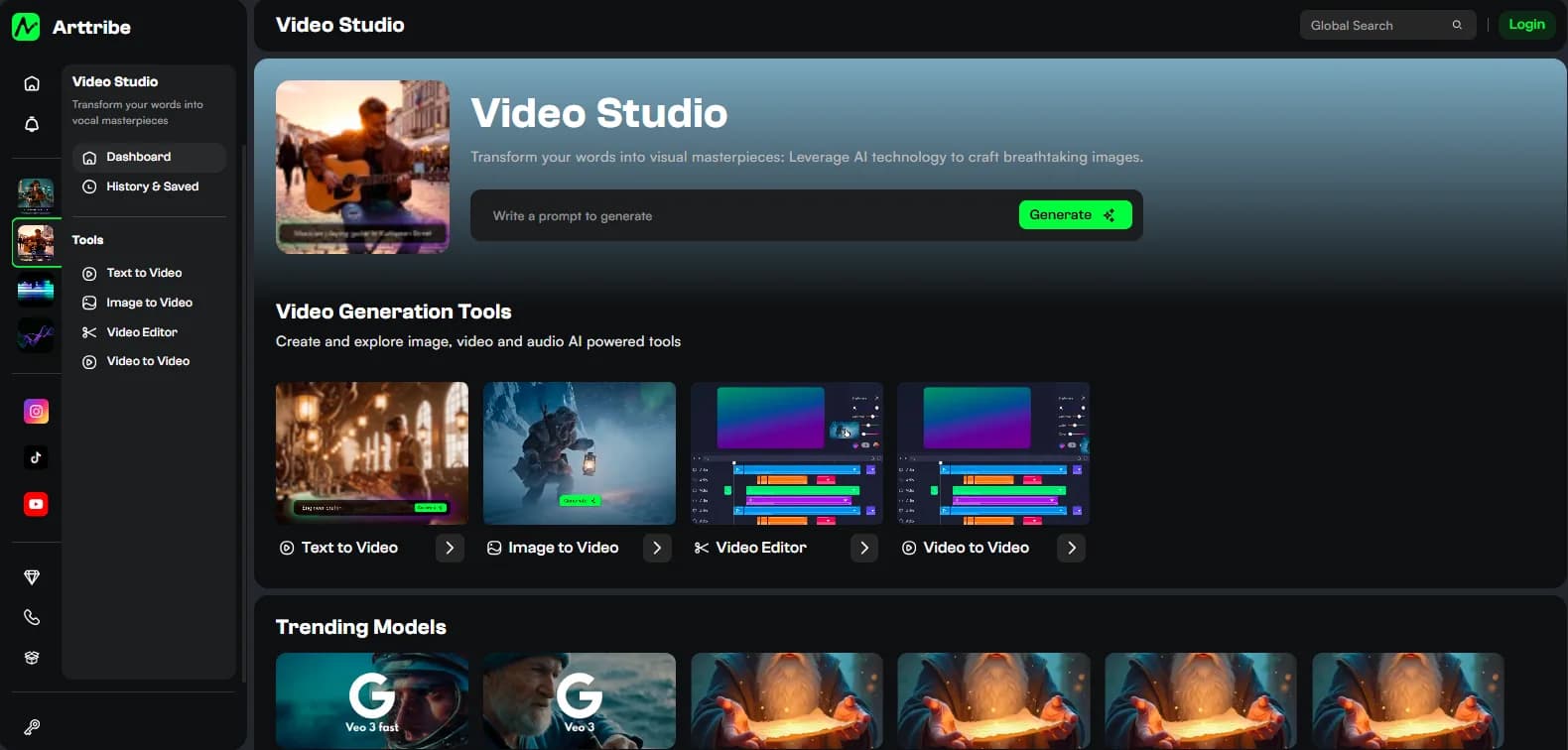
Seedance 2.5 and Google Veo 3 are two of the most talked-about AI video models right now, but the conversation around them is dominated by benchmark screenshots and one-off demo clips. What actually matters for creators is how each model performs across a real production run: multiple shots, different subjects, varied motion types, and the inevitable need to regenerate the shots that do not work on the first attempt.
Both models have genuine strengths. Seedance 2.5 has gained traction for reference-driven creative video and complex generation workflows. Veo 3 has impressed with cinematic realism and native audio capabilities. But neither model is universally better. The right choice depends on what you are making, how much control you need, and what your budget allows.
Motion quality and realism#
Seedance 2.5 produces motion that often feels more expressive and creatively flexible. It handles complex character movement, environmental dynamics, and stylized motion well. For creative projects, advertising concepts, and social content where visual impact matters more than photorealism, Seedance tends to deliver results that feel more intentionally directed.
Veo 3 leans toward cinematic realism. Motion in Veo outputs often has a more naturalistic quality, particularly for human movement, camera work, and environmental physics. For projects that need to feel like they were shot with a real camera, Veo's motion characteristics can be an advantage.
The practical difference becomes clear when you test both models with the same prompt. A shot of a person walking through a city street will look noticeably different between the two models. Seedance may produce more dramatic lighting and stylized motion, while Veo may produce something closer to what a cinematographer would actually capture. Neither is inherently better; they serve different creative intentions.
Reference image handling#
This is where the models diverge significantly. Seedance 2.5 has strong reference-driven generation, meaning you can provide a source image and the model will animate it while preserving the visual identity of the subject, product, or environment. This is particularly useful for campaigns where the visual design has already been approved.
Veo 3 also supports image-to-video, but its strength lies more in text-to-video generation where the model creates both the scene and the motion from a text description. When you provide a reference image, Veo handles it well, but Seedance's reference preservation tends to be more reliable for maintaining specific visual details across the generation.
For production teams, this difference matters. If you need to animate an approved product shot or character design, Seedance's reference handling gives you more confidence that the output will match the approved visual. If you are exploring new visual directions from text, Veo's generative capabilities give you more creative range.
Native audio and dialogue#
Veo 3 includes native audio generation, which means the model can produce video with sound, dialogue, and environmental audio in a single generation. This is a significant capability for creators who need quick audio-visual prototypes or who want to reduce the number of separate production steps.
Seedance 2.5 does not include native audio, so video output needs to be paired with separate audio production. This is not necessarily a disadvantage. Many production workflows prefer to handle audio independently because it gives more control over music, voiceover, sound design, and mixing. But for rapid prototyping or social content where speed matters, Veo's integrated audio can save time.
Pricing and generation cost#
Both models use credit-based pricing, but the costs differ based on resolution, duration, and generation settings. At the time of writing, Seedance 2.5 and Veo 3 are both premium-priced compared to older video models. The real cost comparison should account for the number of generations needed to produce an approved shot.
A model that costs more per generation but requires fewer retries can actually be cheaper overall. Track your cost per approved shot rather than comparing headline pricing. Include generation attempts, failed outputs, editing time, and the total time from prompt to approved asset for a realistic cost comparison.
When to choose Seedance 2.5#
Choose Seedance when reference preservation matters, when you need creative and expressive motion, when stylized visual direction is more important than photorealism, and when you want more control over the visual design through image-to-video workflows. Seedance is also a strong choice for advertising, branding, and social content where visual distinctiveness matters.
When to choose Veo 3#
Choose Veo when cinematic realism is the priority, when native audio capabilities would save production time, when text-to-video exploration is more important than reference preservation, and when the project benefits from a more naturalistic visual approach. Veo is also strong for concept development, storyboarding, and projects where the final look has not yet been defined.
The multi-model approach#
The most practical workflow does not force a choice between models. Use Seedance for reference-driven production shots where visual consistency matters. Use Veo for exploratory work, realistic sequences, or situations where native audio adds value. The model should serve the shot, not the other way around.
Keep enough flexibility in your production workflow to switch between models when the shot requires it. This approach produces better results than committing to one model for an entire project and hoping it handles every type of shot equally well.
Try this in Arttribe
Open the matching studio and run the workflow from this article.
Explore Video Models