AI Voiceover vs Voice Cloning: When You Need Each One
When to use AI voiceover from text-to-speech and when to clone an authorized voice — plus consent, consistency, and commercial-use checks.

AI voiceover and voice cloning are often sold as the same feature. They are not. Voiceover from text to speech is speech from a script, using a catalog or generated voice. Voice cloning copies a permitted vocal identity so later scripts still sound like the same person.
Choosing the wrong one wastes time. Cloning a voice for a one-off explainer is extra process. Using a random TTS voice for a 40-video brand series creates a new narrator every week.
AI voiceover: script-first narration#
Use TTS voiceover when the words are the product and identity is flexible:
- Product demos and landing-page videos.
- YouTube explainers and tutorials.
- Ads where a clear read matters more than a specific person.
- Courses and internal training.
- Accessibility tracks and alt narration.
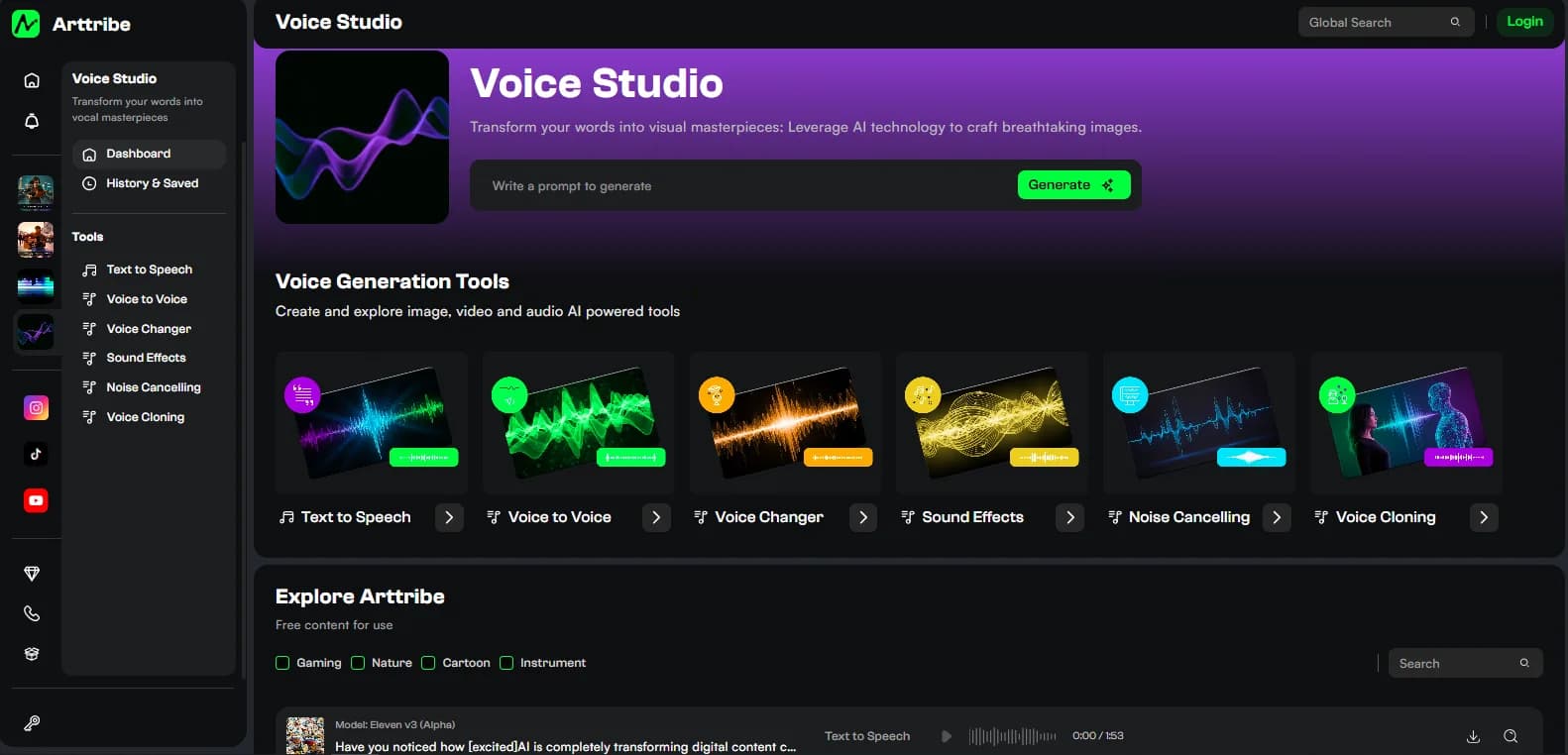
The production loop is write, generate, fix pronunciation, mix. Details are in AI text to speech for videos, podcasts and ads. Voice Studio keeps that loop next to cloning so you can graduate to a clone later without exporting to another app.
Voice cloning: identity-first narration#
Use cloning when the audience should recognize a specific authorized voice:
- Founder-led channels that cannot record every week.
- Brand narrators locked in brand guidelines.
- Localized versions of the same speaker.
- Series where the host has to sound like last month’s episode.
Cloning is a production asset. Treat it like a logo: document who approved it, where it may appear, and when it must be retired.
What you need before you clone#
Cloning quality depends on clean source audio and clear rights.
- Permission from the speaker, in writing for commercial use.
- Enough clean speech, without music under the take.
- A quiet room or a pass through noise cancelling.
- A decision on languages and use cases before you generate public content.
If the source is noisy, clean it first. Cloning will copy room noise and mic problems as readily as it copies tone. Noise cancelling is the step that makes a clone usable.
Never clone a voice you do not have the right to use. Celebrity, employee, or customer voices without consent are both a policy problem and a legal one. Arttribe’s Voice Studio tools are for authorized production, not impersonation.
TTS vs clone: a simple rule#
- One video, flexible voice: text to speech.
- Many videos, same authorized person: voice cloning.
- Strong recorded take, wrong vocal character: voice to voice or voice changer, not a clone.
Conversion keeps acting and timing. Cloning plus TTS rebuilds the read from text. Voice changer vs voice to voice covers that third path.
Keep a clone consistent#
A clone still needs direction. The same identity can sound tired, rushed, or overly bright if the script and settings drift.
- Store approved settings with the campaign.
- Keep a pronunciation sheet.
- Generate a 20-second reference whenever you change the model or plan.
- Compare new episodes against an approved master, not against memory.
This is how Voice Studio becomes a brand room rather than a novelty voice picker.
Commercial use and records#
For client and ad work, keep:
- Consent or talent agreement.
- Date and tool used (voice cloning vs TTS).
- Where the audio will run.
- The plan or license in force at generation time.
Rights differ by provider and can change. Read current terms before a campaign ships. AI video copyright in 2026 is the wider rights picture; voice identity is the sensitive part of that picture.
Where this sits in Arttribe#
Voice Studio is the hub. Start with TTS. Clone when identity is the requirement. Convert when performance already exists. Add sound effects and music as separate layers. That stack is the Arttribe voice identity: one studio, clear jobs, no extra downloads between them.
Try this in Arttribe
Open the matching studio and run the workflow from this article.
Open Voice Cloning