How to Use AI Text to Speech for Videos, Podcasts and Ads
A practical AI text-to-speech workflow for YouTube, ads, courses, and podcasts: script writing, voice selection, pacing, pronunciation, and mix.

Text to speech is the most used AI voice workflow because most content starts as a script. The job is not to make speech exist. The job is to make speech that fits the cut, the brand, and the platform. A read that sounds fine in isolation can still fail on a product video if it rushes the first three seconds, mispronounces the product name, or sits on top of a busy music bed.
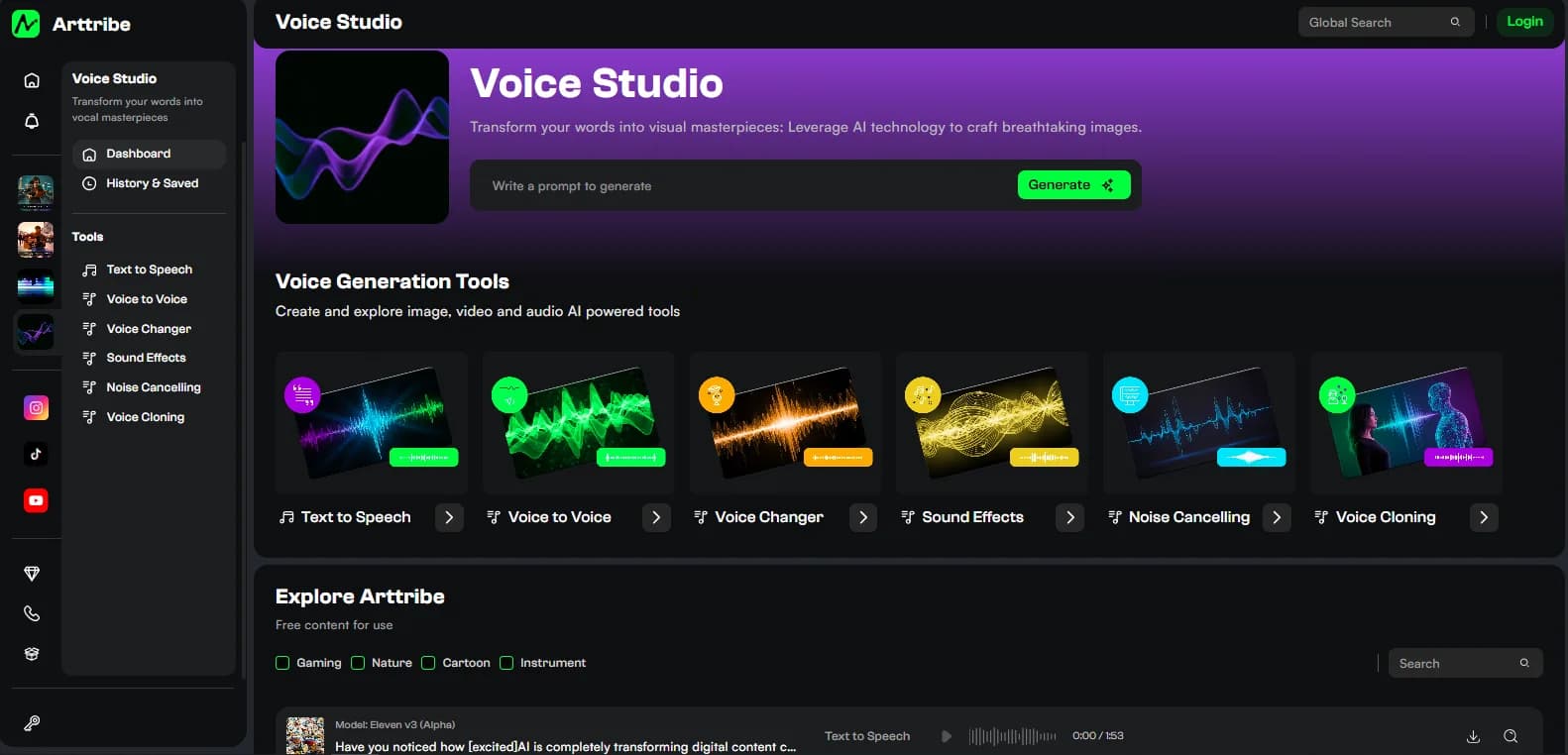
Arttribe Voice Studio treats TTS as the production default: generate narration from text, then clone or convert only when identity or performance requires it.
Write the script for speech, not for the page#
Spoken copy is shorter than blog copy. One idea per sentence. Put the hook in the first line for ads and Shorts. Spell out numbers the way they should be said. Add commas where you want a breath.
- Ads: one claim, one proof point, one close.
- YouTube: section headings that sound like spoken transitions.
- Courses: steps in order, with the action before the explanation.
- Podcasts: conversational sentences, not bullet-stack narration.
Test difficult names before you generate the full script. A 30-second pronunciation pass saves a full regeneration.
Choose the voice after you know the job#
Match the voice to the asset, not to a favorite demo:
- Product ads: clear, mid-energy, easy to understand on phones.
- Explainers: steady pacing, low theatricality.
- Trailers and hooks: more energy, still intelligible.
- Courses: consistent tone that can repeat for hours of content.
If the same person or brand must appear across many videos, TTS from a catalog voice may be enough. Move to voice cloning only when that identity has to be yours and you have permission. AI voiceover and voice cloning covers that decision.
Control pacing before you chase a new voice#
Most weak TTS is a script problem. Long sentences create rushed or flat delivery. Missing punctuation removes pauses. All-caps emphasis often makes the model shout the wrong words.
Generate a short paragraph, listen on phone speakers, then change one variable: punctuation, sentence length, or energy. Keep the voice fixed until the script is stable. This is the same “one variable at a time” rule used in AI video prompting.
Pronunciation and consistency across a series#
Keep a short production note for every recurring show or campaign:
- Brand and product names.
- Acronyms and model names.
- Preferred pace (calm, conversational, urgent).
- Words the model usually misses.
Reuse the same voice settings. Consistency is what makes AI narration feel like a show instead of a new experiment every upload. Voice Studio is useful here because the voice choice, script, and later conversion tools live in one place.
Mix TTS against picture and music#
Do not approve a read only in headphones on an empty timeline. Drop it on the cut. Check:
- First-second clarity, especially on vertical video.
- Music competing with consonants — swap to a simpler text to music bed if needed.
- Names and prices.
- Ending: leave a beat before the last line if the visual needs to land.
Generate background music as a separate layer so you can replace the bed without regenerating speech. That split is the core of AI music for video and social.
When TTS is the wrong tool#
If you already have a strong recorded performance, converting it with voice to voice or voice changer preserves timing better than typing the same words into TTS. If you need a specific authorized person, cloning is the tool, not a nearby catalog voice.
For model-level differences in naturalness and cloning, see AI voice models in 2026. For the wider tool map, see best AI voice tools in 2026.
A repeatable Arttribe TTS checklist#
- Write the spoken script.
- Generate a short test in text to speech.
- Fix names and pacing.
- Generate the full read.
- Mix against picture and music.
- Clone later only if identity requires it.
That sequence keeps Voice Studio identifiable as a production room: script in, approved narration out, other voice tools available without changing workspace.
Try this in Arttribe
Open the matching studio and run the workflow from this article.
Open Text to Speech