Best AI Tools for Content Creators in 2026
A practical map of AI tools for images, video, music, voice, editing, and creative production — with advice on building a streamlined workflow.
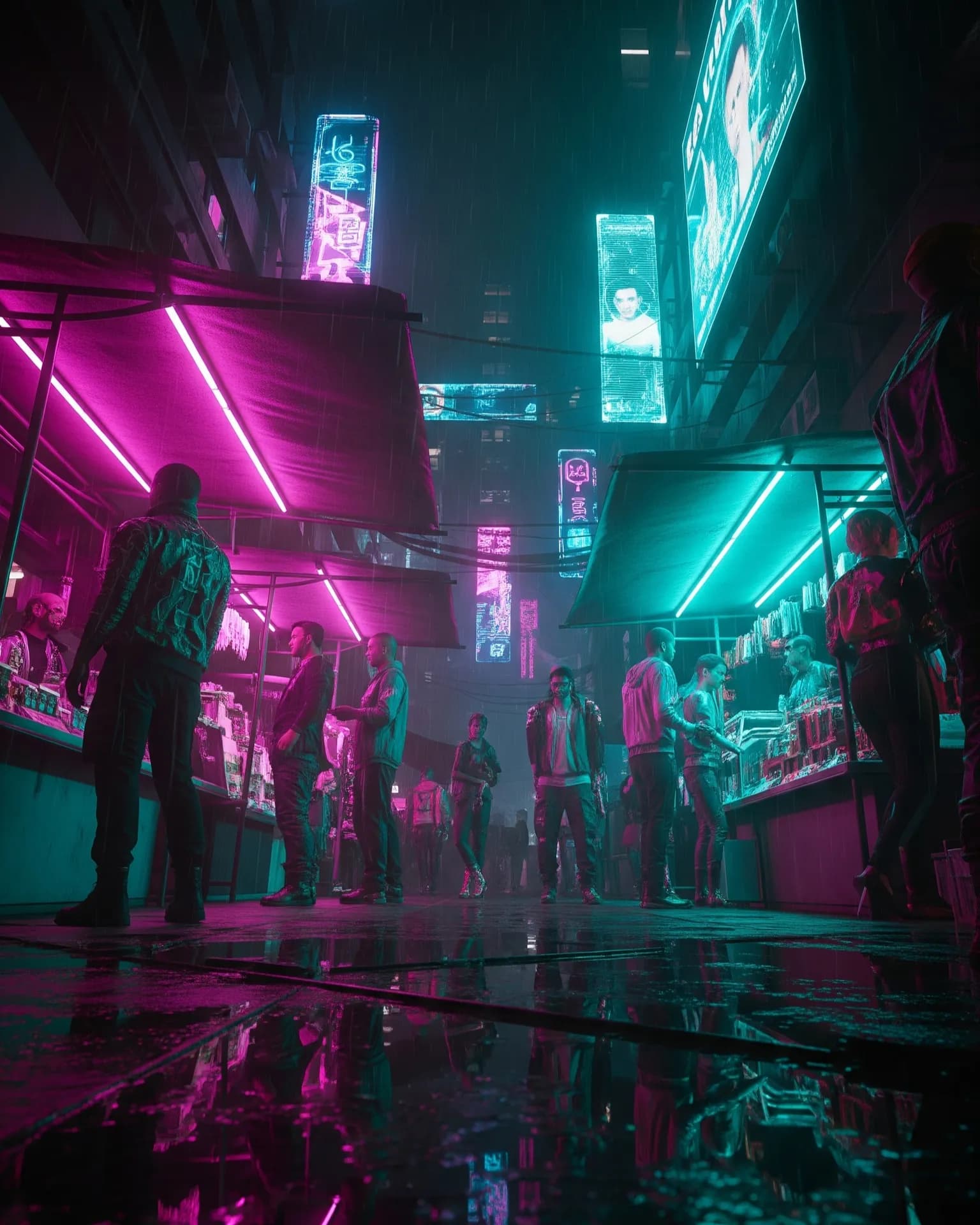
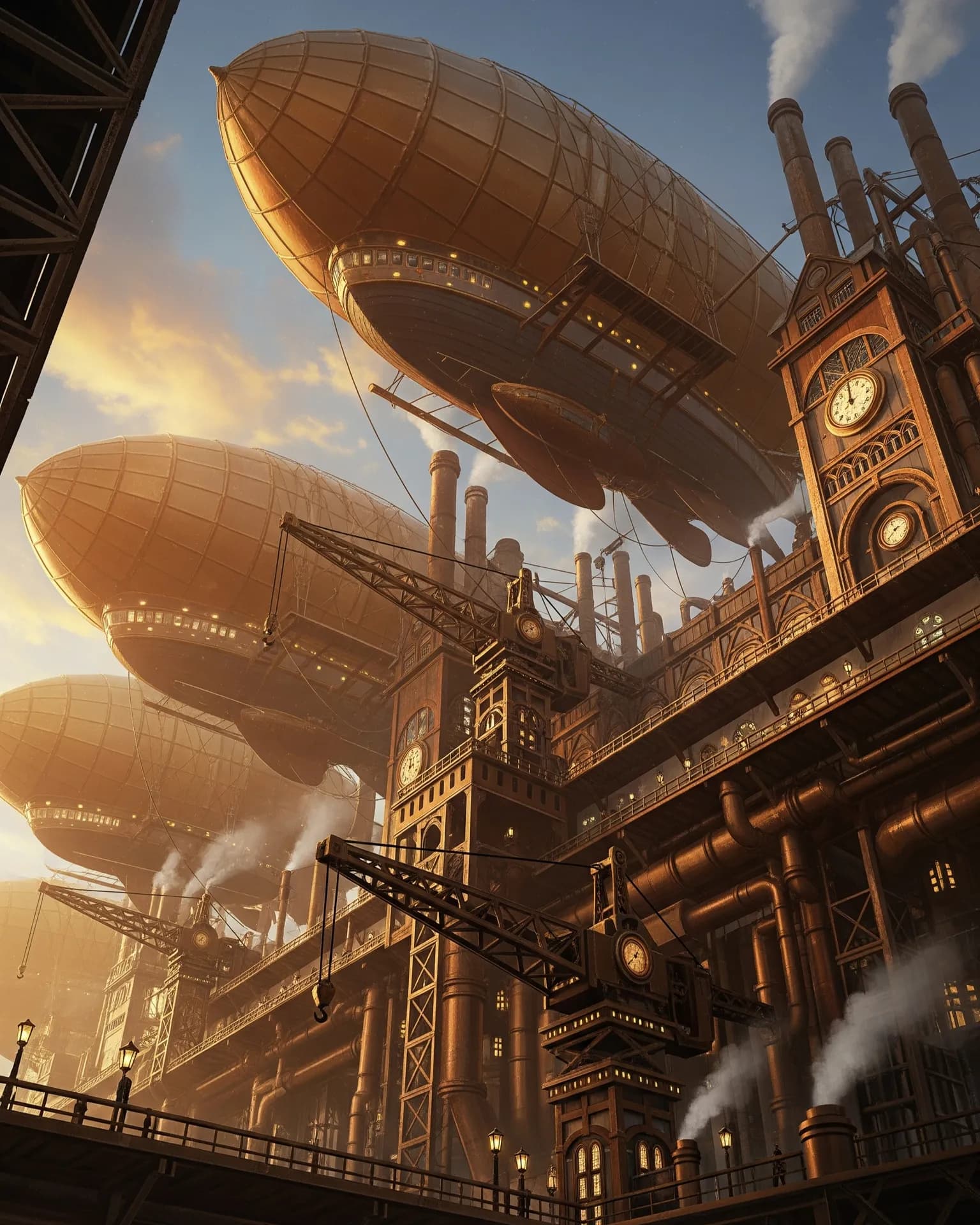
The best AI tools for creators are no longer limited to text or image generation. A modern content workflow can involve image generation, video generation, music, voiceover, editing, upscaling, background removal, and custom models. The challenge is not simply finding more tools; it is building a workflow where each tool contributes something useful without creating unnecessary friction.
For creators producing content regularly, consistency and speed can be more valuable than having the largest possible tool collection. A streamlined workflow should make it easy to move from an idea to a visual, from a visual to video, and from video to a finished piece with audio and narration.
AI image generation tools#
Use AI image generation for thumbnails, product scenes, campaign concepts, illustrations, social graphics, and visual experimentation. The important capability is no longer simply text-to-image; editing and reference-image workflows are increasingly important. Creators often need to preserve a subject while changing its environment, composition, lighting, or style.
When choosing an image tool, consider how much control you need after the first generation. A strong editing workflow can save time because you do not need to regenerate the entire image every time one detail is wrong. Reference support is equally useful when a product, person, character, or brand element must remain recognizable.
AI video generation tools#
AI video generation is useful for concept videos, social clips, advertisements, storyboards, product demonstrations, and image animation. Image-to-video is especially useful when the first frame needs to remain controlled. It lets creators establish the composition before asking the model to introduce motion.
Video workflows should also be evaluated by consistency rather than visual quality alone. Look at motion stability, camera control, subject preservation, clip length, aspect-ratio options, and the number of retries required to produce a usable shot. These factors directly affect how practical a model is for repeated content production.
AI music and voice tools#
Music and voice complete the production layer. Generate a music bed around the pacing of the edit, then create narration separately when dialogue needs to remain clear. Keeping these audio layers independent makes it easier to adjust the mood, timing, or voice without regenerating the visual content.
Creators should also consider licensing and consent requirements. The appropriate tool depends not only on sound quality but also on the intended commercial use, voice permissions, attribution requirements, and the provider’s current terms.
The one-workspace advantage#
Switching between specialized tools introduces downloads, uploads, incompatible settings, and fragmented project context. Arttribe approaches the problem as an AI creative studio where image, video, music, and voice generation can form one connected workflow. This lets creators treat the project as one creative process instead of a collection of unrelated generations.
A connected workflow is especially useful when an image becomes the source for a video, the video needs a soundtrack, and the finished edit needs narration. Each stage can build on the previous stage while keeping the creative direction consistent. The result is fewer handoffs and a clearer path from concept to final asset.
Try this in Arttribe
Open the matching studio and run the workflow from this article.
Explore Arttribe