AI Music Generation in 2026: Text-to-Music, Songs and Soundtracks
How to use AI music generation for videos, advertisements, social media, background music, songs, and creative projects.
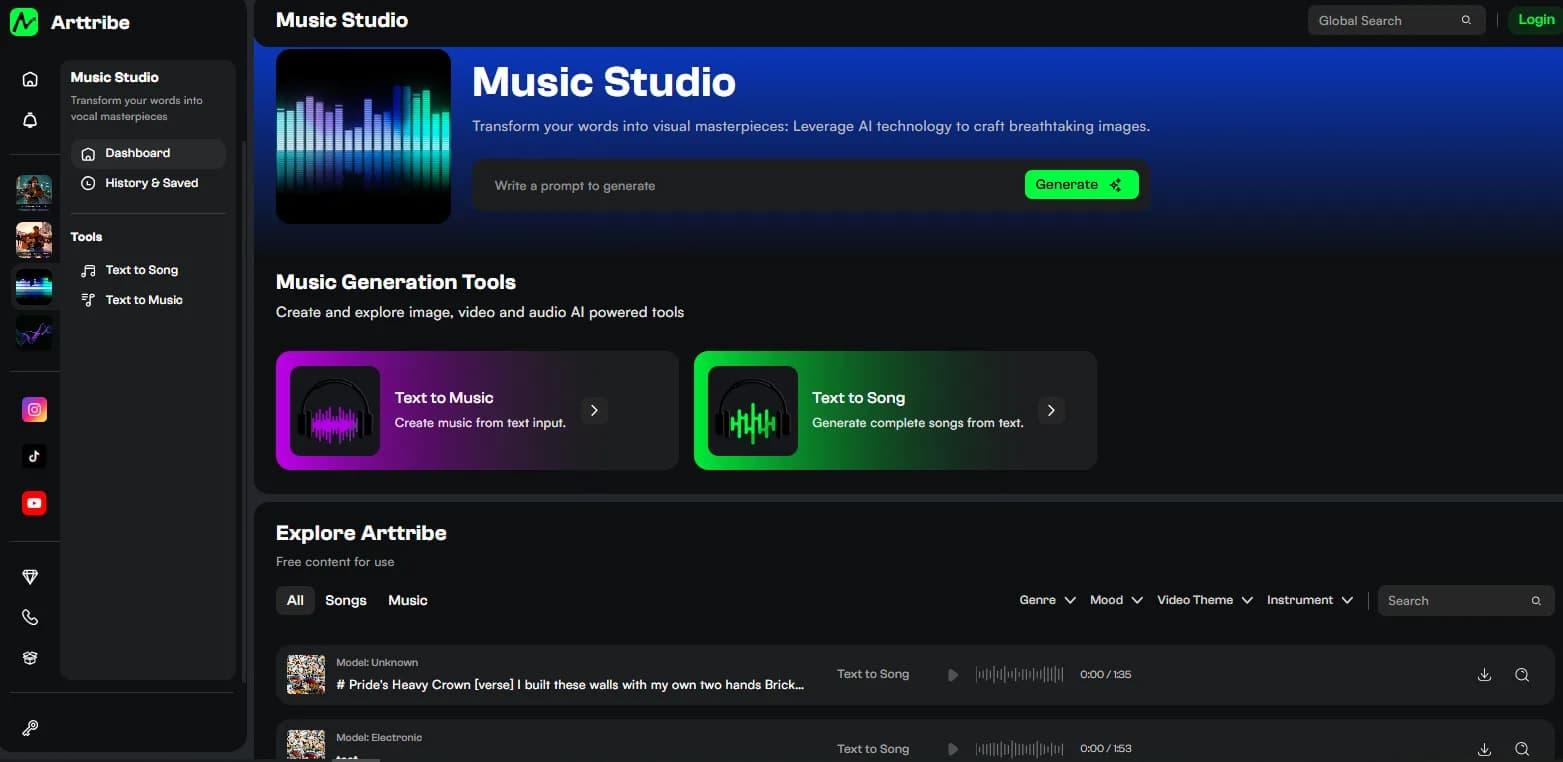
AI music generation has become part of the normal creative workflow, but generating a track is only half the job. The useful question is whether the music fits the edit, mood, audience, and intended use. A technically impressive track can still be a poor choice if its rhythm competes with dialogue or its structure does not support the pacing of the video.
Creators can use AI music for background beds, advertising, short-form content, concept videos, trailers, podcasts, and complete songs. The best workflow starts by defining where the music will be used and what emotional role it needs to play.
Text-to-music vs text-to-song#
- Text-to-music is useful for instrumental beds, background scores, advertisements, and video soundtracks.
- Text-to-song is better when lyrics, vocals, hooks, and song structure are central to the result.
The distinction matters because instrumental background music and a complete song have different structural requirements. Background music often needs to leave space for narration and support a specific edit length, while a song may need verses, choruses, transitions, vocal performances, and a more obvious musical arc.
Describe the music like a production brief#
Instead of relying on a single genre label, describe what the track needs to accomplish. Include the energy, instrumentation, pacing, vocal requirements, approximate length, and emotional direction. This gives the generator more useful context and can make the output easier to fit into a real production.
- Genre and overall mood.
- Tempo or energy level.
- Primary instruments.
- Vocal or instrumental requirement.
- Length and intended placement.
- Emotional arc or ending.
For example, “minimal cinematic electronic instrumental with restrained percussion, gradual tension, and a clean ending for a 30-second product advertisement” communicates a production requirement more clearly than simply asking for “cinematic music.” Specificity helps the model understand how the music will function.
Generate music for the edit, not in isolation#
A track that sounds excellent on its own can still be wrong for a video. Generate several variations and test them against the visual cut. The strongest version is usually the one whose rhythm supports the edit without competing with dialogue. Pay attention to intro length, transitions, peaks, and the ending because these details can determine whether the track fits naturally.
If the edit changes, the music may need to change as well. Treat the soundtrack as another layer of the production rather than a final decoration added after everything else is complete.
AI music needs a rights check#
Before publishing commercially, check the provider's current licensing terms and the rules that apply to your intended use. AI music platforms can differ substantially in commercial rights, attribution, ownership, and content restrictions. The fact that a track can be generated does not automatically mean every use case is permitted.
Keep a record of the provider, generation date, plan or license used, and intended use when working on commercial projects. This creates a clearer production trail and makes it easier to verify the rights associated with the final soundtrack.
Try this in Arttribe
Open the matching studio and run the workflow from this article.
Explore Music Studio