GuidesSep 14, 202610 min read
Voice Studio Settings: Voice, Speed, Stability and Similarity
How to set Voice Studio controls for better speech: voice, model, speed, stability, similarity, and style exaggeration across Text to Speech, conversion, cloning, SFX, and noise cancelling.
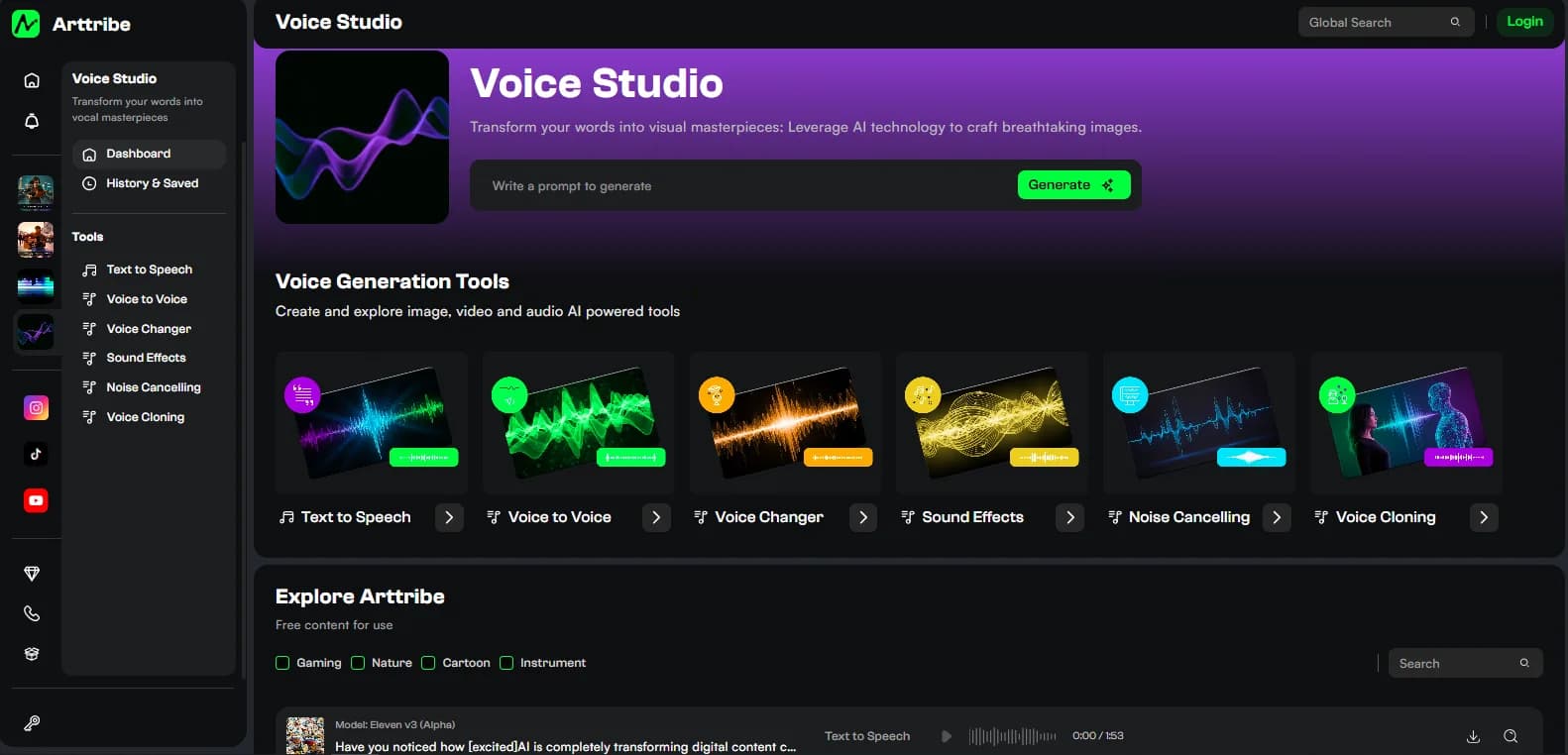
Voice Studio settings are delivery, not picture. Pick the voice first. Then move sliders. Some models hide sliders entirely — Eleven v3 is one example — and just read the script. Ranges come from the selected model, not a fixed studio list.
The four sliders, when the model exposes them:
- Speed. Slower to Faster. Start near the default. Nudge after you hear a full take. Lower is clearer. Higher is more energetic.
- Stability. Variable to Stable. Higher stays even across a long script. Lower adds variation between lines. Raise it for narration and courses.
- Similarity. Low to High. Higher keeps the selected voice’s character. Raise it if identity slips. Lower allows more interpretation.
- Style Exaggeration. None to Exaggerated. Push it for ads and character. Keep it low for long-form. Change this last.
Punctuation is a setting you type. Periods and commas control breaths more than paragraph length.
What each Voice Studio tool actually uses#
- Text to Speech: Voice (catalog or clone), Model, then any sliders the model supports. Voice can hide on some models (including Eleven v3). Paste a spoken script. Split long pages.
- Voice to Voice and Voice Changer: Source audio plus a target voice. Sliders when the model allows them. Voice is picked on the main cards, not only the left rail. Upload one clean speaker. Raise similarity to hold identity. Changer restyles tone; Voice to Voice is the conversion/dubbing path.
- Sound Effects: No voice, no sliders. The sound prompt is the control. Name object, action, material, distance, space. Weak: “epic trailer.” Stronger: “metal door slam in a concrete hallway, short tail reverb.” One event per run. Listen on speakers and a phone.
- Noise Cancelling: Upload only. No sliders. Keep the original and A/B. Use it on dialogue, not to remix a full song. Skip it if the take is already clean.
- Voice Cloning: Samples, voice name, train. No generation sliders on the dashboard. After training, select the clone in Text to Speech (and conversion tools). Dry solo speech, varied sentences. Permission required.
Order that actually improves the read#
- Pick the tool: script only → TTS. Good take, wrong timbre → Voice to Voice or Voice Changer. Recurring authorized identity → clone, then TTS. Foley → Sound Effects. Hiss under speech → Noise Cancelling first.
- Lock the script or the source file. Add punctuation. Spell names the way they should be said.
- Pick voice, then model. Leave sliders on default for the first take.
- Listen to the full clip on a phone. Then move one slider: stability for even narration, similarity if the clone drifts, style exaggeration only for a short ad.
- Mix against a Music Studio bed so consonants survive. Place the file in Video Editor.
Try this in Arttribe
Open the matching studio and run the workflow from this article.
Open Voice Studio