Please use desktop for best experience

Arttribe Logo

Arttribe

About UsContact
All articles
ImageJul 16, 20264 min read

Prompt tips that actually improve AI images

A short, usable prompt structure for Arttribe Image Studio: subject, camera, light, material, and what to leave out.
Prompt tips that actually improve AI images

Table of contents

  • Use a five-part brief
  • Say what to avoid

Follow us on

Long prompts are not better prompts. Clear prompts are. Models respond to a few concrete constraints more than a paragraph of adjectives.

Use a five-part brief#

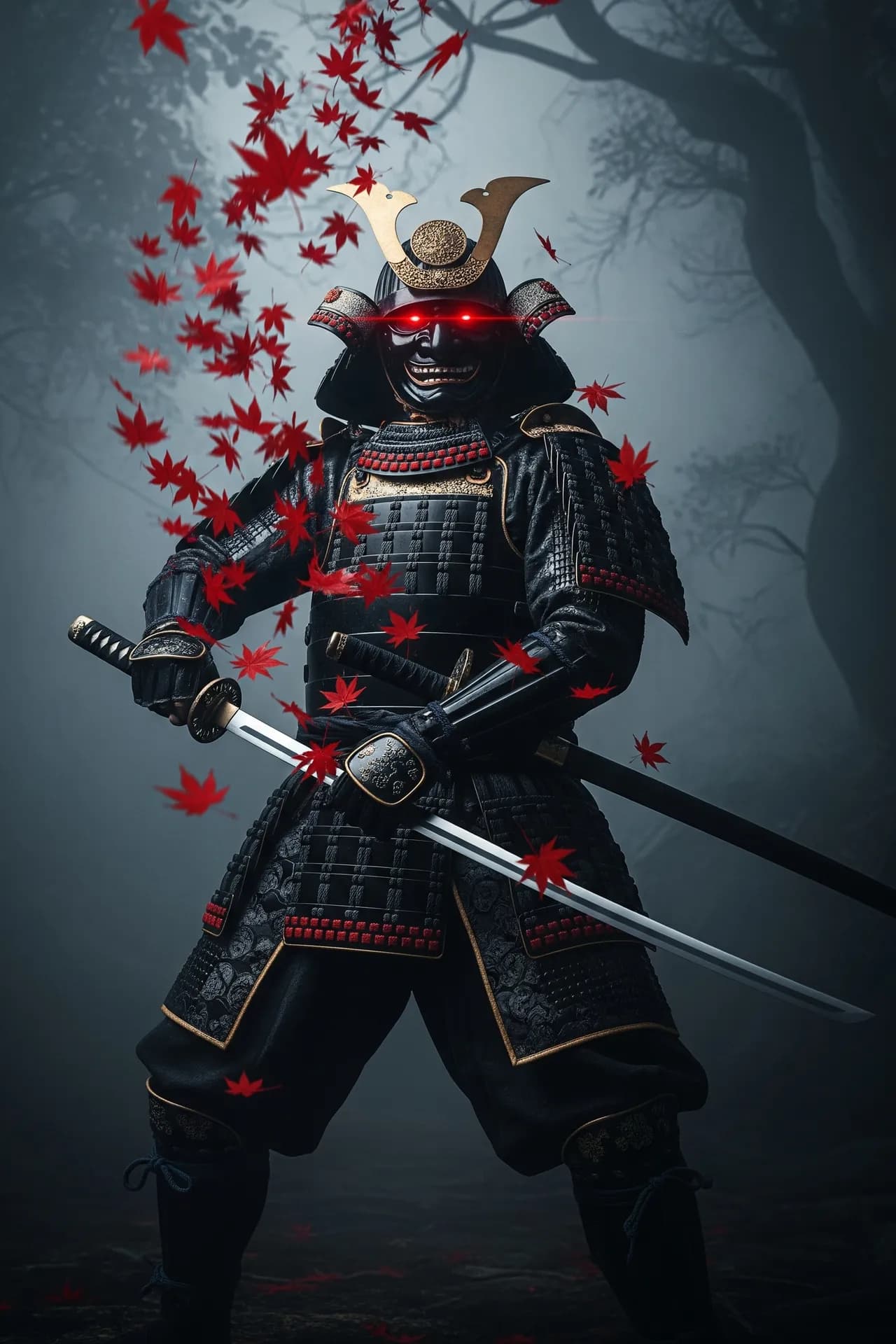
  • Subject: who or what, with one distinctive detail.
  • Setting: place and time of day, not a list of props.
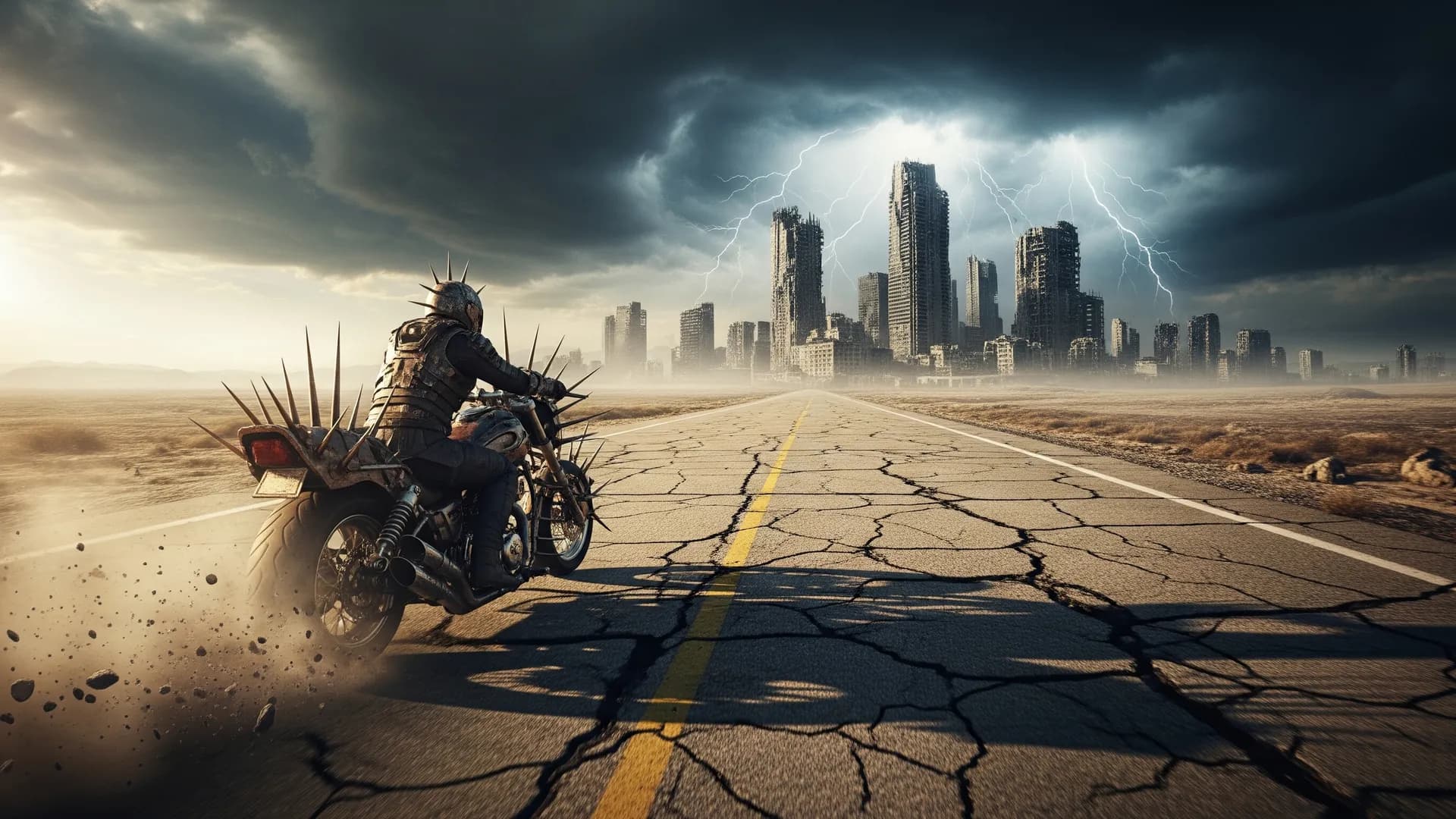
  • Camera: lens and distance — 35mm street, 85mm portrait, overhead product.
  • Light: direction and quality — window left, softbox, neon night, overcast.
  • Finish: film still, editorial, catalog, illustration. One finish, not five.

Say what to avoid#

If you keep getting extra fingers, watermarks, or a second subject, state those as negatives. If the image is too busy, remove objects from the prompt instead of adding “cinematic, ultra-detailed, 8k” on top. Detail tags without a simpler scene just add noise.

When a take is close, do not rewrite the whole prompt. Change one variable: lens, light, or crop. That is how you learn what the model is actually responding to — and how you build a repeatable look for a campaign.

Try this in Arttribe

Open the matching studio and run the workflow from this article.

Open Text to Image
More articles

Which AI image models to use on Arttribe in 2026
Image
Aug 14, 20266 min read

Which AI image models to use on Arttribe in 2026

A clear map of FLUX, GPT Image, Gemini, Ideogram, and more — when to pick each model for ads, product shots, and social art.

Read article
AI product photography without a studio shoot
Image
Jul 28, 20265 min read

AI product photography without a studio shoot

Generate packshots, lifestyle scenes, and campaign variants from a product photo — then edit and upscale for ecommerce and ads.

Read article
How to make cinematic AI videos that hold attention
Video
Aug 18, 20267 min read

How to make cinematic AI videos that hold attention

A practical workflow for text-to-video and image-to-video on Arttribe — from shot design to motion, pacing, and final polish.

Read article
Arttribe

Studios

Image StudioVideo StudioMusic StudioVoice Studio

Tools

Text to ImageRealtime GenerationCreative UpscaleImage EditorHeadshotBackground RemoverCustom ModelProduct PhotographyRecomposeTry On
Text to VideoVideo to VideoVideo EditorImage to Video
Text to SongText to Music
Text to SpeechVoice to VoiceVoice ChangerSound EffectNoise CancellingVoice Cloning

Automations

Youtube Shorts

Resources

PricingHelp CenterBlog

Legal

Privacy PolicyTerms of Service

Support Email: Support@Arttribe.com

© 2026 Arttribe. All rights reserved.

Support Email: Support@Arttribe.com

© 2026 Arttribe. All rights reserved.

Arttribe