How to make cinematic AI videos that hold attention
A practical workflow for text-to-video and image-to-video on Arttribe — from shot design to motion, pacing, and final polish.
AI video is useful when the output looks planned, not random. The difference is rarely the model alone. It is the brief: subject, camera, motion, lighting, and where the clip will run.
Start with a shot, not a slogan#
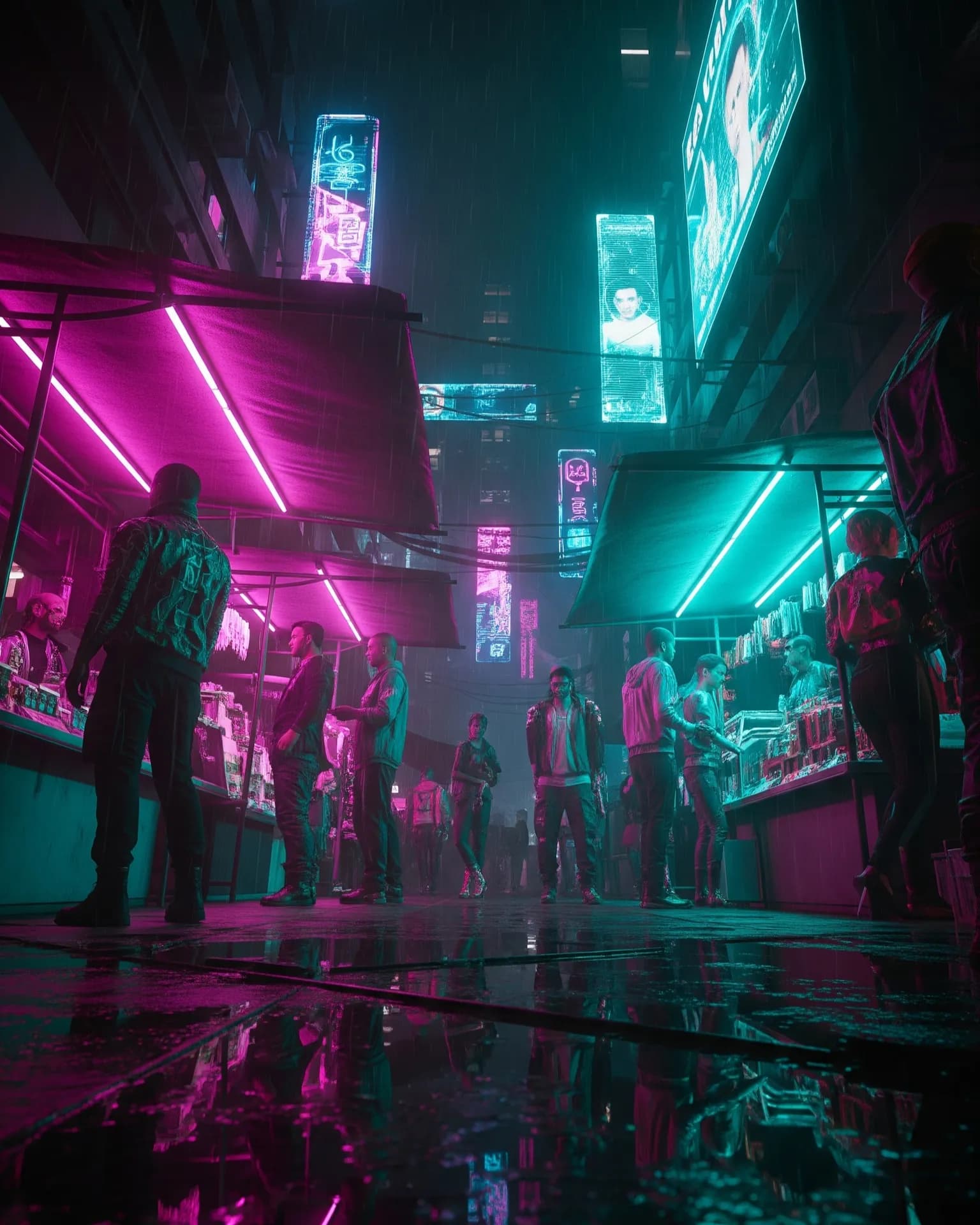
Write the scene the way a director would brief a camera operator. Name the subject, the environment, the lens feel, and the action. “A product hero shot” is too thin. “A slow push-in on a matte-black headphone on wet concrete, cool street lights, shallow depth of field” gives the model something to lock onto.
- One primary subject per clip. Extra characters split the model’s attention.
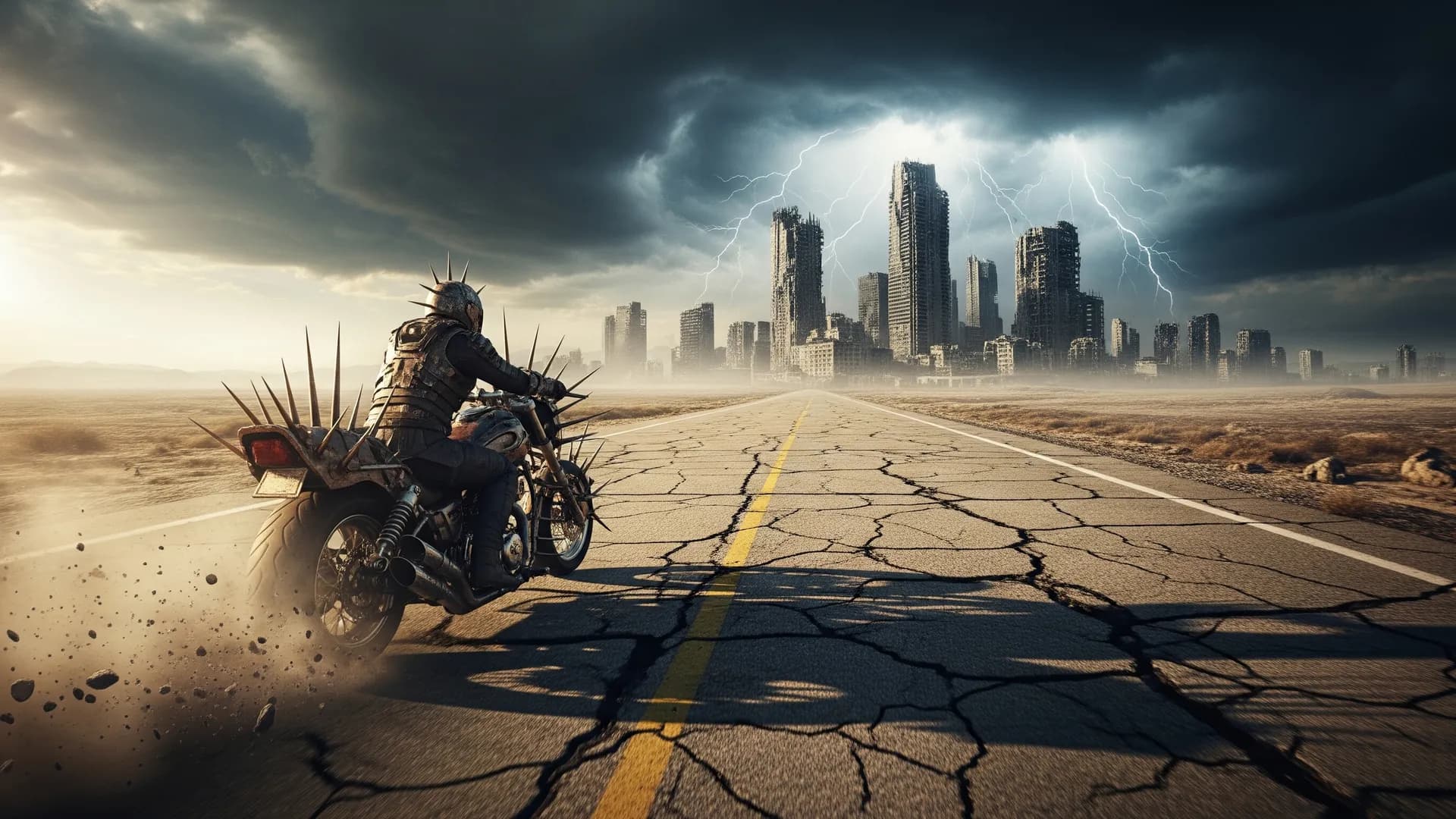
- State camera movement: static, pan, dolly, orbit, handheld.
- State lighting: overcast, neon night, studio softbox, golden hour.
- Keep duration short. Generate 4–8 seconds, then extend or cut.
Pick the right generation path#
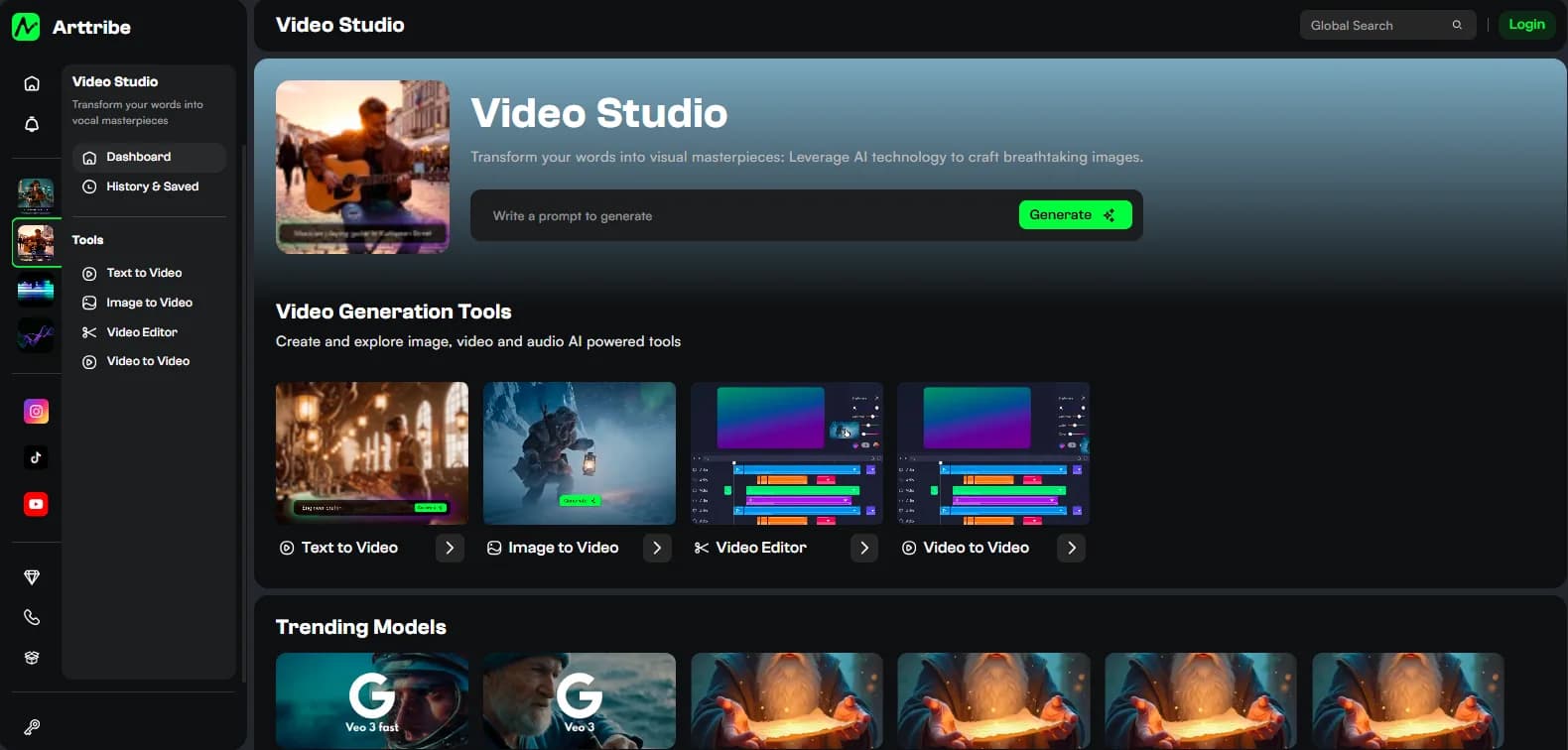
Use text-to-video when you are exploring looks and do not have a locked frame. Use image-to-video when composition, product, or character already exists and you only need motion. Image-to-video keeps identity more stable across frames, which matters for ads and social series.
On Arttribe, both paths live in Video Studio. Generate a still in Image Studio, send it to image-to-video, then refine cuts in the video editor. That loop is faster than prompting a full sequence from scratch.
Direct motion, then edit#
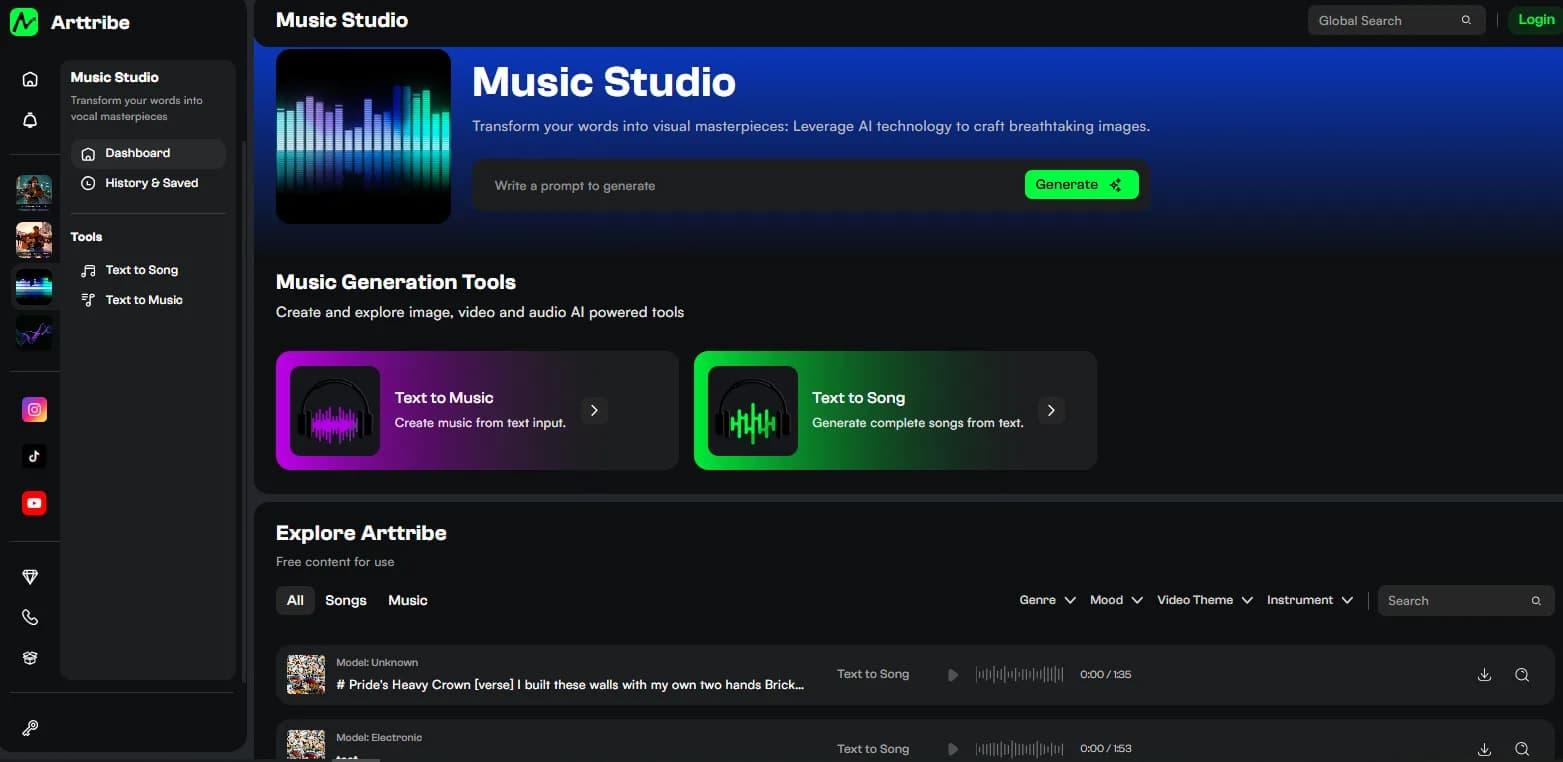
Ask for one motion idea per take: a slow push, a gentle parallax, fabric in wind. Competing motions make the clip jitter. After generation, trim the dead frames at the head and tail, add music from Music Studio, and layer a voiceover from Voice Studio if the platform needs narration.
For paid and social work, generate two or three variants of the same shot with small prompt changes. Test the versions. Keep the one with the cleanest subject edges and the most believable camera move.
Try this in Arttribe
Open the matching studio and run the workflow from this article.
Open Video Studio