Please use desktop for best experience

Arttribe Logo

Arttribe

About UsContact
All articles
ImageAug 14, 20266 min read

Which AI image models to use on Arttribe in 2026

A clear map of FLUX, GPT Image, Gemini, Ideogram, and more — when to pick each model for ads, product shots, and social art.
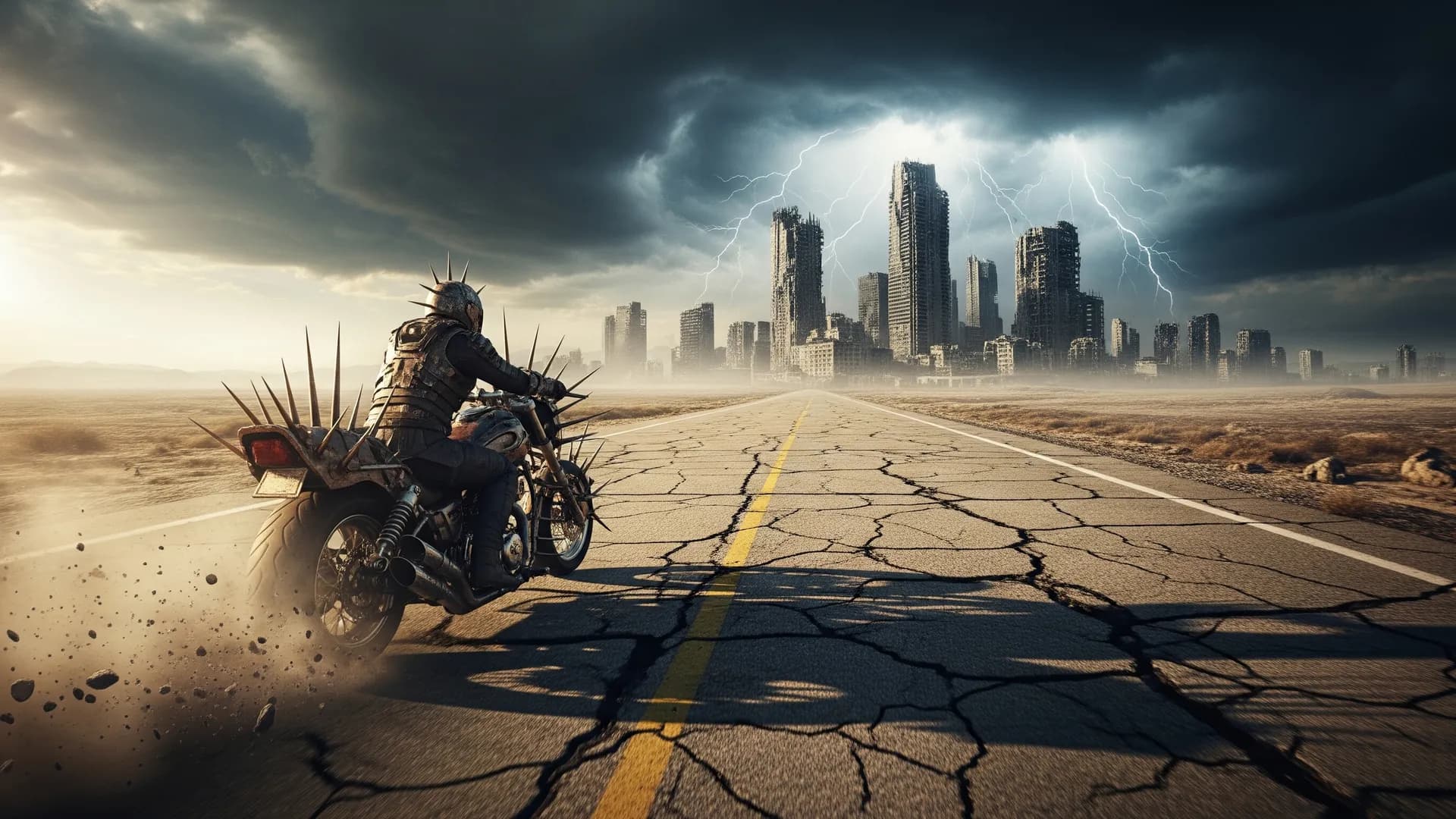
Which AI image models to use on Arttribe in 2026

Table of contents

  • Match the model to the job
  • A simple production sequence
  • When to leave the generator

Follow us on

Arttribe Image Studio puts several image models in one place. The useful question is not “which model is best.” It is “which model matches this job.” Ads, product pages, concept art, and social posts reward different strengths.

Match the model to the job#

  • Photoreal product and lifestyle: start with FLUX 2 Pro or GPT Image 2.
  • Fast exploration and layout tests: Gemini 2.5 Flash Image or MiniMax.
  • Stylized posters, type-aware graphics, and campaign art: Ideogram.
  • High-detail illustration and world-building: Seedream or Qwen.

A simple production sequence#

Explore compositions on a faster model. When the framing is right, regenerate the hero on a higher-quality model. Then send the still through Creative Upscale if you need 4K, or through Image Editor if you need a local fix — background, hands, label text, or product color.

Keep a short style note you reuse across a campaign: lens, lighting, color grade, and negative constraints. Consistency comes from the brief repeating, not from locking one model forever.

When to leave the generator#

If the subject is right but the crop is wrong, recompose. If the background fights the product, run Background Remover. If you need the same person or product across many shots, train or reuse a custom model instead of re-prompting identity every time.

Try this in Arttribe

Open the matching studio and run the workflow from this article.

Open Image Studio
More articles

AI product photography without a studio shoot
Image
Jul 28, 20265 min read

AI product photography without a studio shoot

Generate packshots, lifestyle scenes, and campaign variants from a product photo — then edit and upscale for ecommerce and ads.

Read article
Prompt tips that actually improve AI images
Image
Jul 16, 20264 min read

Prompt tips that actually improve AI images

A short, usable prompt structure for Arttribe Image Studio: subject, camera, light, material, and what to leave out.

Read article
How to make cinematic AI videos that hold attention
Video
Aug 18, 20267 min read

How to make cinematic AI videos that hold attention

A practical workflow for text-to-video and image-to-video on Arttribe — from shot design to motion, pacing, and final polish.

Read article
Arttribe

Studios

Image StudioVideo StudioMusic StudioVoice Studio

Tools

Text to ImageRealtime GenerationCreative UpscaleImage EditorHeadshotBackground RemoverCustom ModelProduct PhotographyRecomposeTry On
Text to VideoVideo to VideoVideo EditorImage to Video
Text to SongText to Music
Text to SpeechVoice to VoiceVoice ChangerSound EffectNoise CancellingVoice Cloning

Automations

Youtube Shorts

Resources

PricingHelp CenterBlog

Legal

Privacy PolicyTerms of Service

Support Email: Support@Arttribe.com

© 2026 Arttribe. All rights reserved.

Support Email: Support@Arttribe.com

© 2026 Arttribe. All rights reserved.

Arttribe