Image to video: the fastest path from a still to a clip
Lock the frame in Image Studio, then add controlled motion in Video Studio. This is the most reliable way to keep product and character identity.
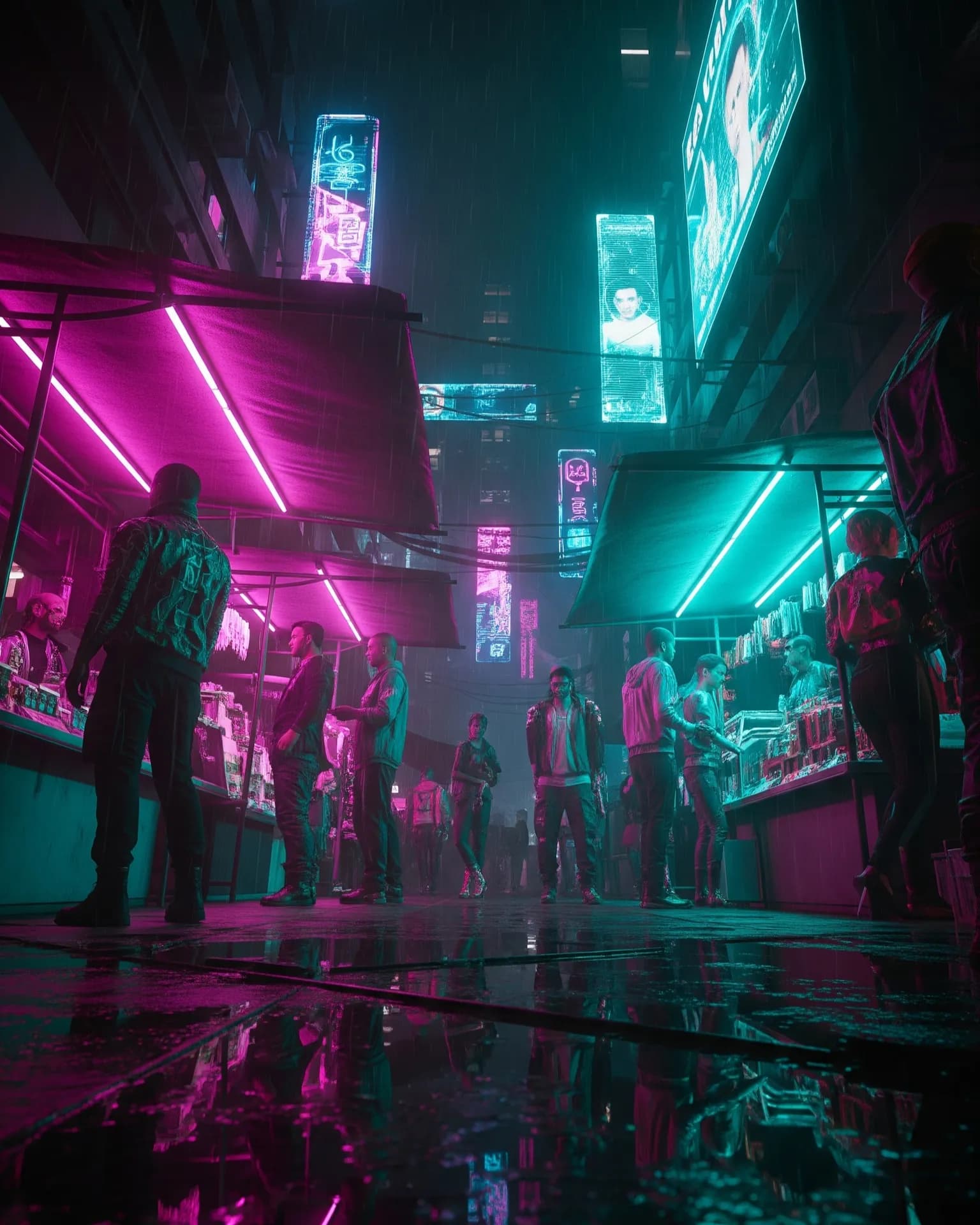
If identity matters — a product, a face, a brand scene — start with a still. Image-to-video animates a frame you already approved. Text-to-video invents the frame and the motion at the same time, which is better for exploration than for a locked campaign asset.
Make the still carry the shot#
Composition, lighting, and crop should already work as a poster. Motion will not fix a muddy subject or a busy background. Use Image Editor or Recompose before you animate. A clean still with room for a camera move will outperform a busy still every time.
Ask for one motion#
- Slow push-in for product heroes.
- Parallax or gentle drift for landscapes and set pieces.
- Hair, cloth, or steam movement when the camera should stay still.
Then cut. Most usable clips are the middle two-thirds of a generation. Pair the result with music and, if needed, a short voiceover. That is a complete social or ad unit from one still.
Try this in Arttribe
Open the matching studio and run the workflow from this article.
Open Image to Video